In today’s content-driven world, visibility is everything, especially on platforms like LinkedIn. You might spend hours creating a LinkedIn post, but if people don’t see it, does it even matter? That’s where LinkedIn impressions come in.
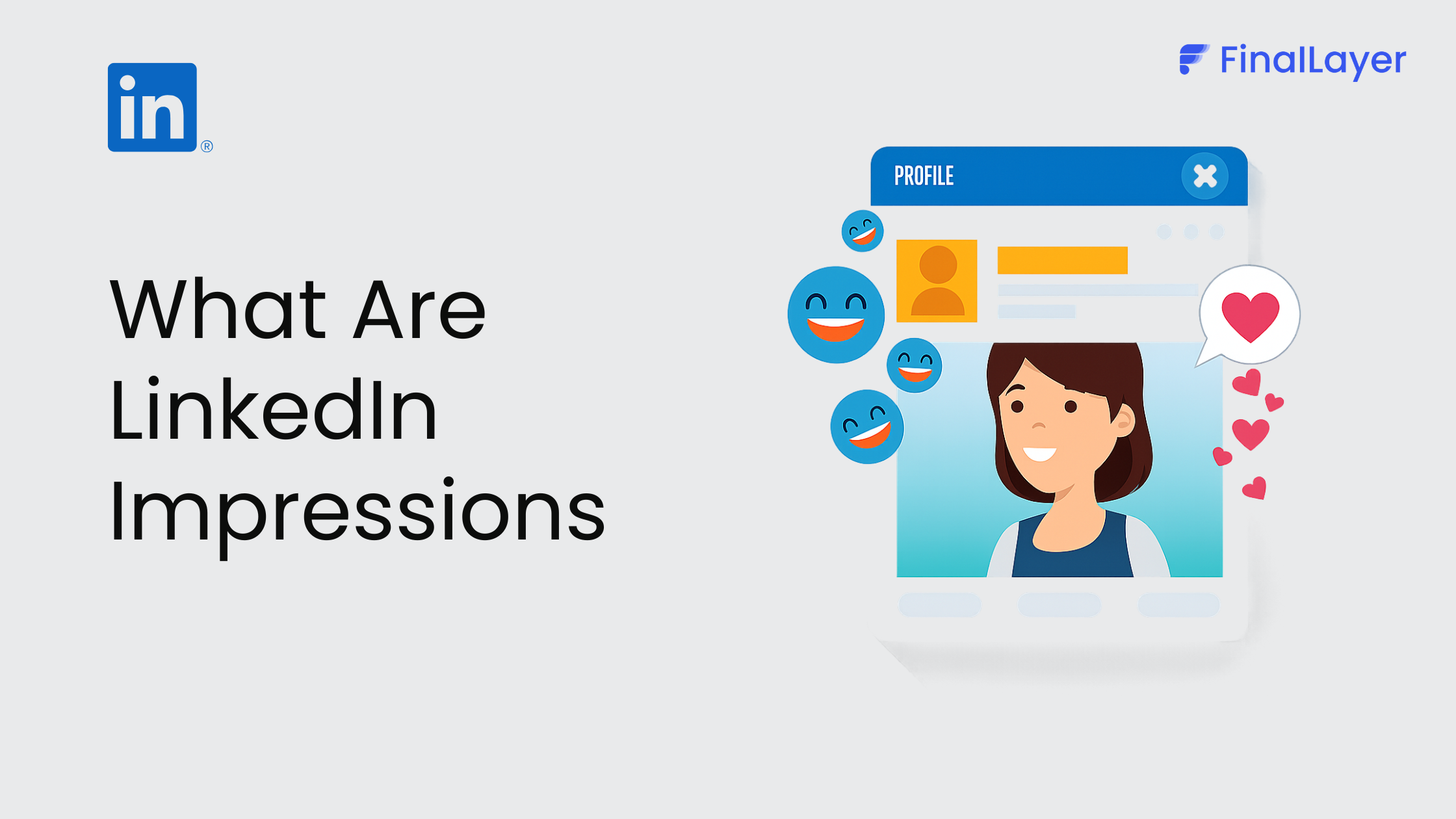
LinkedIn impressions refer to the number of times your content, whether it’s a post, article, or update, appears on someone’s screen. It doesn’t matter if they click, like, or even read it. If your content shows up in their feed, it counts as an impression.
Think of impressions as the first layer of visibility. Every time your post is displayed, you’re gaining an opportunity to capture attention, build awareness, and expand your reach. In fact, impressions are often considered the foundation of all other performance metrics, because without visibility, there can be no engagement or growth.
What makes impressions even more important is that they reflect how far your content is being distributed across LinkedIn. A higher number of impressions means your content is being shown to more users, increasing your chances of attracting connections, engagement, and even business opportunities.
In this guide, we’ll break down what LinkedIn impressions really mean, how they work, and why they matter for your content strategy, so you can stop guessing and start growing with clarity.
What Is a Good Number of LinkedIn Impressions?
Understanding benchmarks helps you know whether your content is performing well:
500–1,000 impressions → Beginner level
1,000–5,000 impressions → Average post performance
5,000–20,000 impressions → High-performing content
20,000+ impressions → Viral post
On average, a good engagement rate on LinkedIn falls between 2%–5%, depending on your niche and audience quality.
How to Calculate Engagement Rate
To understand if your impressions are meaningful, you need to measure engagement rate.
Formula:
(Engagements ÷ Impressions) × 100
Example:
50 likes + comments
1,000 impressions
Engagement rate = 5%
How LinkedIn Impressions Work
When you publish content on LinkedIn, the platform doesn’t immediately show it to everyone in your network. Instead, it uses an algorithm to test and distribute your content in phases.
Here’s how impressions typically grow:
Initial Push
Your post is shown to a small portion of your connections.Engagement Check
If people interact (likes, comments, shares, dwell time), LinkedIn sees it as valuable.Wider Distribution
The post is then pushed to more people, 2nd and 3rd-degree connections.Extended Reach
High-performing posts may appear in hashtags, recommendations, or even outside your network.
Every time your post appears during this process, it counts as an impression.
How the LinkedIn Algorithm Decides Impressions
LinkedIn uses multiple signals to decide whether your content should reach more people:
Early engagement (first 60–120 minutes)
Quality of comments (meaningful > generic)
Dwell time (how long users stay on your post)
Content relevance to your network
Consistency of posting
The better these signals, the more impressions your post gets.
Types of LinkedIn Impressions
Understanding different impression sources helps you optimize better:
1. Organic Impressions
These come naturally when your post appears in feeds without paid promotion.
2. Paid Impressions
Generated through LinkedIn Ads when you promote your content.
3. Viral Impressions
When your post spreads beyond your network through shares, comments, or reposts.
Most creators aim to maximize organic + viral impressions for sustainable growth.
What Counts as an Impression on LinkedIn?
Many users misunderstand this. Here’s what actually counts:
When your post appears in someone’s feed
When someone scrolls past your content
When your post shows up via hashtags
When it appears in notifications
When the same person sees your post multiple times
Yes, repeat views are counted as separate impressions.
Impressions vs Reach vs Engagement
This is where most people get confused. Let’s simplify
| Metric | Meaning |
| Impressions | Total number of times your post is displayed |
| Reach | Unique users who saw your post |
| Engagement | Actions taken (likes, comments, shares, clicks) |
Example:
One person sees your post 3 times
→ 3 impressions
→ 1 reach
Why LinkedIn Impressions Matter
Impressions are not just a vanity metric; they’re a signal of content distribution and algorithm performance.
1. Content Visibility
More impressions = more chances people will notice your content.
2. Algorithm Feedback
High impressions indicate LinkedIn is pushing your content further.
3. Brand Awareness
Even without engagement, repeated visibility builds brand authority that helps in improving the Personal Branding on LinkedIn.
4. Funnel Entry Point
Impressions are the top of your content funnel:
Impressions → Engagement → Followers → Leads
Real Example of LinkedIn Impressions
Let’s make this practical:
A post like:
“I got rejected from 10 jobs… here’s what I learned”
Creates curiosity
Feels relatable
Encourages clicks and comments
Can reach 10,000+ impressions
Now compare that with:
“Happy Monday everyone!”
Likely stays under 500 impressions
The difference = hook + relatability + value
What Affects Your LinkedIn Impressions?
Top-performing blogs and platform insights highlight these key factors:
1. Hook Strength
The first 2–3 lines decide whether people stop scrolling.
2. Engagement Rate
Posts with early likes/comments get boosted more.
3. Dwell Time
If users spend more time reading your post, impressions increase.
4. Relevance & Network
Your connection quality and niche relevance matter a lot.
5. Hashtags & Keywords
Help LinkedIn categorize and distribute your content.
6. Posting Time
Timing impacts initial traction, which affects total impressions.
How to Increase LinkedIn Impressions (Actionable Tips)
This is where you win
1. Write Scroll-Stopping Hooks
Start with curiosity, contrarian opinions, or relatable problems.
2. Optimize Post Structure
Short paragraphs
White space
Easy-to-skim format
3. Encourage Early Engagement
Reply fast to comments and spark conversations.
4. Be Consistent
Posting regularly trains the algorithm to trust your content.
5. Use Native Content
Text posts, carousels, and documents often perform better than external links.
6. Experiment & Analyze
Track which posts get the highest impressions and double down on that style.
Common Mistakes to Avoid
Even good creators mess this up:
Focusing only on impressions (ignoring engagement)
Writing weak or boring opening lines
Posting inconsistently
Overusing hashtags or irrelevant ones
Not responding to comments
Final Thoughts
LinkedIn impressions are the foundation of your content performance, but they’re only the beginning. The real goal is to turn those impressions into engagement, trust, and ultimately results.
If you want to consistently grow your LinkedIn impressions and build a scalable content engine using AI, workflows, and automation, FinalLayer can help you do exactly that.