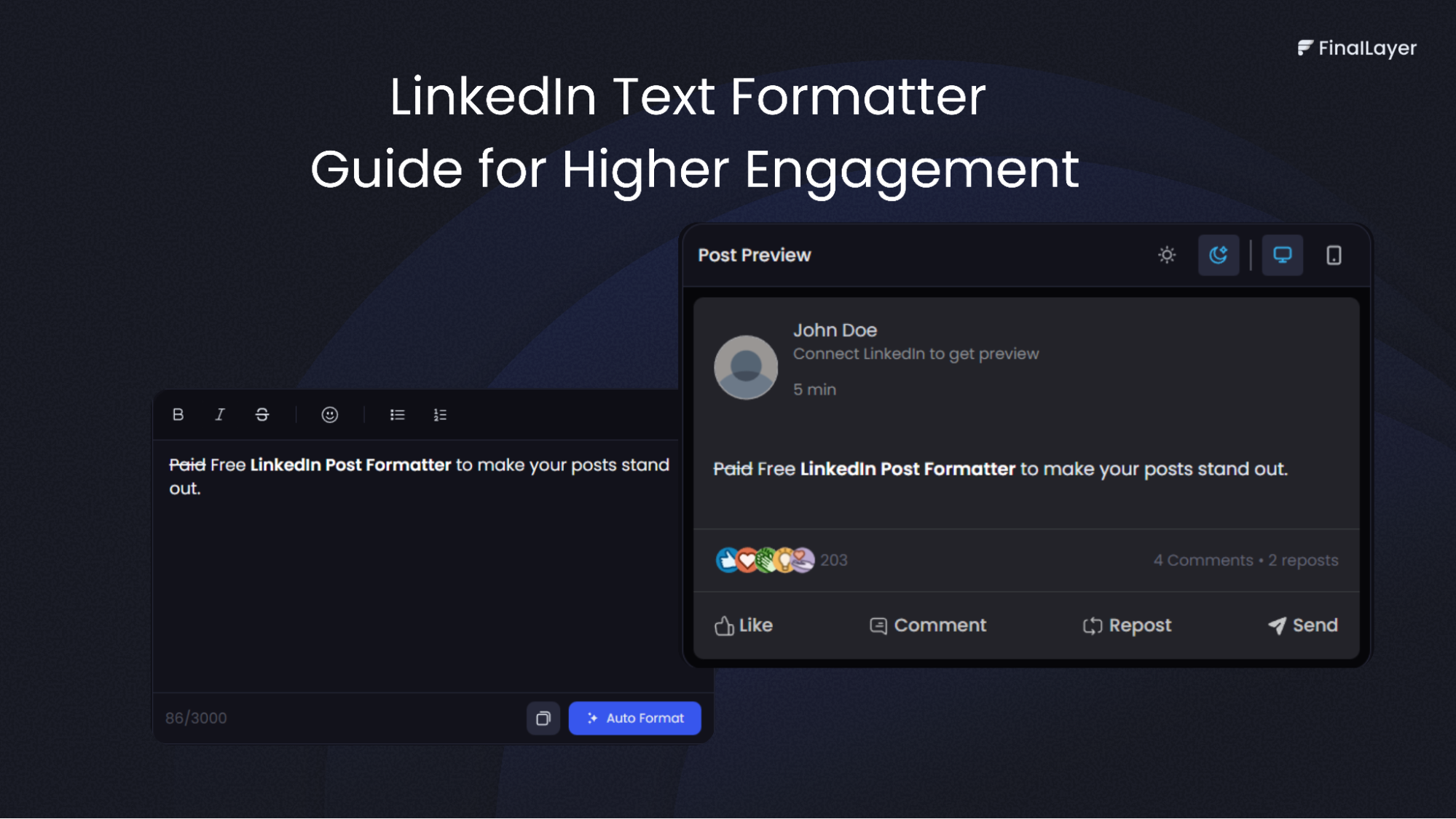
LinkedIn has evolved from a simple networking platform into a powerful content marketing tool. Whether you're a founder, student, business professional, entrepreneur, or thought leader, the way you format your posts can dramatically impact your reach and engagement. While LinkedIn's native editor offers basic formatting options, many professionals turn to specialized tools to create eye-catching content that stops the scroll.
Why LinkedIn Post Formatting Matters
Before diving into formatting techniques, it's worth understanding why this matters. LinkedIn's algorithm favors content that keeps users on the platform longer. Well-formatted posts are easier to read, more visually appealing, and encourage people to stop scrolling. When readers engage with your content through likes, comments, and shares, the algorithm rewards you with greater visibility.
Poor formatting, on the other hand, creates walls of text that readers skip over. Line breaks, spacing, and strategic use of special characters transform your message from overlooked to unmissable.
The Power of a LinkedIn Text Formatter
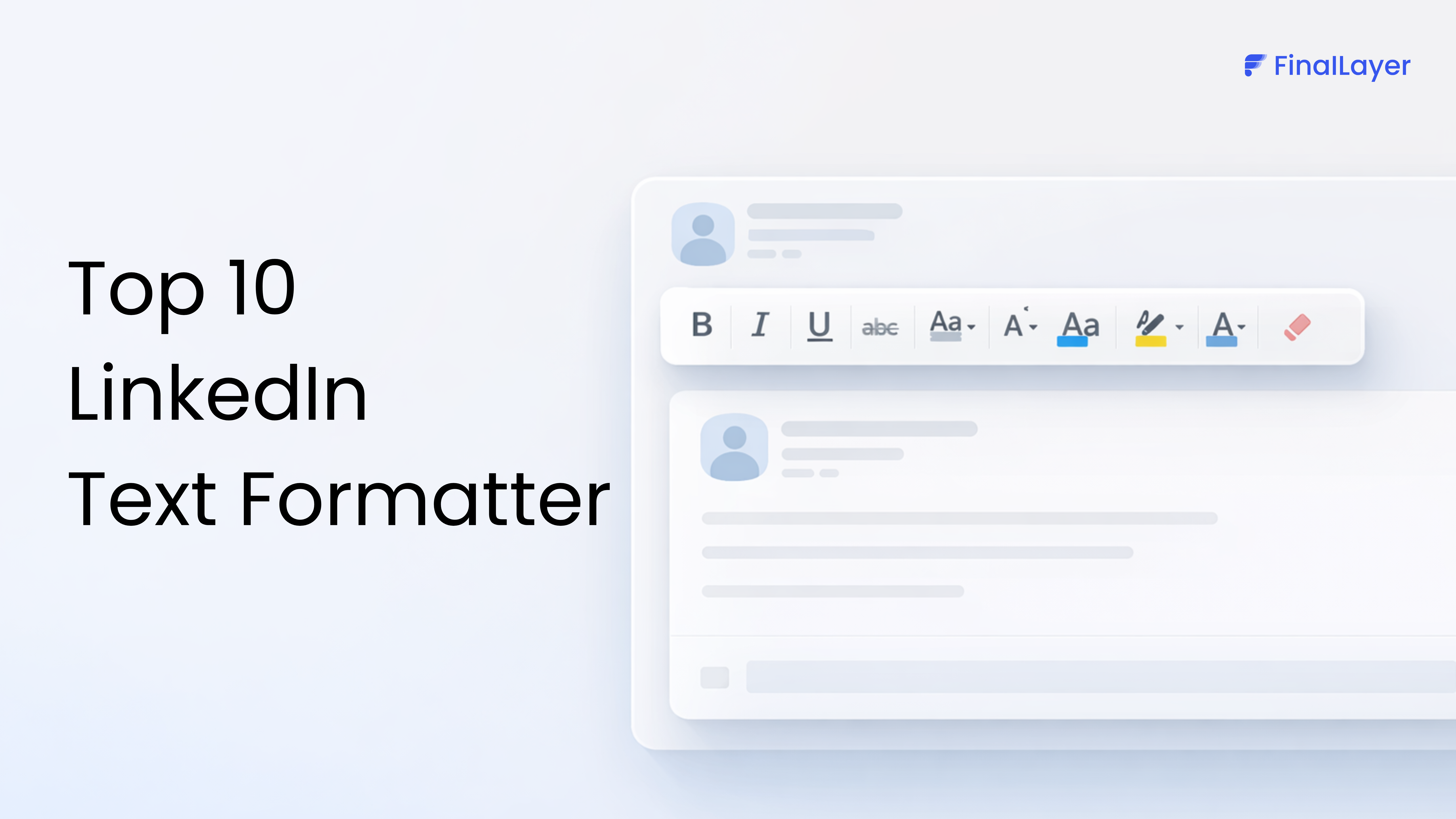
A linkedin text formatter is a specialized tool that helps you create professionally styled posts with advanced formatting options that LinkedIn's native editor doesn't provide. These tools solve a common problem: LinkedIn strips out formatting when you copy and paste from other applications, forcing you to manually reconstruct your post's structure.
What Makes a LinkedIn Text Formatter Valuable
Using a linkedin text formatter saves time and ensures consistency across your content. These tools typically offer:
Bold and Italic Text
While LinkedIn doesn't natively support bold or italic text, a linkedin text formatter uses Unicode characters that mimic these styles. This allows you to emphasize key phrases, create headers, or highlight important information without the text appearing monotonous.
Special Characters and Symbols
Access to extended character sets lets you add visual elements like arrows (→), checkmarks (✓), stars (★), and decorative dividers (━━━━━). These symbols break up text and guide readers through your content.
Preview and Edit Capabilities
Quality linkedin text formatter tools provide a preview function, so you can see exactly how your post will appear before publishing. This eliminates the frustration of formatting breaking when you copy content into LinkedIn.
Essential LinkedIn Formatting Techniques
Line Breaks and Spacing
The most fundamental aspect of linkedin post formatting is proper use of white space. Dense paragraphs are difficult to read on mobile devices, where most LinkedIn browsing happens. Break your content into short, digestible chunks of 1-3 sentences per paragraph. Leave blank lines between paragraphs to create visual breathing room.
Hook-Driven Openings
Your first line determines whether people click "see more" to read your entire post. Start with a compelling hook that creates curiosity, makes a bold statement, or asks a thought-provoking question. This opening line should stand alone before your first line break.
Read more: How To Write LinkedIn Hooks That People Can’t Ignore
Bullet Points and Lists
While LinkedIn doesn't offer native bullet formatting, you can create visual lists using symbols like • ▪ ► or numbers. Lists make information scannable and help readers quickly grasp your key points. This formatting technique works particularly well for tips, statistics, or step-by-step processes.
Strategic Use of Emojis
Emojis add personality and create visual anchors in your text. Use them sparingly to highlight key points or separate sections. A well-placed emoji can draw attention to your call-to-action or emphasize an important statistic. However, overuse can make your content appear unprofessional.
Finding the Right LinkedIn Text Formatter Free Tool
Many professionals seek a linkedin text formatter free option to enhance their content without additional costs. Several platforms offer robust free versions that provide essential formatting capabilities suitable for most users' needs.
When evaluating a linkedin text formatter free tool, consider these factors:
Ease of Use
The best linkedin text formatter free tools have intuitive interfaces that don't require technical knowledge. You should be able to paste your text, apply formatting, and copy the result in seconds.
Feature Set
Even free versions should offer multiple formatting options including bold text, italic styling, various bullet styles, and line spacing controls. Some linkedin text formatter free tools also include pre-made templates for common post types like tips, quotes, or announcements.
Reliability
Choose a linkedin text formatter free platform that consistently produces clean output that LinkedIn's system accepts. Some tools generate code that LinkedIn filters out, wasting your time.
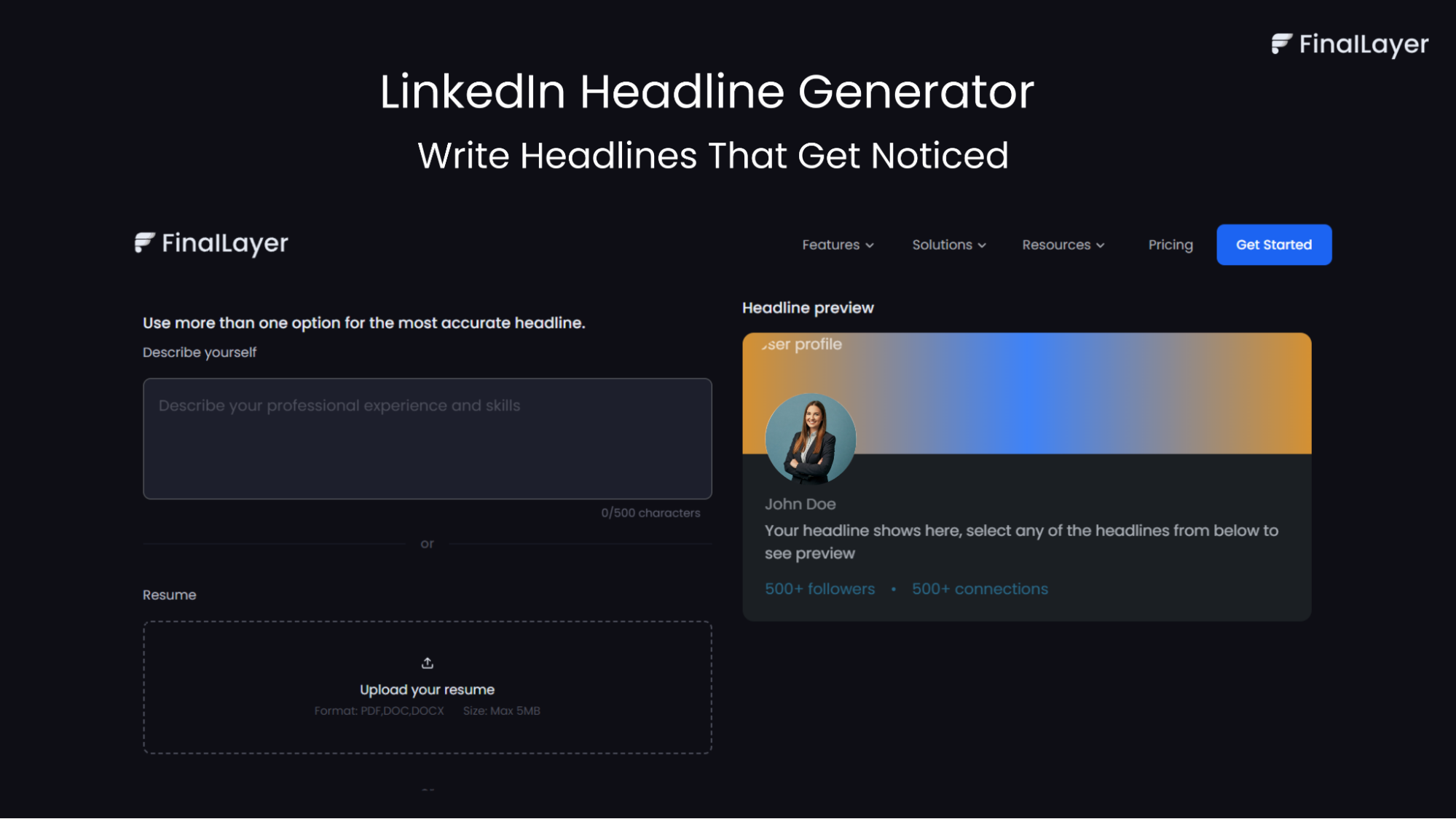
If you want professional formatting without trial-and-error, FinalLayer’s LinkedIn Text Formatter is built specifically for LinkedIn creators. It lets you format text with clean spacing, styled emphasis (bold/italic via Unicode), bullet symbols, and visual separators, without breaking when you paste into LinkedIn.
You can write, format, preview, and copy your post in seconds, making it easier to stay consistent without over-formatting or hurting engagement.
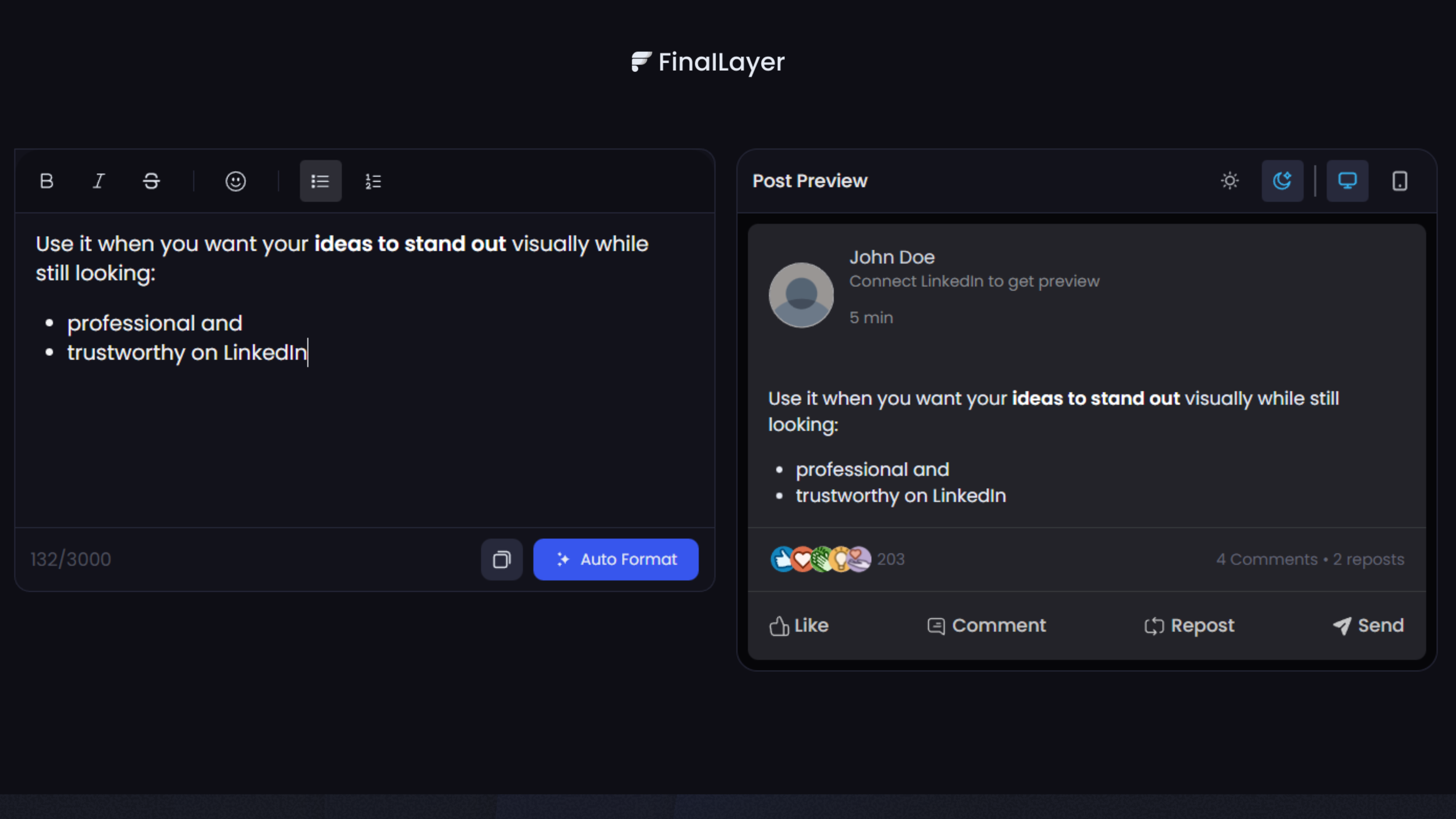
Unlike generic font tools, FinalLayer focuses on readability, mobile-first layout, and LinkedIn-safe formatting, so your posts stay clean, scannable, and algorithm-friendly.
Advanced Strategies for LinkedIn Engagement
Beyond using a linkedin text formatter, several strategies amplify your engagement rates:
The Pattern Interrupt
Create visual patterns in your posts using repeated symbols or spacing. For example, using a row of dots (• • •) or dashes (━━━) between sections creates distinct visual breaks that make your content more navigable.
Strategic Capitalization
While you shouldn't write in all caps, strategic capitalization of key words or short phrases can create emphasis without seeming aggressive. This works particularly well for section headers within longer posts.
The Question Framework
End sections of your post with questions that prompt reflection. This encourages readers to leave comments, which signals to LinkedIn's algorithm that your content is valuable and deserving of wider distribution.
Tag Relevant People Thoughtfully
When appropriate, tag individuals mentioned in your post or those who might find the content valuable. This extends your reach to their networks and often prompts them to engage with your content.
Common Formatting Mistakes to Avoid
Even with the best linkedin text formatter, certain practices can harm your linkedin engagement:
Over-Formatting
Using too many special characters, excessive emojis, or multiple text styles creates visual chaos. Your formatting should enhance readability, not distract from your message.
Clickbait Hooks
While you need strong openings, misleading hooks damage your credibility. Ensure your content delivers on whatever promise your opening makes.
Ignoring Mobile Experience
Always preview how your formatted post appears on mobile devices. What looks perfect on a desktop might be cramped or awkward on smaller screens.
Neglecting Hashtags
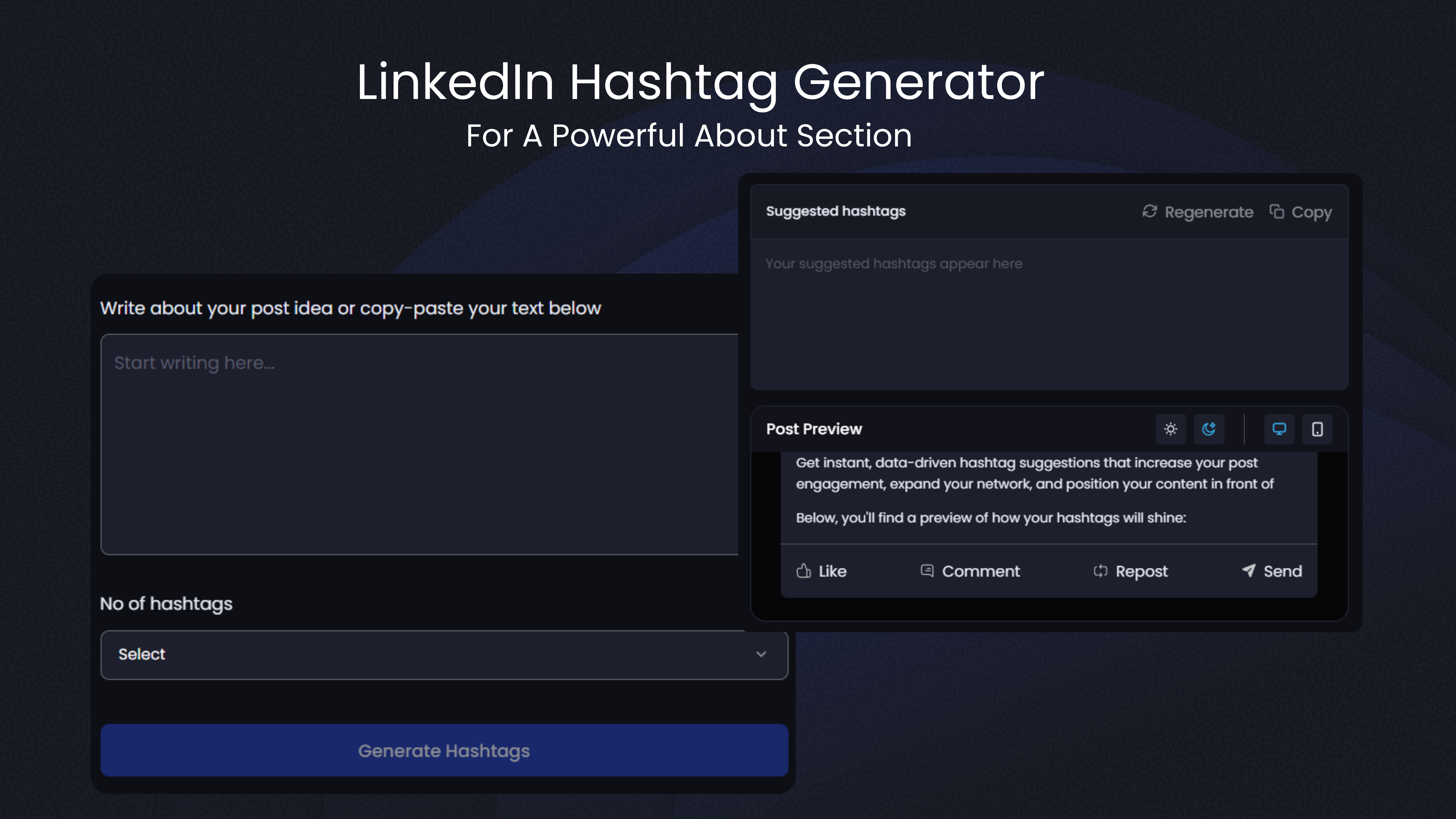
While not strictly formatting, hashtags are essential for discoverability. Use 3-5 relevant hashtags at the end of your post to help the right audience find your content.
Implementing Your Formatting Strategy
Developing consistency in your linkedin post formatting creates brand recognition and sets expectations for your audience. Here's how to build an effective approach:
Start by analyzing top-performing posts in your industry. Notice patterns in how successful creators structure their content. You don't need to copy their style, but understanding what works provides valuable insights.
Create templates for different post types. You might have one format for sharing insights, another for asking questions, and a third for curating resources. Having these frameworks ready makes content creation faster and maintains visual consistency.
Experiment with different linkedin text formatter tools to find one that matches your workflow. Some people prefer web-based tools they can access anywhere, while others might want browser extensions for quicker formatting.
Measuring Your Success
Track which formatting styles generate the most engagement.The platform provides LinkedIn analytics showing impressions, engagement rate, and audience demographics. Use this data to refine your approach over time.
Pay attention to comments and shares, as these are stronger engagement signals than likes. Content that prompts conversation typically performs better in LinkedIn's algorithm than posts that simply collect likes.
Conclusion
Mastering linkedin post formatting transforms your content from forgettable to compelling. While a linkedin text formatter provides the technical tools to create visually appealing posts, success ultimately comes from combining good formatting with valuable content and strategic posting.The investment in learning proper formatting techniques pays dividends through increased visibility, growing your network, and establishing your authority in your field. Start with basic improvements like better line spacing and strategic emoji use, then gradually incorporate more advanced techniques as you become comfortable.