Scrolling through LinkedIn, certain posts immediately catch your eye. The text is well-structured, key phrases are bolded, and important points stand out. Meanwhile, other posts blend into an endless wall of plain text, getting skipped no matter how valuable their insights might be.
The difference? Strategic text formatting. But here's the challenge: LinkedIn doesn't offer built-in formatting buttons like bold, italic, or underline in its post composer. There are now dozens of LinkedIn text formatter tools available - some free, some paid, some AI-powered. Most do the basics. A few do it noticeably better.
Why LinkedIn Text Formatting Matters for Engagement
Before diving into specific tools, understand why using a free linkedIn text formatter significantly impacts your content's performance.
Most LinkedIn posts are read on mobile, in a feed, while someone is scrolling past 50 other things. You have about two seconds to signal that your post is worth stopping for.
Formatting does that work. A bolded first line, a short paragraph, a key stat pulled out, these aren't aesthetic choices. They're the difference between someone expanding your post and someone scrolling past it.
The data backs this up: posts with clear visual structure consistently outperform walls of plain text on dwell time and comment rate. Not because bold text impresses the algorithm directly, but because people actually read them and engagement follows reading.
The catch is that LinkedIn's composer doesn't give you any of this natively. No bold button, no italic toggle, no formatting toolbar. That's the gap these tools fill.
This breakdown ranks the top 10 based on features, ease of use, and what each tool is actually best for, so you can pick the right one without testing them all yourself.
1. FinalLayer LinkedIn Text Formatter
Best For: Professionals seeking AI-powered formatting with live preview
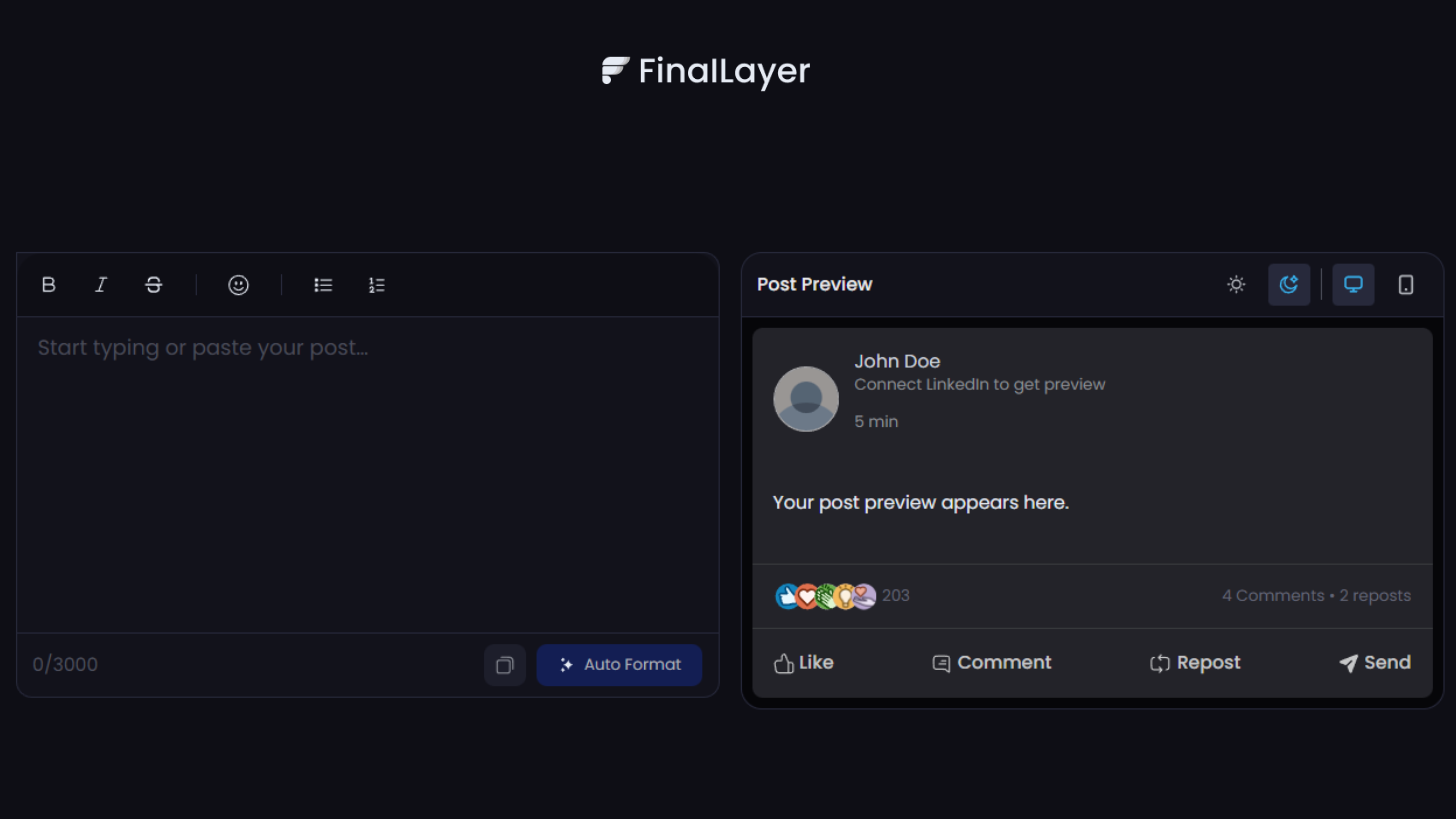
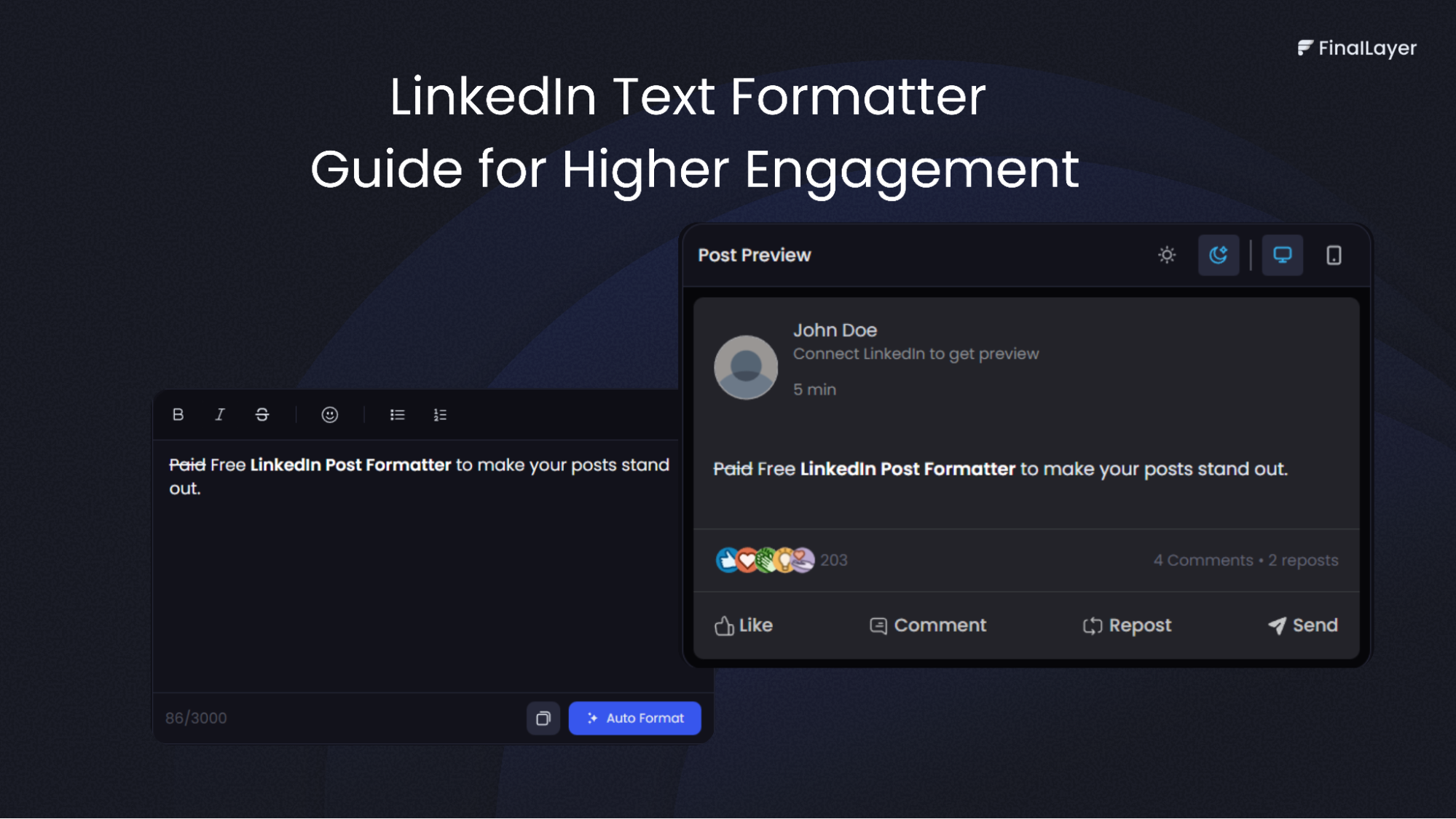
FinalLayer is the only formatter on this list that includes AI-powered formatting suggestions — it doesn't just apply bold and italic, it recommends where to use them based on your content.
Key Features:
- Bold, italic, and underline text formatting
- Live post preview showing exactly how your formatted text will appear on LinkedIn
- Easy copy-paste functionality for seamless workflow
- No registration required for basic features
- Completely free to use
Rating: ⭐⭐⭐⭐⭐ (5/5) Pricing: Free
2. LinkedIn Makeover
Best For: Quick formatting for profiles and posts
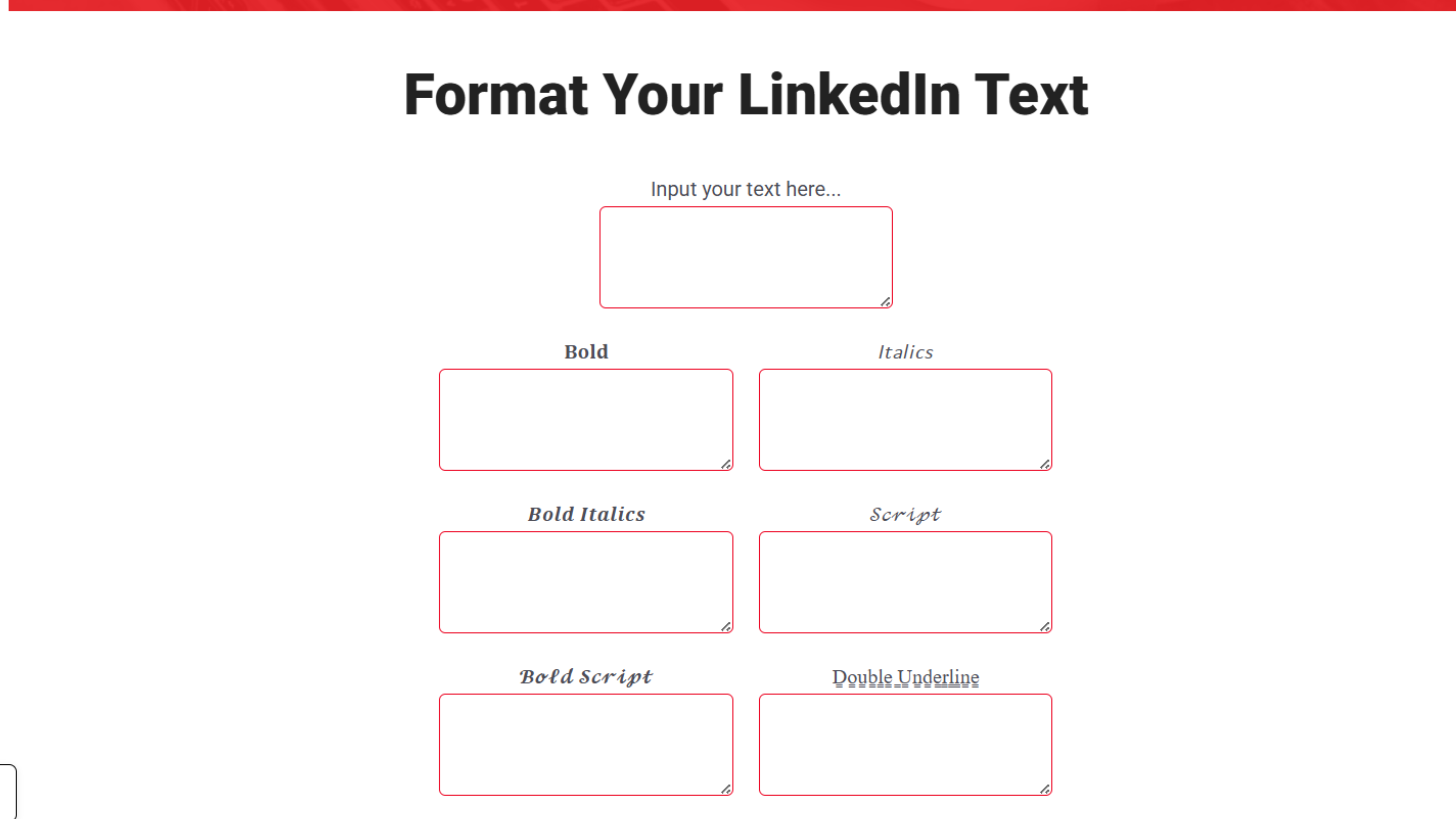
LinkedIn Makeover specializes in text formatting specifically optimized for LinkedIn's platform. This best linkedin text formatter tool provides straightforward formatting options.
Key Features:
- Bold, italicize, and underline text
- LinkedIn-specific character encoding
- Clean, simple interface
- Profile and post optimization
Standout Capability: Focuses exclusively on LinkedIn, ensuring compatibility and proper rendering across all devices.
Rating: ⭐⭐⭐⭐ (4/5) Pricing: Free
3. Typegrow
Best For: No-registration quick formatting
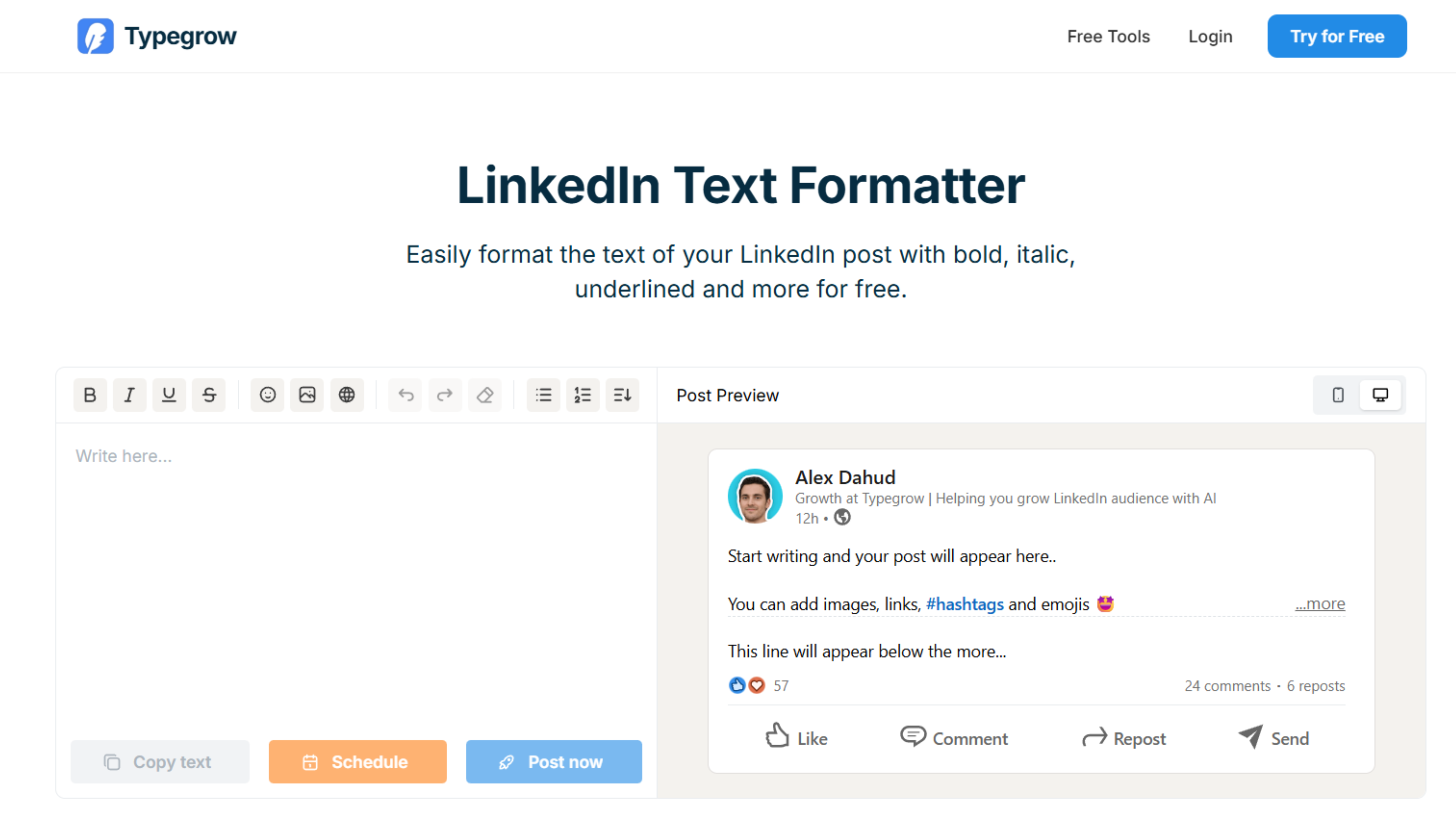
Typegrow offers a linkedin text formatter free tool that requires zero account creation, making it perfect for professionals who need quick formatting without commitment.
Key Features:
- Bold, italics, underline, and additional text styles
- No registration required
- Instant formatting preview
- Mobile-friendly interface
Standout Capability: Complete anonymity with no data collection or account requirements.
Rating: ⭐⭐⭐⭐ (4/5) Pricing: Free
4. Poper
Best For: Advanced formatting options
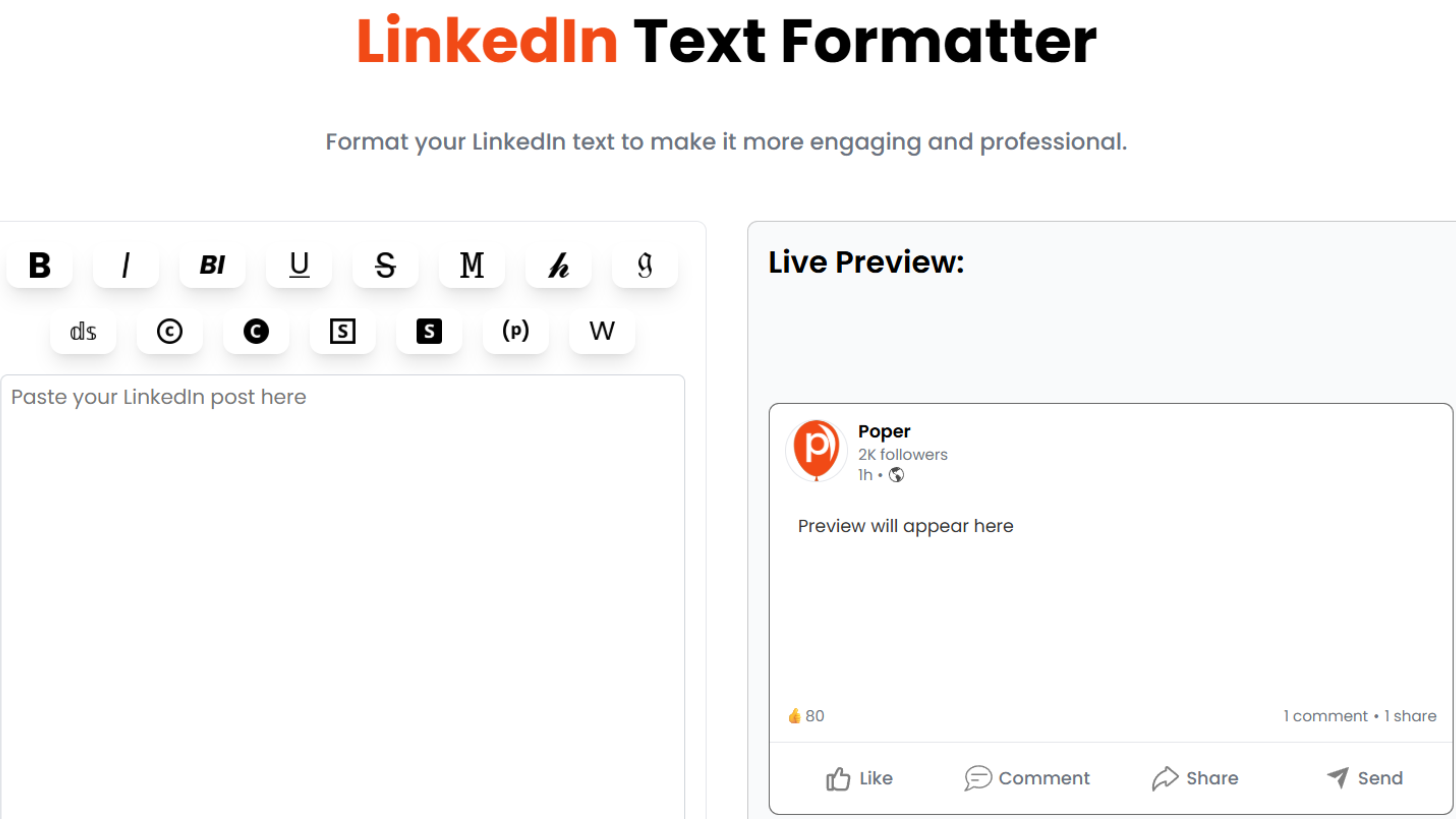
Poper extends beyond basic formatting, offering a wider range of text styles for professionals wanting more creative control over their linkedin text formatter options.
Key Features:
- Bold, italics, underline, and strikethrough
- Multiple font style variations
- Copy-paste functionality
- Character encoding for LinkedIn compatibility
Standout Capability: Strikethrough and additional styling options not available in many competitors.
Rating: ⭐⭐⭐⭐ (4/5) Pricing: Free with premium features available
5. AuthoredUp
Best For: Post structure optimization
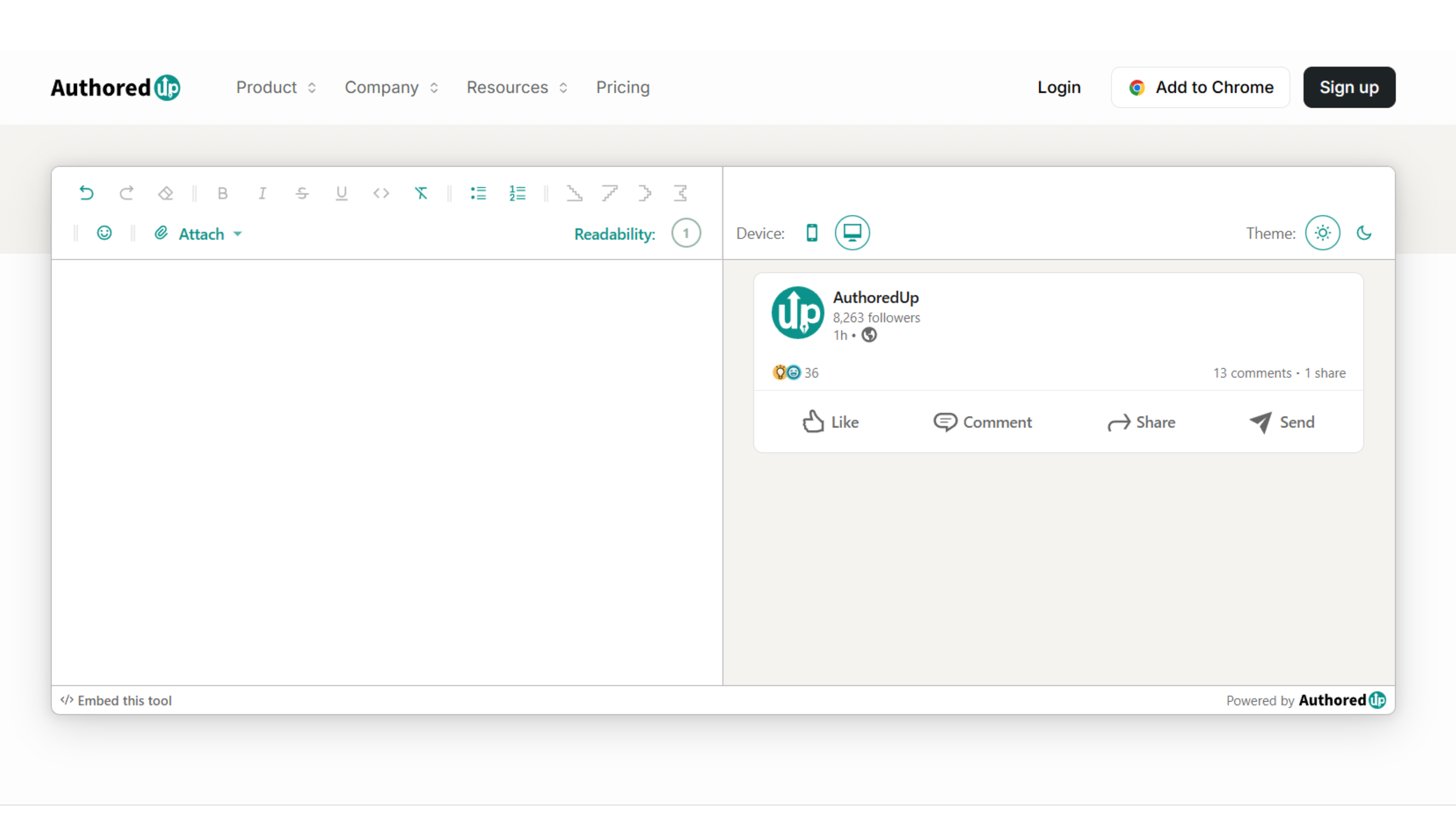
AuthoredUp combines text formatting with post structure guidance, making it a comprehensive top linkedin text formatter for professionals serious about content quality.
Key Features:
- Bold and italic text formatting
- Post structure recommendations
- Readability analysis
- Engagement predictions
Standout Capability: Goes beyond formatting to help structure entire posts for maximum impact.
Rating: ⭐⭐⭐⭐½ (4.5/5) Pricing: Free tier available; premium features $15/month
6. WebUtility
Best For: Creative formatting variety
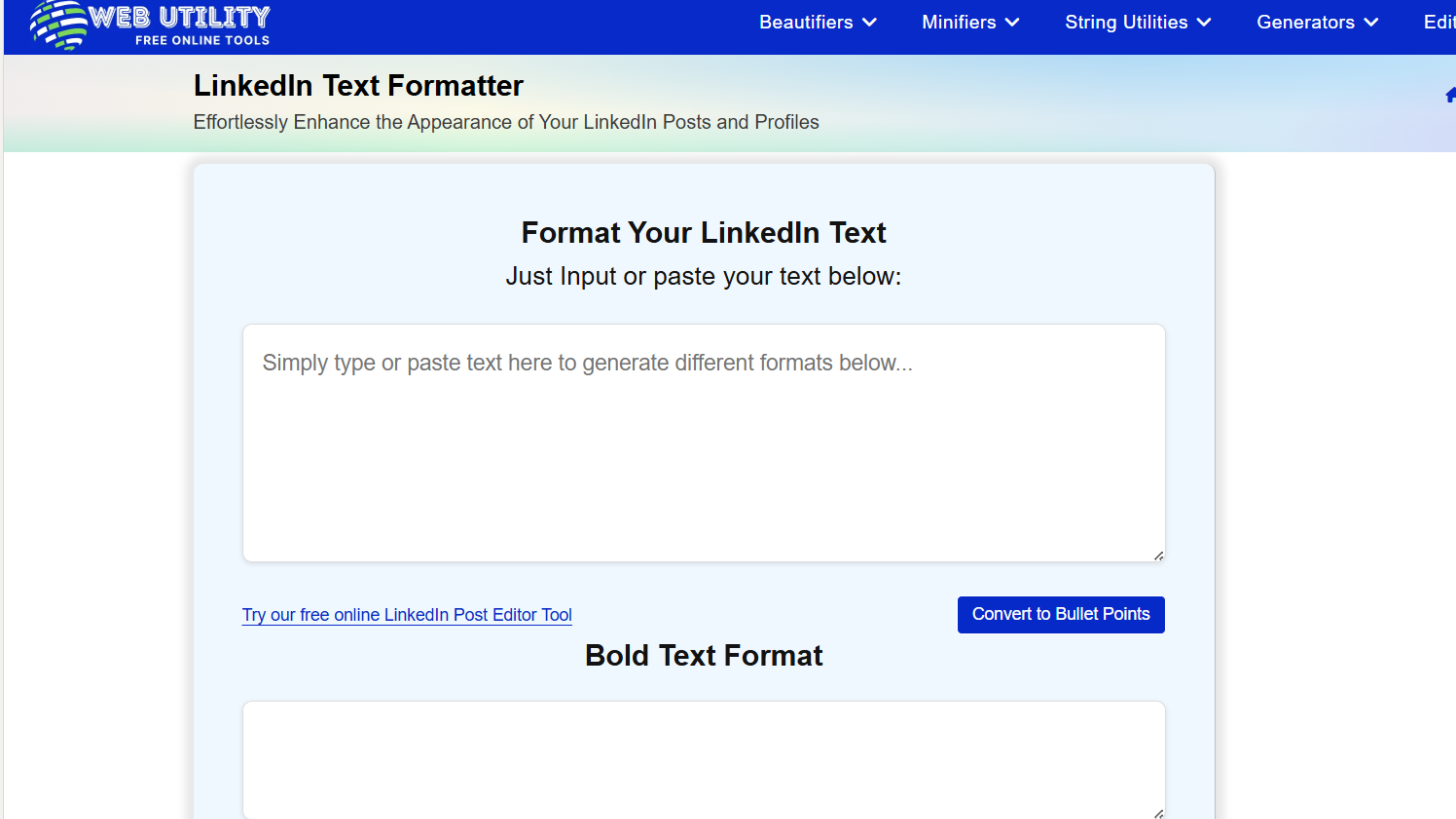
WebUtility offers the most diverse formatting options, including unique styles like circled and squared text that make posts truly distinctive.
Key Features:
- Bold, italics, underline, strikethrough
- Circled and squared text options
- Real-time preview
- Multiple Unicode font variations
Standout Capability: The most extensive formatting variety among free linkedin text formatter tools.
Rating: ⭐⭐⭐⭐ (4/5) Pricing: Free
7. Taplio
Best For: Content creators focused on engagement
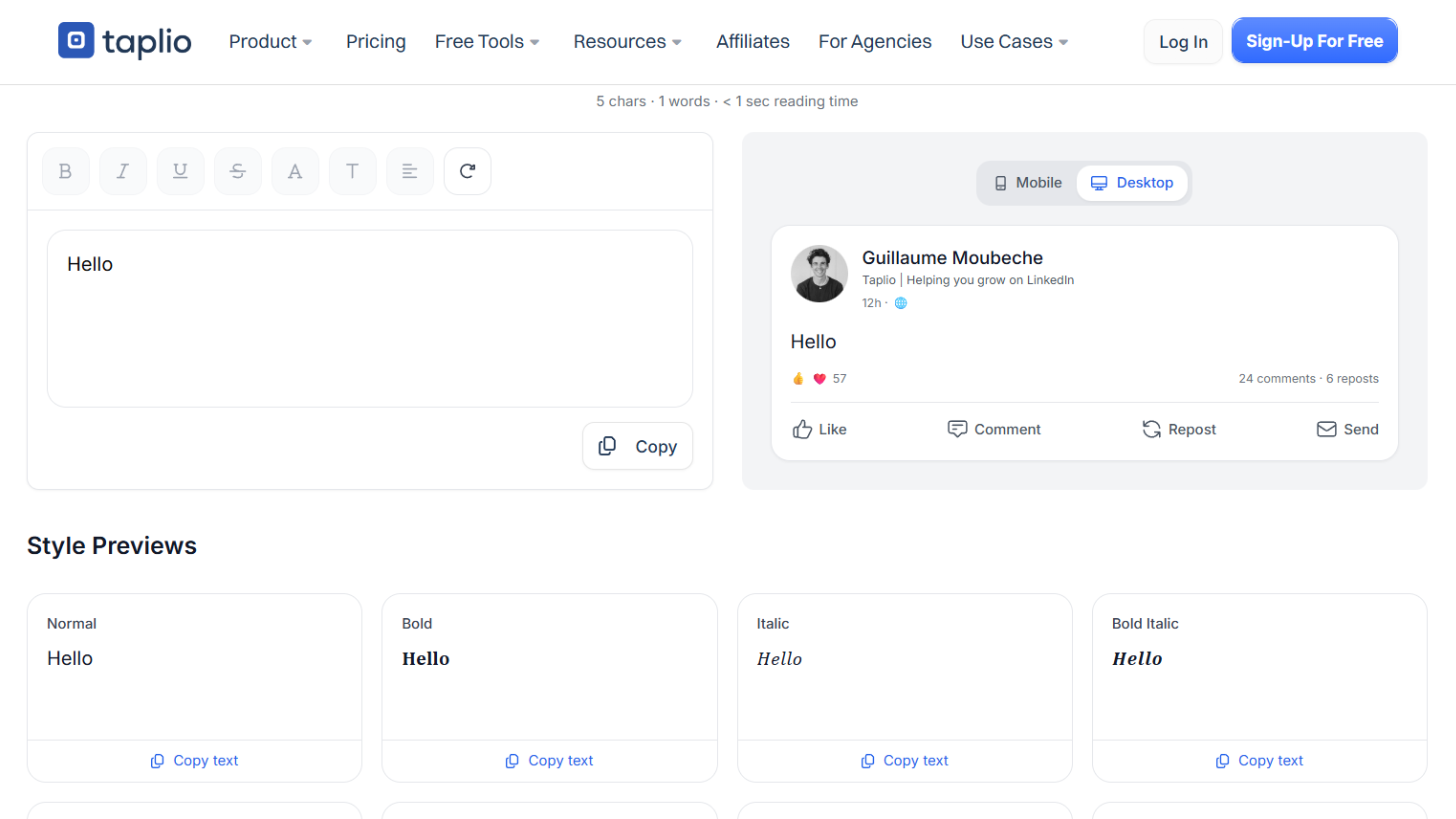
Taplio's formatter caters specifically to LinkedIn creators building personal brands, offering formatting tools alongside engagement analytics.
Key Features:
- Bold, italic, underline formatting
- Custom font options
- Instant preview
- Integration with Taplio's content platform
Standout Capability: Seamless integration with broader content creation and scheduling tools.
Rating: ⭐⭐⭐⭐ (4/5) Pricing: Free formatter; full platform starts at $39/month
8. PostSyncer
Best For: Simple bold and italic needs
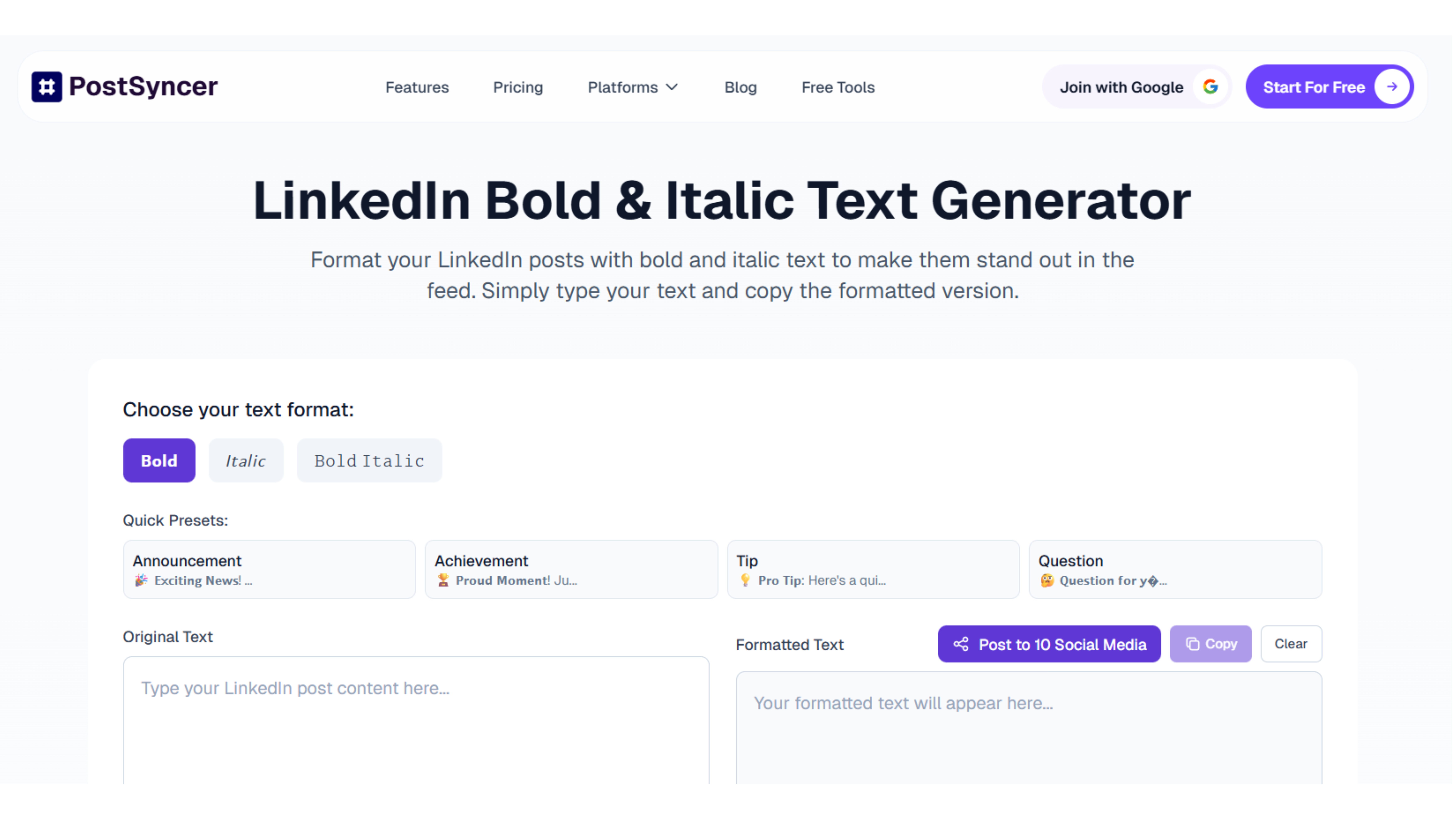
PostSyncer focuses specifically on bold and italic Unicode styles, making it the most streamlined linkedin text formatter free option for professionals who need basic formatting.
Key Features:
- Bold text conversion
- Italic text conversion
- Clean, minimal interface
- Fast processing
Standout Capability: Simplicity and speed for users who only need basic formatting.
Rating: ⭐⭐⭐½ (3.5/5) Pricing: Free
9. Stilest
Best For: LinkedIn-style preview
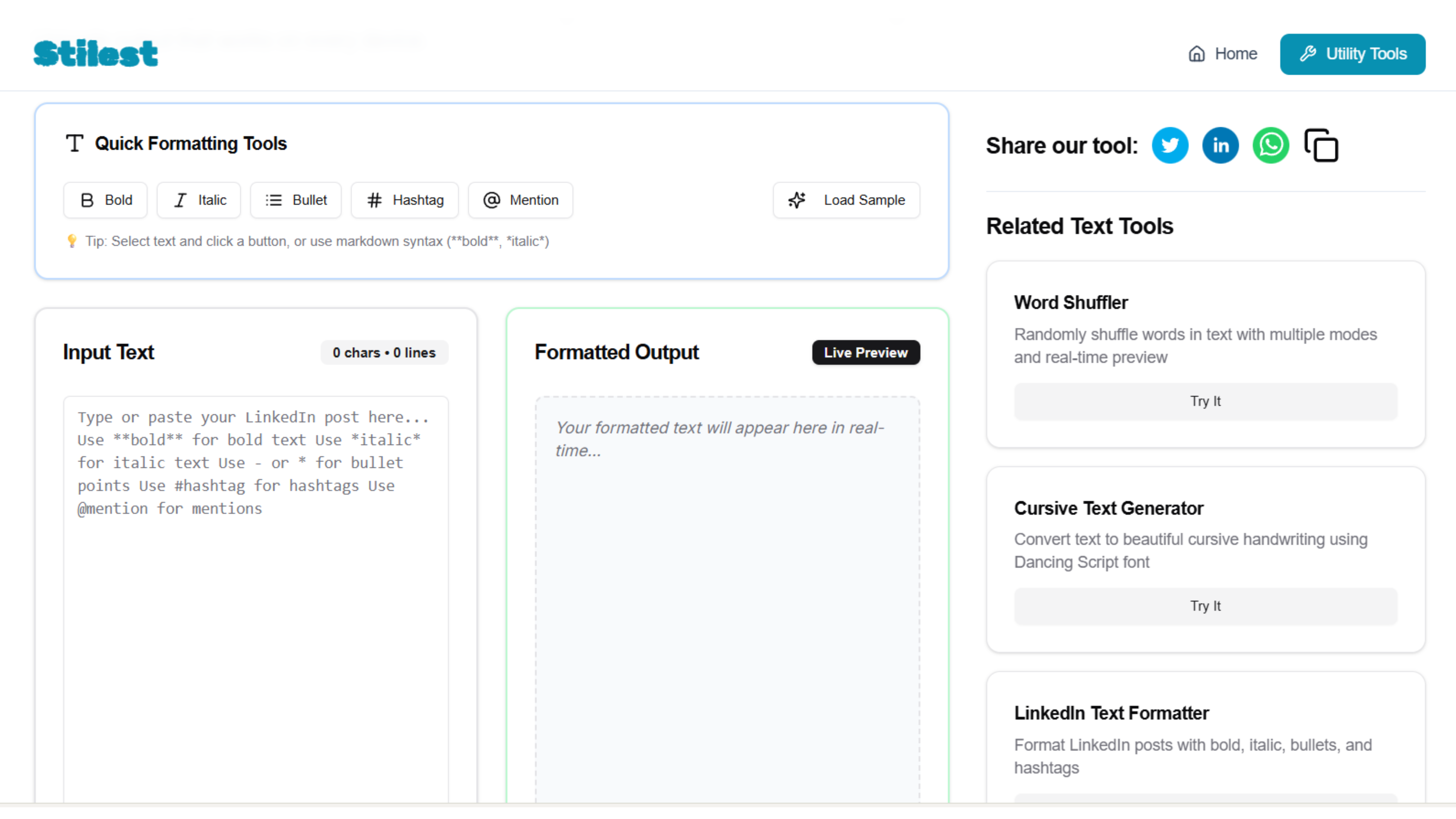
Stilest provides formatting tools with a preview that mimics LinkedIn's actual post appearance, ensuring your formatted text looks perfect before publishing.
Key Features:
- Bold, italics, and structured text
- LinkedIn-style preview interface
- Mobile and desktop views
- Copy-paste optimization
Standout Capability: Most accurate preview of how formatted text will appear on LinkedIn.
Rating: ⭐⭐⭐⭐ (4/5) Pricing: Free
10. MagicPost
Best For: Fancy fonts and creative styling
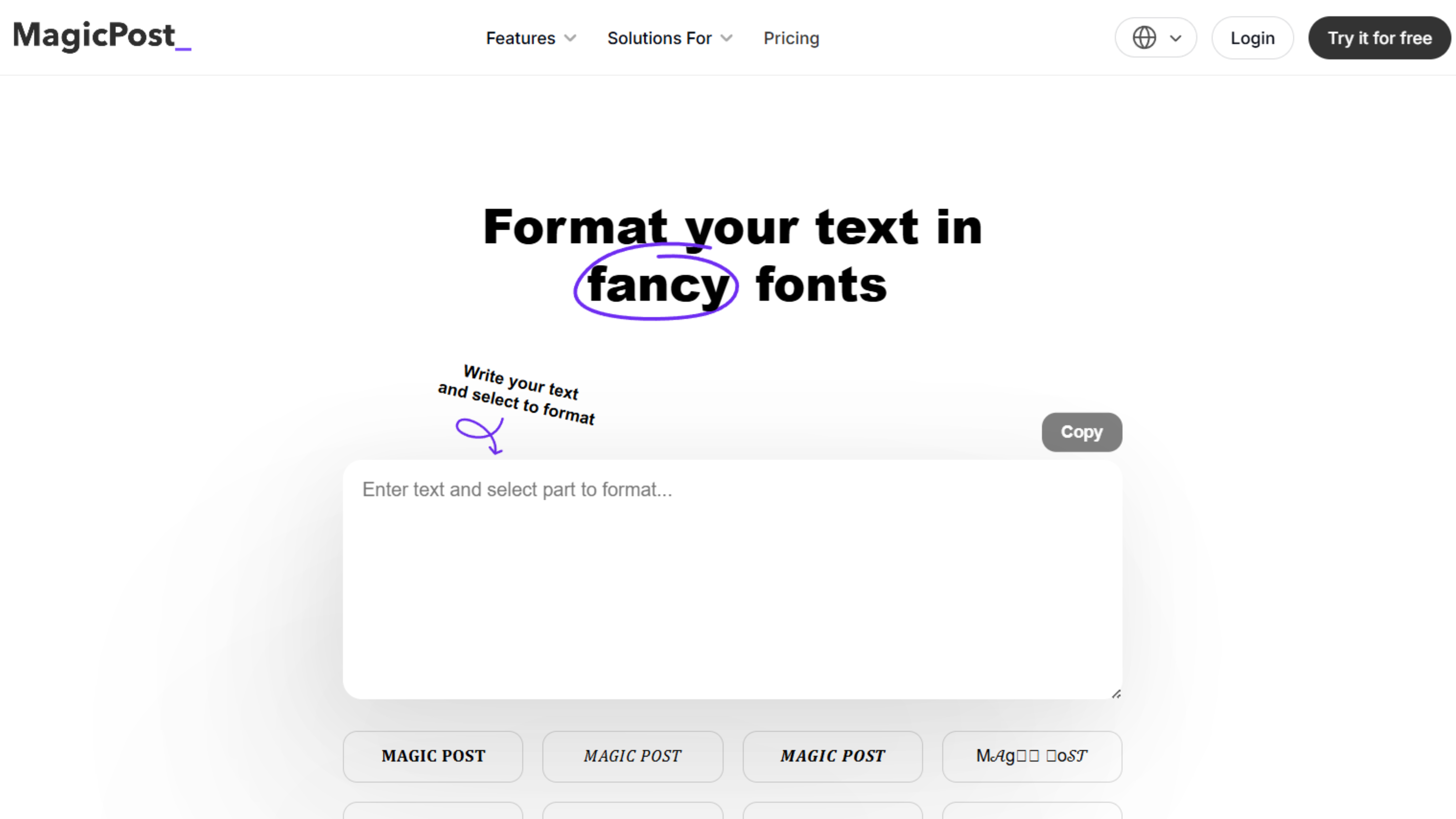
MagicPost positions itself as a "text styler" offering both standard formatting and decorative font options for professionals wanting unique visual appeal.
Key Features:
- Bold, italic, underline
- Fancy font variations
- Formatting preview
- Easy copy-paste workflow
Standout Capability: Decorative font options for professionals wanting to experiment with creative text styles.
Rating: ⭐⭐⭐⭐ (4/5) Pricing: Free
Compare the Best LinkedIn Text Formatter Tools
| Tool | Best for | AI-powered | Free | Live preview |
| FinalLayer | AI suggestions + preview | Yes | Yes | Yes |
| LinkedIn Makeover | Simple quick formatting | No | Yes | Yes |
| Typegrow | No-registration use | No | Yes | Yes |
| Poper | Advanced styles | No | Freemium | Yes |
| AuthoredUp | Structure + readability | No | Freemium | Yes |
| WebUtility | Creative font variety | No | Yes | Yes |
How to Use a LinkedIn Text Formatter Effectively
Having the best linkedin text formatter tool doesn't automatically improve your posts. Strategic usage matters. Here's how to format effectively:
Format Sparingly:
Overformatting clutters posts and reduces impact. Bold 2-3 key phrases per post maximum. Excessive formatting becomes visual noise.
Emphasize Key Takeaways:
Bold text should highlight your main points, the insights readers should remember. Don't bold entire sentences; emphasize specific phrases.
Use Italics for Subtle Emphasis:
Reserve italics for secondary emphasis, quotes, or terms you want to draw attention to without the heavy impact of bold.
Create Visual Breaks:
Use line breaks and formatting together to create scannable content. Format helps guide the eye through your post's structure.
Test on Mobile:
Most LinkedIn users view content on mobile devices. After formatting with your chosen LinkedIn text formatter, preview how it appears on a phone screen.
Maintain Consistency:
Develop a consistent formatting style across your posts. This creates brand recognition and professional polish.
Common Formatting Mistakes to Avoid
Even with the top linkedin text formatter tools, these mistakes undermine your posts:
Over-Bolding:
When everything is bold, nothing stands out. Limit bold text to 5-10% of your total content.
Inconsistent Formatting:
Using different formatting styles across posts confuses your audience and appears unprofessional.
Ignoring Mobile View:
Text that looks perfect on desktop might appear cluttered on mobile. Always check both views.
Formatting for Aesthetics Over Meaning:
Format strategically to enhance comprehension, not just to make text look pretty.
Neglecting Line Breaks:
Formatting alone doesn't create readability. Combine your free linkedin text formatter with proper spacing and paragraph breaks.
Advanced Formatting Strategies
Once you've mastered basic usage of your linkedin text formatter, these advanced strategies amplify impact:
Create Pattern Interrupts:
Use formatted text to break patterns in long posts. A bold phrase after several paragraphs re-captures wandering attention.
Format Questions:
Bold questions you pose to readers. This increases the likelihood they'll mentally engage with the question and comment on their answer.
Highlight Statistics:
Numbers and data points deserve bold formatting. They provide concrete evidence and catch the eye of skimmers.
Emphasize Action Steps:
If your post includes actionable advice, bold the specific steps. This makes your content immediately useful.
Test Different Styles:
Experiment with formatting placement and intensity. Track which posts receive higher engagement and refine your approach accordingly.
Final Thoughts
Most of the tools on this list will handle basic bold and italic just fine. The difference shows up when you're formatting regularly, in which case AI suggestions, live preview, and copy-paste reliability start to matter.
If you want to try the one with the most complete feature set, FinalLayer LinkedIn Text Formatter is free and requires no account.