Your LinkedIn profile gets viewed by a recruiter, potential client, or industry peer. They scan your headline, glance at your photo, and then, their eyes move to your summary. This is your moment. Will they keep reading or click away?
The linkedin about section is where first impressions solidify into decisions. It's your opportunity to tell your professional story, showcase your value, and compel visitors to connect. Yet most professionals struggle to write this section effectively, staring at a blank screen wondering how to balance professionalism with personality.
This is where a linkedin summary generator becomes invaluable. This guide shows you exactly how to use these AI-powered tools to craft a compelling summary that attracts opportunities, builds credibility, and authentically represents who you are as a professional.
Why Your LinkedIn About Section Matters More Than You Think
Before diving into how to use a linkedin summary generator, understand why the linkedin about section deserves your focused attention.
Your summary appears prominently at the top of your profile, right below your headline. It's one of the first things people read when deciding whether to connect with you, reach out about opportunities, or move on to another profile.
Research shows that complete LinkedIn profiles with well-written summaries receive significantly more profile views and connection requests than incomplete profiles. The linkedin about section serves multiple critical functions:
It establishes credibility through storytelling rather than just listing credentials. While your experience section shows where you've worked, your linkedin summary reveals who you are and why your background matters.
It demonstrates a personality that makes you memorable. In a sea of identical job titles, your summary differentiates you from others in your field.
It incorporates keywords that boost your visibility in LinkedIn searches. Recruiters and potential clients searching for your expertise need to find you, the right linkedin summary makes that possible.
It includes a call-to-action that converts profile views into meaningful interactions. Without clear next steps, interested visitors don't know how to engage with you.
Writing a summary that accomplishes all these goals simultaneously challenges most professionals. A linkedin summary generator solves this by applying proven frameworks to your unique background.
Step 1: Gather Your Information Before Generating
A linkedin summary generator produces better results when you provide comprehensive input. Before accessing the tool, gather these essential elements:
Your current role and expertise:
Be specific about what you do and what makes you qualified. Instead of "marketing manager," prepare "B2B content marketing manager specializing in SaaS companies."
Key achievements with numbers:
Quantifiable results strengthen your linkedin summary. Gather metrics like "increased leads by 300%," "managed $2M budget," or "led team of 15."
Your target audience:
Who do you want reading your linkedin about section? Recruiters? Potential clients? Industry peers? Your audience determines tone and content.
Your professional goals:
Are you job searching? Building thought leadership? Attracting consulting clients? Your objectives shape your summary's focus.
Unique value proposition:
What makes you different from others with similar titles? This could be unique methodologies, specialized experience, or distinctive perspectives.
Having this information ready ensures your linkedin summary generator creates a summary that accurately represents your professional identity rather than generic content.
Step 2: Choose the Right LinkedIn Summary Generator
Not all tools offer equal quality. Select a linkedin summary generator that provides customization and strategic guidance.
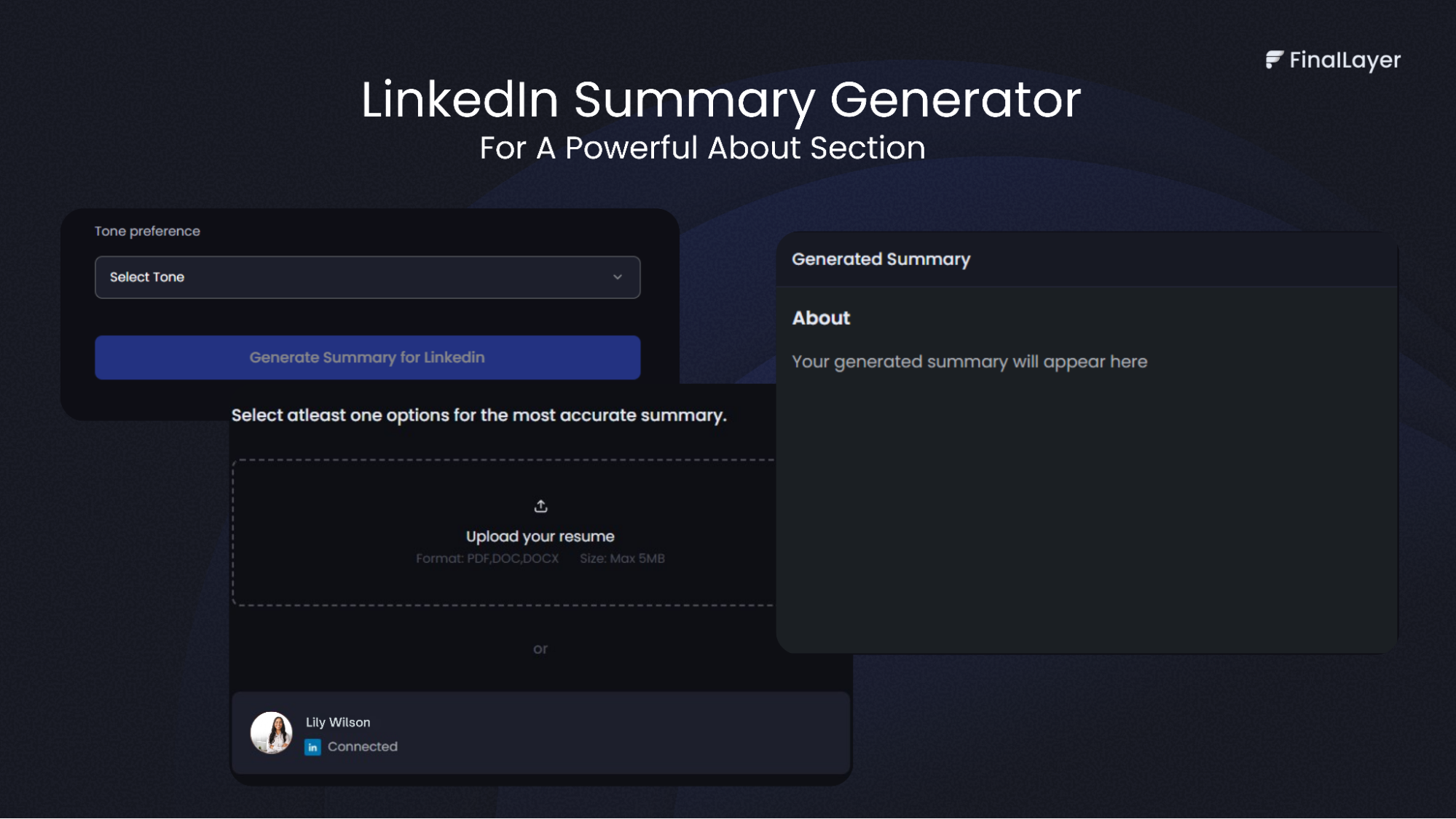
FinalLayer's LinkedIn Summary Generator stands out for its flexibility and personalization. Unlike basic tools that produce generic output, it adapts to your specific industry, career stage, and goals.
Key features to look for:
- Multiple input options (resume upload, LinkedIn connection, or manual entry)
- Tone selection (formal, friendly, professional)
- Industry-specific customization
- Multiple summary variations to choose from
- Clear, readable output optimized for LinkedIn's format
The right linkedin summary generator provides a strong foundation that you can then personalize, rather than a final product you use unchanged.
Step 3: Input Your Information Strategically
Access your chosen linkedin summary generator and provide your prepared information thoughtfully.
Choose Your Input Method: Most advanced tools like FinalLayer offer multiple options. You can upload your resume (PDF, DOC, or DOCX format), connect your existing LinkedIn profile directly, or manually input your information.
Resume upload works well if your resume is current and comprehensive. LinkedIn connection allows the generator to analyze your existing profile for context. Manual input gives you maximum control over what information the tool considers.
Select Your Tone: Your linkedin about section should match your industry's culture and your personal brand. Choose:
- Formal for corporate, legal, finance, or executive roles
- Friendly for creative, sales, marketing, or customer-facing positions
- Professional as a balanced option for most industries
Tone dramatically affects how your linkedin summary resonates with readers. A friendly tone in a conservative industry might seem unprofessional; a formal tone in creative fields might seem stiff.
Provide Context: If your tool allows additional input, include:
- Specific projects you're proud of
- Unique approaches or methodologies you've developed
- Professional passions or missions that drive your work
- Keywords relevant to your industry for search optimization
The more context you provide, the better your linkedin summary generator can create content that sounds authentically like you rather than generic AI output.
Step 4: Generate and Review Multiple Options
Click generate and let the linkedin summary generator work. Most quality tools produce your summary within seconds.
Review the generated linkedin about section carefully. Don't simply accept the first version, read it critically asking:
Does it sound like you? The summary should reflect your voice and personality, not read like it came from a robot.
Are key achievements highlighted? Your most impressive accomplishments should appear prominently, with specific numbers where possible.
Is the value proposition clear? Within the first few sentences, readers should understand what you do and who you help.
Does it include a call-to-action? The summary should end by telling readers what to do next, connect, email, visit your website, or schedule a call.
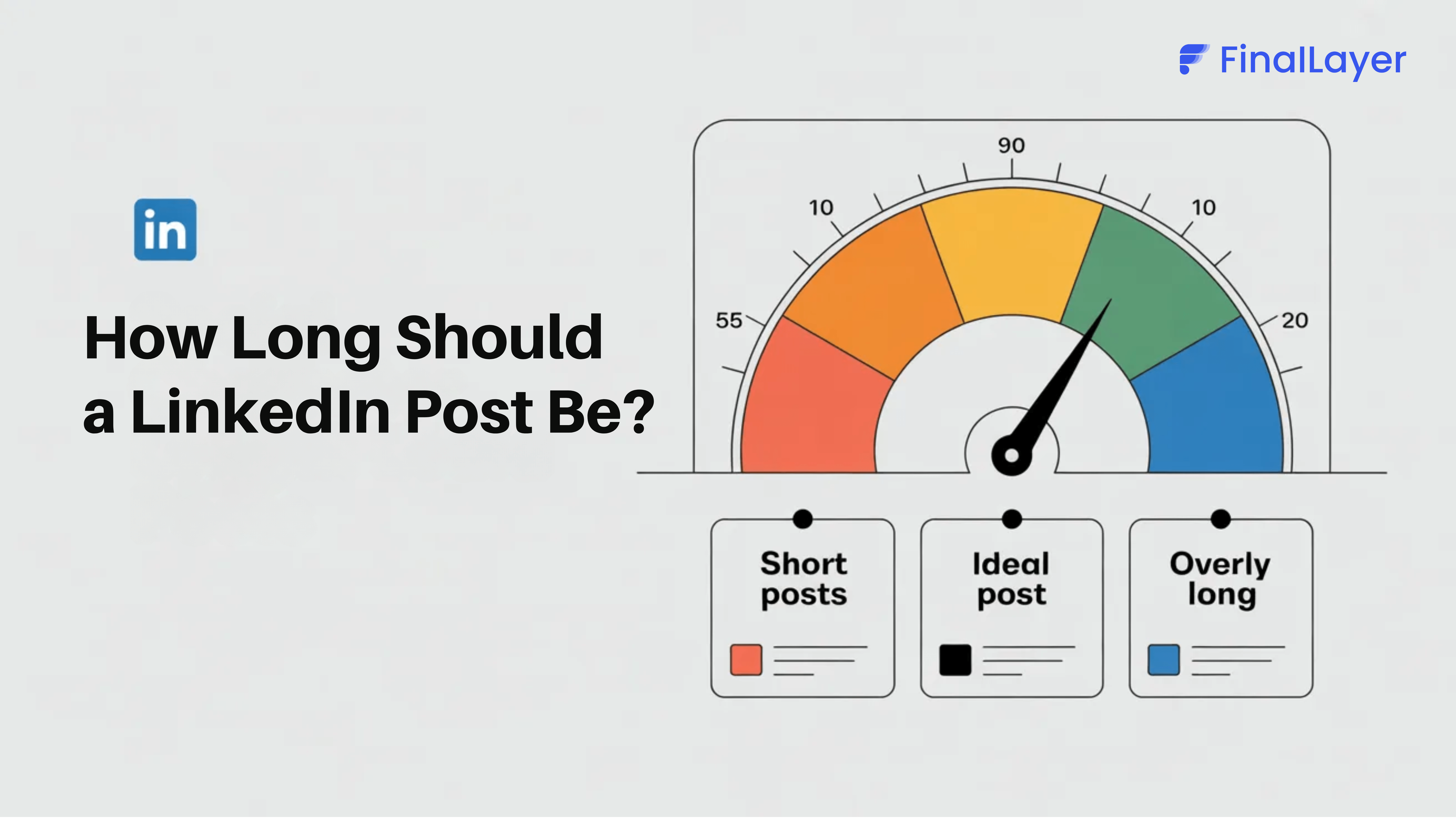
Is it the right length? LinkedIn allows 2,600 characters, but 200-300 words (about 1,300-1,800 characters) typically works best for readability.
Many tools produce multiple variations. Compare them to see which approach resonates most with your professional goals and personal style.
Step 5: Customize and Personalize the Generated Content
Never publish AI-generated content without customization. The generator provides structure and foundation; your personalization makes it authentically yours.
Add specific examples:
Replace general statements with concrete instances from your experience. Instead of "successfully managed projects," specify "led 12-month platform migration serving 500K users."
Inject personality:
Add details that make you memorable. A unique hobby related to your work, an unexpected career pivot, or a personal mission that drives your professional choices all add dimension.
Refine the language:
Adjust phrases that don't sound like you. If you'd never say "spearheaded initiatives" in conversation, replace it with more natural language that reflects how you actually speak.
Strengthen the opening:
The first two sentences determine whether people keep reading. Make them compelling, surprising, or question-posing to hook attention immediately.
Clarify the call-to-action:
Be explicit about next steps. "Feel free to connect" is weak; "Email me at [address] to discuss how we can collaborate" is clear and actionable.
Look at successful linkedin summary examples in your industry for inspiration on how to balance AI efficiency with personal authenticity.
Step 6: Optimize for Readability and SEO
After customizing your linkedin summary generator output, optimize the linkedin about section for both human readers and LinkedIn's search algorithm.
Format for readability:
- Break long paragraphs into 2-4 line chunks with white space between them
- Use line breaks to separate major sections (hook, story, value proposition, call-to-action)
- Consider subtle formatting like capitals for section headers if appropriate for your industry
Incorporate keywords naturally:
Include terms recruiters or potential clients search for, but don't stuff keywords unnaturally. If you're a "project management professional with PMP certification specializing in agile methodologies," work those terms into your linkedin summary where they fit organically.
Check mobile view:
Most LinkedIn visitors view profiles on mobile devices. After formatting, check how your linkedin about section appears on a phone screen to ensure it's still readable and compelling.
Test for tone consistency:
Read your summary aloud. Does it sound professional yet approachable? Confident without arrogance? Accomplished without bragging? The tone should match your industry while remaining authentic to your personality.
Step 7: Implement and Monitor Performance
Copy your finalized linkedin summary into your profile's About section and save. But don't consider the task complete, monitoring performance helps you refine over time.
Track these metrics after updating:
- Profile views (daily and weekly trends)
- Who's viewing your profile (industries, companies, job titles)
- Connection requests received
- Direct messages from recruiters or potential clients
- Search appearances (how often you show up in searches)
LinkedIn provides all this data in your analytics dashboard. Compare metrics before and after implementing your new linkedin summary to measure impact.
If certain linkedin summary examples from your industry consistently outperform others, note what makes them effective. Use those insights to further refine your own summary.
When to update your summary:
- Every 3-6 months to ensure it reflects current goals and recent achievements
- When you change roles or companies
- When you pivot your career focus or target audience
- When you achieve significant new accomplishments worth highlighting
A linkedin summary generator makes updates easy, you can generate fresh variations whenever your professional situation evolves.
Understanding What Makes These LinkedIn Summary Examples Effective
Examining successful linkedin summary examples reveals patterns you can apply to your own profile.
The Career Changer Summary: "After 15 years as a high school teacher, I discovered my real passion: using technology to make education accessible. Today, I design learning platforms that serve millions of students. My teaching background gives me insights most designers lack. I understand how people learn, not just what they click."
This works because it acknowledges the transition, connects past experience to current work, and positions the unique background as an advantage.
The Specialist Summary: "I solve one specific problem for SaaS companies: converting free trial users into paying customers. Over six years, I've optimized onboarding flows that increased conversions by 40% for companies from startups to enterprise platforms."
Clear focus, quantifiable results, and specific expertise make this effective. These linkedin summary examples show that specificity beats generalization.
The Executive Summary: "Building great companies requires more than great products. As a three-time founder and advisor to growth-stage companies, I've learned that culture and communication matter as much as innovation. I help leadership teams navigate the messy middle between traction and scale."
This establishes authority while offering clear value. Strong linkedin summary examples consistently demonstrate these qualities.
Final Thoughts
Your professional story deserves to be told effectively. The right linkedin summary, crafted with help from a quality generator and customized with your personal touch, ensures your story reaches and resonates with the audiences who matter most to your career.