Creating consistent, engaging content for LinkedIn can feel like a full-time job. Between brainstorming ideas, crafting compelling hooks, and maintaining your authentic voice, many professionals struggle to keep up with building a strong LinkedIn presence.
That's where a linkedin post generator becomes invaluable. These AI-powered tools have revolutionized how professionals approach content creation, making it possible to maintain an active presence without spending hours writing every post.
This guide explores the top 10 linkedin post generator tools you should try in 2026.
Why Use a LinkedIn Post Generator in 2026?
LinkedIn rewards consistent posting with increased visibility. Yet creating that content consistently presents challenges, finding fresh ideas, crafting engaging posts, and maintaining your voice while managing work responsibilities.
A quality ai linkedin post generator solves these challenges by handling the heavy lifting of content creation. These tools analyze millions of successful posts to understand what drives engagement, then apply those insights to your content.
1. FinalLayer: The Complete LinkedIn Content Solution
Best For: Professionals seeking a comprehensive, all-in-one LinkedIn growth platform
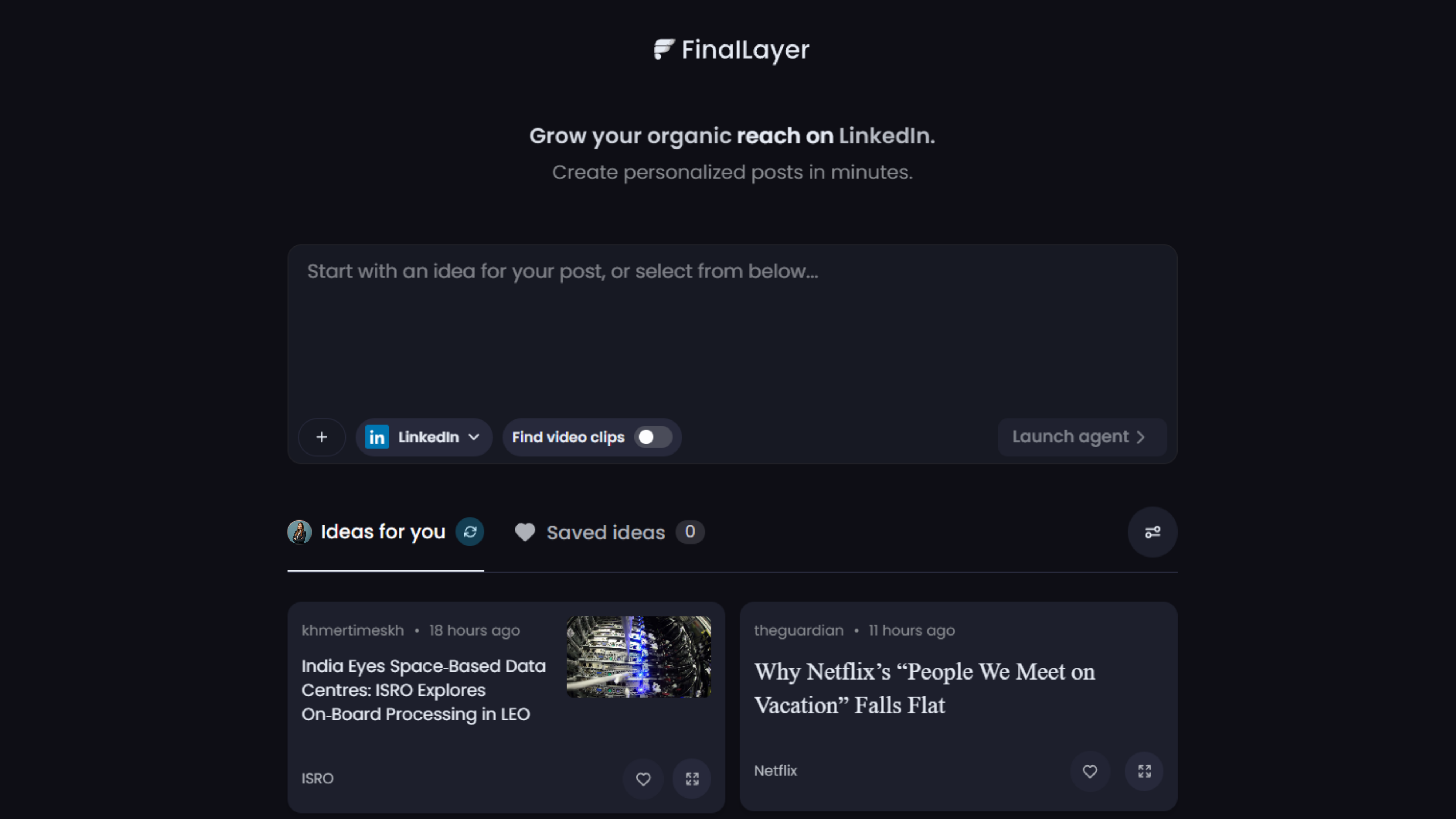
FinalLayer stands out as the most comprehensive linkedin post generator available in 2026. Unlike tools that focus solely on text generation, FinalLayer offers an integrated approach to LinkedIn content creation and distribution, making it a rising star in the AI content creation space, specifically tailored for LinkedIn success.
Key Features:
The linkedin post generator ai creates personalized posts tailored to your unique voice and style. Simply input your topic, select your tone, and the AI generates multiple options that sound authentically like you, maintaining your personal brand while saving valuable time.
What makes FinalLayer exceptional:
Personalized Topic Suggestions: FinalLayer's AI analyzes your interests, industry trends, and past posts to recommend relevant topics, ensuring your content resonates with your specific audience. Never face the blank page again, the platform continuously suggests timely, relevant topics.
AI-Powered Content Creation: The platform generates high-quality LinkedIn posts in your unique voice, maintaining authenticity while dramatically reducing creation time. The ai linkedin post generator learns from your previous content to capture your distinctive style.
Live Research Integration: Unlike some AI tools that rely on outdated data, FinalLayer's Live Research Agent incorporates current statistics and facts, keeping your content fresh, credible, and timely. This real-time data integration sets it apart from competitors.
Video Integration: The tool identifies pertinent video clips to accompany your posts, enriching the content and making it more engaging. Visual content drives higher engagement, and FinalLayer makes it effortless to find relevant videos.
Smart Scheduling: FinalLayer suggests optimal posting times based on your audience's activity patterns, enhancing engagement and ensuring maximum visibility for every post you publish.
Hook Generator: Create compelling opening lines that stop the scroll and drive engagement, crucial for LinkedIn's competitive feed.
AI Post Editor: Refine tone, style, and messaging with intelligent editing suggestions that improve clarity and impact.
Why It's #1: FinalLayer doesn't just generate content, it helps you build a complete LinkedIn strategy. The ai linkedin post generator learns from your previous posts to match your voice perfectly. You can ideate, create, enhance, schedule, and analyze all from one platform.
Rating: 4.8/5
Pricing: Free tier available; paid plans start around $16/month, with higher tiers for teams and power users.
2. Hootsuite
Best For: Large organizations managing multiple social media accounts
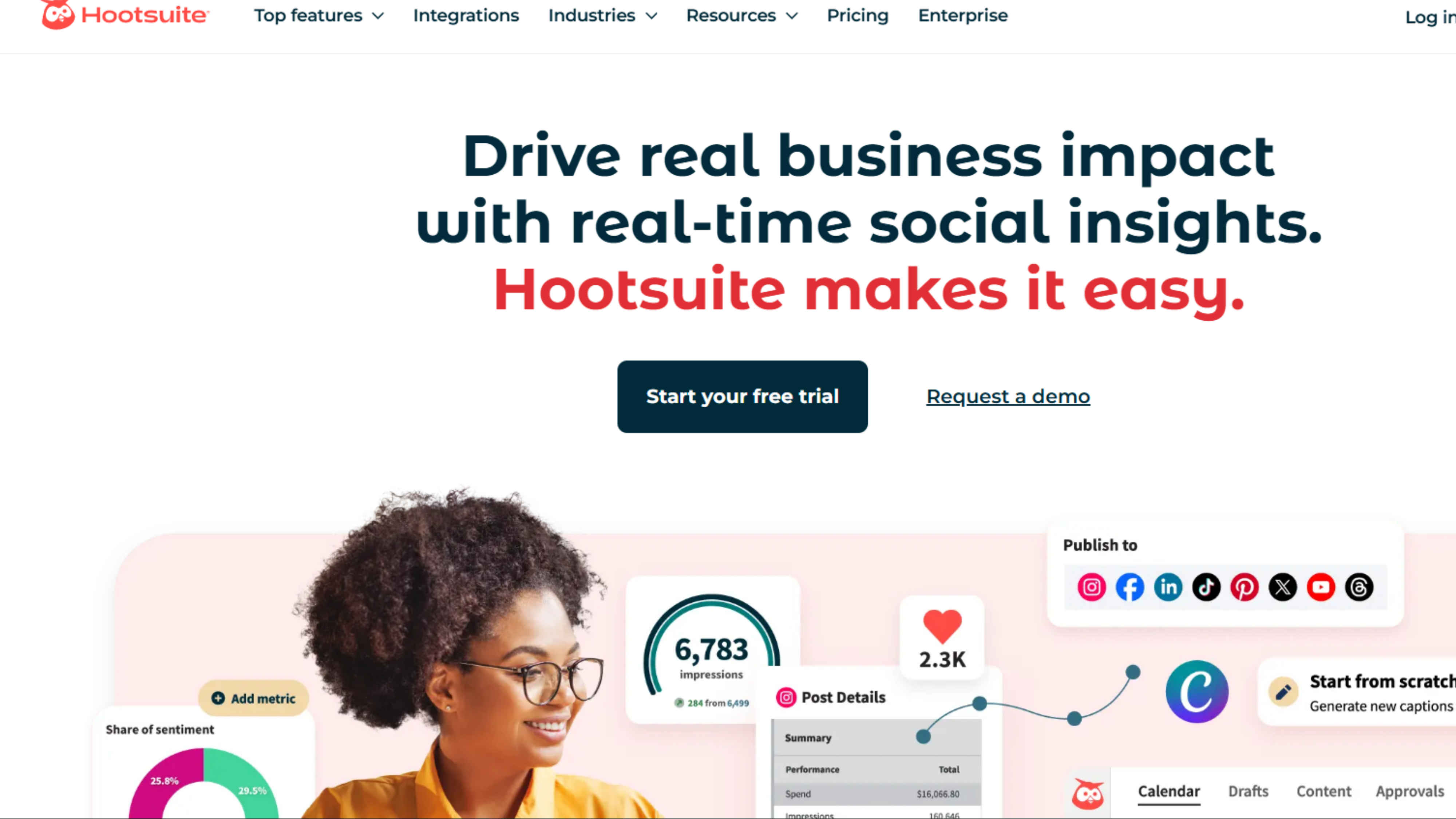
Hootsuite has evolved into a comprehensive platform that includes a powerful linkedin post generator ai. The tool excels at managing LinkedIn presence alongside other social channels.
Key Features: AI content generation optimized for LinkedIn's algorithm, multi-account management, advanced scheduling, social listening, team collaboration workflows, and unified inbox for engagement management.
Standout Capability: Enterprise-grade features perfect for teams managing multiple profiles with approval workflows and comprehensive analytics.
Rating: 4.5/5
Pricing: No permanent free plan; paid plans for individuals start around $99/month, higher for teams and enterprises.
3. MagicPost
Best For: Solo professionals focused exclusively on LinkedIn content quality
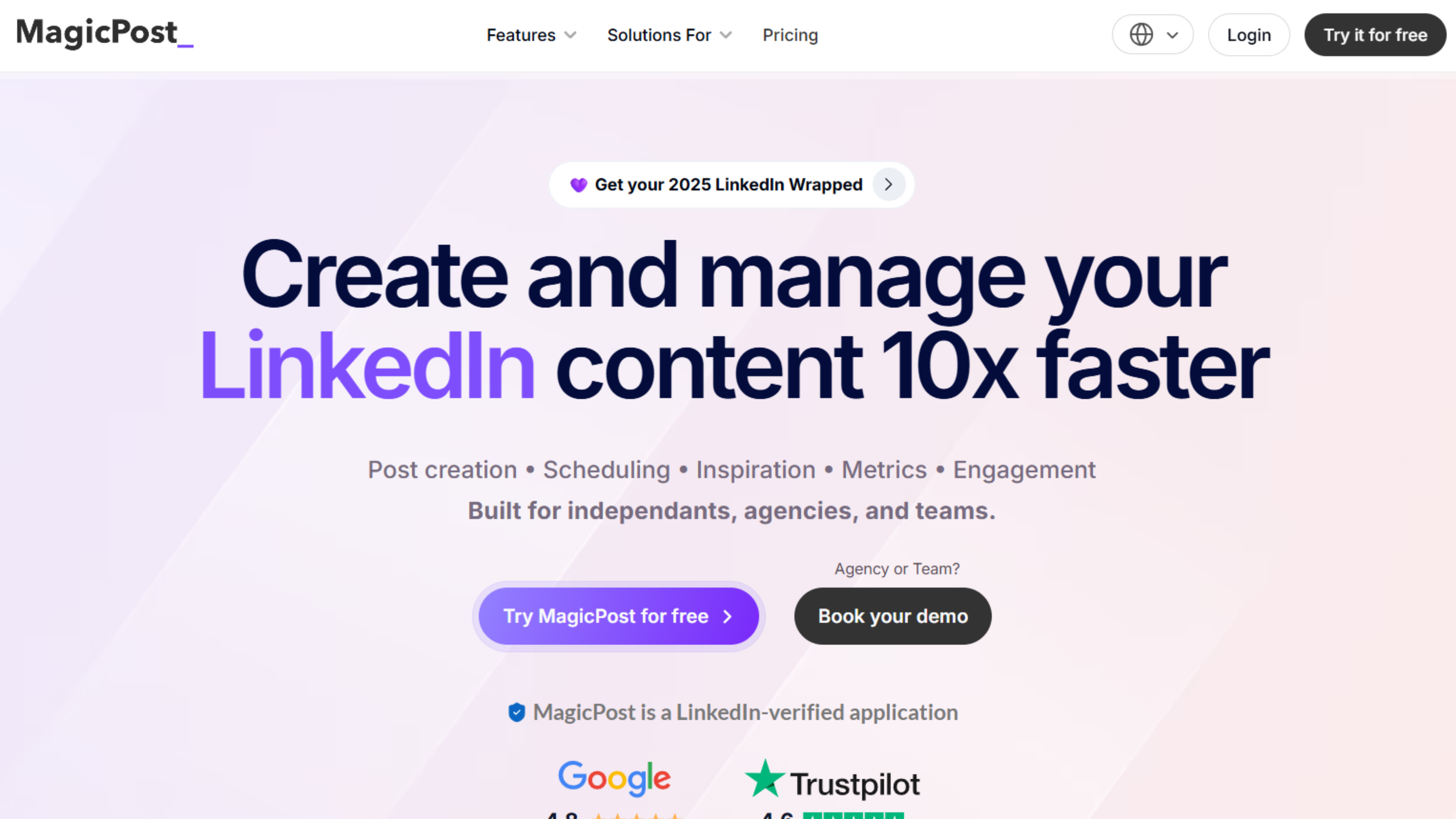
MagicPost specializes in creating high-quality LinkedIn posts using GPT-4 technology. The linkedin post generator focuses on natural, engaging content.
Key Features: AI training on your previous posts, multiple variations from one idea, tone customization, LinkedIn-specific formatting, hashtag suggestions, and engagement prediction scores.
Standout Capability: The AI learns from your feedback, continuously improving output quality as you rate and edit generated posts.
Rating: 4.6/5
Pricing: No free plan, but free trial; creator plans generally in the $25–$40/month range.
4. Mention
Best For: Brands creating timely, relevant content based on industry conversations
Mention combines social listening with content generation. The ai linkedin post generator creates posts based on trending topics in your industry.
Key Features: Real-time social listening, sentiment analysis, competitor tracking, AI-generated responses to trends, and influencer identification in your niche.
Standout Capability: Creates timely content that taps into current discussions, increasing engagement through topical relevance.
Rating: 4.3/5
Pricing: Paid plans typically start around $80–$150/month, plus custom enterprise options.
5. Taplio
Best For: Content creators building personal brands on LinkedIn
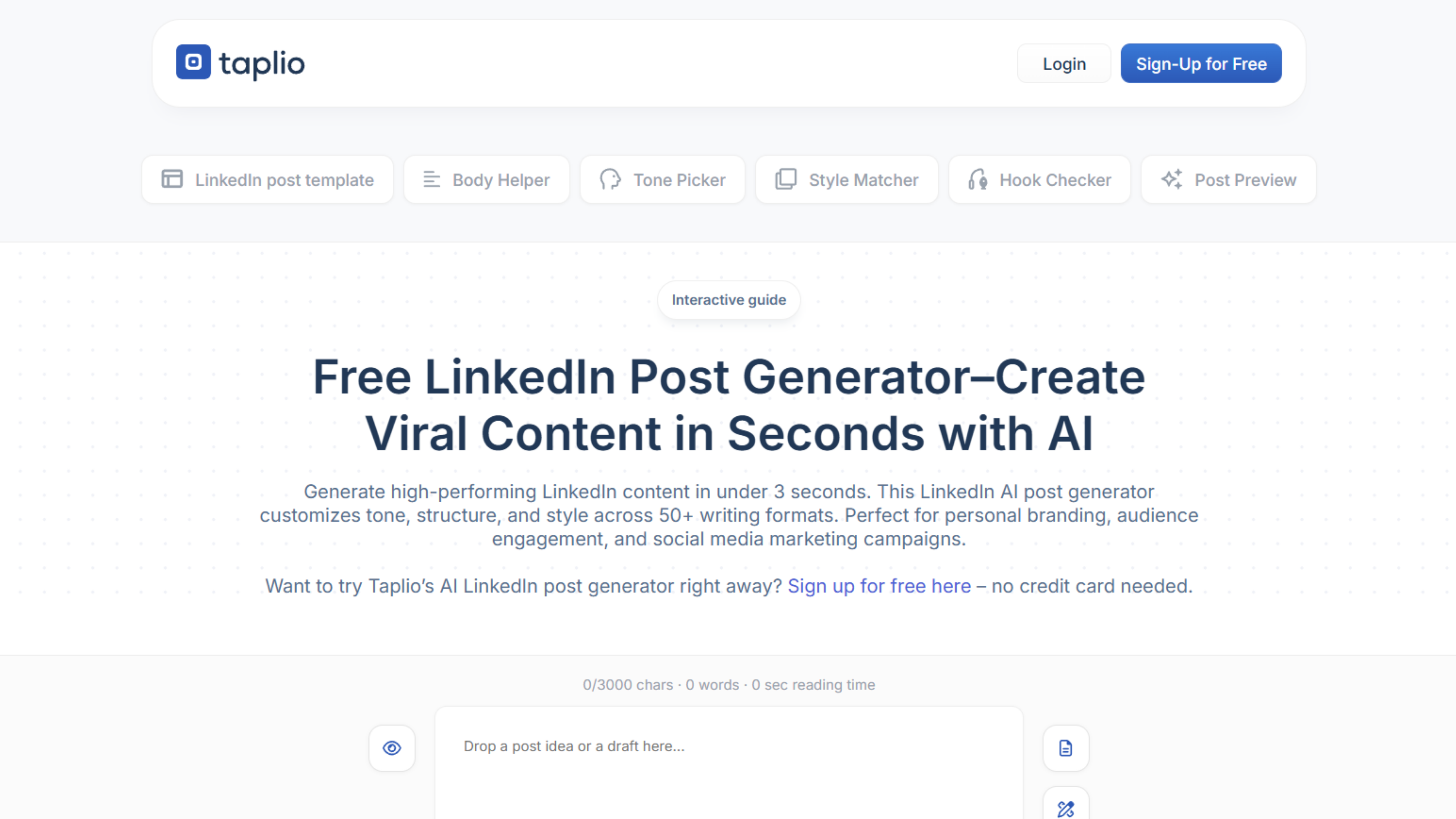
Taplio focuses exclusively on LinkedIn, providing a linkedin post generator is built for maximizing engagement and follower growth.
Key Features: Viral post inspiration database, AI content generation with proven formats, carousel post creator, detailed analytics, lead generation tools, and optimal timing recommendations.
Standout Capability: The inspiration library shows exactly what's working on LinkedIn right now, organized by niche and engagement metrics.
Rating: 4.7/5
Pricing: No ongoing free plan; recent tiers around $39, $65, and $199/month with increasing AI and growth features.
6. AICarousels
Best For: Professionals creating engaging carousel posts
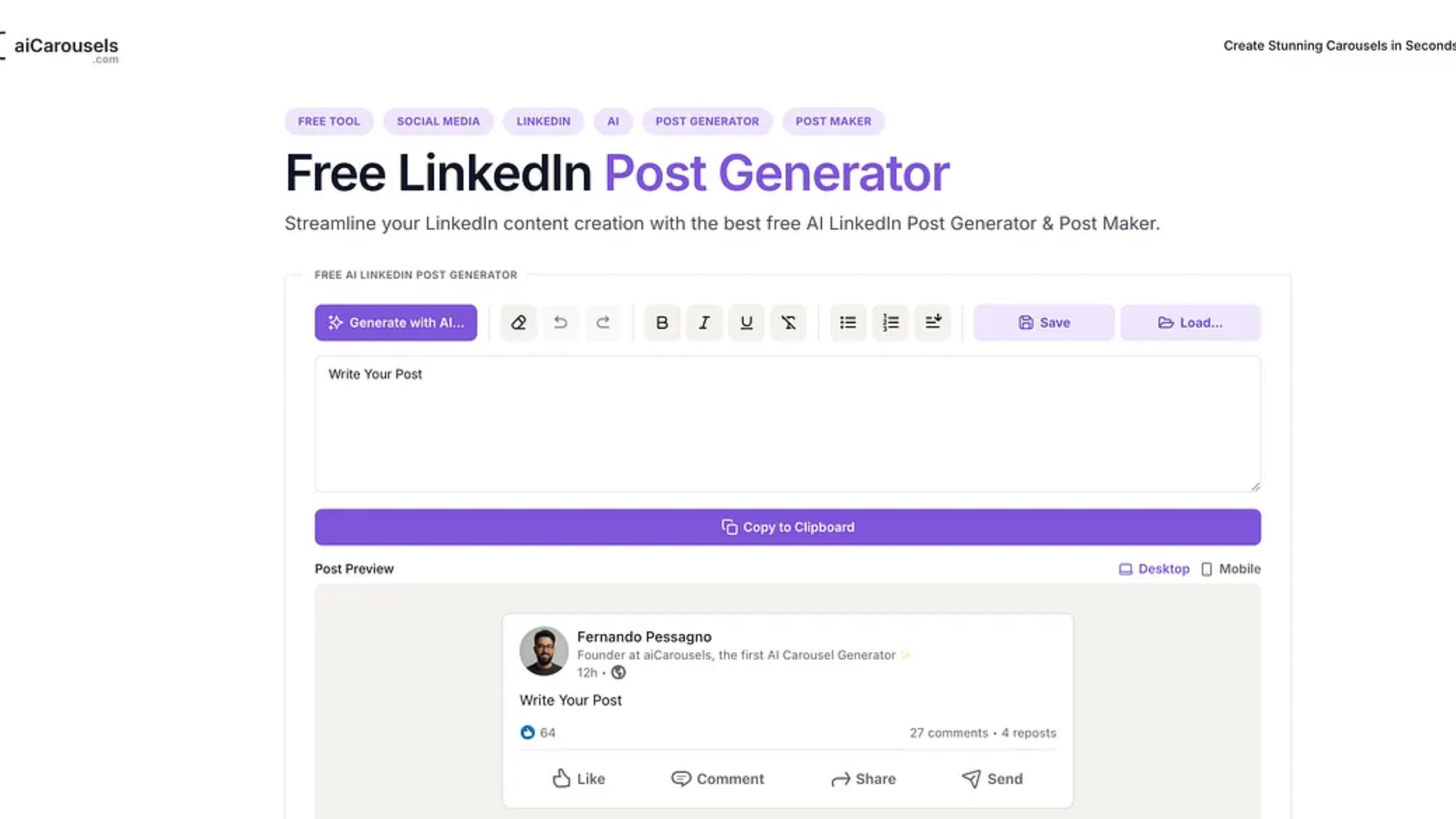
AICarousels specializes in LinkedIn carousel posts, the swipeable format that generates high engagement. This linkedin post generator combines text with visual design.
Key Features: Automatic slide generation, professional design templates, brand customization, text-to-carousel conversion, AI-written copy for each slide, and LinkedIn-optimized exports.
Standout Capability: Turn any blog post or article into a visually appealing LinkedIn carousel in minutes.
Rating: 4.4/5
Pricing: Low‑cost paid plans, roughly $10–$20/month equivalent for individuals, with higher multi‑user options.
7. Tinywow
Best For: Budget-conscious professionals seeking free options
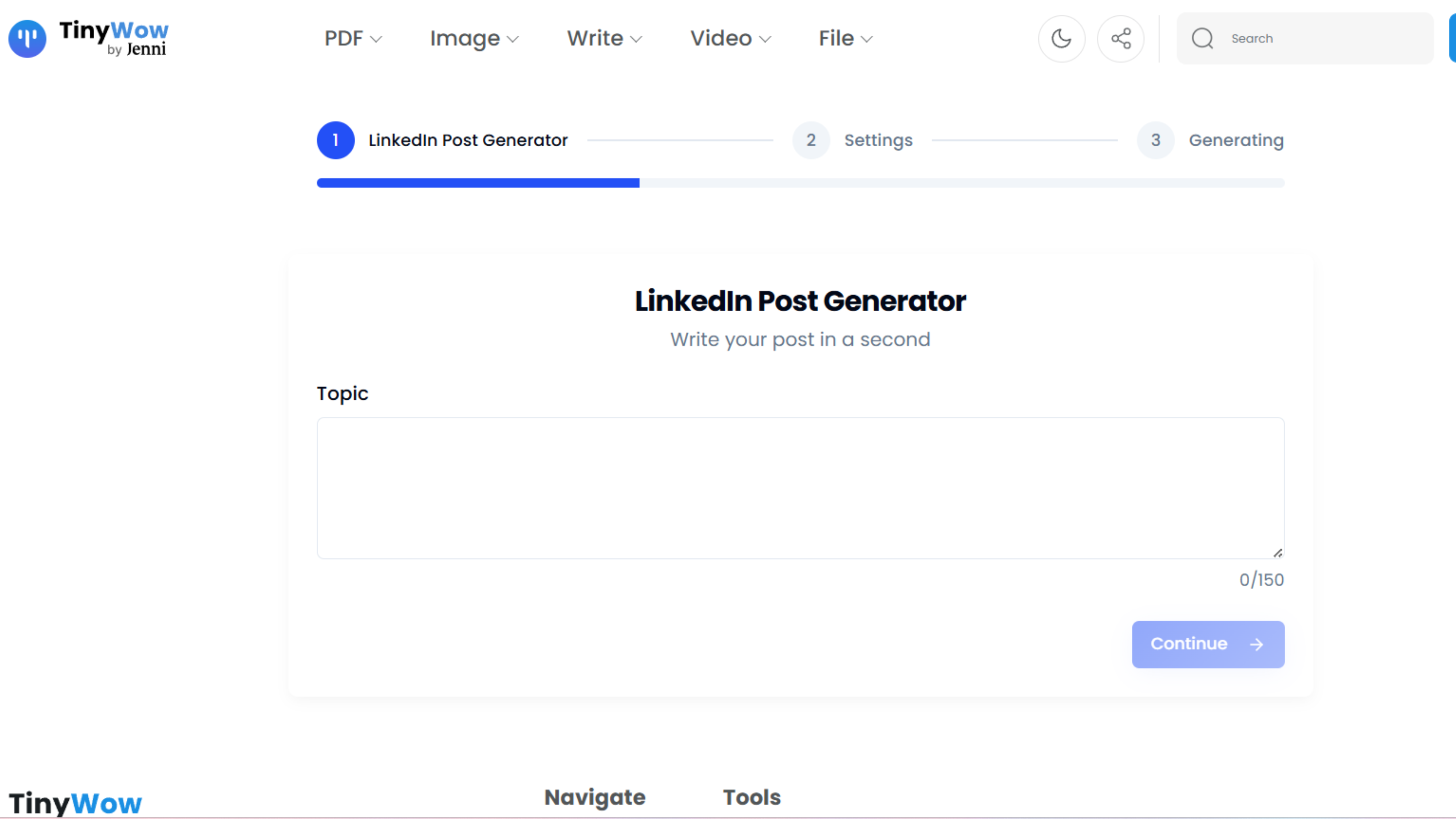
Tinywow offers a collection of free AI tools, including a capable AI linkedin post generator that requires no account creation or payment.
Key Features: No registration required, unlimited free generations, multiple content formats, basic customization, and simple interface.
Standout Capability: Completely free access makes it perfect for testing AI content generation before investing in premium tools.
Rating: 4.2/5
Pricing: Primarily free with usage caps and ads; optional low‑cost pro / ad‑free upgrade.
8. Easygen
Best For: Video creators repurposing video content into LinkedIn posts
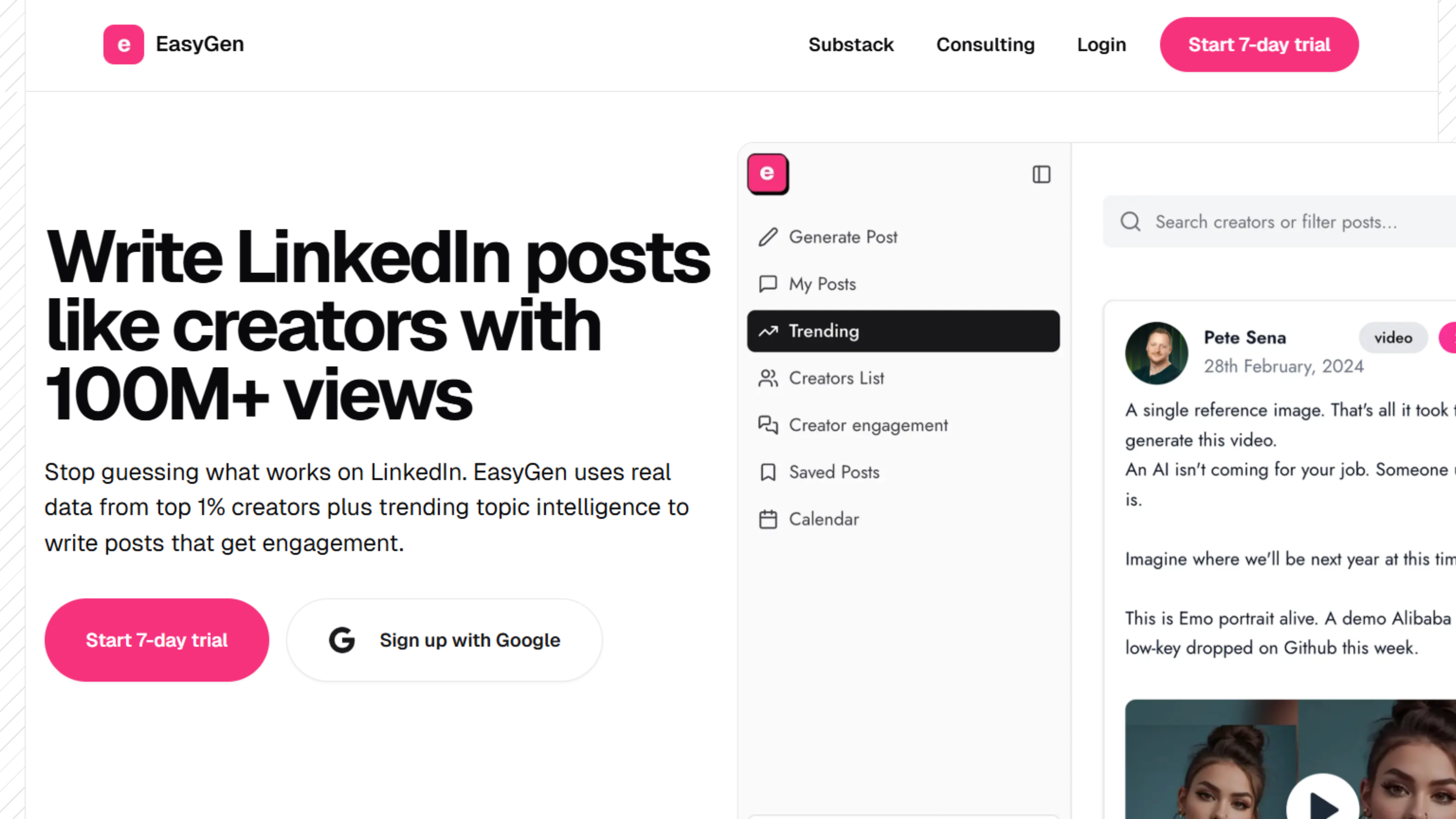
Easygen specializes in transforming video content into written LinkedIn posts, perfect for podcasters, YouTubers, and video creators.
Key Features: Video-to-text transcription, key point extraction, multiple posts from one video, timestamp references, quote extraction, and short clip suggestions.
Standout Capability: Maximize video content ROI by automatically generating LinkedIn posts that drive traffic back to full videos.
Rating: 4.3/5
Pricing: Free tier or trial plus paid creator plans in the tens of dollars per month range, depending on usage.
9. ContentStudio
Best For: Agencies managing content for multiple clients
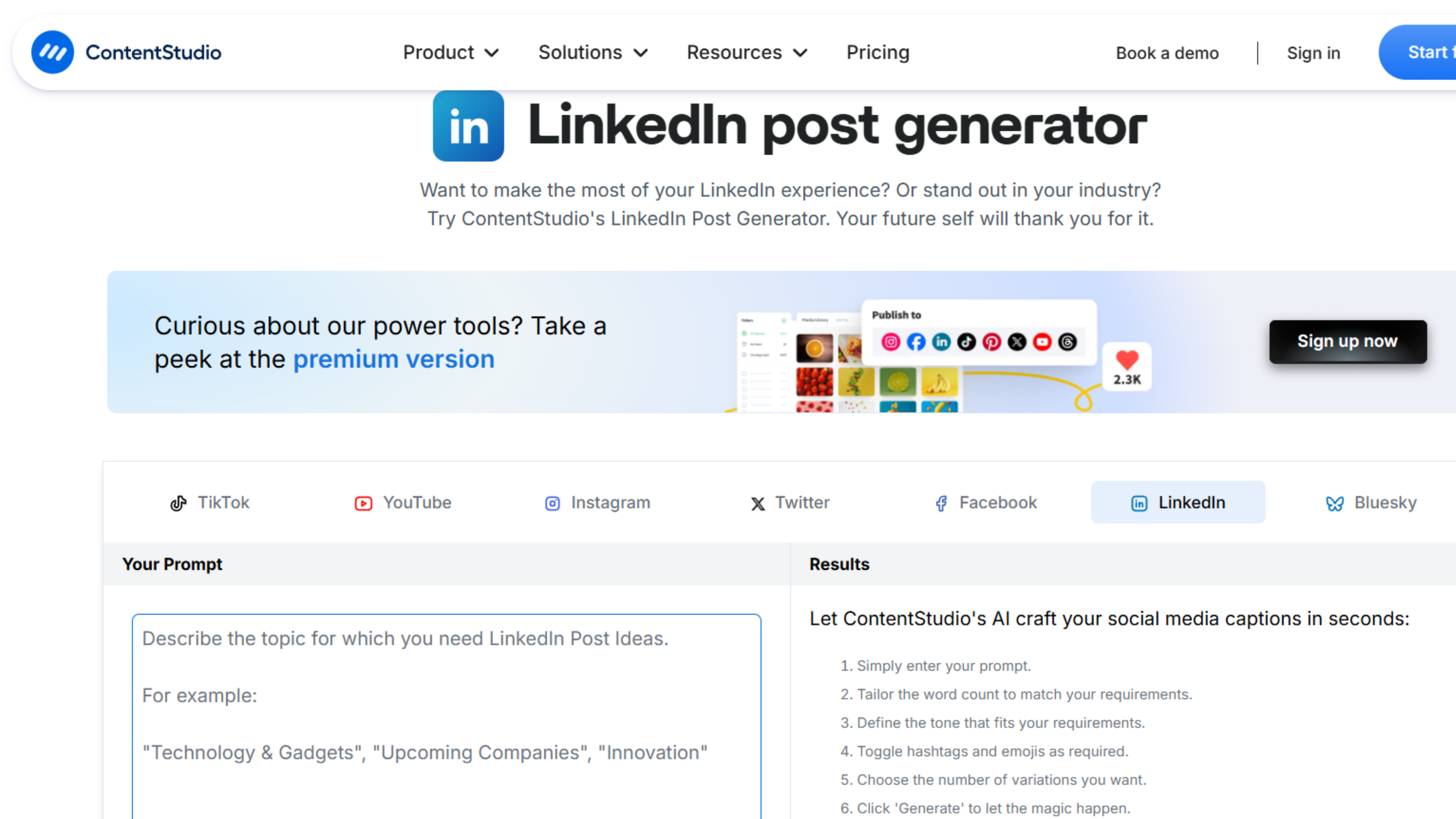
ContentStudio provides comprehensive social media management with a robust linkedin post generator is integrated into its content creation ecosystem.
Key Features: AI content generation, content discovery and curation, multi-client management, white-label reporting, team collaboration, unified inbox, and content calendar planning.
Standout Capability: Content discovery engine finds high-performing content in your niche for inspiration.
Rating: 4.5/5
Pricing: No permanent free plan; paid plans typically start around $25–$50/month, higher for agencies.
10. SocialPilot
Best For: Small businesses seeking affordable social media management
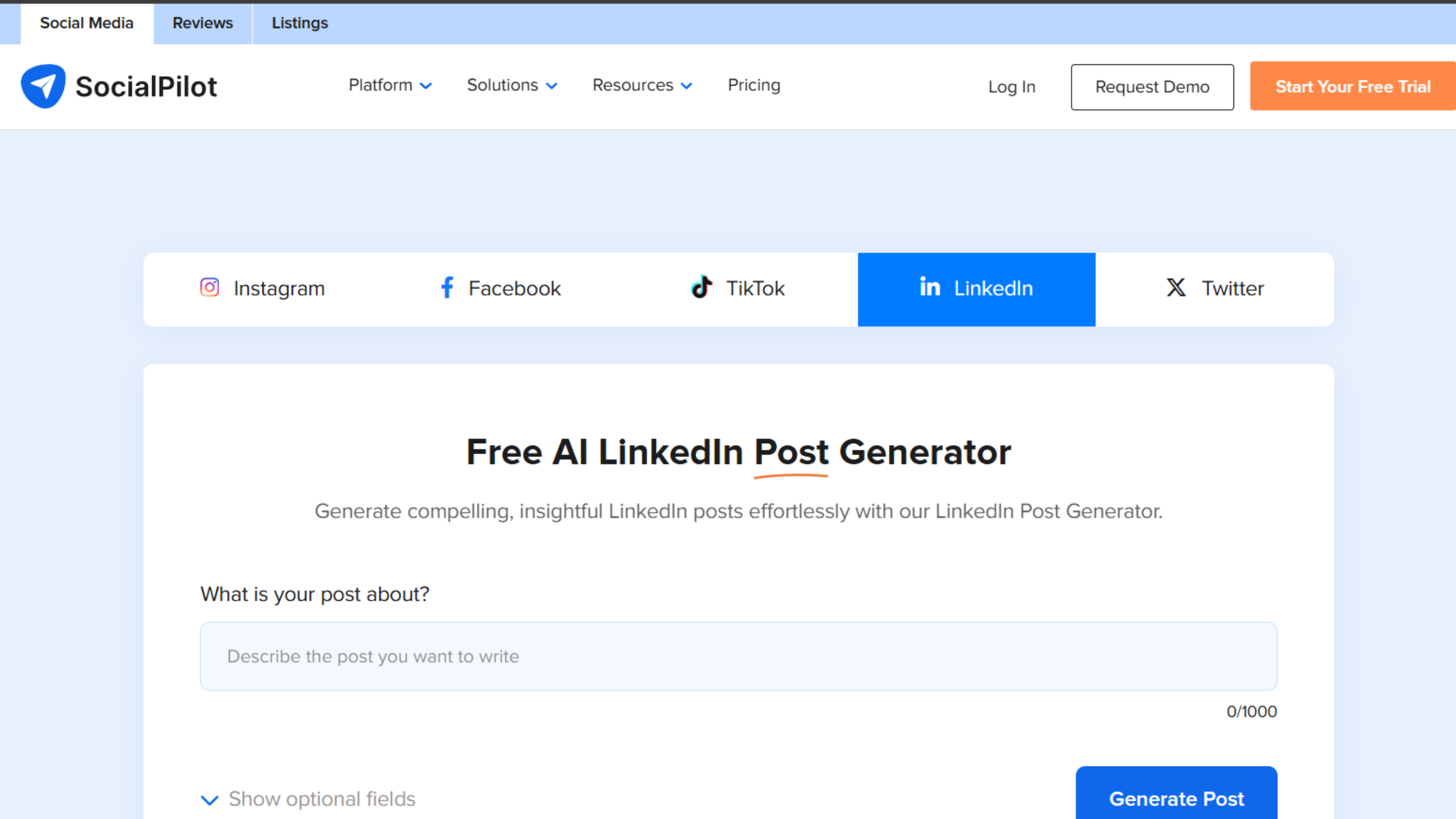
SocialPilot combines social media scheduling with AI-powered content generation, offering a linkedin post generator at an affordable price point.
Key Features: AI content generation, bulk scheduling, team workflows, client management, basic analytics, and social media calendar view.
Standout Capability: One of the most affordable options for teams needing both AI generation and comprehensive social management.
Rating: 4.4/5
Pricing: No free tier; plans commonly start around $30/month and scale up for teams and agencies.
Ways You Can Find the Right Tool
Finding the perfect LinkedIn post generator requires evaluating several key factors.
Assess Your Primary Goal: Determine what you want to accomplish on LinkedIn. Are you building a personal brand, growing your company page, or generating leads? Understanding your primary objective helps identify which features matter most.
Evaluate Your Budget: Consider your monthly investment capacity. Explore free options if you're starting out, or choose premium plans for advanced capabilities.
Determine Platform Needs: Decide if you need LinkedIn-only tools or multi-platform management. Choose based on whether you're focusing solely on LinkedIn or managing presence across multiple networks.
Consider Your Content Type: Think about your primary content format. Text-based posts, visual carousels, or video repurposing? Match the tool to your content style.
Test the AI Quality: Use free trials to test how well each ai linkedin post generator captures your voice. Generate sample posts and evaluate which needs minimal editing to sound authentically like you.
Review Integration Options: Check if the tool integrates with your existing workflow, content calendar, and other data sources.
Try Before You Commit: Test 2-3 options that match your criteria before committing. Generate actual posts you'd publish and evaluate which delivers the best combination of quality, ease of use, and features.
Best Practices for Using These Tools
Regardless of which linkedin post generator ai you choose:
Always Customize: Add personal touches, specific examples, and unique insights to AI-generated content.
Maintain Authenticity: Edit to ensure content sounds like you, not generic AI.
Test Approaches: Generate multiple versions and test what resonates with your audience.
Engage After Posting: Respond to comments and build relationships—AI writes posts, but engagement requires human interaction.
Track Performance: Monitor results and refine your approach based on what works.
Schedule Strategically: Use scheduling features to maintain consistency at optimal times.
Final Thoughts
The right linkedin post generator transforms LinkedIn from time-consuming to efficient. Whether you choose FinalLayer's comprehensive platform, Hootsuite's enterprise capabilities, or any tool on this list, the key is consistent use with authentic personalization. A linkedin post generator ai doesn't replace creativity, it amplifies your ability to share insights consistently. The tools handle structure and optimization while you focus on adding authentic perspectives only you can provide.
Try several options to find the ai linkedin post generator that fits your workflow and budget. Most offer free trials. The investment will pay dividends in increased visibility, engagement, and opportunities from your LinkedIn presence.