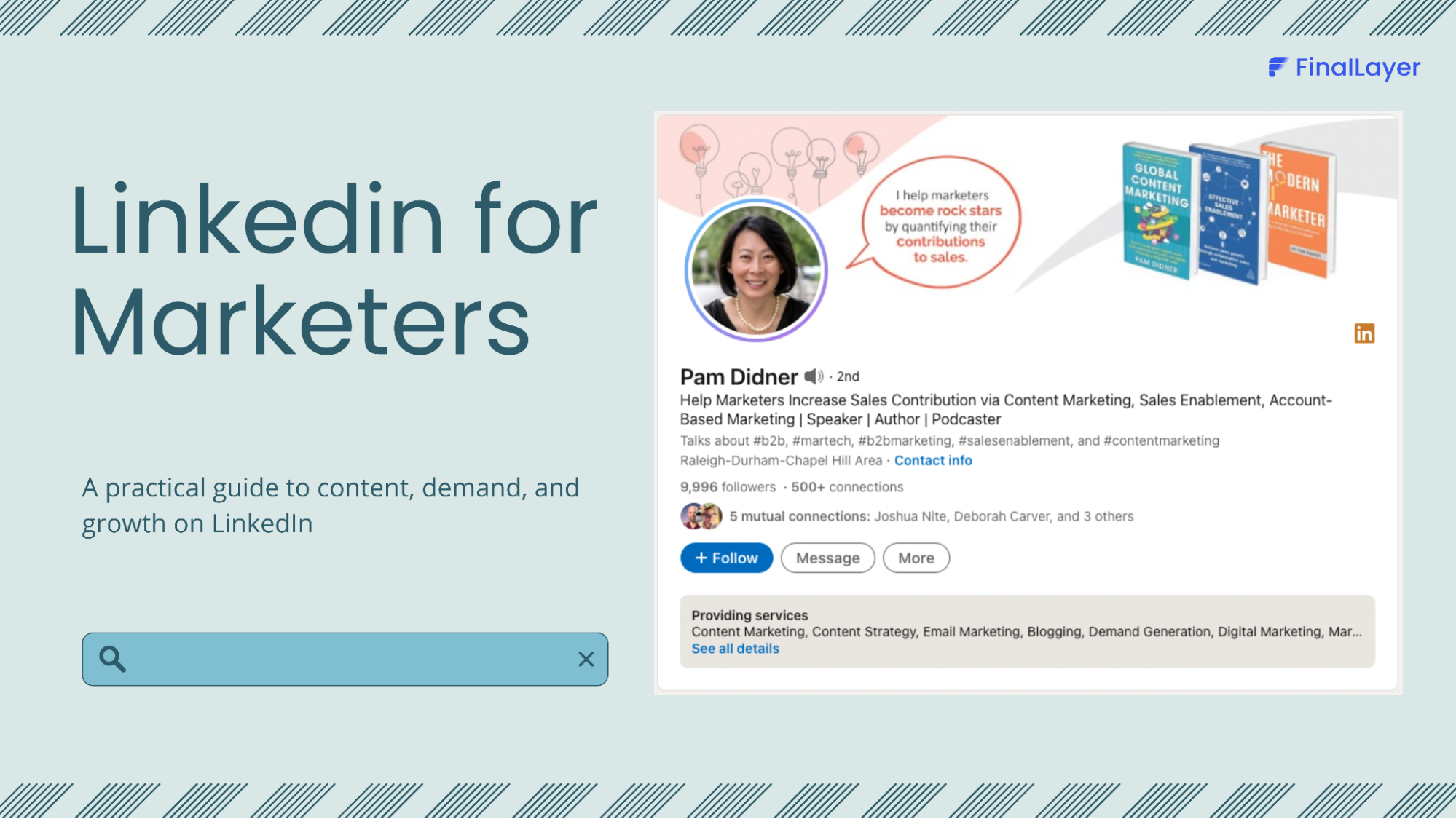
Your headline is the first, and often only, impression you make in LinkedIn searches, connection requests, and comments across the platform. Yet most professionals waste this 220-character opportunity with generic job titles that fail to differentiate them from thousands of others.
This is where a linkedin headline generator becomes essential. This comprehensive guide explores the top 10 linkedin headline generator tools available in 2026, helping you craft a headline that stops the scroll and opens doors to opportunities.
1. FinalLayer LinkedIn Headline Generator
Best For: Professionals seeking AI-powered headlines with comprehensive LinkedIn strategy
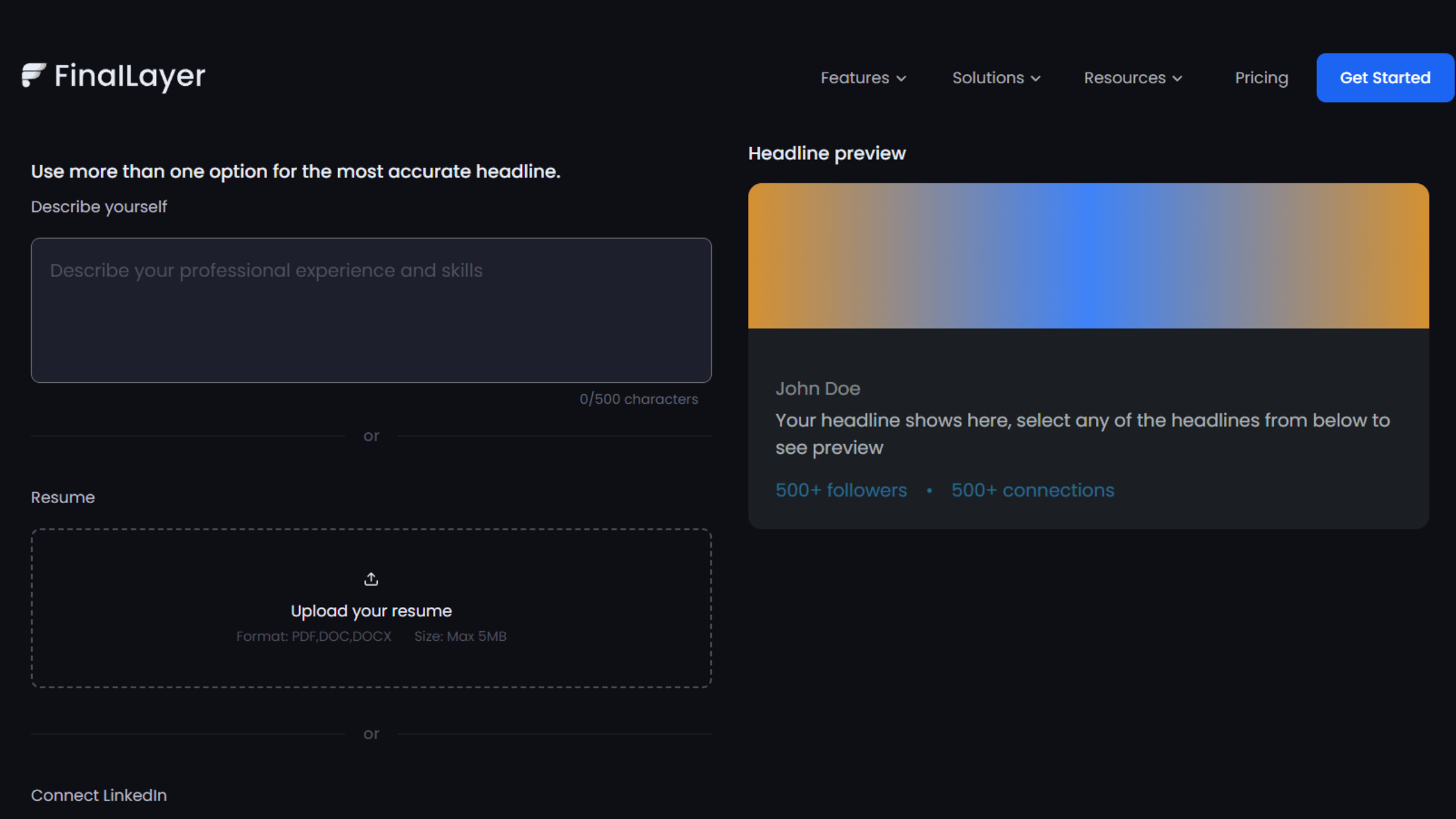
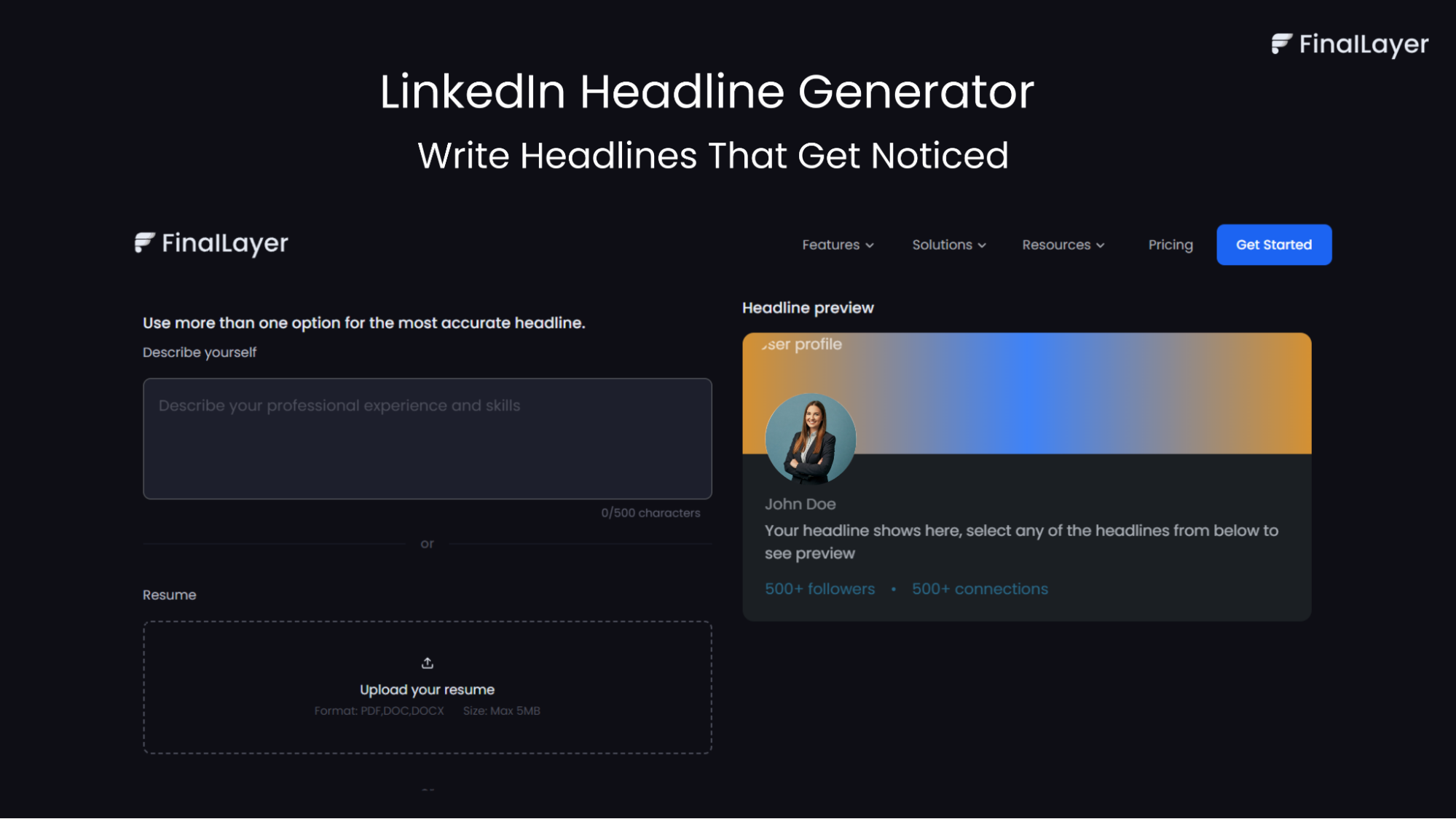
FinalLayer's LinkedIn Headline Generator leads our list as the most comprehensive linkedin headline generator available in 2026. Integrated into FinalLayer's broader LinkedIn content suite, it offers sophisticated headline creation with strategic guidance.
Key Features:
- AI-powered headline generation based on your role, goals, and industry
- Multiple tone options (professional, creative, results-driven)
- Real-time character count ensuring LinkedIn compatibility
- Visual preview showing how headlines appear on profiles
- Integration with complete LinkedIn optimization tools
- Personalized recommendations based on your target audience
Rating: ⭐⭐⭐⭐⭐ (5/5) Pricing: Free with premium features available
2. Taplio
Best For: Quick generation with multiple options
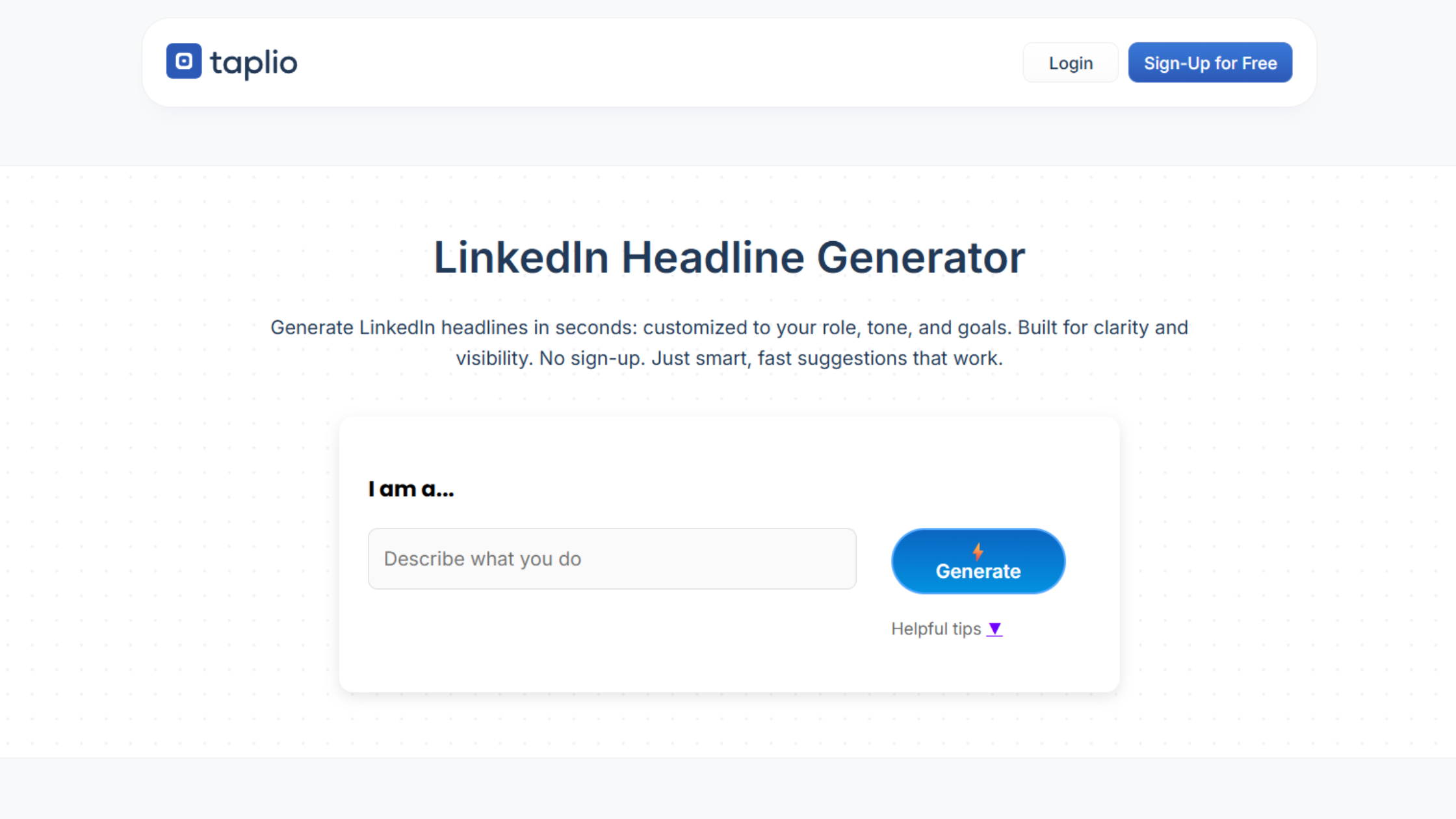
Taplio offers a free linkedin headline generator that produces 10 headline variations instantly, all optimized for LinkedIn's 220-character limit.
Key Features:
- Generates 10 headline options per use
- Character limit optimization
- Profile view optimization
- Simple, intuitive interface
Standout Capability: Volume of options allows you to compare different approaches and select the strongest variation.
Rating: ⭐⭐⭐⭐½ (4.5/5) Pricing: Free
3. Copy.ai
Best For: SEO-focused headlines using copywriting frameworks
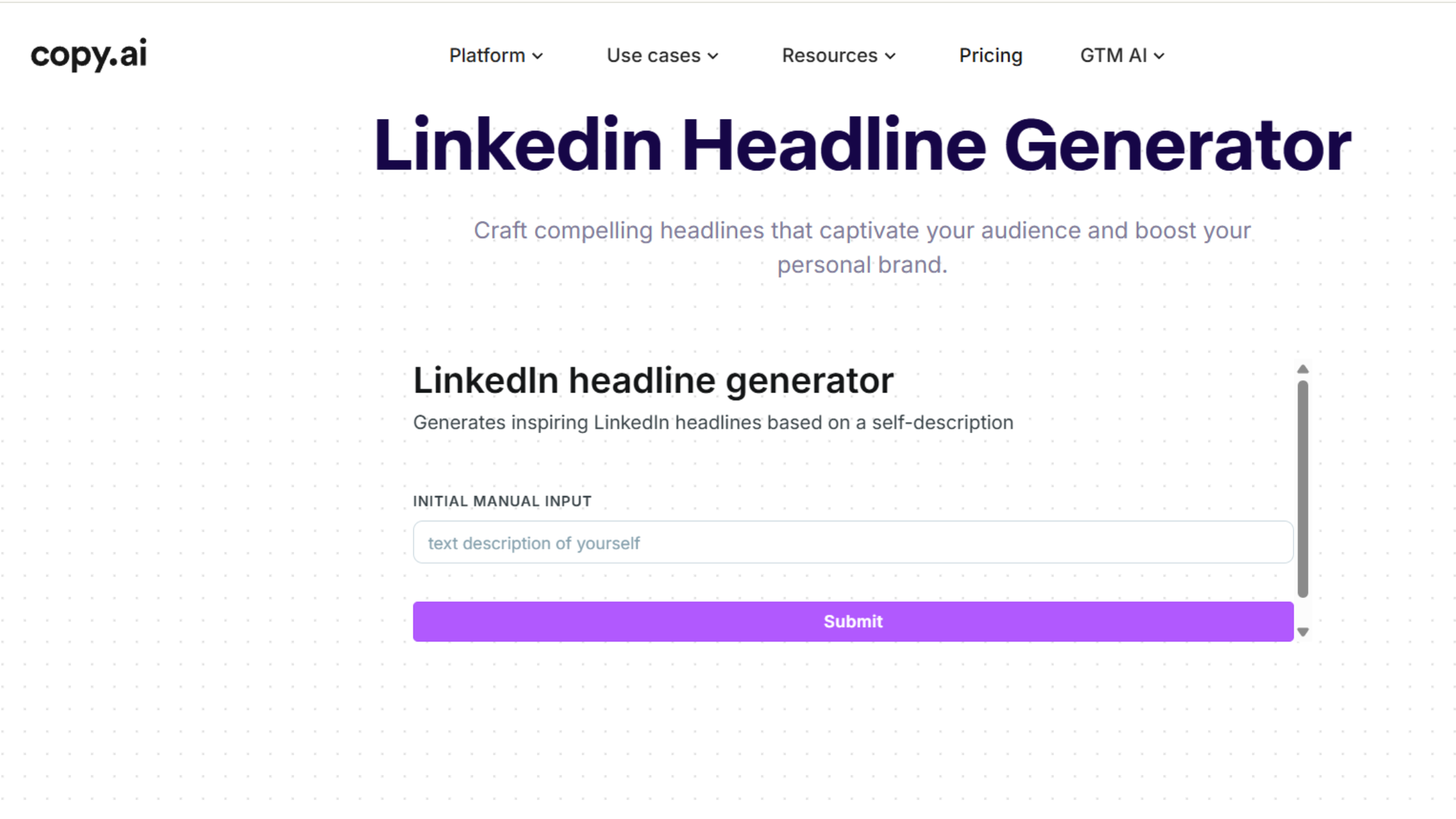
Copy.ai's linkedin profile headline generator applies proven copywriting patterns to create headlines optimized for visibility and clicks.
Key Features:
- Multiple headline variations
- SEO-aware keyword integration
- Copywriting framework application
- Professional tone optimization
Standout Capability: Strong emphasis on copywriting principles that drive engagement and action.
Rating: ⭐⭐⭐⭐½ (4.5/5) Pricing: Free tool; full platform starts at $49/month
4. Grammarly AI
Best For: Clear, grammatically perfect headlines
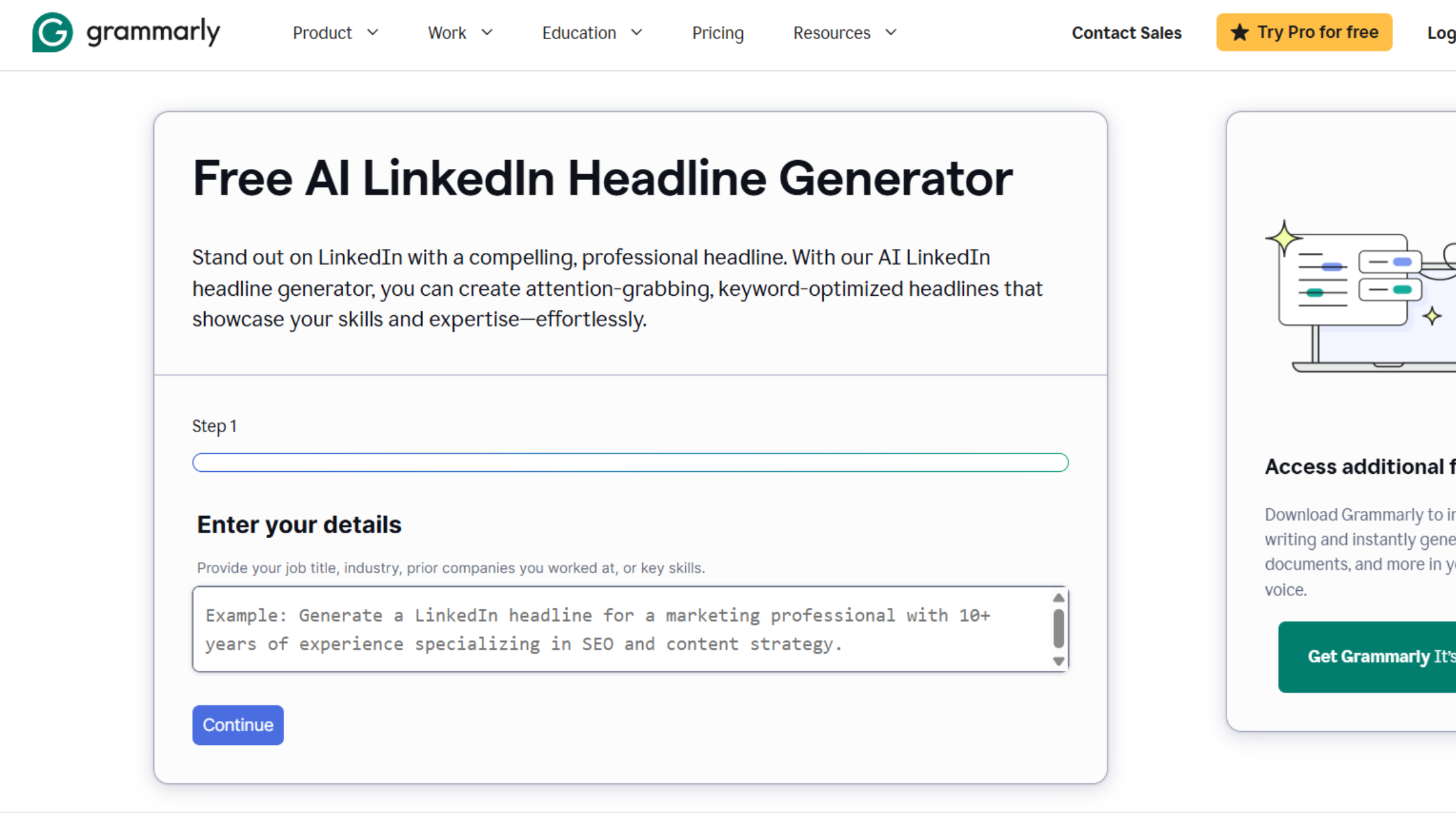
Grammarly's best linkedin headline generator leverages its language expertise to create clear, keyword-rich headlines with no grammatical issues.
Key Features:
- Role and industry-based suggestions
- Tone control options
- Length customization
- Skill highlighting
- No ads or distractions
Standout Capability: Grammar and clarity optimization ensure professional polish.
Rating: ⭐⭐⭐⭐ (4/5) Pricing: Free
5. WriterBuddy
Best For: Multilingual headline creation
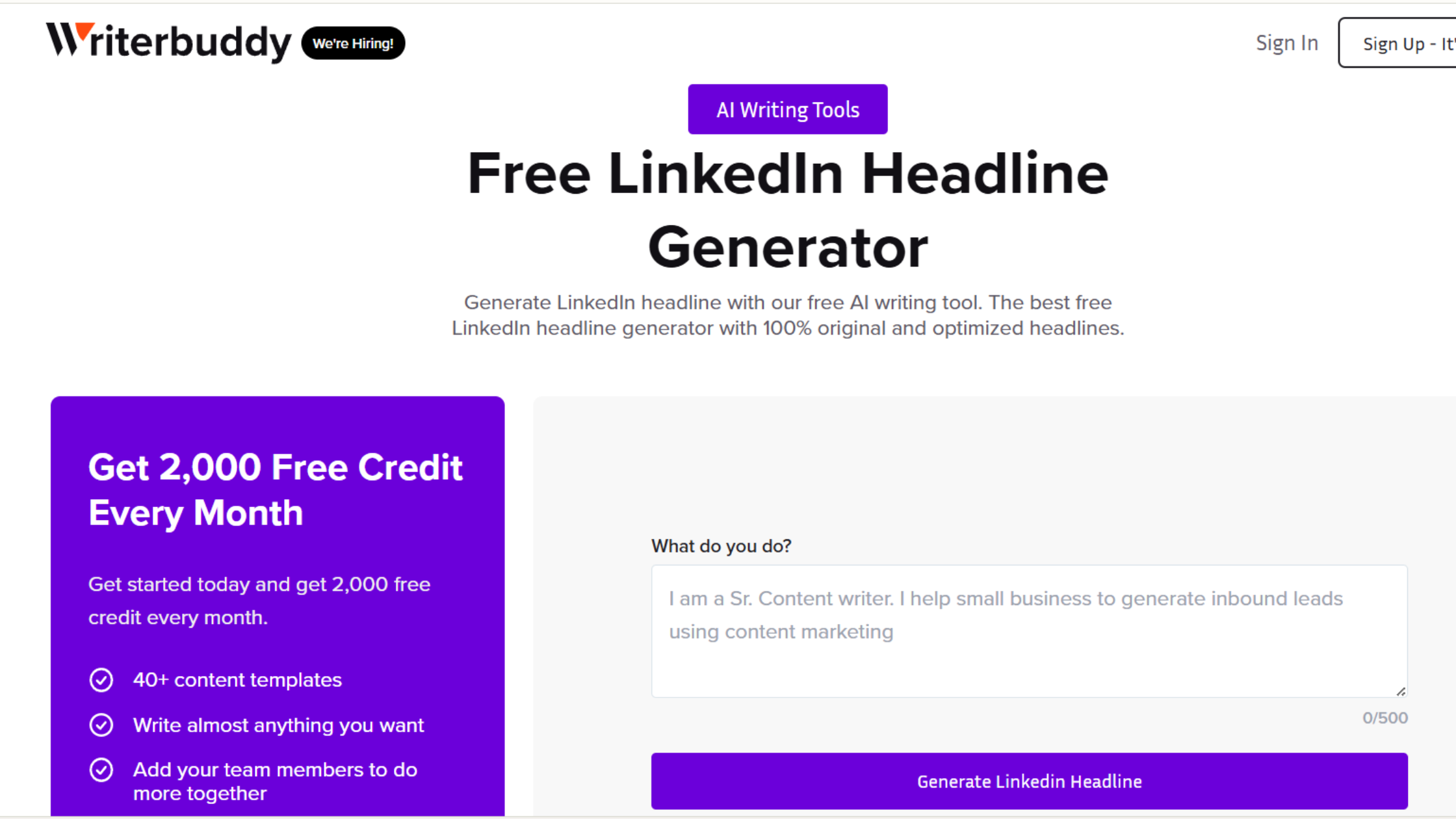
WriterBuddy's linkedin headline generator ai creates multiple headline variations from brief self-descriptions, with language options for international professionals.
Key Features:
- Multiple language support
- Original headline variations
- Simple input requirements
- Quick generation process
Standout Capability: Best option for non-English LinkedIn headlines.
Rating: ⭐⭐⭐⭐ (4/5) Pricing: Free
6. Fibr AI
Best For: NLP-powered optimization
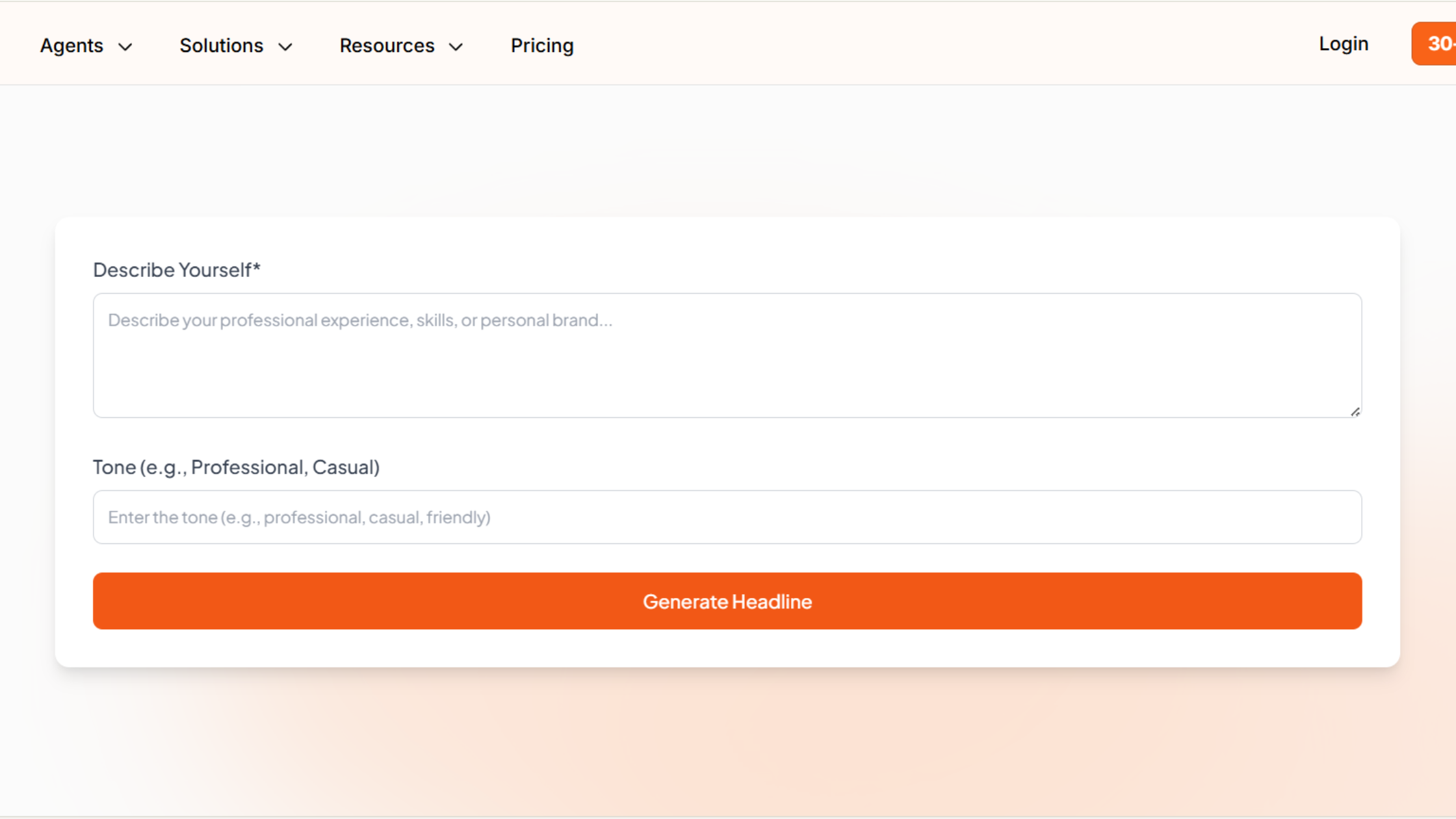
Fibr AI uses natural language processing and machine learning to create SEO-friendly headlines with sophisticated tone and style controls.
Key Features:
- NLP/ML-powered generation
- SEO optimization
- Tone and style customization
- Multiple headline options
Standout Capability: Advanced AI technology produces nuanced, natural-sounding headlines.
Rating: ⭐⭐⭐⭐ (4/5) Pricing: Free
7. Socialsonic
Best For: Brand-aligned headlines
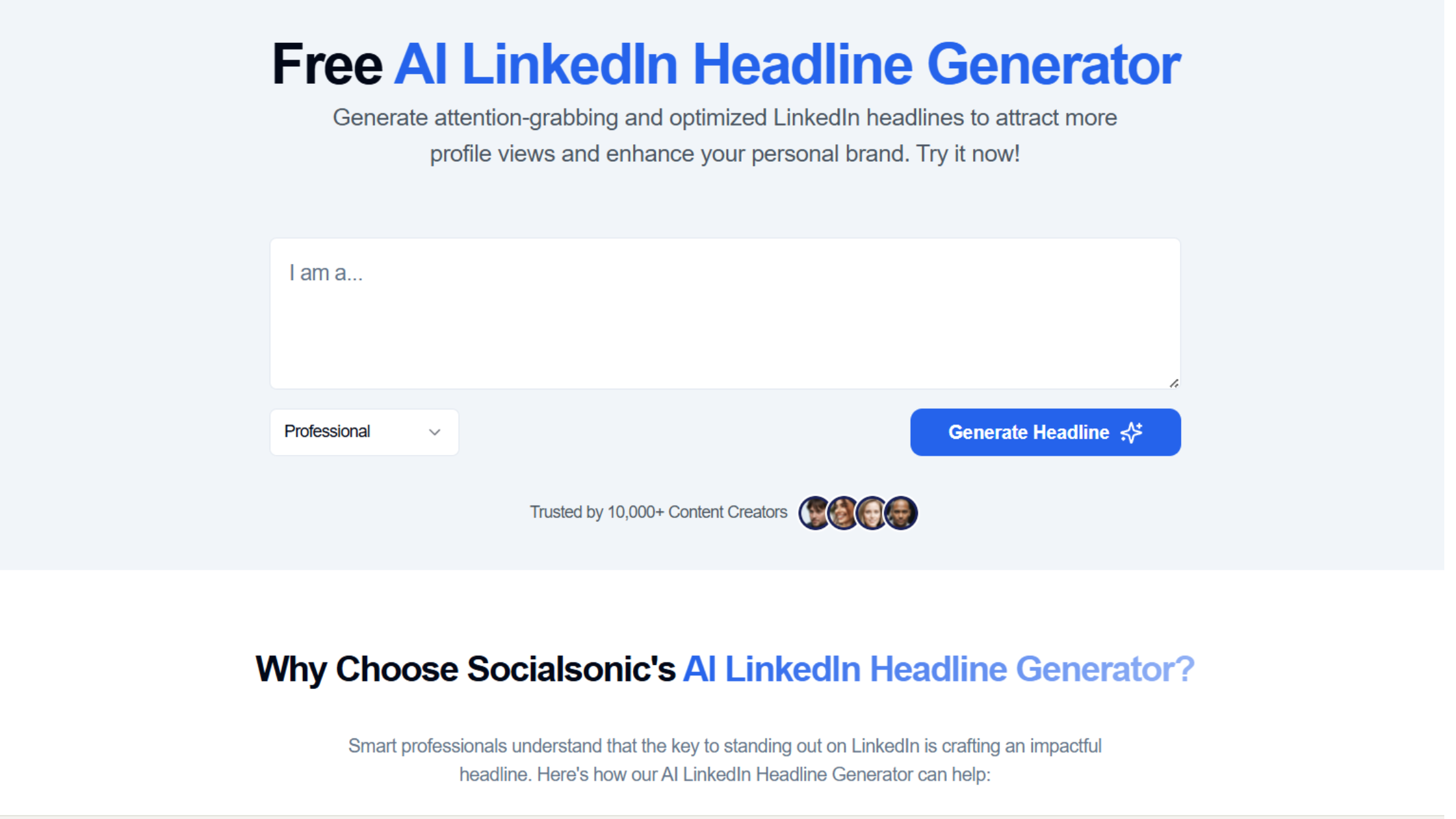
Socialsonic's free linkedin headline generator produces engaging options you can refine to match your personal brand identity.
Key Features:
- Multiple engaging headline options
- Easy editing interface
- Personal brand focus
- Quick generation
Standout Capability: Emphasis on personal branding helps create headlines that authentically represent you.
Rating: ⭐⭐⭐⭐ (4/5) Pricing: Free
8. Remote3
Best For: Job seekers and career transitioners
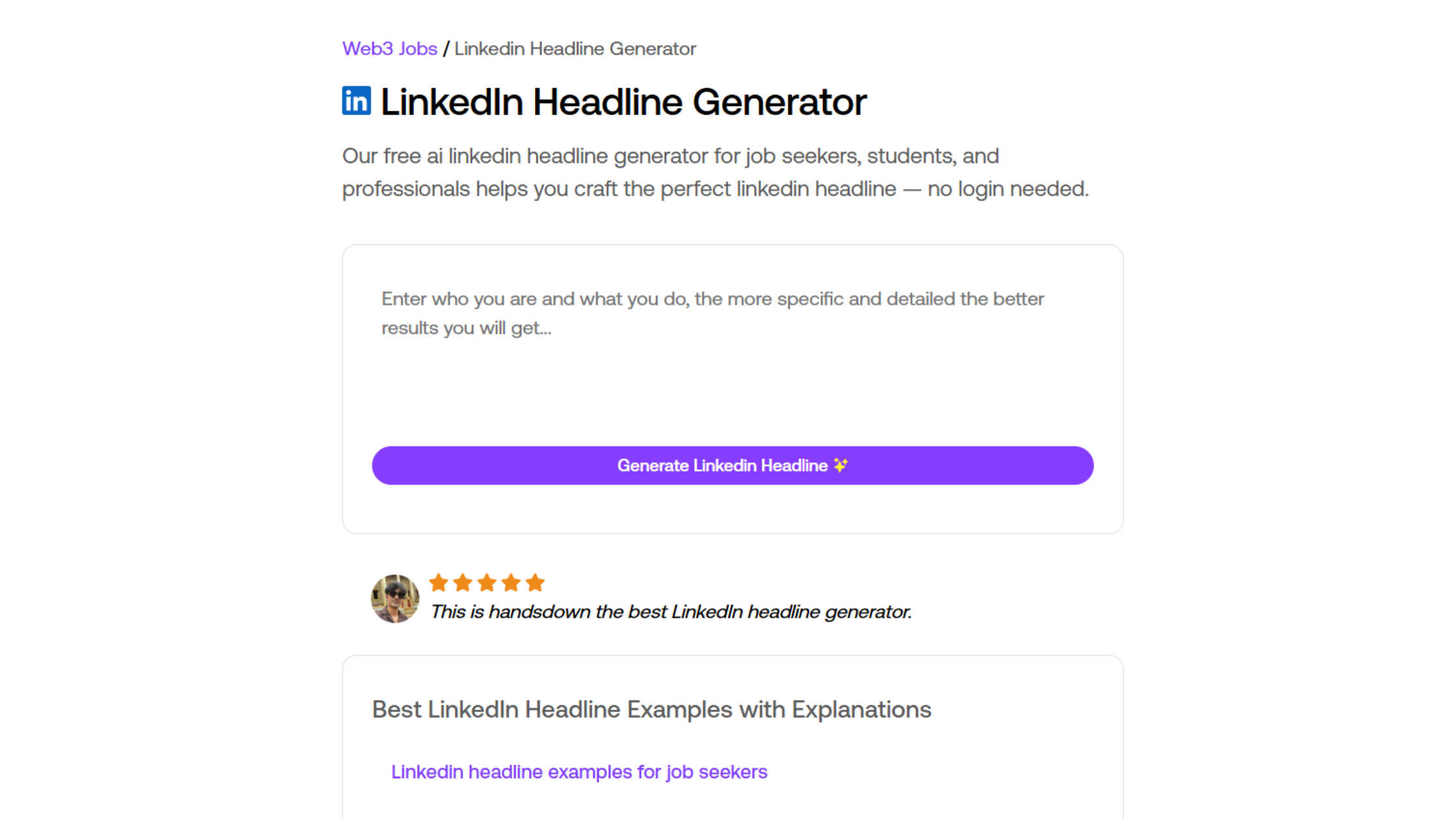
Remote3 specializes in creating linkedin profile headline generator options for professionals actively seeking opportunities.
Key Features:
- Job seeker focus
- No login required
- Role-specific examples
- Adaptable templates
Standout Capability: Best for headlines that signal openness to opportunities while maintaining professionalism.
Rating: ⭐⭐⭐½ (3.5/5) Pricing: Free
9. LiGo
Best For: Recruiter-optimized headlines
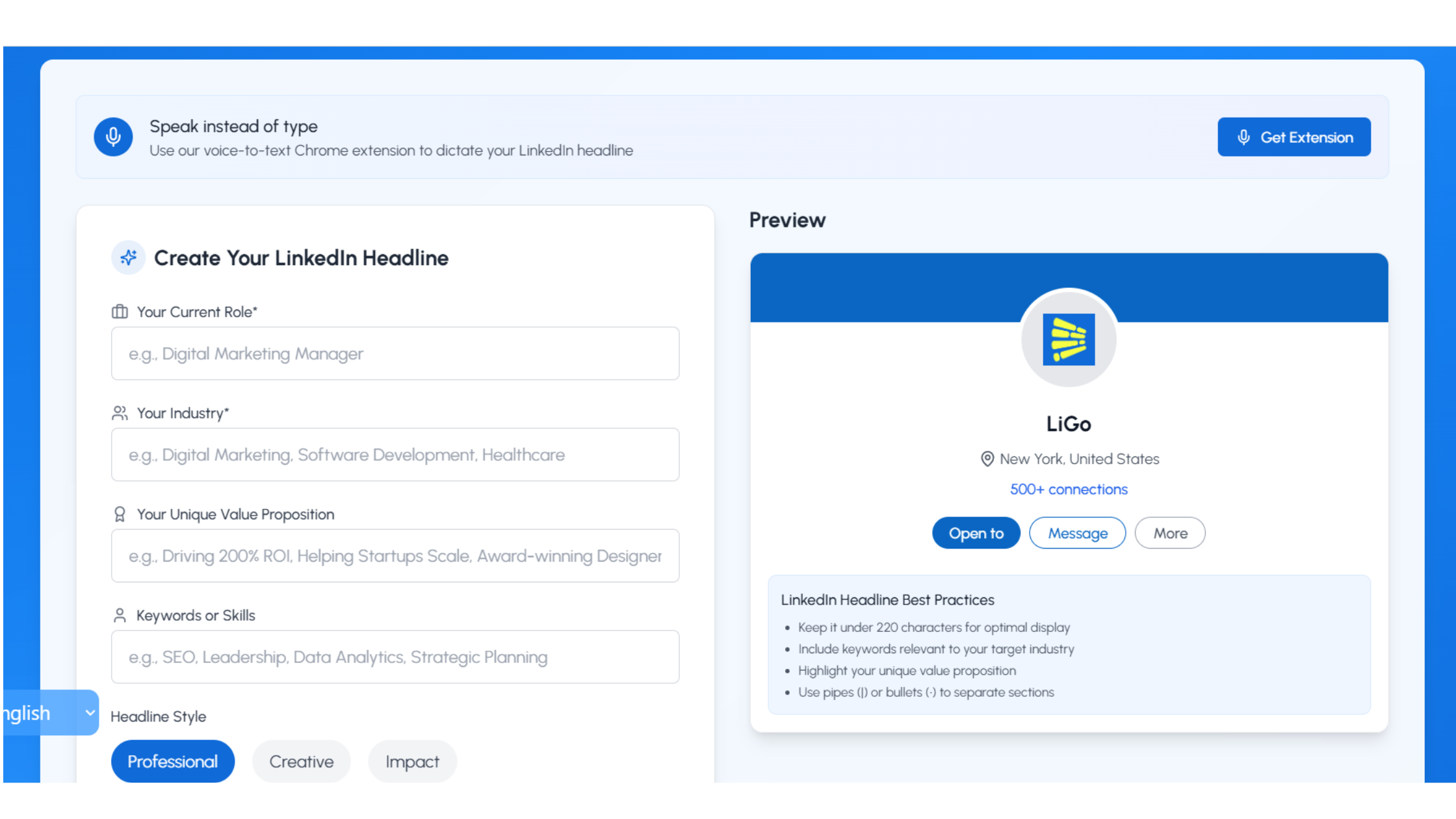
LiGo's linkedin headline generator focuses on creating attention-grabbing headlines specifically designed to appeal to recruiters and hiring managers.
Key Features:
- Recruiter-friendly formatting
- 2025-optimized keyword strategies
- Fast generation
- Attention-grabbing formulas
Standout Capability: Specifically optimized for recruiter searches and applicant tracking systems.
Rating: ⭐⭐⭐½ (3.5/5) Pricing: Free
10. Easy-Peasy.ai
Best For: General-purpose headline creation
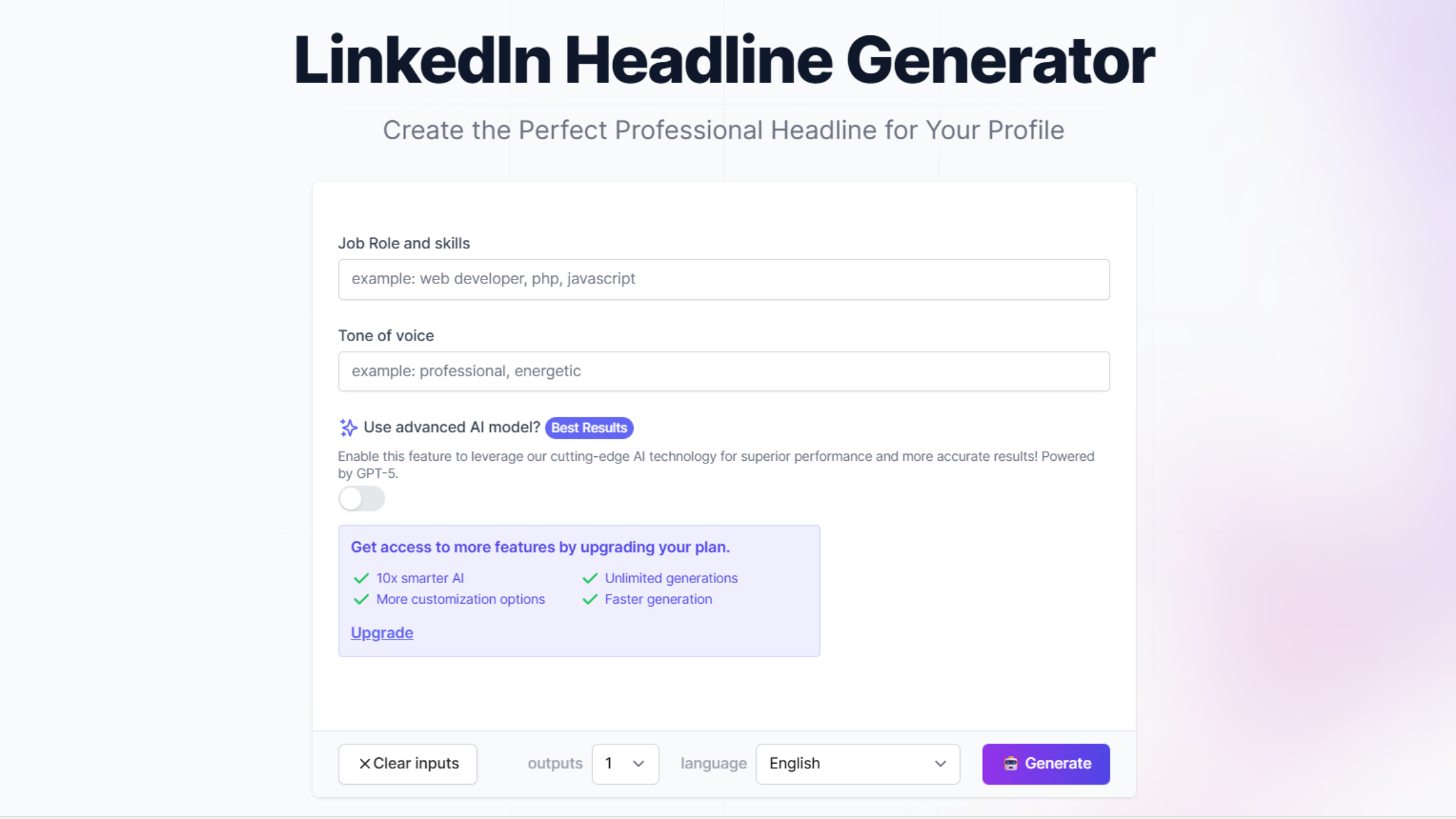
Easy-Peasy.ai offers a best linkedin headline generator template within its broader AI writing platform, suitable for creating professional headlines tailored to various goals.
Key Features:
- Job title and goal customization
- Professional tone
- Integration with other writing tools
- Template-based generation
Standout Capability: Part of a larger writing platform for professionals needing multiple AI writing tools.
Rating: ⭐⭐⭐ (3/5) Pricing: Free tier available; premium from $5.99/month
Why Your LinkedIn Headline Deserves Professional Tools
Before exploring specific tools, understand why using a linkedin headline generator ai significantly impacts your professional visibility.
Search Visibility: LinkedIn's algorithm prioritizes headlines heavily in search results. The right keywords in your headline determine whether recruiters and potential clients find you when searching for your expertise.
First Impression Impact: Your headline appears everywhere on LinkedIn, in search results, connection requests, comments, and at the top of your profile. It's working for you 24/7, making countless first impressions.
Character Limitations: With only 220 characters on desktop and 240 on mobile, every word must deliver maximum impact. A linkedin profile headline generator helps you optimize this limited space effectively.
Competitive Differentiation: In a sea of "Marketing Manager" or "Software Developer" headlines, strategic wording sets you apart from others with identical job titles.
Manually crafting headlines that balance keywords, value propositions, and personality within strict character limits challenges most professionals. A best linkedin headline generator solves this by applying proven frameworks to your unique background.
How to Use a LinkedIn Headline Generator Effectively
Having a linkedin headline generator ai doesn't automatically improve your profile. Strategic usage makes the difference:
Provide Detailed Input: The more context you give about your role, achievements, target audience, and goals, the better the free linkedin headline generator can create relevant options.
Generate Multiple Versions: Don't settle for the first headline generated. Create 10-15 options, then compare to identify the strongest elements from each.
Customize Generated Headlines: Use AI output as a foundation, not a final product. Add specific achievements, unique skills, or personality touches that differentiate you.
Test Keywords: Ensure your chosen headline includes keywords recruiters search for in your industry. Generic headlines reduce discoverability.
Check Character Limits: Verify your headline stays under 220 characters to display fully across all devices and LinkedIn features.
Get Feedback: Share your top 3-5 options with trusted colleagues or mentors. External perspectives reveal which headlines communicate most effectively.
Common Headline Mistakes to Avoid
Even with the best linkedin headline generator tools, these mistakes undermine effectiveness:
Generic Job Titles: "Marketing Manager" or "Software Developer" tells people nothing distinctive. Add specialization, achievements, or unique value.
Buzzword Overload: "Passionate innovator driving synergistic solutions" sounds meaningless. Be specific instead of using empty buzzwords.
Exceeding Character Limits: Headlines over 220 characters get truncated in search results and mobile views.
Omitting Keywords: Without industry-relevant keywords, your linkedin profile headline generator output won't appear in relevant searches.
Neglecting Your Audience: Write for the people you want to attract, recruiters, clients, or peers, not just for yourself.
Advanced Headline Strategies
Once you've mastered basic linkedin headline generator usage, these advanced strategies amplify results:
Incorporate Metrics: Quantifiable achievements in headlines ("+300% revenue growth" or "500K+ users") immediately establish credibility.
Signal Availability: Job seekers can subtly indicate openness: "Product Manager | Seeking Senior PM Role | B2B SaaS."
Highlight Unique Combinations: Unusual skill combinations differentiate you: "Data Scientist + UX Designer | Making AI Interfaces Human."
Use Power Words Strategically: Words like "accelerating," "transforming," "building," or "scaling" convey action and impact.
Test and Iterate: Update your headline quarterly and track profile view changes. Continuous optimization beats one-and-done approaches.
Choosing Your Perfect Headline Generator
With ten solid options, selecting the right linkedin headline generator ai depends on your priorities:
For Comprehensive Strategy: FinalLayer integrates headline creation with broader LinkedIn optimization.
For Volume of Options: Taplio generates the most variations quickly.
For Copywriting Excellence: Copy.ai applies proven frameworks for maximum impact.
For Grammar Perfection: Grammarly ensures flawless professional polish.
For Job Searching: Remote3 or LiGo optimize for recruiter discovery.
For International Professionals: WriterBuddy supports multiple languages.
Most tools are free, so experiment with several to discover which produces headlines that resonate with your target audience and authentically represent your professional identity.
The Bottom Line
A free linkedin headline generator transforms headline writing from guesswork into data-driven strategy. Whether you choose FinalLayer's comprehensive approach, Taplio's volume of options, or Copy.ai's copywriting expertise, the key is using these tools strategically while adding personal touches that make your headline authentically yours. Don't let generic headlines bury your profile in search results. Start using a best linkedin headline generator today to craft a headline that captures attention, communicates value, and opens doors to opportunities. Your professional story deserves a headline that does it justice.