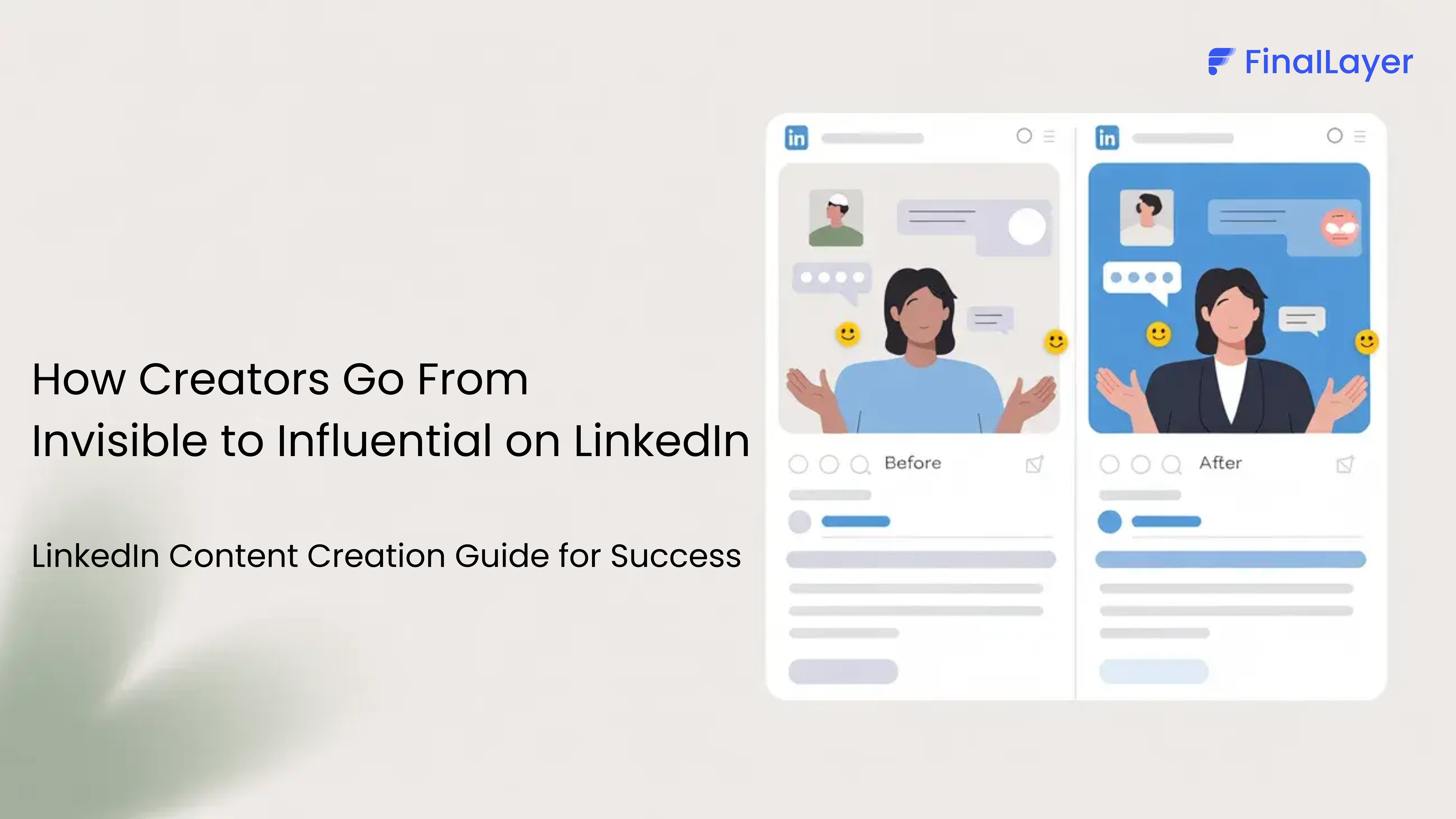
Most LinkedIn users post daily but get no business results. They share industry news, write motivational quotes, and tell personal stories, yet decision-makers never see their content. The problem? They're competing with million users without a strategy.
Posting randomly doesn't work anymore. LinkedIn's algorithm has changed, and generic content gets buried. Most professionals are still using outdated approaches that fail to build real authority or generate leads.
The successful creators do things differently. They focus on expertise over entertainment. They share unique insights instead of recycling popular content. They build trust through consistent value delivery rather than chasing viral posts.
This guide shows you exactly how they do it. No fluff, no theory, just practical methods that generate real results.
Developing an Authority-First Content Strategy Framework
Moving Beyond the Traditional TOFU/MOFU/BOFU Model
Most LinkedIn content strategies fail because they follow outdated marketing frameworks. The traditional top-of-funnel, middle-of-funnel, bottom-of-funnel approach treats LinkedIn like a billboard rather than a conversation platform.
Here's the problem: when you lead with personal stories before establishing expertise, you're asking people to care about you before they understand what you can do for them. It's like introducing yourself at a networking event with your weekend plans instead of your professional value.
The Authority-First Framework flips this script. Instead of warming people up with personal anecdotes, you lead with expertise and insights that immediately demonstrate your value. This approach builds trust faster and attracts the right audience from the start.
The 70-15-15 Content Distribution Model
prompt and optimize for better results.
Here's your new content blueprint: 70% industry expertise, 15% personal stories, and 15% conversion content. This distribution ensures you're building authority while maintaining authenticity and driving business results.
Your 70% expertise content should focus on industry insights, how-to guides, and unique perspectives based on your experience. For example, if you're a marketing consultant, share your analysis of campaign data, breaking down what worked and why.
The 15% personal stories work because they're connected to your professional journey. Share the failure that taught you a crucial lesson, or the moment you realized your current approach to solving client problems.
Your final 15% conversion content includes case studies, service announcements, and calls-to-action. This content performs better because your audience already trusts your expertise through your consistent value delivery.
Building Authority Through Specialized Content
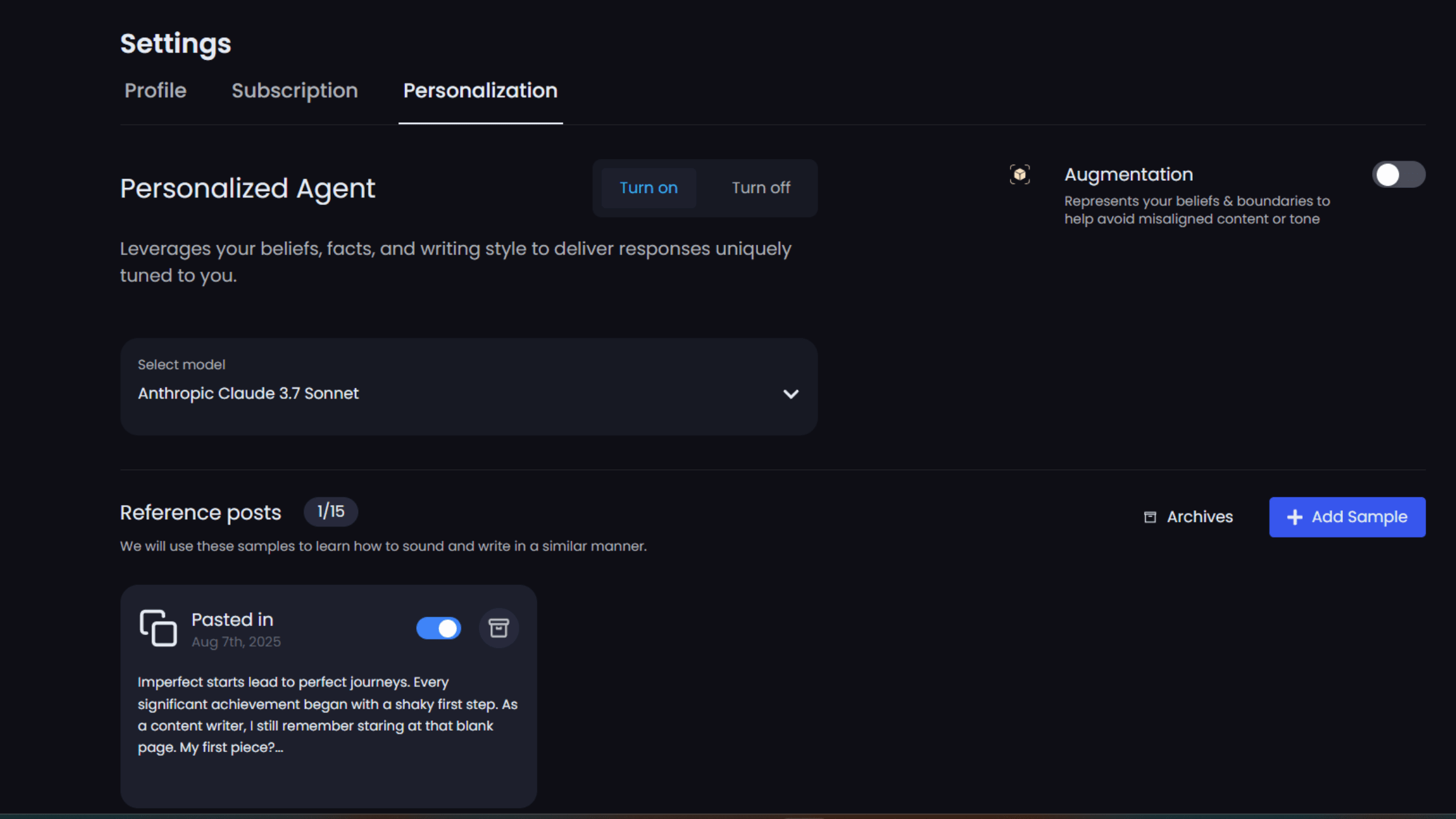
Struggling to maintain a consistent professional voice across LinkedIn posts? The FinalLayer LinkedIn Super Agent determines your professional brand personality and voice, and represents you consistently across all LinkedIn posts. Try FinalLayer now.
Generic content is the enemy of authority. When you share the same insights everyone else in your industry is posting, you become noise instead of signal.
The key to building authority lies in sharing unique experiments, personal research, and contrarian viewpoints backed by evidence. Instead of posting "5 LinkedIn tips everyone should know," share "Why I stopped using LinkedIn's recommended posting times and saw 300% better engagement."
Authority comes from monopolizing specific knowledge areas. Find the intersection of your expertise and your audience's pain points, then become the go-to source for insights in that space.
LinkedIn Content Format
Video Content Creation and Optimization
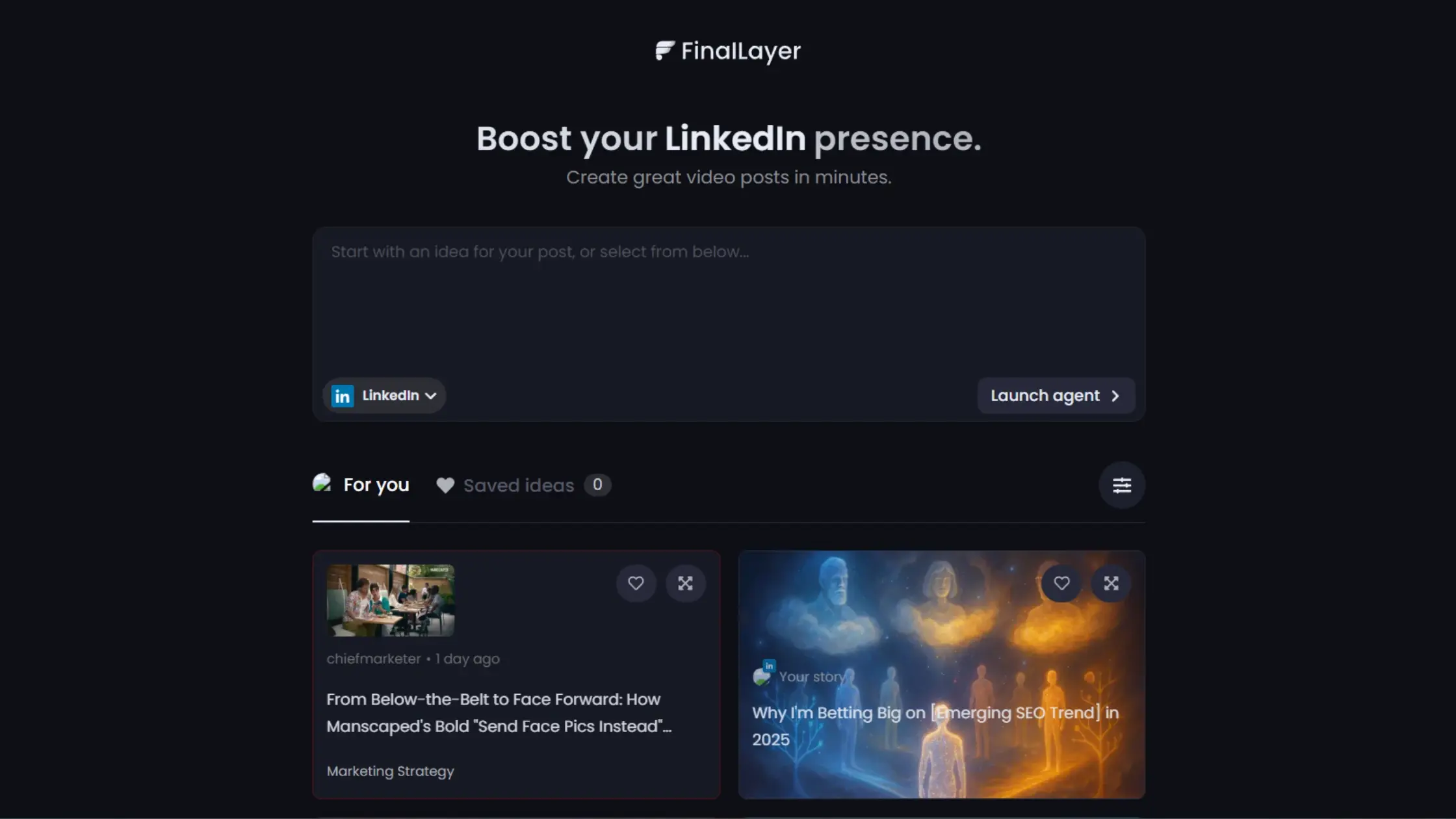
Create LinkedIn Video Posts Without Hassle
FinalLayer's Video Search Agent finds relevant video clips
for your post from your library or YouTube.
Video content doesn't require expensive equipment or professional production. The most engaging LinkedIn videos often look like genuine conversations rather than polished advertisements.
Start with your smartphone, find good lighting (near a window works perfectly), and focus on delivering value rather than perfect production. The first 20 minutes after uploading are crucial for your video's performance, so engage with early comments immediately.
Mobile-first video strategies work because most LinkedIn users consume content on their phones. Keep your videos short, add captions for accessibility, and focus on one clear message per video.
LinkedIn Articles vs. Posts Strategy
LinkedIn offers two primary content formats: articles and posts. Understanding when to use each format can dramatically improve your content's performance and reach.
Articles are your long-form, in-depth content pieces with a 120,000-character limit. They're perfect for comprehensive guides, industry analysis, and thought leadership pieces. Articles also appear in Google search results, giving you SEO benefits beyond LinkedIn.
Posts are shorter, more immediate content with a 3,000-character limit. They're ideal for daily engagement, quick insights, and conversation starters. Posts appear in your connections' feeds immediately and generate faster engagement.
Strategic Applications for Each Format
Use articles when you want to establish thought leadership and create evergreen content. A well-written article can drive traffic and engagement for months after publication. Articles also showcase your expertise more comprehensively than short posts.
Use posts for daily engagement and immediate feedback. Posts are perfect for sharing quick insights, asking questions, and participating in trending conversations. They're your daily touchpoints with your network.
The synergistic approach works best: write a comprehensive article, then create several posts that reference different aspects of that article. This strategy extends your content's lifespan and maximizes its reach.
LinkedIn Newsletter Mastery
LinkedIn newsletters offer unique advantages over traditional email marketing. When someone subscribes to your newsletter, they get notified every time you publish, giving you direct access to your audience without competing with email inboxes.
The platform's algorithm gives newsletters an initial boost, often showing them to non-subscribers who might be interested in your content. This built-in discovery mechanism can significantly expand your reach.
Newsletter subscribers are also more likely to engage with your regular posts, creating a virtuous cycle of increased visibility and engagement across all your content.
LinkedIn Polls for Maximum Reach
LinkedIn polls receive significant algorithm preference, often achieving reach numbers that surprise even experienced creators. A well-crafted poll can generate thousands of views and hundreds of comments.
The key to successful polls lies in asking simple, relevant questions that your audience actually wants to answer. Avoid complex questions that require too much thinking.
Use polls strategically to gather audience insights, spark conversations, and increase your visibility. The engagement from polls often leads to profile visits and connection requests.
Content Calendar and Scheduling Optimization
Consistency beats perfection in LinkedIn content marketing. A well-planned content calendar ensures you're posting regularly without the stress of daily content creation.
The optimal posting frequency is once daily, though quality should never be sacrificed for quantity. Mid-morning posts (9-11 AM in your local timezone) typically perform best for professional audiences.
Balance scheduled content with real-time engagement. While planning ahead is important, don't lose the spontaneous, conversational nature that makes LinkedIn content engaging.
Engagement Strategy and Community Building
Active Engagement Best Practices
LinkedIn success requires active engagement beyond just posting content. The algorithm rewards accounts that participate in conversations, not just those that broadcast messages.
Respond to comments on your posts within the first hour when possible. This early engagement signals to LinkedIn that your content is generating meaningful conversations.
Engage meaningfully with other creators' content in your industry. Leave thoughtful comments that add value rather than generic responses like "Great post!" This builds relationships and increases your visibility.
Building Professional Relationships
LinkedIn is ultimately about relationships, not just content consumption. Every piece of content you share is an opportunity to start conversations and build connections.
Use strategic tagging to expand your reach and acknowledge others in your content. When you mention someone in a post, they're more likely to engage and share with their network.
Focus on building genuine relationships rather than just collecting connections. Quality relationships lead to referrals, partnerships, and business opportunities that no amount of followers can guarantee.
Conclusion
LinkedIn content mastery is about consistently delivering value to your professional network while building authentic relationships that drive business results. Start small, stay consistent, and focus on providing value to your audience. The LinkedIn creators who build lasting authority are those who view content creation as relationship building rather than content broadcasting. Your LinkedIn transformation starts with your next post. Make it count.