LinkedIn groups have evolved from simple discussion forums into powerful community-building tools that drive engagement, establish authority, and generate business opportunities. With over 2 million active LinkedIn groups on the platform, these communities offer unprecedented access to niche audiences, targeted networking, and meaningful professional conversations.
Yet most professionals underutilize LinkedIn groups, either joining them passively without engagement or creating groups that fail to gain traction. Understanding how to create a LinkedIn group that thrives and how to join a group on LinkedIn strategically can transform your networking effectiveness and business development results.
This guide will show you everything about LinkedIn groups, from finding and joining the right communities to creating and managing your own thriving group.
What Are LinkedIn Groups and Why They Matter
LinkedIn groups are member-based communities focused on specific industries, interests, professions, or topics. Unlike the open LinkedIn feed where content competes with millions of posts, LinkedIn groups provide focused spaces where engaged members actively seek discussions, resources, and connections.
The Strategic Value of LinkedIn Groups
Targeted audience access: LinkedIn groups connect you with professionals who've already self-identified their interests by joining. This eliminates targeting guesswork.
Higher engagement rates: Your best Linkedin Content shared in LinkedIn groups generates 2-3x more engagement than the main feed because members joined specifically to participate in focused discussions.
Credibility building: Active participation in relevant LinkedIn groups positions you as an expert. Consistently providing value establishes trust faster than broadcasting on your profile alone.
Business development: LinkedIn groups facilitate warm introductions, partnerships, and client conversations in a professional context where members expect networking.
Content amplification: Sharing valuable content in multiple relevant LinkedIn groups multiplies your reach beyond your direct network, driving profile views and opportunities.
How to Join a Group on LinkedIn: Strategic Selection
Before creating your own community, understand how to join a group on LinkedIn strategically to maximize value from existing communities.
Finding the Right LinkedIn Groups
Search by keywords: Use LinkedIn's search bar and filter by "Groups" to find communities related to your industry, role, or target audience. Search "B2B marketing" or "SaaS founders" to find relevant LinkedIn groups.
Check peer profiles: Review profiles of successful professionals in your field. Their Groups section reveals which LinkedIn groups industry leaders participate in.
Industry associations: Many professional associations maintain active LinkedIn groups with highly engaged members and strict quality standards.
Alumni networks: Your educational institutions likely have LinkedIn groups for alumni networking, providing warm connections based on shared background.
How to Join a Group on LinkedIn: Step-by-Step
Step 1: Navigate to the group page through search or direct link.
Step 2: Click "Request to join." Some LinkedIn groups accept members immediately; others require admin approval.
Step 3: If there's a screening question, provide a thoughtful answer demonstrating genuine interest and value you bring.
Step 4: Once accepted, review group rules, recent discussions, and member activity before posting.
Step 5: Introduce yourself if the group culture encourages it, mentioning your expertise and contribution intentions.
Evaluating LinkedIn Groups Quality
Activity level: Check when the last post was published. LinkedIn groups with daily or weekly activity provide more value than dormant communities.
Member quality: Review member profiles. Are they your target audience? Quality LinkedIn groups attract relevant, active professionals.
Content quality: Scan recent discussions. Are they substantive conversations or spam? Quality groups maintain standards.
Moderation: Well-moderated LinkedIn groups remove spam, enforce rules, and facilitate valuable discussions. Look for clear rules and active admin presence.
Size vs. engagement: A 50,000-member group with no engagement is less valuable than a 2,000-member group with active daily discussions.
Participating Effectively in LinkedIn Groups
Comment first, post later: Spend your first week commenting thoughtfully before sharing content. This builds credibility and understanding of group culture.
Provide value, not pitches: Share insights, answer questions, and contribute resources without self-promotion. Value-first participation establishes authority naturally.
Engage consistently: Set aside 15-20 minutes weekly for your top 3-5 LinkedIn groups. Consistency builds recognition and relationships.
Ask genuine questions: Pose thoughtful questions that spark discussion. This positions you as curious and collaborative while generating valuable insights.
Share diverse content: Don't just share your own content. Curate valuable articles, studies, or resources from others. Generosity builds goodwill.
How to Create a LinkedIn Group: Building Your Community
Once you understand how to join a group on LinkedIn and participate effectively, you may want to create your own community.
Strategic Planning Before Creation
Define your purpose: What specific need does your group fill? "Marketing professionals" is too broad. "B2B SaaS marketing leaders scaling from $1M to $10M ARR" is actionable.
Identify target members: Who specifically will benefit from and contribute to your community? Understanding ideal members guides every decision.
Assess competition: Research existing LinkedIn groups in your space. Can you offer something differentiated, better moderation, exclusive resources, or higher-quality discussions?
Commit to management: Successful LinkedIn groups require consistent moderation and engagement. Ensure you can invest 3-5 hours weekly.
Align with goals: How will this community support your objectives, thought leadership, lead generation, partnerships, or content distribution?
How to Create a LinkedIn Group: Process
Step 1: Click the "Work" icon in LinkedIn navigation and select "Groups."
Step 2: Click the "Create group" button.
Step 3: Fill in essential details:
- Group name: Clear, descriptive, searchable
- Description: Explain who the group serves, topics, and member value
- Industry and location: Select relevant categories for discoverability
- Group rules: Establish guidelines about self-promotion, content quality, and acceptable topics
Step 4: Choose privacy settings:
- Standard groups: Anyone can find the group; only members see posts
- Unlisted groups: Members need direct link or exact name
Step 5: Upload professional logo and cover image.
Step 6: Click "Create" to launch.
Launching Successfully
Seed initial members: Personally invite 50-100 relevant connections at launch. This critical mass makes the group appear active.
Create foundational content: Post 5-10 valuable discussions before promoting broadly. New members should see active discussions immediately.
Announce strategically: Share your group launch in a post explaining the problem it solves and inviting your network.
Set posting cadence: Post 3-5 times weekly during the first month to establish momentum.
Respond immediately: When members post or comment early on, respond quickly to encourage continued participation.
Managing LinkedIn Groups: Building Engagement
Creating LinkedIn groups is easy; building thriving communities requires ongoing management.
Content Strategy
Discussion starters: Post thought-provoking questions. "What's your biggest challenge with [topic]?" generates engagement.
Educational content: Share how-to guides, frameworks, templates, or resources that provide immediate value.
Industry news and analysis: Curate relevant news with expert commentary. This positions your group as a go-to source.
Member spotlights: Feature members' expertise or achievements. Recognition encourages participation while showcasing community value.
Expert sessions: Host regular AMAs with thought leaders or successful practitioners. These events drive engagement and provide exclusive value.
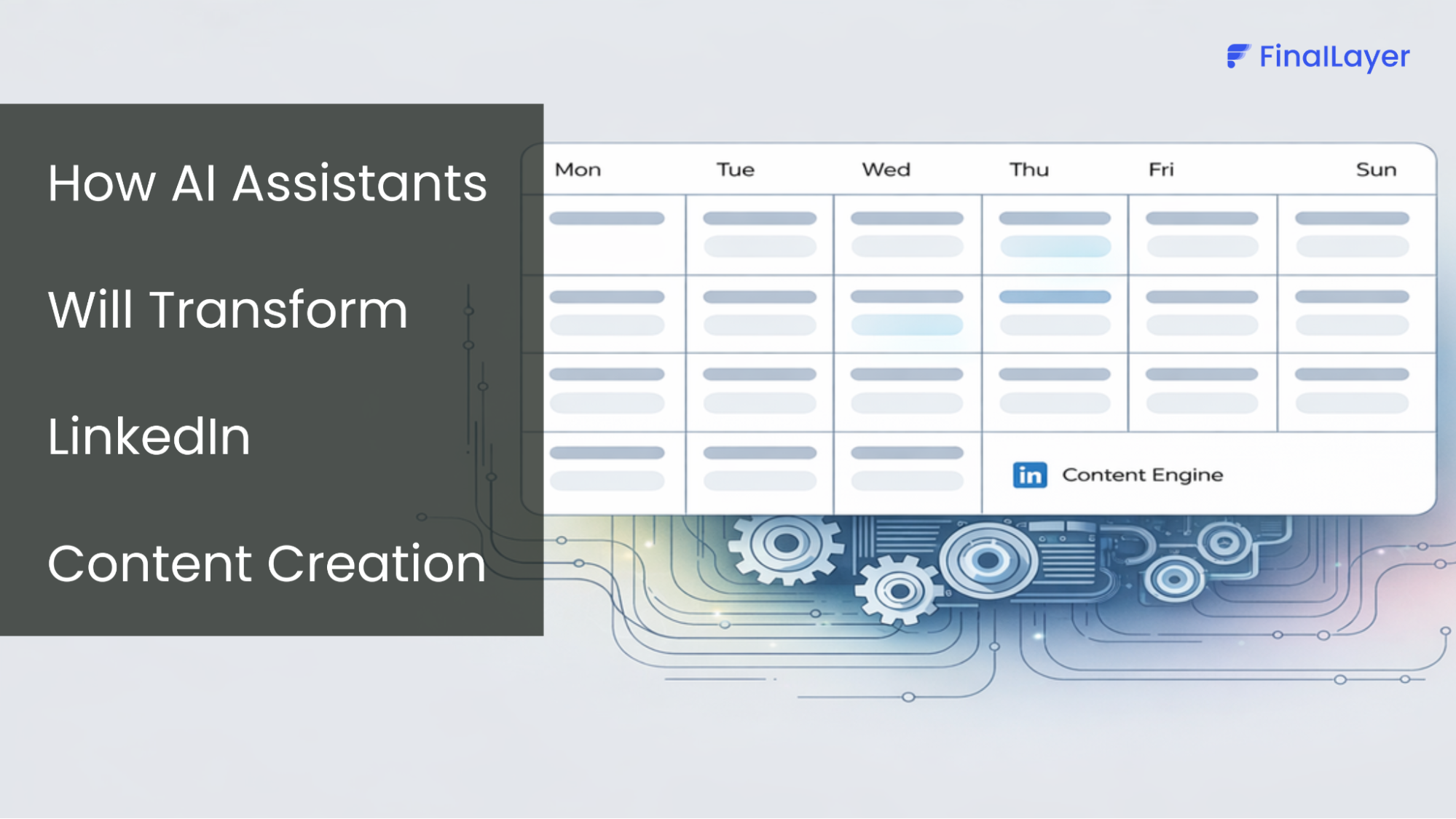
Maintaining an active presence across multiple LinkedIn groups while managing your own community requires a systematic approach. FinalLayer provides AI-powered content creation that generates valuable posts you can share in relevant groups.
prompt and optimize for better results.
Our platform helps you maintain thought leadership presence across communities without spending hours daily on content creation. This systematic approach means you can participate meaningfully in strategic LinkedIn groups, share valuable insights consistently, and maintain your own community.
Moderation Best Practices
Establish clear rules: Pin community guidelines prominently. Address self-promotion, spam, and content relevance.
Review membership requests: Screen applicants to maintain quality. Look for complete profiles and relevant experience.
Monitor posts regularly: Review new posts daily to ensure compliance. Remove spam and off-topic content quickly.
Address violations privately: When members violate rules, send private messages explaining the issue before removing posts.
Recognize contributors: Publicly thank members who consistently provide value. Recognition encourages continued participation.
Growing Your Community
Leverage your content: Mention your group in LinkedIn posts, articles, and profile. "Join our community of [description] for more insights."
Cross-promote strategically: Participate in complementary LinkedIn groups and mention your community when genuinely relevant.
Invite strategically: Regularly invite connections who fit your ideal member profile. Personal invitations convert better than public announcements.
Encourage member invitations: Ask engaged members to invite their connections who would benefit.
Create exclusive value: Offer resources, discussions, or access available only to group members. Exclusivity drives joins and retention.
Measuring Success
Member growth rate: Monitor monthly new member additions. Healthy groups show consistent growth.
Engagement rate: Calculate percentage of members who post, comment, or react weekly. Active groups maintain 10-20%+ weekly engagement.
Post frequency: Track member-generated posts vs. admin posts. Sustainable groups generate member content.
Discussion quality: Monitor conversation depth. Valuable groups generate substantive discussions, not just reactions.
Business outcomes: Measure connections made, opportunities generated, or partnerships formed to prove ROI.
Common LinkedIn Groups Mistakes
Creating without commitment: Starting groups without dedicating time leads to ghost towns that damage credibility.
Over-promotion: Constantly promoting services makes groups feel like sales funnels, driving members away.
Neglecting moderation: Allowing spam or inappropriate behavior degrades quality and causes valuable members to leave.
Unclear purpose: Vague descriptions confuse potential members. Successful groups have crystal-clear focus.
No engagement: Expecting members to generate all content rarely works. Active facilitation is required.
Final Thoughts
LinkedIn groups represent one of LinkedIn's most underutilized features for targeted networking, thought leadership, and business development. Whether learning how to join a group on LinkedIn strategically or understanding how to create a LinkedIn group that thrives, approach communities with genuine value-first mindset.
Start by joining 5-7 highly relevant groups and participating actively for 30 days. Provide thoughtful comments, share valuable resources, and build relationships before creating your own community. When ready to build your own, remember that successful groups require consistent facilitation, clear purpose, and genuine commitment to member value.