Learning how to announce a new job on LinkedIn is more than just updating your profile. It's an opportunity to strengthen your professional network, showcase your career growth, and set the tone for your next chapter. Whether you're starting a new role, celebrating a promotion, or making a career pivot, knowing how to announce a new job on LinkedIn effectively can amplify your visibility and credibility. A well-crafted new job announcement LinkedIn post can transform a simple career update into a powerful networking moment.
This guide provides practical new job announcement LinkedIn examples, ready-to-use templates, and best practices to help you craft the perfect post.
Why Your LinkedIn New Job Post Matters
Before diving into templates, let's understand why your new job announcement LinkedIn post is important:
Network Engagement: A well-crafted announcement can generate hundreds of likes, comments, and congratulations, re-engaging connections you haven't spoken to in months or years.
Professional Branding: How you announce your new role signals your professionalism and communication style to your network, including future employers and clients.
Relationship Building: Your post creates natural opportunities for conversations, reconnections, and new business relationships.
Career Documentation: Your LinkedIn new job announcement becomes part of your professional story, visible to anyone reviewing your profile.
When to Announce a New Job on LinkedIn
Timing matters when learning how to announce a new job on LinkedIn. Here are the best practices for your new job announcement LinkedIn post:
Wait Until It's Official: Post your new job announcement LinkedIn update after you've signed the offer letter and confirmed your start date. This is a critical step in how to announce a new job on LinkedIn properly using the LinkedIn Post Generator.
Coordinate with Your Employer: Some companies prefer employees to wait until their first day or first week. Check internal guidelines before posting.
Ideal Timing: Post during business hours (Tuesday through Thursday, 8am to 2pm) for maximum visibility. Your LinkedIn new job post will get more engagement during peak professional hours.
Update Your Profile First: Before making your announcement, update your LinkedIn job title, company, and profile details so everything is consistent and good linkedin profile optimization.
How to Announce a New Job on LinkedIn: Essential Framework
Understanding how to announce a new job on LinkedIn starts with following a proven structure. Every effective new job announcement LinkedIn post follows this simple framework:
- Opening Hook: Start with excitement or gratitude
- The News: Clearly state your new role and company
- Context: Brief background on why this move matters
- Gratitude: Thank relevant people or organizations
- Forward Look: Share what you're excited about
- Call to Action (optional): Invite engagement or connections
Now, let's look at specific new job announcement LinkedIn examples for different scenarios.
New Job Announcement LinkedIn Examples and Templates
Template 1: Starting a New Role at a New Company
When to use: You're joining a different organization in a similar or new capacity.
I'm excited to share that I'm starting a new position as [Job Title] at [Company Name]!
After [X years] at [Previous Company], I'm ready for a new challenge. [Company Name]'s mission to [brief mission/value] aligns perfectly with my passion for [relevant field/interest].
I'm grateful to my former colleagues at [Previous Company] for the incredible experiences and growth opportunities. The lessons I learned will stay with me throughout my career.
Looking forward to contributing to [specific goal or team] and connecting with the talented team at [Company Name]. If you're in the [industry/field], I'd love to hear from you!
#NewJob #CareerGrowth #[Industry]
Why this works: This new job announcement LinkedIn approach shows gratitude for the past while expressing genuine excitement for the future. It demonstrates exactly how to announce a new job on LinkedIn with professionalism and authenticity.
Template 2: Internal Promotion Announcement
When to use: You've been promoted within your current company.
Thrilled to announce that I've been promoted to [New Job Title] at [Company Name]!
Over the past [X years/months] with [Company Name], I've had the opportunity to [key achievement or responsibility]. This promotion feels like a natural next step in my journey here.
A huge thank you to [Manager/Team/Mentor names] for believing in my potential and supporting my growth. I'm excited to take on new challenges in [specific area or responsibility] and continue contributing to our mission.
Here's to the next chapter!
#Promotion #CareerMilestone #[CompanyName]
Why this works: This new job announcement LinkedIn template acknowledges the people who helped you succeed while showing commitment to your current organization. It's a perfect example of how to announce a new job on LinkedIn when you've been promoted internally.
Template 3: Career Pivot or Industry Change
When to use: You're moving to a completely different industry or role type.
Big news: I'm starting a new chapter as [Job Title] at [Company Name]!
After [X years] in [previous industry/role], I've decided to pursue my passion for [new field]. This wasn't an easy decision, but [Company Name]'s approach to [specific aspect] convinced me it was the right move.
To everyone who supported me during this transition, especially [mentors/colleagues/friends], thank you. Your encouragement made all the difference.
I'm looking forward to bringing my experience in [transferable skill] to this new challenge. If you're also in [new industry], let's connect!
#CareerChange #NewBeginnings #[NewIndustry]
Why this works: It acknowledges the boldness of the move while connecting past experience to future potential.
Template 4: First Job or Entry-Level Position
When to use: You're announcing your first professional role after graduation or a career break.
I'm excited to share that I'm starting my career as [Job Title] at [Company Name]!
After graduating from [University/completing Program], I'm grateful for the opportunity to join [Company Name] and contribute to [team/department/mission].
Thank you to [professors/mentors/career services] for helping me prepare for this moment. I'm eager to learn from the talented team at [Company Name] and grow in [industry/field].
Looking forward to this new journey!
#NewJob #CareerStart #[Industry]
Why this works: It balances excitement with humility, appropriate for someone beginning their career.
Template 5: Senior Executive or Leadership Role
When to use: You're announcing a C-suite, VP, or senior leadership position.
I'm honored to announce that I'll be joining [Company Name] as [Executive Title].
Throughout my career at [Previous Companies], I've been driven by [core value or mission]. [Company Name]'s vision to [company mission] represents exactly the kind of impact I want to make at this stage of my career.
I want to thank the exceptional teams I've had the privilege to lead at [Previous Company]. Your dedication and talent have shaped who I am as a leader.
I look forward to working with [Company Name]'s team to [specific strategic goal]. If you're passionate about [industry/cause], I'd welcome the opportunity to connect.
#Leadership #NewRole #[Industry]
Why this works: It demonstrates gravitas appropriate for senior roles while maintaining approachability.
How to Announce a Promotion on LinkedIn
When learning how to announce a new job on LinkedIn after a promotion, the approach differs slightly. Here's a new job announcement LinkedIn template specifically for promotions:
I'm grateful to share that I've been promoted to [New Title] at [Company Name]!
This promotion represents [timeframe] of hard work, learning, and collaboration with an incredible team. At [Company Name], I've had the opportunity to [major achievement or project].
Special thanks to [Manager/Mentor] for pushing me to grow and to my team for their constant support. I'm excited to take on expanded responsibilities in [area] and continue [company mission/goal].
Onward and upward!
#Promotion #CareerGrowth #Grateful
For an internal promotion LinkedIn announcement, focus more on gratitude and less on why you're leaving (since you're not).
Best Practices: How to Announce a New Job on LinkedIn Successfully
Mastering how to announce a new job on LinkedIn requires attention to several key details. Follow these guidelines for an effective new job announcement LinkedIn post:
1. Keep Your New Job Announcement LinkedIn Post Professional Yet Personal
When figuring out how to announce a new job on LinkedIn, remember your announcement should sound like you, not a press release. Share genuine excitement while maintaining professionalism.
2. Tag Appropriately (But Don't Overdo It)
Tag your new company's LinkedIn page and perhaps 1-2 key people, but avoid tagging everyone you've ever worked with. It looks desperate and clutters the feed.
3. Use Hashtags Strategically
Include 3-5 relevant hashtags like #NewJob, #CareerGrowth, and industry-specific tags. Don't stuff your post with 15 hashtags.
4. Include a Professional Photo
LinkedIn's new job announcement examples that perform best often include a professional photo of you at the new office, your workspace, or a company-branded background.
5. Make Your New Job Announcement LinkedIn Post Interactive
Part of how to announce a new job on LinkedIn effectively is engaging with your audience. When people congratulate you, respond to comments. It shows appreciation and keeps your new job announcement LinkedIn post visible in the algorithm longer.
6. Update Your LinkedIn Job Title Immediately
Before posting, make sure your LinkedIn profile update with new job information is complete. Nothing undermines your announcement like an outdated profile.
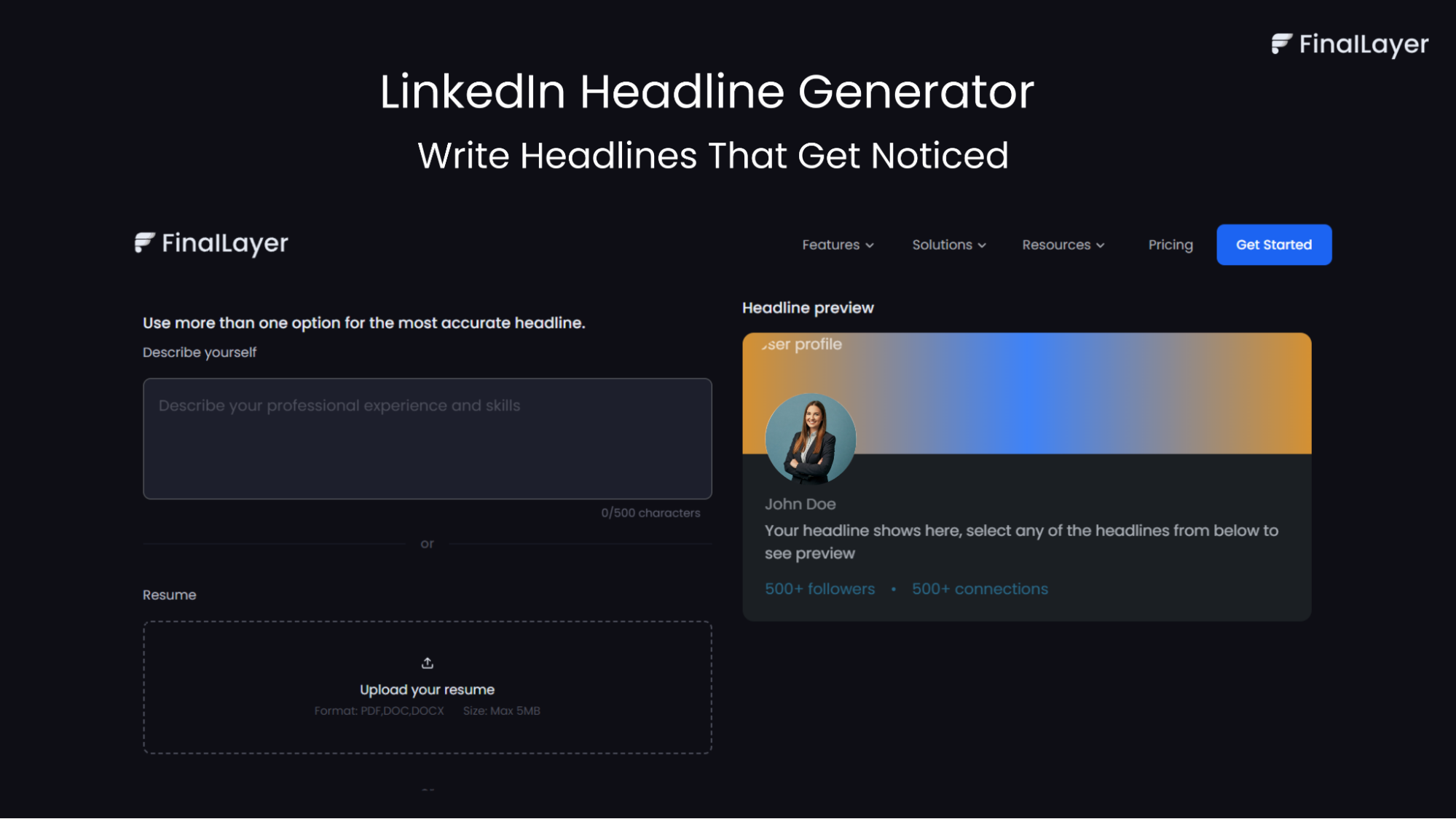
Once you’ve announced your new role, consistency becomes the real differentiator. FinalLayer helps you do that by suggesting relevant, personalized topics, generating hooks first, and guiding you through a clear posting process, from idea to published post, without starting from scratch each time.
prompt and optimize for better results.
LinkedIn New Job Announcement Message: Short vs. Long
Short Announcement (50-75 words):
Excited to announce I'm joining [Company] as [Title]! Looking forward to [brief goal]. Grateful for the journey so far and excited for what's next. #NewJob
Long Announcement (150-200 words): Include more context, storytelling, and specific acknowledgments. Longer posts often perform better because they give people more to engage with.
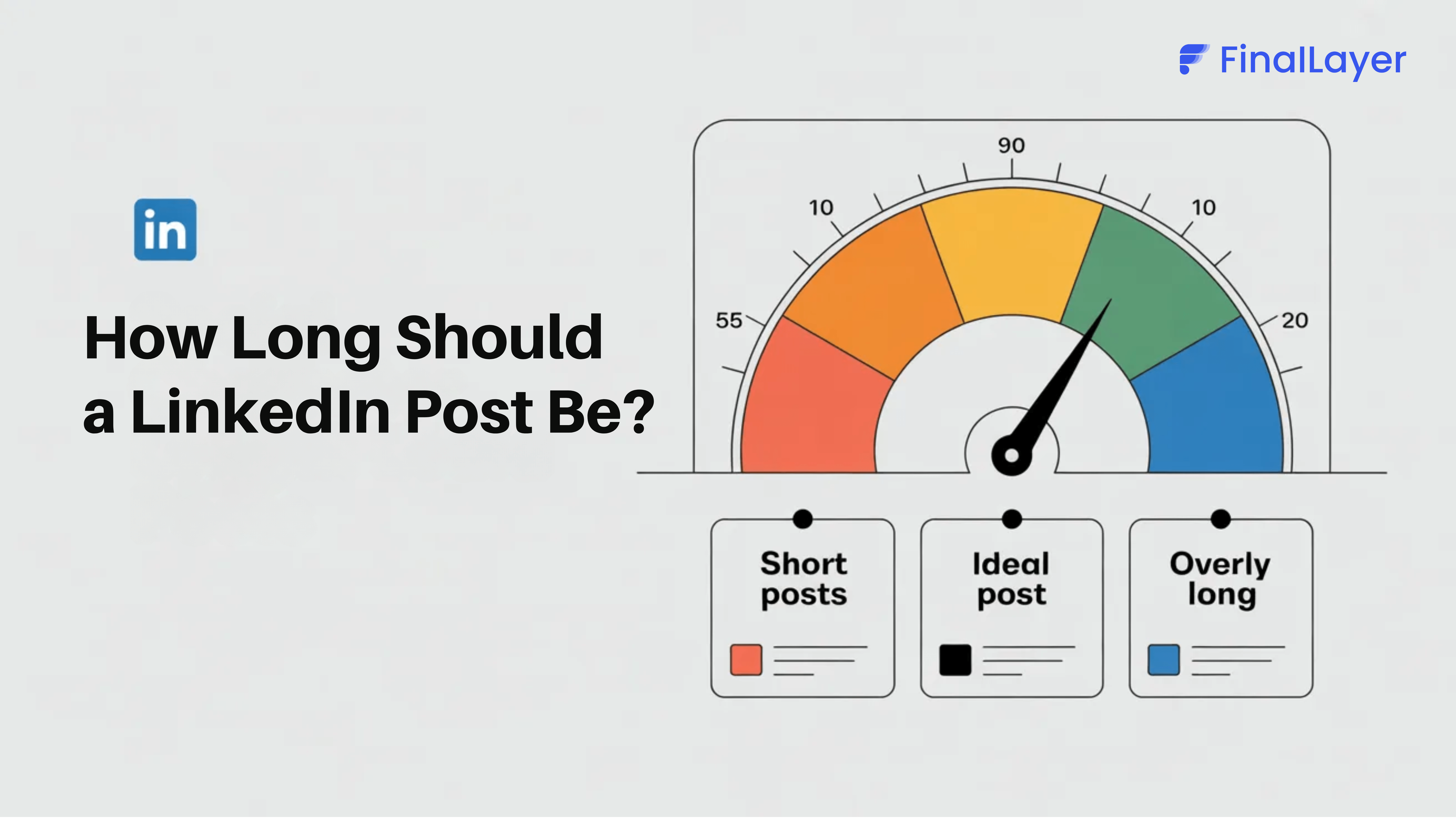
The ideal length depends on your industry and audience, but most effective LinkedIn new job post templates fall between 100 and 150 words.
Updating Your Profile After Your LinkedIn New Job Post
After you announce new job on LinkedIn, ensure your entire profile reflects your new role:
- Update your headline to include your new title
- Add the new position to your experience section with a compelling description
- Update your LinkedIn job title in the "About" section if relevant
- Consider updating your profile photo if your company has branded swag or you have new professional photos
Special Cases: LinkedIn New Job Announcement Examples
Returning After a Career Break
I'm excited to return to [industry] as [Title] at [Company]! After taking time to [reason for break], I'm energized to bring fresh perspectives to [area]. Thank you to everyone who supported me during this transition. #CareerReturn #NewBeginnings
Joining a Startup
Thrilled to join [Startup Name] as [Title]! After years in [previous setting], I'm excited to be part of building [startup's mission] from the ground up. If you're interested in [industry], let's connect! #StartupLife #NewAdventure
Remote or Freelance Position
Exciting update: I'm now [Job Title] working with [Company] remotely! This role allows me to [benefit from remote work] while contributing to [company mission]. Looking forward to connecting with others in the remote work community! #RemoteWork #NewOpportunity
Final Thoughts
Now that you understand how to announce a new job on LinkedIn with these examples and templates, it's time to craft your own. Remember, the most effective new job announcement LinkedIn post comes from a place of authenticity. Use these templates as starting points, but make them yours.
Understanding how to announce a new job on LinkedIn properly means balancing professionalism with personality. Your new job announcement LinkedIn post is an opportunity to restart conversations, strengthen relationships, and position yourself for success in your new role.