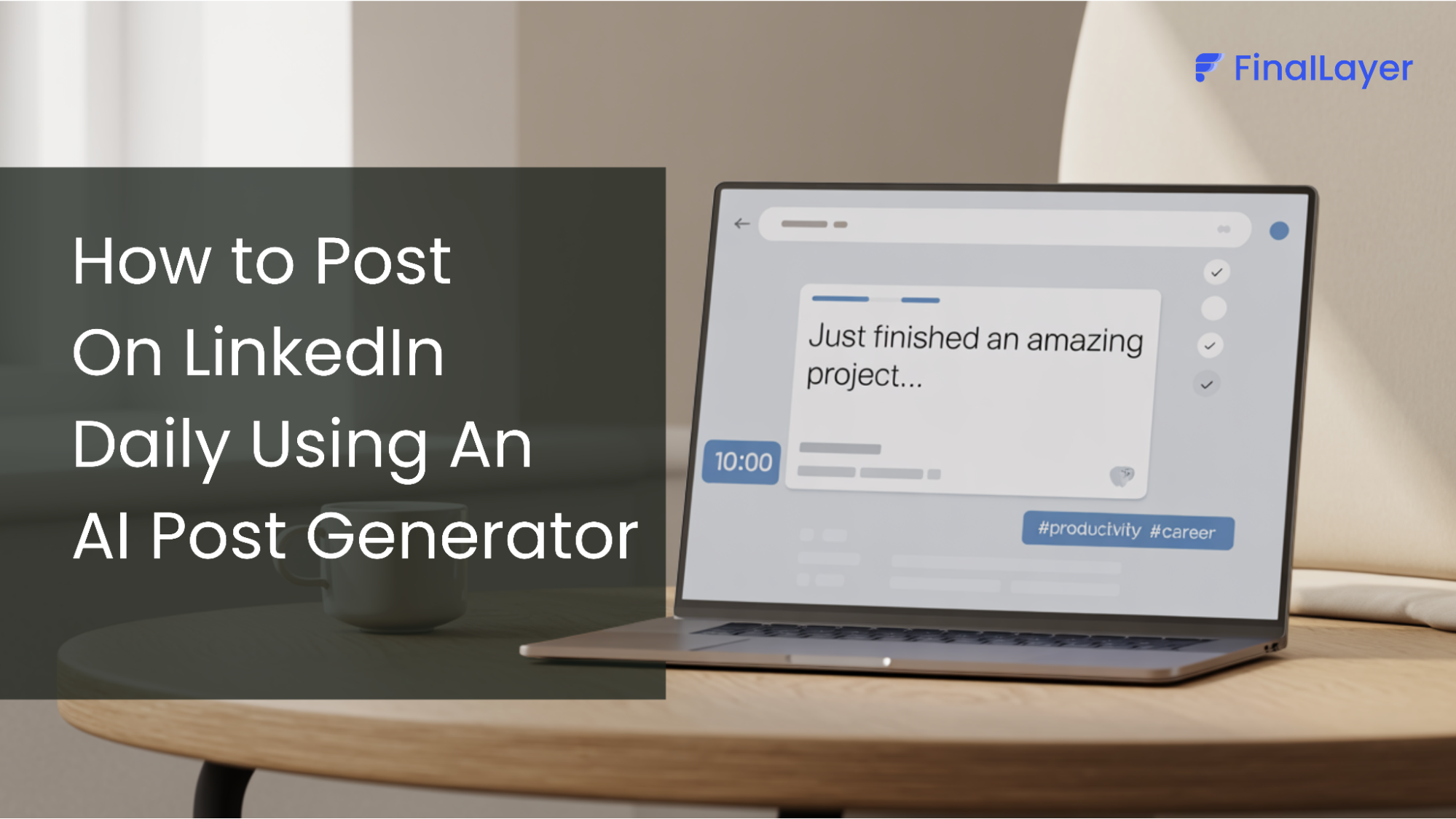
Posting on LinkedIn every day is one of the fastest ways to grow your reach, authority, and opportunities, but writing from scratch quickly becomes exhausting. With the right AI LinkedIn post generator and a simple workflow, you can publish a high-quality post in about 10 minutes without sounding like a generic bot.
This guide walks through a practical, repeatable system you can use daily, then shows how FinalLayer’s AI LinkedIn post generator makes the whole process even smoother.
Step 1: Capture real ideas, not generic prompts
AI sounds unnatural when it has nothing real to work with, so your first job is to feed your AI LinkedIn post generator with your actual experiences and opinions. Think of the tool as a writing assistant that shapes your thoughts, not a replacement for your perspective.
Use a simple capture system throughout the week:
- Questions that customers or colleagues keep asking you
- Problems you solved at work and how you approached them
- Strong opinions you shared in Slack, email, or meetings
- Stories from wins, failures, and turning points in your career
Drop these as bullets or voice notes into a running “LinkedIn ideas” list. When you open your AI LinkedIn post generator, you should already have real, specific inputs ready to go.
Step 2: Use an AI LinkedIn post generator to turn ideas into draft posts
When it is time to post, never start from a blank page. Pick one idea from your list and paste it into your AI LinkedIn post generator with a clear, detailed prompt so the output is tailored to your audience.
For example:
“Turn this idea into a LinkedIn post: [paste bullet]. Audience: mid-level B2B marketers. Tone: direct, conversational, a bit contrarian. Max 180 words. Structure: hook → story → lesson → CTA.”
A good AI LinkedIn post generator will:
- Produce multiple hooks and angles for the same idea
- Match a chosen tone of voice (casual, expert, bold, etc.)
- Suggest hashtags and CTAs relevant to your topic and niche
Within 2–3 minutes, you should have 2–3 workable drafts that would have taken you much longer to write manually.
Step 3: Make the AI draft sound like you
Even the best AI LinkedIn post generator can lean toward clichés and generic phrasing, so this step is where you remove the “robotic” feel. The goal is to keep the structure and speed the AI gave you while injecting your own voice and specifics.
Run a quick “humanization” pass:
- Replace generic phrases with concrete details from your own work or clients
- Add 1–2 sentences that only you could write, a personal story, a mistake, or a nuanced opinion
- Swap buzzwords for simple language you would actually use in conversation
- Break big paragraphs into short, scannable lines that fit how people read on LinkedIn
If your AI LinkedIn post generator allows it, you can also feed in a few of your past posts so it learns your style and gets closer to your voice over time.
Step 4: Optimize and schedule in batches
To truly post daily in 10 minutes, do not rebuild the entire workflow every single day. Instead, batch the parts that AI and your AI LinkedIn post generator are best at, then do light daily polishing.
A simple rhythm:
- Once a week: Spend 30–45 minutes dumping ideas into your “LinkedIn ideas” list
- Once a week: Use your AI LinkedIn post generator to create 5–10 draft posts from those ideas
- Each day: Spend 10 minutes refining one draft, adding your voice, and posting or scheduling it
Many AI LinkedIn post generator tools now integrate basic scheduling or connect to schedulers so you can queue a week’s worth of posts in a single sitting. This keeps you consistent without being chained to LinkedIn every morning.
How FinalLayer Makes This Entire Workflow Take 10 Minutes
This workflow becomes much easier when everything lives in one place, and that is exactly what FinalLayer is built for. Instead of juggling notes, a generic AI LinkedIn post generator, hooking ideas, and separate scheduling tools, you work inside a single LinkedIn-focused workspace designed to streamline the entire posting process.
Here’s what a 10-minute LinkedIn session looks like with FinalLayer:
Start with context, not a blank page (30 seconds)
Instead of staring at a blank page, you start with FinalLayer’s Personalized Topics. After connecting your LinkedIn (or providing context manually), FinalLayer suggests topics that are relevant to your background and audience.
Alongside topic suggestions, you can also get personalized “my story” angles, prompts that help you turn your own experience into a post (wins, lessons, mistakes, behind-the-scenes moments) so the content feels human and original.
Generate and choose a strong hook first (1–2 minutes)
Before drafting the full post, FinalLayer helps you generate multiple hook options for your idea. You can quickly scan, compare, and select the opening line that best fits your voice and audience.
Starting with a strong hook ensures the post is built around a clear angle, rather than trying to fix the opening after the content is written.
Generate personalized post ideas and drafts (2–3 minutes)
Once a hook is selected, FinalLayer’s Personalized Topics and AI LinkedIn Post Generator turn your idea into structured post drafts that follow naturally from the chosen hook. The AI uses your context, notes, or past experiences to keep the content relevant and aligned with your audience.
Draft and refine your post with AI agents (3–4 minutes)
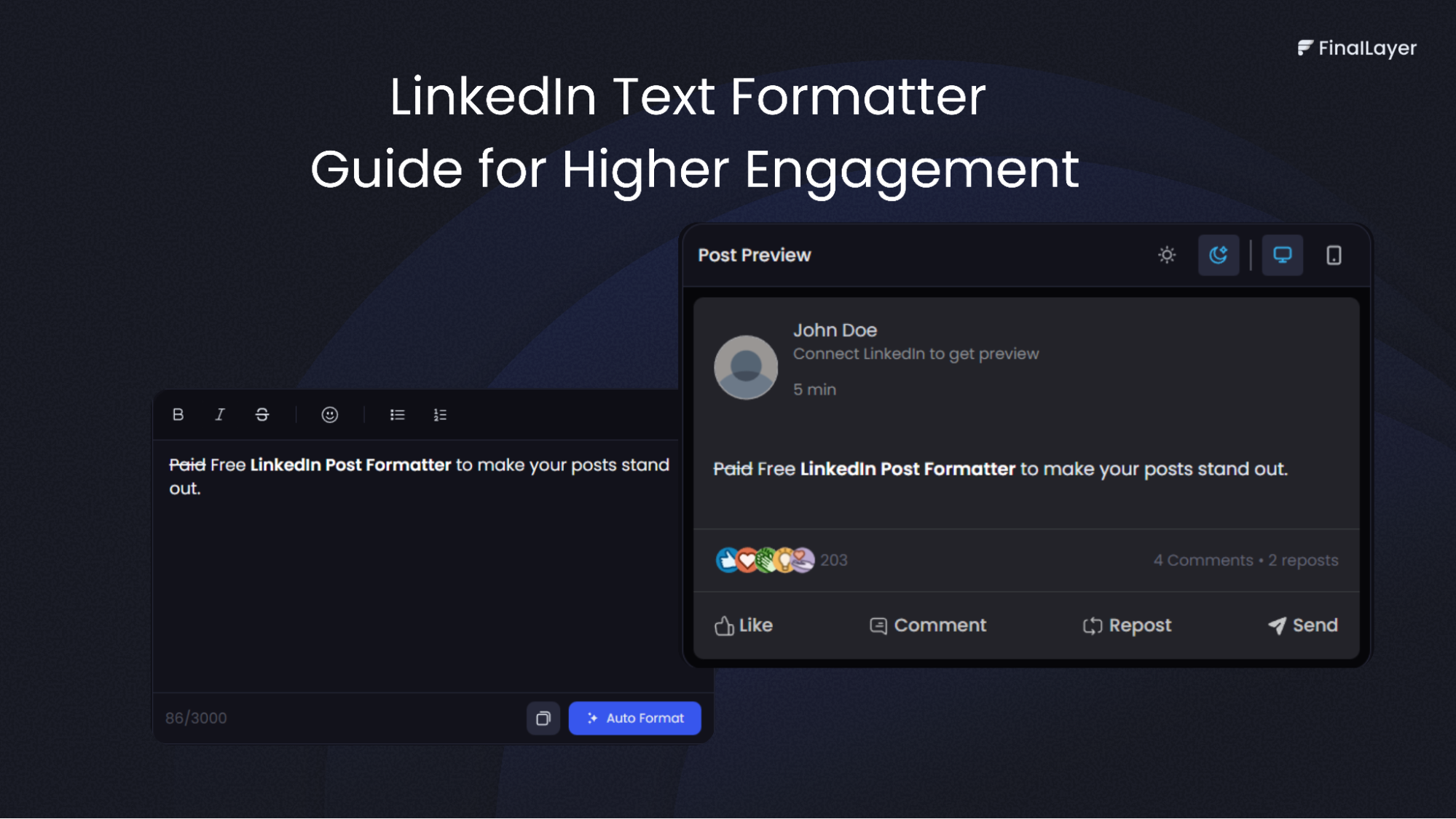
You can generate 2–3 draft variations in your preferred tone, then refine the best one using built-in editing and formatting tools to improve clarity, flow, and scannability.
You remain fully in control of the voice, tweaking lines, adding personal examples, or adjusting emphasis, while FinalLayer handles most of the heavy lifting from structure to polish. Relevant hashtags are suggested so discoverability is built in, not an afterthought.
Save, schedule, or post directly (1–2 minutes)
Once the post is ready, you can save it as a reusable template, keep it as a draft, or publish and schedule it directly to LinkedIn. When you batch a few posts, a single short session can easily turn into several days’ worth of content.
prompt and optimize for better results.
Optional: Add video clips in the same flow
If you create video content, FinalLayer’s Video Search and Clipping tools let you find relevant moments, trim them, and reuse clips as part of your post, without leaving the platform. Text, hooks, hashtags, and video can all be handled in the same focused workflow.
By keeping hooks, ideation, drafting, editing, and publishing in one LinkedIn-focused workspace, FinalLayer turns “I should post more on LinkedIn” into a repeatable, low-friction habit you can realistically stick to.
Prompts you can use with any AI LinkedIn post generator
To keep your posts sounding human, use prompts that emphasize your experience and audience, not just the keyword.
Examples:
- “You are an expert in writing LinkedIn posts. Turn this story into a post for [role], highlight the mistake I made, and end with one clear takeaway. Keep my tone casual and direct.”
- “Rewrite this LinkedIn post to sound like I am talking to a colleague, short sentences, simple words, and no buzzwords.”
- “From this bullet list, create 3 different hooks and 3 different post angles. Make them opinionated but not clickbait.”
Combine these prompts with a tool like FinalLayer’s AI LinkedIn post generator, and posting daily in 10 minutes becomes less of a grind and more of a repeatable habit.
Final Thoughts
Posting daily on LinkedIn is less about creativity and more about having a system you can repeat without burning out. When used correctly, an AI LinkedIn post generator does not replace your voice; it removes the friction that makes consistency hard by handling structure, formatting, and speed. The key is feeding it real ideas from your work and experiences, then spending a few minutes shaping the output so it sounds like you. When posting takes 10 minutes instead of an hour, consistency stops being a struggle and becomes a habit, turning LinkedIn from a task you avoid into a channel that compounds results over time.