LinkedIn Live is one of the most underused features on the platform, and in 2026, that makes it one of the biggest opportunities for professionals who want to stand out.
LinkedIn Live videos generate 7x more reactions and 24x more comments than regular video posts. Total video views on LinkedIn grew 36% year-over-year in 2025, and the 2026 algorithm actively rewards live content with broader reach than standard posts.
If you have been wondering how to use LinkedIn Live but do not know where to start, this guide covers everything, eligibility requirements, broadcasting tools, a step-by-step setup process, best practices, and how to measure results.
What Is LinkedIn Live?
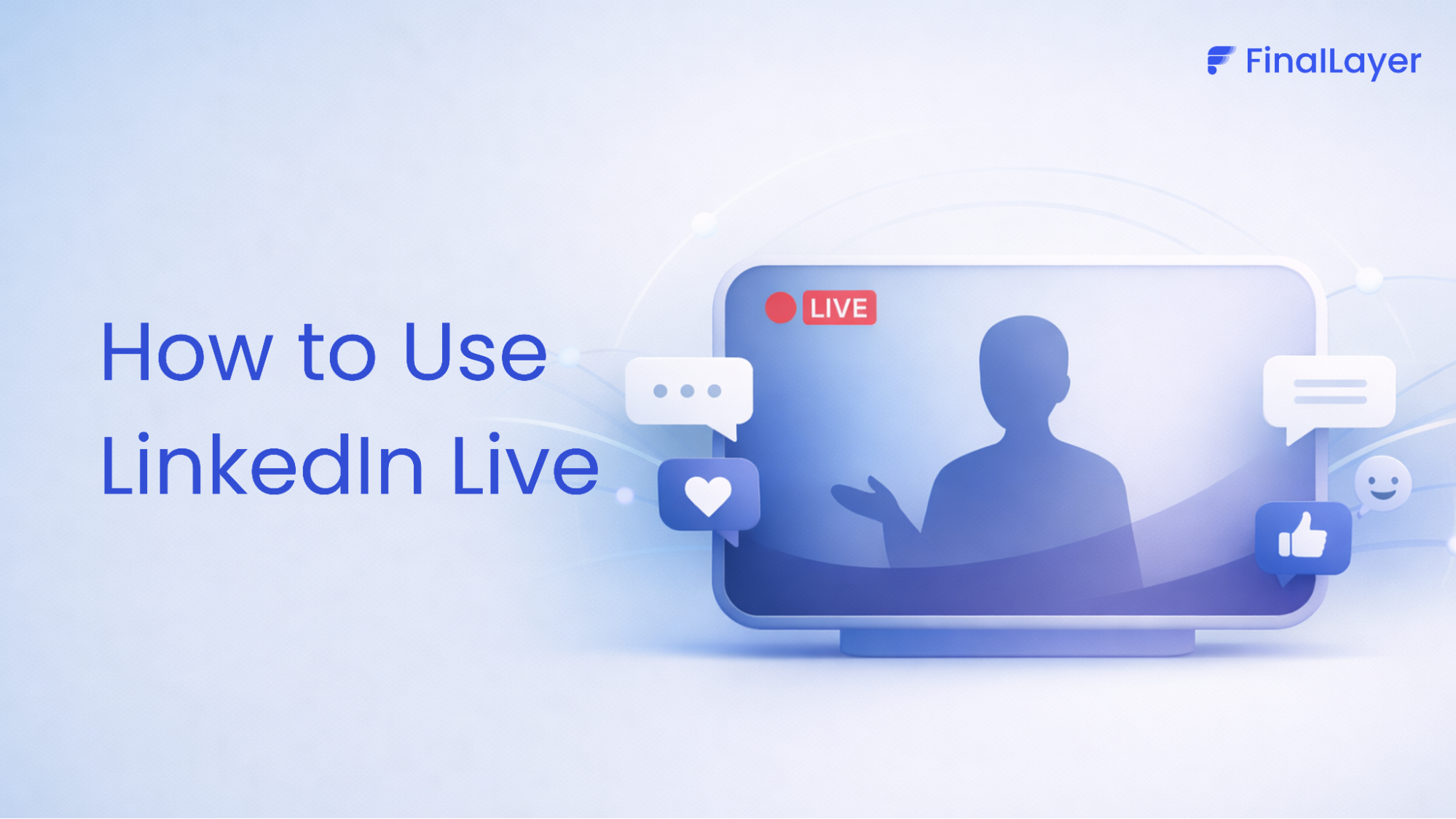
LinkedIn Live is a real-time video broadcasting feature that lets you stream directly to your followers, connections, or event attendees. Unlike pre-recorded content, it creates an immediacy and presence that polished videos cannot replicate.
Launched in 2019 for individual profiles and expanded to company Pages in 2022, LinkedIn Live became the platform's sole live broadcasting tool in December 2024 when standalone Audio Events were discontinued and fully merged into LinkedIn Live. It is now the single entry point for all live events on LinkedIn, video and audio alike.
The 2026 algorithm rewards live content generously. Strong early engagement signals, comments, reactions, and watch time, push streams to a far broader audience than standard linkedin posts. For building visibility and thought leadership, LinkedIn Live is one of the highest-leverage formats on the platform right now.
LinkedIn Live vs. LinkedIn Events
Before learning how to use LinkedIn Live, it helps to understand how it sits alongside LinkedIn Events:
LinkedIn Live | LinkedIn Events | |
What it is | Real-time video broadcast to your followers | Structured event page with optional registration |
Who sees it | Anyone who follows you, directly in their feed | Registered attendees get notified when you go live |
Best for | Organic reach and real-time visibility | Webinars, panels, and launches with a defined audience |
The most effective strategy is using both together. Create a LinkedIn Event, then broadcast it via LinkedIn Live. Registered attendees get an automatic notification the moment you start streaming, giving your live viewership an immediate boost.
Who Can Use LinkedIn Live?
LinkedIn Live is not available to every account by default. To qualify, your profile or Page must meet all of the following criteria:
- At least 150 followers or connections
- A history of original content posted on LinkedIn
- Compliance with LinkedIn's Professional Community Policies
- Account at least 30 days old
- Not located in mainland China
How to check your access: Go to Settings → Creator tools. If LinkedIn Live shows "Available," you are approved. No separate application form is needed in 2026, access is granted automatically when you connect a preferred broadcasting tool and meet the criteria above.
Choosing a Broadcasting Tool
There is no native "Go Live" button inside LinkedIn. To understand how to use LinkedIn Live properly, you first need a third-party broadcasting tool. LinkedIn has five official Preferred Partners:
Tool | Best For | Standout Feature |
StreamYard | Beginners | Browser-based, no download. Free tier available. |
Restream | Multi-platform | Stream to LinkedIn, YouTube, and X simultaneously. |
Socialive | Enterprise teams | Advanced production and team workflows. |
Switcher Studio | Mobile creators | Multi-camera streaming from an iPad. |
Vimeo | Video professionals | High-quality encoding and robust analytics. |
For most first-time streamers, StreamYard is the easiest entry point, it runs entirely in your browser and connects to LinkedIn in minutes. For advanced setups using Zoom, OBS, or Webex, you can connect directly via RTMP custom stream ingest.
How to Use LinkedIn Live: Step-by-Step
1. Access your Creator tools:
LinkedIn removed the Creator Mode toggle in mid-2024. Live streaming tools are now available to all eligible members automatically. To check your access, go to your LinkedIn profile → Settings → Visibility → and look for Creator tools, or simply try creating a LinkedIn Event, if LinkedIn Live appears as a format option, you are approved.
2. Confirm your LinkedIn Live access
Inside your settings, check that LinkedIn Live shows "Available." If not, try creating a LinkedIn Event, selecting LinkedIn Live in the format dropdown triggers an automatic eligibility review.
3. Sign up for a broadcasting tool
Create an account on StreamYard, Restream, or your preferred tool. Connect your LinkedIn profile or Page by authorising the app when prompted.
4. Create a LinkedIn Event
On your homepage, click Events → Create event. Add the name, description, date, and time. Set the format to LinkedIn Live. This generates the event page your audience can follow and register for.
5. Link your broadcast tool to the event
In your broadcasting tool, go to Destinations and select the LinkedIn event you just created. The tool generates a stream key connecting your broadcast directly to that event.
6. Test everything
Check your camera, microphone, and lighting. Confirm your upload speed is at least 5 Mbps for stable HD streaming. Run a short test broadcast 30 minutes before going live.
7. Promote in advance
Post about your stream 7–10 days ahead. Share the event link in your feed and send direct invitations to relevant connections.
8. Go live and engage
Hit Go Live in your broadcasting tool. Open with a strong hook in the first 60 seconds, who you are, what this stream covers, and what viewers will take away. Greet viewers by name as they join and respond to comments throughout.
9. End and follow up
Click Stop Broadcast when done. Your recording saves automatically to your LinkedIn profile. Within 24 hours, post a follow-up with key takeaways and a replay link.
Going live works best when it’s part of a consistent content system, not a one-off event.
FinalLayer helps you plan your LinkedIn content, generate high-performing post ideas, and write posts that promote your live sessions so you attract the right audience before you even go live.
Insert CTA
Best Practices for LinkedIn Live in 2026
Stream for the right length
LinkedIn recommends at least 15 minutes to give your audience time to join. Aim for 20–60 minutes, viewers watch live video 3x longer than pre-recorded content, but drop-off accelerates past 90 minutes.
Choose topics your audience searches for
Browse LinkedIn Events in your niche and see which ones draw the highest attendance. Streams addressing real professional challenges consistently outperform generic talks.
Bring a co-host or guest
Two speakers create more dynamic conversation and double your reach, your guest's followers get notified about the event too.
Assign a moderator
Managing a broadcast while reading comments solo is nearly impossible. Have a colleague monitor the comment section, surface good questions, and keep the conversation on track.
Repurpose every stream
One 45-minute broadcast can fuel two weeks of content, short clips for the feed, a newsletter recap, a carousel of key points, or a YouTube upload.
LinkedIn Live Content Ideas That Perform
- Industry trend breakdowns, "What's changing in [your field] in 2026"
- Expert interviews and fireside chats
- Live Q&As tied to a recent post or newsletter
- Product launches with real-time audience reactions
- Behind-the-scenes looks at your team or process
- Recurring weekly or monthly roundtables
The common thread in every high-performing format is giving your audience a reason to show up live rather than just watch the replay.
How to Measure Performance
After each broadcast, go to your event page and open the Live Event Overview tab for your full stream analytics. Track these key metrics:
- Peak concurrent viewers, highest simultaneous viewers at any point
- Total unique viewers, full audience reach across the broadcast
- Watch time, how long people stayed (low watch time = weak hook)
- Comments and reactions, drives algorithmic distribution
- New followers gained, downstream brand awareness indicator
LinkedIn counts a view after 3 seconds of watch time, not just an impression.
Common Mistakes to Avoid
No promotion. Post reminders at day minus 7, day minus 3, and day minus 1. Great content still gets minimal viewers without a runway.
Turning it into a sales pitch
LinkedIn's 2026 algorithm deprioritises overtly commercial content. Lead with value, trust converts to leads far more effectively than pitching.
Skipping the tech check
A bad mic or dropped connection undoes all your preparation. Always test 30 minutes before going live.
No CTA at the end. Tell viewers exactly what to do when the stream ends, follow your profile, read a resource, register for your next event.
Final Thoughts
Most professionals scroll past LinkedIn Live thinking it's for the big names, the verified profiles with tens of thousands of followers. It's not.
The ones quietly building real authority on LinkedIn right now are the consultants, coaches, and founders who went live before they felt ready, picked a topic they genuinely cared about, and kept showing up.
The algorithm will reward you. The audience will find you. But only if you actually start.