Your LinkedIn summary is the first thing recruiters, clients, and potential connections read after viewing your headline. It's your opportunity to tell your professional story, showcase your value, and compel visitors to connect with you or reach out about opportunities.
Yet staring at that blank "About" section wondering what to write paralyzes most professionals. How do you balance professionalism with personality? How do you highlight achievements without bragging? How do you write something engaging that also includes the right keywords for searchability?
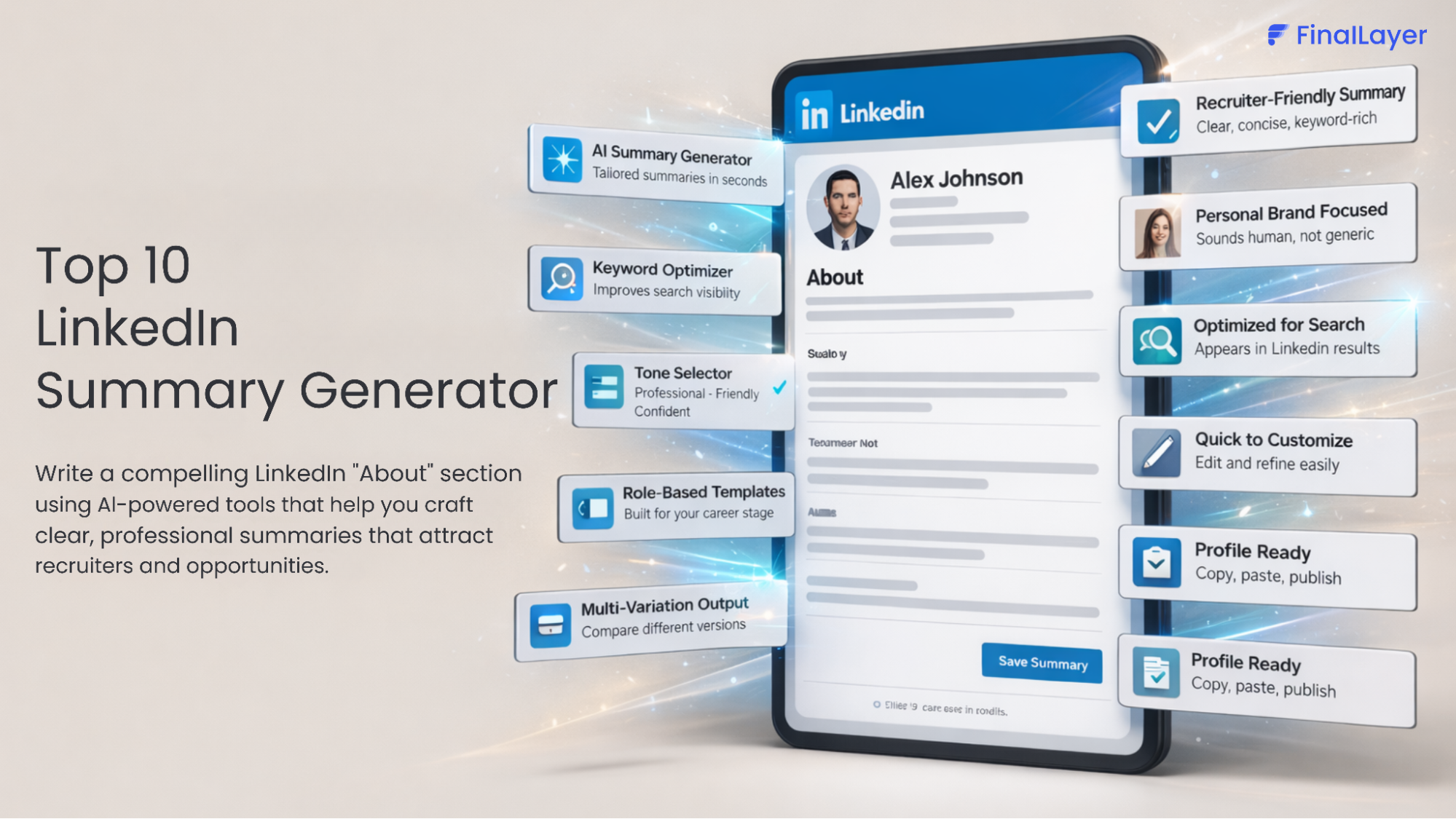
This is where a linkedin summary generator becomes invaluable. These AI-powered tools have revolutionized how professionals approach linkedin profile optimization, making it possible to create compelling summaries in minutes rather than hours of agonizing over every word.
This comprehensive guide explores the top 10 linkedin summary generator tools available in 2026, helping you choose the right solution to craft a summary that attracts opportunities and builds your professional brand.
1. FinalLayer LinkedIn Summary Generator
Best For: Professionals seeking AI-powered summary creation with customization
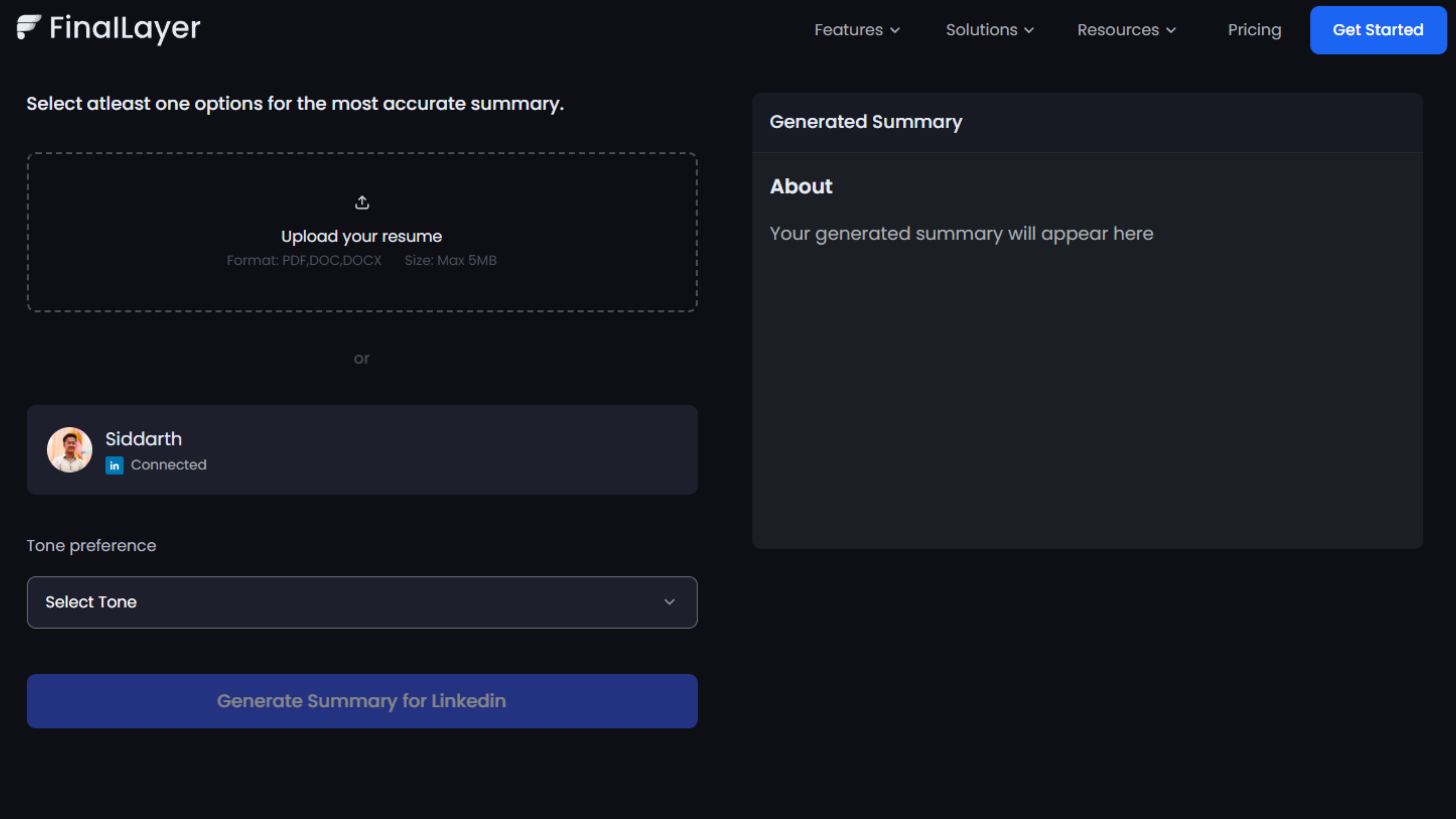
FinalLayer's LinkedIn Summary Generator leads our list as a dedicated AI tool for creating professional LinkedIn summaries. FinalLayer focuses specifically on helping you craft compelling "About" sections that capture attention and communicate your professional value.
Key Features:
- AI-powered summary generation based on your role and background
- Multiple tone options to match your professional style
- Industry-aware language and terminology
- Keyword suggestions for your field
- Easy-to-use interface with quick generation
- Editable output for personalization
Why It Stands Out: FinalLayer's linkedin summary generator uses advanced AI to understand your professional context and generate summaries that sound authentic and professional. The tool provides a strong foundation that you can customize to perfectly reflect your unique experience and goals.
Rating: ⭐⭐⭐⭐⭐ (5/5)
Pricing: Free to use
2. Socialsonic
Best For: Professionals wanting multiple variations with keyword optimization
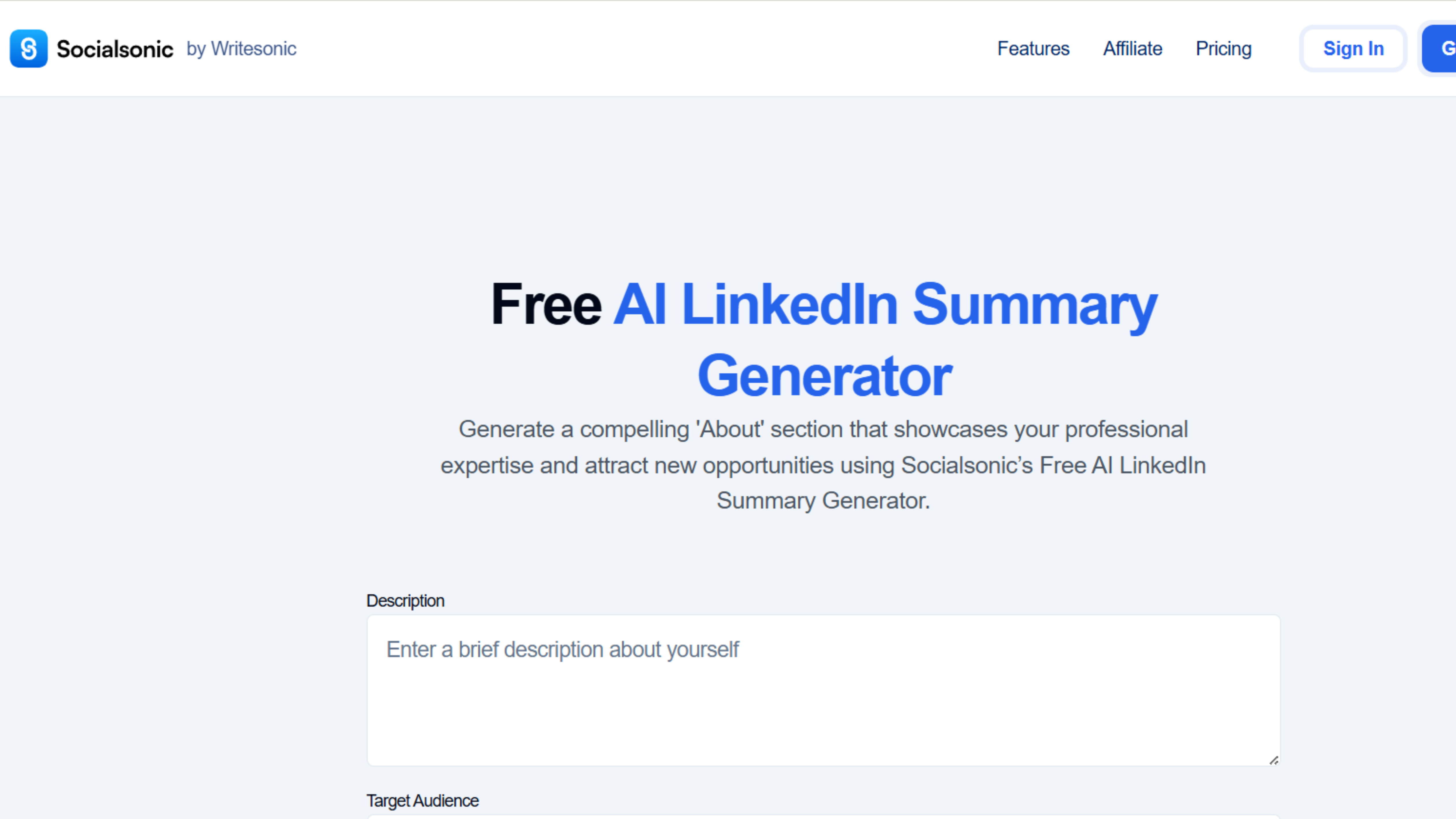
Socialsonic offers a robust free linkedin summary generator that creates tailored, keyword-rich summaries with several variations to choose from.
Key Features:
- Multiple summary variations per generation
- Keyword-rich content optimized for search
- Easy editing interface for customization
- Industry-specific recommendations
- Professional tone maintenance
Standout Capability: Socialsonic's linkedin profile summary generator excels at creating multiple distinct approaches, allowing you to mix and match elements from different versions.
Rating: ⭐⭐⭐⭐½ (4.5/5)
Pricing: Free
3. Resumeup.ai
Best For: Job seekers and career transitioners
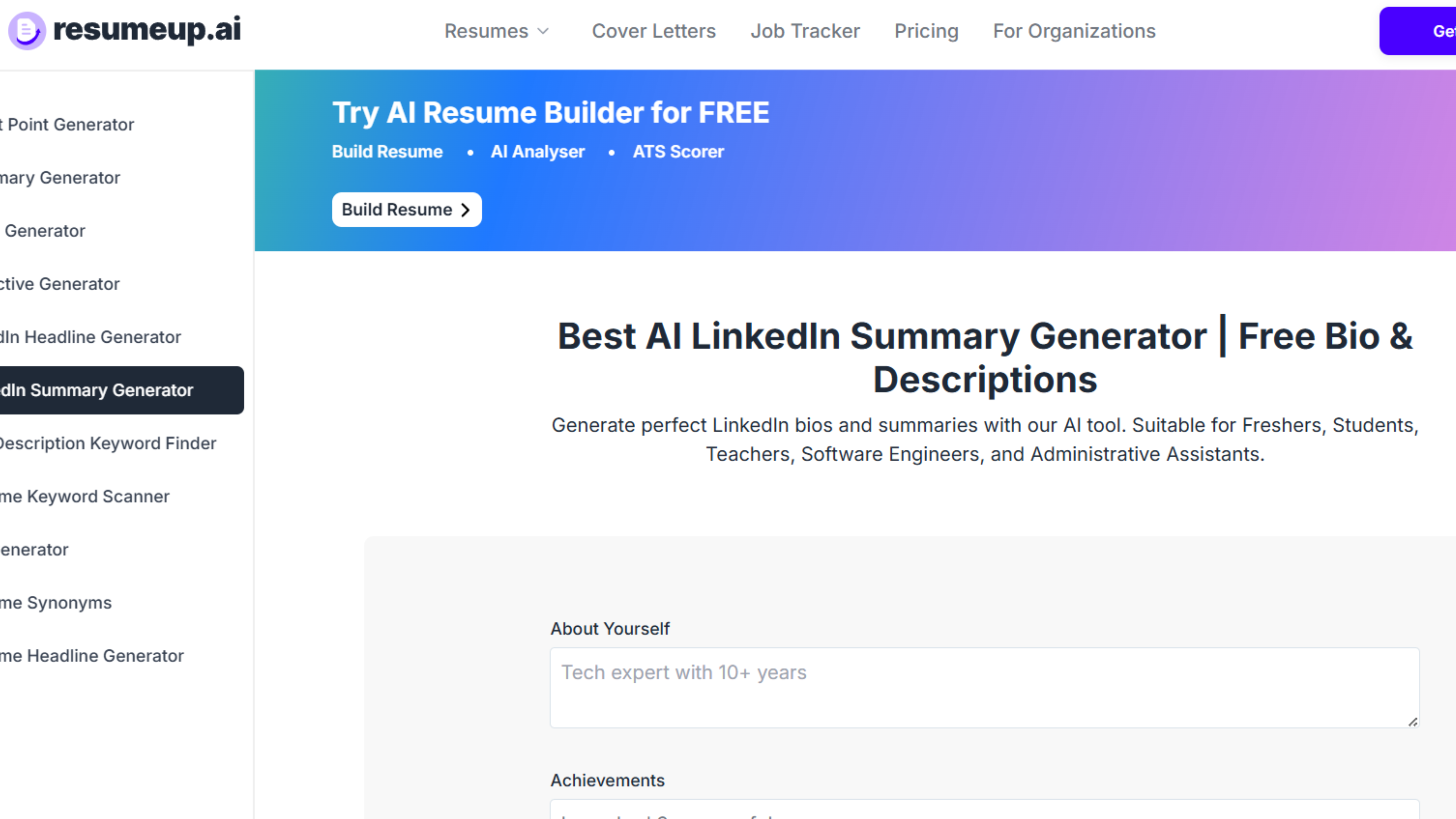
Resumeup.ai specializes in creating role-focused summaries for job seekers, students, and professionals across different industries and career stages.
Key Features:
- Role-specific summary templates
- Career level customization (entry-level to executive)
- Industry-tailored language
- Achievement highlighting
- Job search optimization
Standout Capability: This linkedin summary generator understands the nuances of different career stages and creates summaries that position you appropriately for your target roles.
Rating: ⭐⭐⭐⭐ (4/5)
Pricing: Free basic version; premium features available
4. Redact AI
Best For: SEO-focused professionals prioritizing search visibility
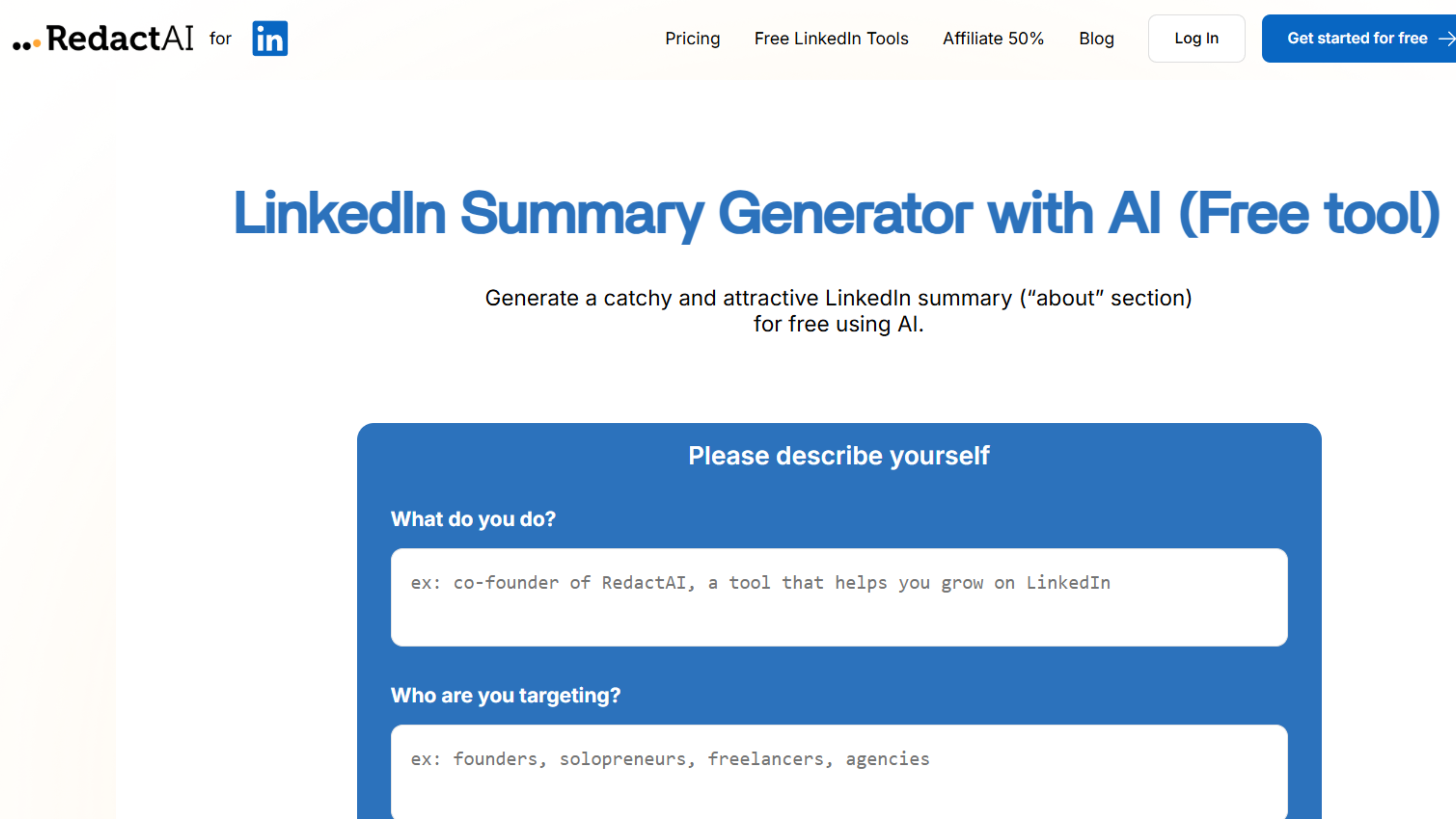
Redact AI emphasizes creating professional, customizable, and SEO-friendly LinkedIn "About" sections that maximize visibility in recruiter searches.
Key Features:
- SEO optimization for LinkedIn search
- Keyword density analysis
- Professional tone assurance
- Customization options for different industries
- Search visibility scoring
Standout Capability: Redact AI's free linkedin summary generator focuses heavily on searchability, ensuring your summary includes the keywords that matter most for your industry.
Rating: ⭐⭐⭐⭐ (4/5)
Pricing: Free
5. Supergrow
Best For: Professionals wanting precise tone control
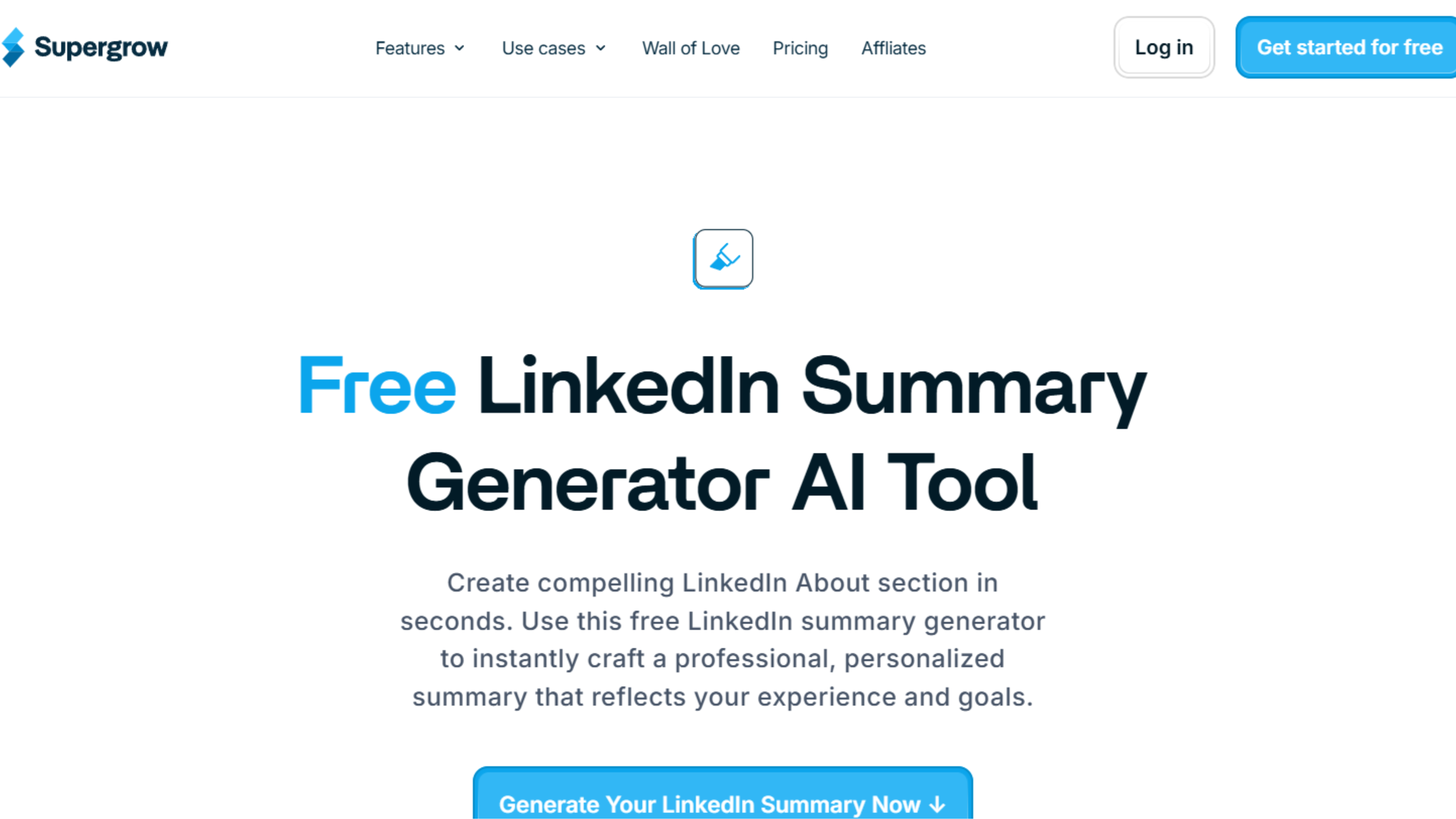
Supergrow allows you to select specific tones, professional, friendly, confident, or creative, and generates editable summaries that match your chosen style.
Key Features:
- Multiple tone options (professional, friendly, confident, creative)
- Editable output for easy customization
- Industry-specific language
- Achievement emphasis options
- Quick generation process
Standout Capability: The tone selection feature makes Supergrow's linkedin profile summary generator ideal for professionals who know exactly how they want to sound but need help articulating it.
Rating: ⭐⭐⭐⭐ (4/5)
Pricing: Free tool; full platform starts at $29/month
6. Waalaxy
Best For: Sales professionals and lead generation specialists
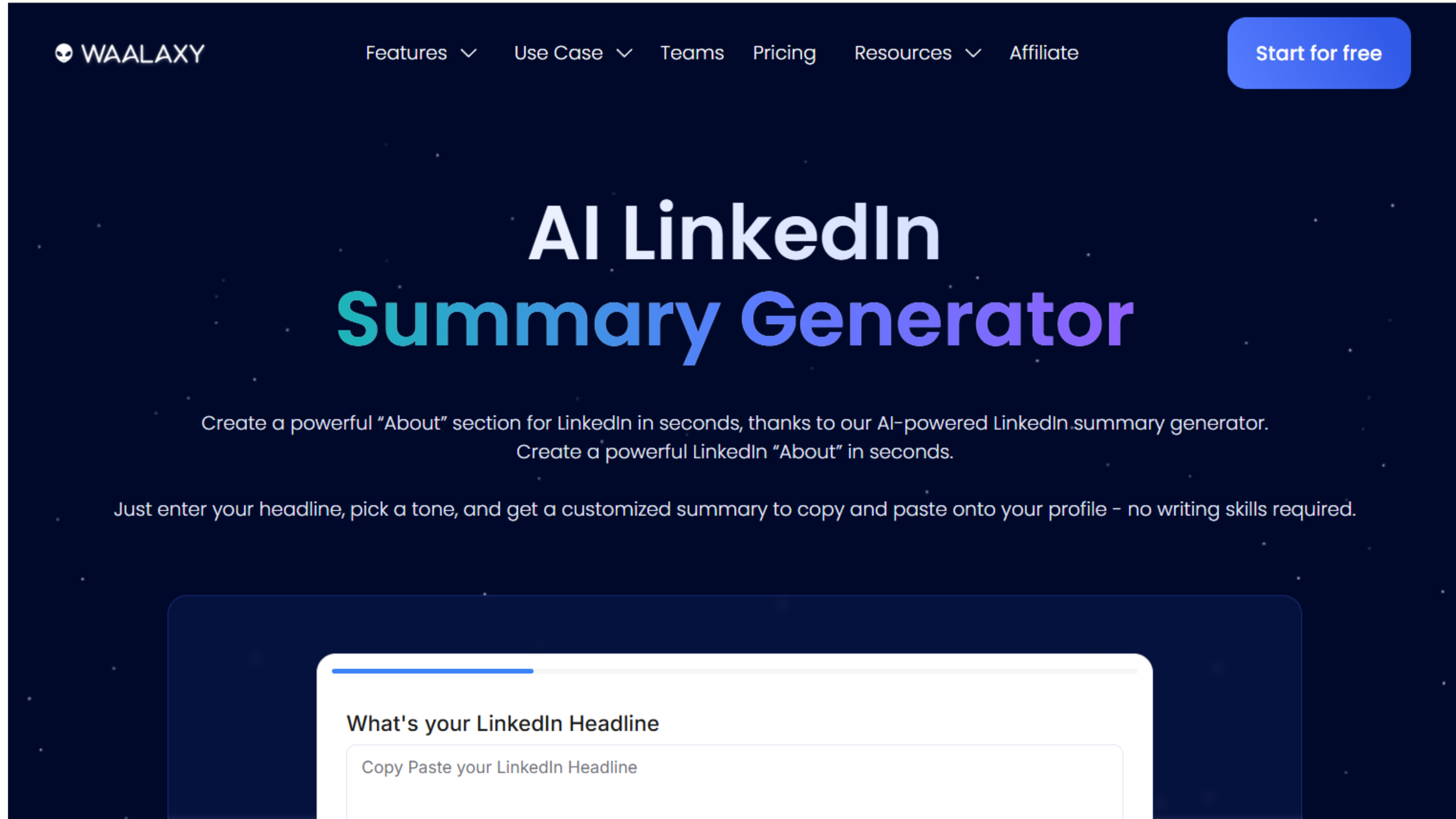
Waalaxy's AI "About" generator integrates with their LinkedIn outreach and lead-generation toolkit, perfect for professionals using LinkedIn for business development.
Key Features:
- Integration with outreach campaigns
- Lead-generation focused summaries
- Call-to-action optimization
- Conversion-oriented language
- Sales-friendly positioning
Standout Capability: Waalaxy's linkedin summary generator creates summaries specifically designed to convert profile views into leads, ideal for sales professionals and entrepreneurs.
Rating: ⭐⭐⭐⭐ (4/5)
Pricing: Free generator; full platform from $60/month
7. AIFreeBox
Best For: International professionals needing multi-language support
AIFreeBox offers a free linkedin summary generator with multi-language support and adjustable creativity levels for global professionals.
Key Features:
- Multiple language support
- Adjustable creativity levels
- Cultural tone adaptation
- Global industry understanding
- No signup required
Standout Capability: The multi-language capability makes AIFreeBox's linkedin profile summary generator the best choice for professionals targeting international audiences or working in multilingual environments.
Rating: ⭐⭐⭐⭐ (4/5)
Pricing: Free
8. LogicBalls
Best For: Quick generation without account creation
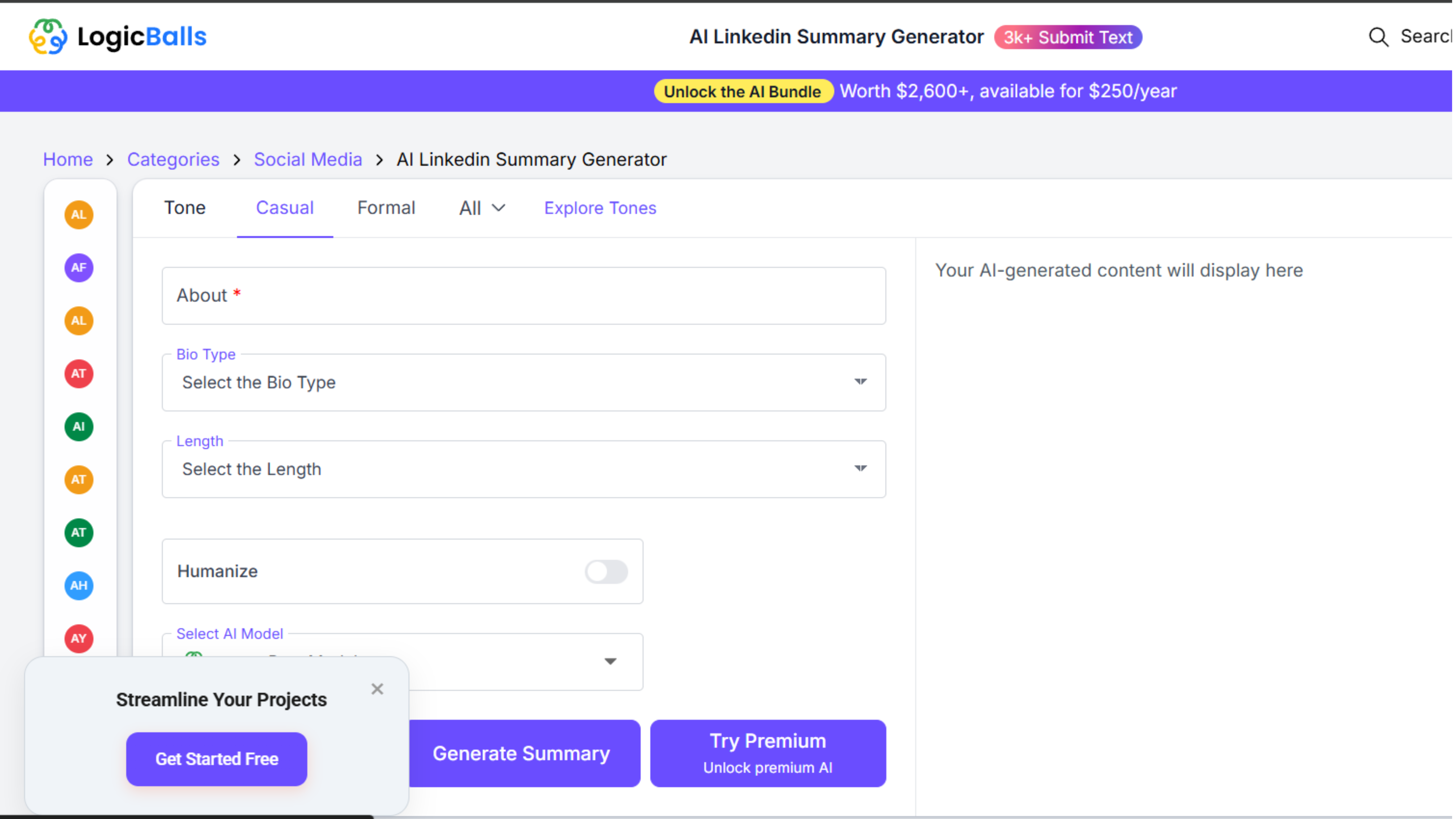
LogicBalls provides a no-signup linkedin summary generator that transforms your skills, goals, and experience into structured summaries instantly.
Key Features:
- No registration required
- Skills-based summary creation
- Goal-oriented content
- Experience highlighting
- Quick output generation
Standout Capability: The complete lack of barriers, no signup, no waiting, makes LogicBalls ideal for professionals who want to test free linkedin summary generator tools without commitment.
Rating: ⭐⭐⭐½ (3.5/5)
Pricing: Free
9. Postwise
Best For: Content creators building personal brands
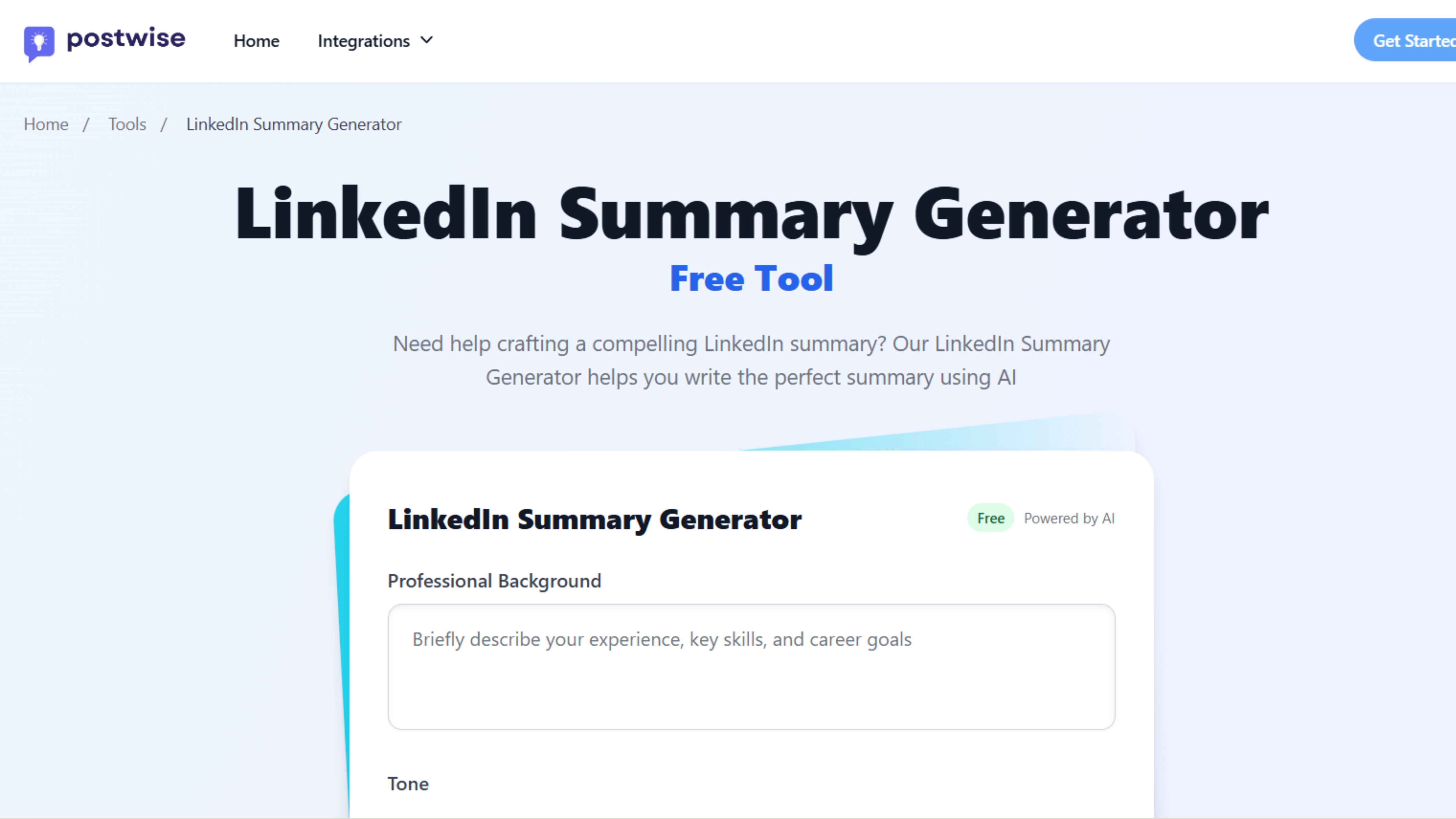
Postwise offers a free, no-login linkedin summary generator specifically designed for creators building strong personal brands on LinkedIn.
Key Features:
- Creator-focused language
- Personal brand emphasis
- Audience connection optimization
- No login required
- Fast generation
Standout Capability: Postwise's linkedin profile summary generator understands creator economy language and positions you effectively as a thought leader or content creator.
Rating: ⭐⭐⭐½ (3.5/5)
Pricing: Free
10. Taplio
Best For: LinkedIn creators integrated with content strategy
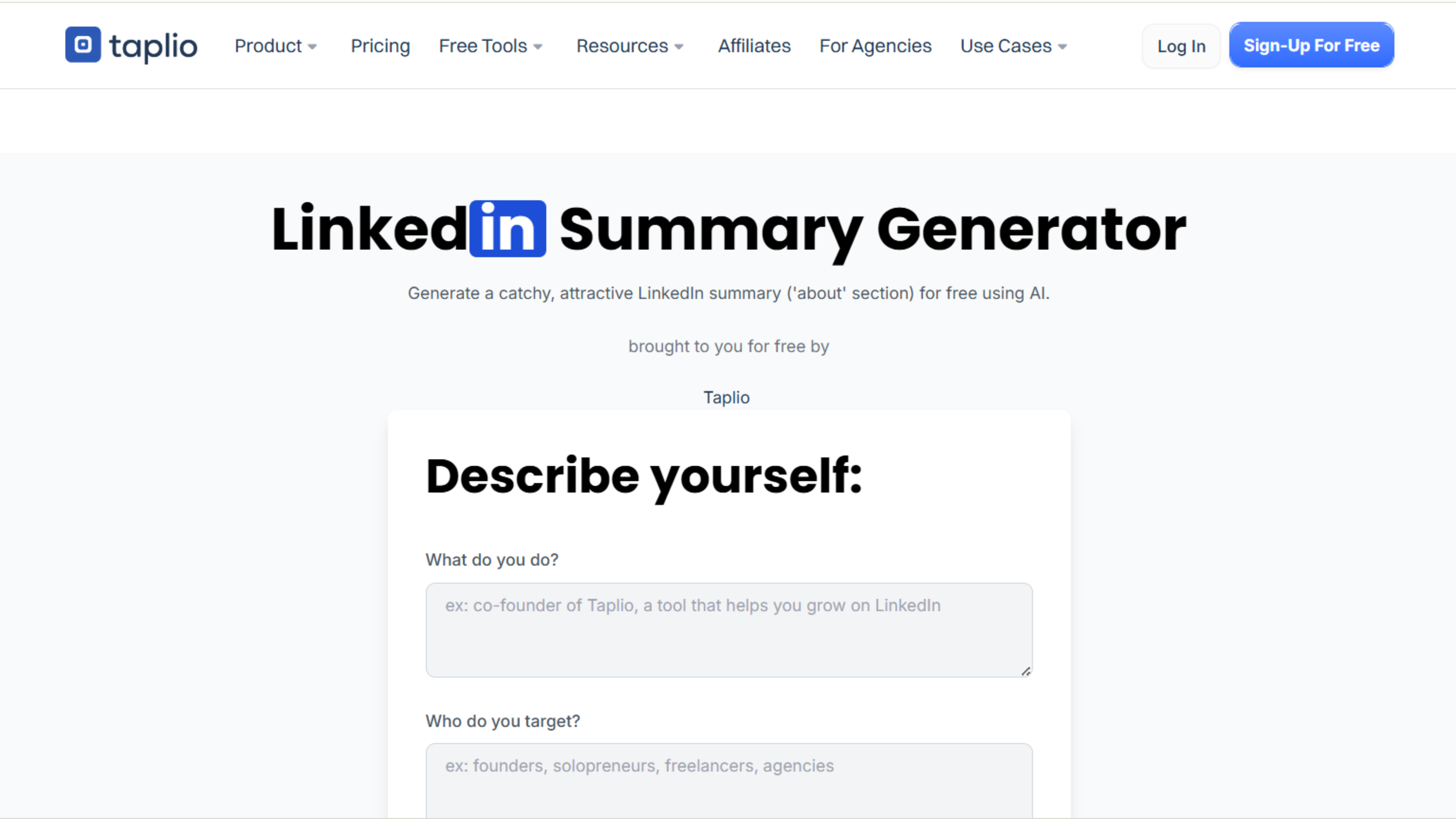
Taplio's well-known linkedin summary generator is used by creators worldwide and integrates seamlessly with Taplio's broader personal brand platform.
Key Features:
- Integration with Taplio's content tools
- Creator and thought leader positioning
- Personal brand alignment
- Multiple variation generation
- Easy customization interface
Standout Capability: For Taplio users, the free linkedin summary generator creates summaries that align perfectly with your linkedin content strategy and posting approach on the platform.
Rating: ⭐⭐⭐⭐ (4/5)
Pricing: Free generator; full Taplio platform from $39/month
Why Use a LinkedIn Summary Generator?
Before diving into specific tools, understand why using a linkedin profile summary generator significantly improves your results compared to writing from scratch.
Overcomes Writer's Block:
Most professionals struggle with self-promotion and don't know where to start. A free linkedin summary generator provides structure and starting points that eliminate the intimidation of a blank page.
Applies Proven Frameworks:
Quality generators use frameworks proven to drive engagement, opening hooks, value propositions, credibility markers, and clear calls-to-action that convert profile views into connections or opportunities.
Incorporates Keywords Naturally:
A strategic linkedin summary generator knows which keywords recruiters search for in your industry and weaves them naturally into your summary, boosting your visibility in LinkedIn searches.
Saves Valuable
Time: Writing an effective summary from scratch can take 2-3 hours of drafting, editing, and refinement. A linkedin profile summary generator produces quality drafts in minutes, leaving you time to personalize rather than create from zero.
Provides Multiple Variations:
The best free linkedin summary generator tools create multiple versions, allowing you to compare approaches and select elements from different options to create your ideal summary.
How to Use a LinkedIn Summary Generator Effectively
Having a linkedin summary generator doesn't automatically create a perfect summary. Strategic usage makes the difference:
Provide Detailed Input:
The more context you give about your background, achievements, and goals, the better any linkedin profile summary generator can create relevant content. Don't just enter job titles, include specific accomplishments, unique skills, and professional objectives.
Generate Multiple Versions:
Don't settle for the first output. Use your free linkedin summary generator to create 3-5 different versions, then compare them to identify the strongest elements from each.
Customize Extensively:
AI output is a starting point, not a final product. Add personal stories, specific examples, and unique perspectives that only you can provide. The best summaries blend AI efficiency with human authenticity.
Check Keyword Inclusion:
Ensure your chosen linkedin summary generator output includes industry-relevant keywords that recruiters search for. If critical terms are missing, edit them naturally.
Read Aloud:
After customizing, read your summary aloud. Does it sound like you? If the language feels stilted or unnatural, adjust until it reflects your authentic voice.
Get Feedback:
Share your top 2-3 options with trusted colleagues or mentors. External perspectives reveal which summary communicates your value most effectively.
Common Summary Mistakes to Avoid
Even with the best linkedin profile summary generator, these errors undermine effectiveness:
Publishing Without Customization:
Generic AI output lacks the specific examples and personal touches that make summaries memorable. Always personalize before publishing.
Writing Too Much: Summaries exceeding 300 words lose readers. Focus on impact over length, quality free linkedin summary generator tools know this.
Forgetting Call-to-Action:
Your summary should end by telling readers what to do next: connect, email, visit your website, or schedule a call. Don't leave them wondering how to engage.
Using Only Buzzwords:
Terms like "passionate," "innovative," and "results-driven" appear on millions of profiles. Be specific instead of relying on generic descriptors.
Neglecting Your Audience:
Write for the people you want to attract, recruiters, clients, or peers, not just for yourself. Consider what they need to know about you..
The Bottom Line
A free linkedin summary generator transforms summary writing from intimidating to achievable. These tools provide structure, proven frameworks, and professional polish while you focus on adding the authentic details that make your summary uniquely compelling. Whether you choose FinalLayer's comprehensive approach, Socialsonic's multiple variations, or Taplio's creator focus, the key is using these tools strategically while adding personal touches that AI cannot replicate.