You publish a thoughtful LinkedIn post packed with valuable insights. You've spent time crafting the perfect message, but within hours it's barely reached beyond your immediate connections. Meanwhile, similar content from others in your industry racks up thousands of views and dozens of comments.
What's the difference? Strategic hashtag usage. The right hashtags transform your posts from invisible to discoverable, connecting your content with professionals actively searching for your expertise. But manually researching which hashtags will maximize reach takes hours of trial and error.
That's the problem these tools solve. Below is a ranked comparison of the 10 best LinkedIn hashtag generator tools available in 2026, what each one does well, who it's built for, and how they differ.
1. FinalLayer LinkedIn Hashtag Generator
Best For: AI-powered hashtag strategy with real-time trend analysis
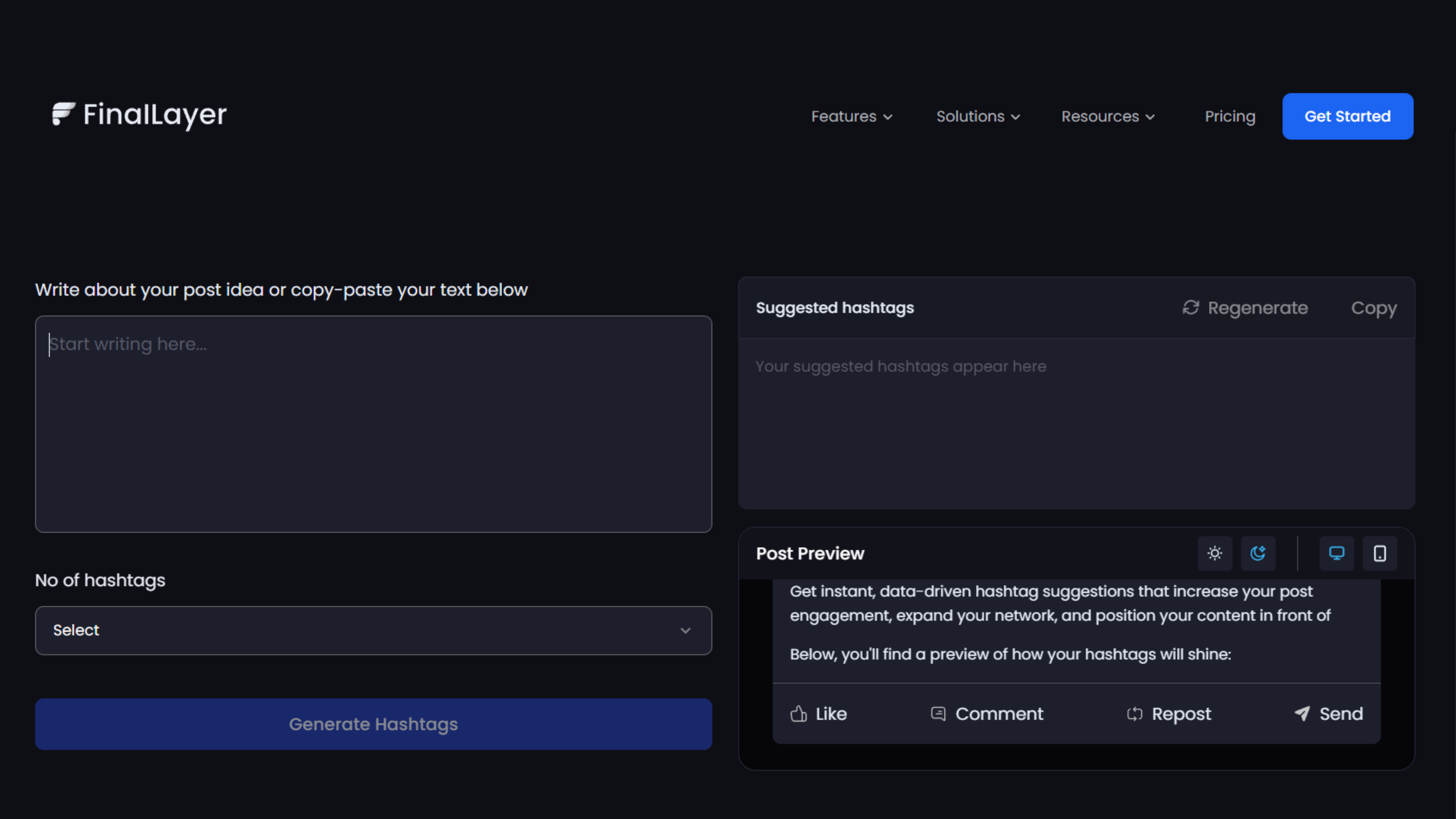
FinalLayer LinkedIn Hashtag Generator is the only tool on this list that analyses your post content before suggesting hashtags. Rather than recommending a fixed list of trending tags, it reads what you've written and suggests hashtags that match your specific message, industry, and target audience.
Key Features:
- AI-powered hashtag recommendations based on your content analysis
- Real-time trending hashtag identification in your industry
- Strategic mix of high-volume and niche hashtags
- Engagement prediction for suggested hashtags
- Optimal hashtag quantity recommendations (typically 3-5)
- Visual preview showing how hashtags appear with your post
Why It Stands Out: FinalLayer's hashtag generator for linkedin doesn't just suggest popular tags, it analyzes your specific content to recommend hashtags that align with your message, target audience, and goals.
Rating: ⭐⭐⭐⭐⭐ (5/5) Pricing: Free with premium features available
2. OneUp
Best For: Quick, simple hashtag generation without registration
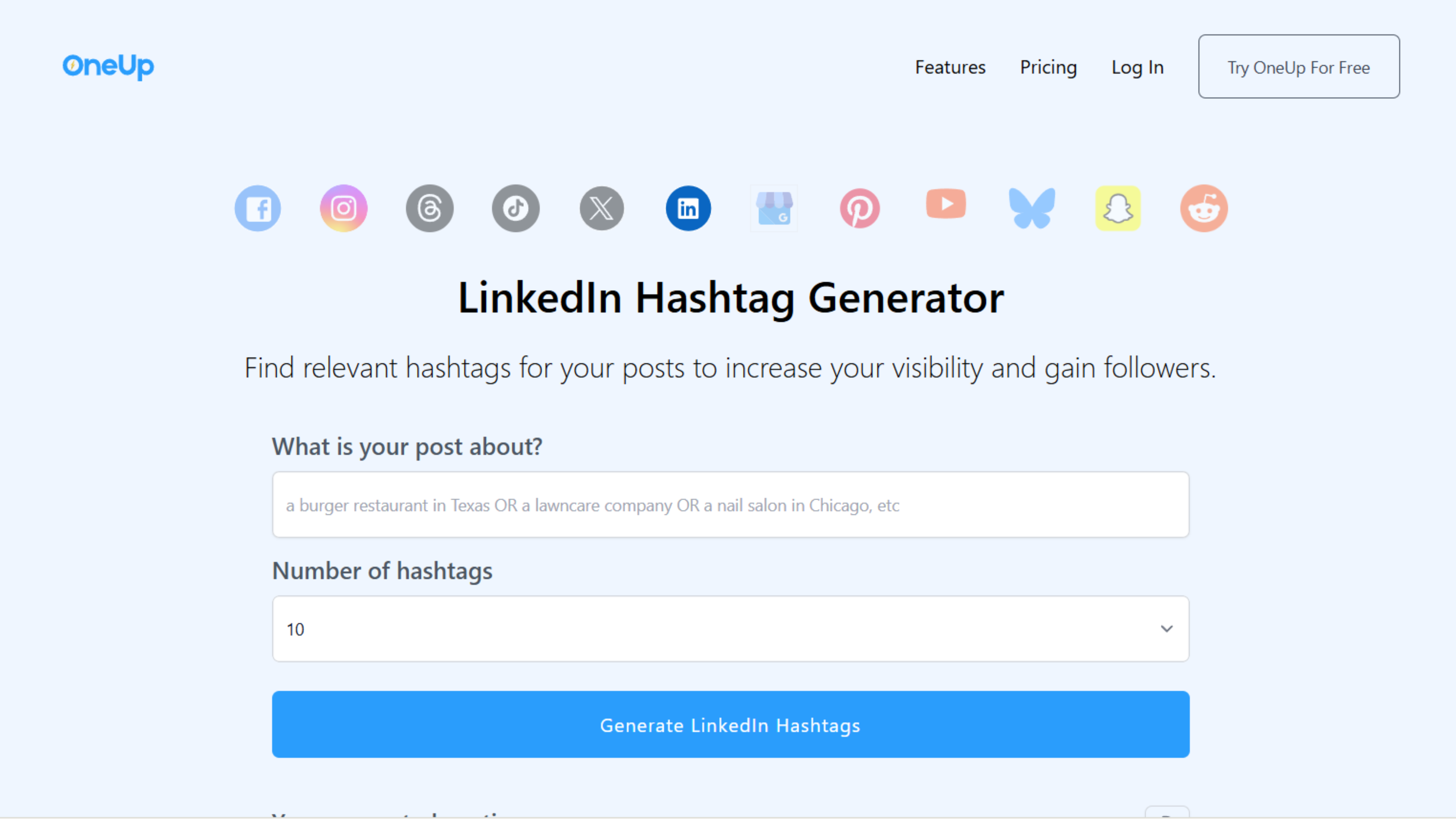
OneUp offers a streamlined free hashtag generator for linkedin that requires no account creation, making it perfect for professionals who need fast recommendations.
Key Features:
- Generate up to 30 hashtags per use
- No registration required
- Keyword-based hashtag suggestions
- Simple copy-paste functionality
- Clean, distraction-free interface
Standout Capability: Complete simplicity with no barriers, just enter your topic and generate hashtags instantly.
Rating: ⭐⭐⭐⭐ (4/5) Pricing: Free
3. ContentStudio
Best For: Agencies and teams managing multiple client accounts
ContentStudio's linkedin hashtag generator integrates hashtag research with comprehensive social media management, ideal for professionals managing multiple LinkedIn profiles.
Key Features:
- AI-powered hashtag suggestions
- Hashtag performance analytics
- Trending hashtag discovery
- Integration with content scheduling
- Multi-account management
- Hashtag performance tracking over time
Standout Capability: Combined hashtag generation and performance tracking helps you refine strategy based on actual results.
Rating: ⭐⭐⭐⭐½ (4.5/5) Pricing: Free tool; full platform starts at $25/month
4. SocialBee
Best For: Content categories and evergreen hashtag strategies
SocialBee's best linkedin hashtag generator excels at creating hashtag sets for different linkedin content categories, perfect for professionals with varied content types.
Key Features:
- Category-based hashtag recommendations
- Evergreen hashtag library building
- AI-powered suggestions
- Hashtag performance tracking
- Integration with post scheduling
- Hashtag set templates
Standout Capability: Category organization helps maintain consistent hashtag strategies across different post types.
Rating: ⭐⭐⭐⭐ (4/5) Pricing: Free tool; full platform starts at $29/month
5. Mention
Best For: Hashtags based on real-time social listening
Mention combines social listening with hashtag generation, creating a hashtag generator for linkedin that recommends tags based on current industry conversations.
Key Features:
- Social listening-informed hashtags
- Trending topic identification
- Competitor hashtag analysis
- Real-time conversation tracking
- Sentiment analysis for hashtags
- Industry-specific recommendations
Standout Capability: Social listening integration ensures your hashtags connect with active, ongoing professional conversations.
Rating: ⭐⭐⭐⭐ (4/5) Pricing: Free tool; full platform starts at $49/month
6. Quso AI
Best For: AI-optimized hashtag selection with engagement scoring
Quso AI uses machine learning to predict which hashtags will drive the highest engagement for your specific content and audience.
Key Features:
- AI-powered engagement predictions
- Industry-specific optimization
- Hashtag competition analysis
- Optimal mix recommendations
- Real-time trend integration
- Performance likelihood scoring
Standout Capability: Engagement prediction helps prioritize hashtags most likely to expand your reach.
Rating: ⭐⭐⭐⭐ (4/5) Pricing: Free with premium features
7. QuillBot
Best For: Multi-platform hashtag creation including LinkedIn
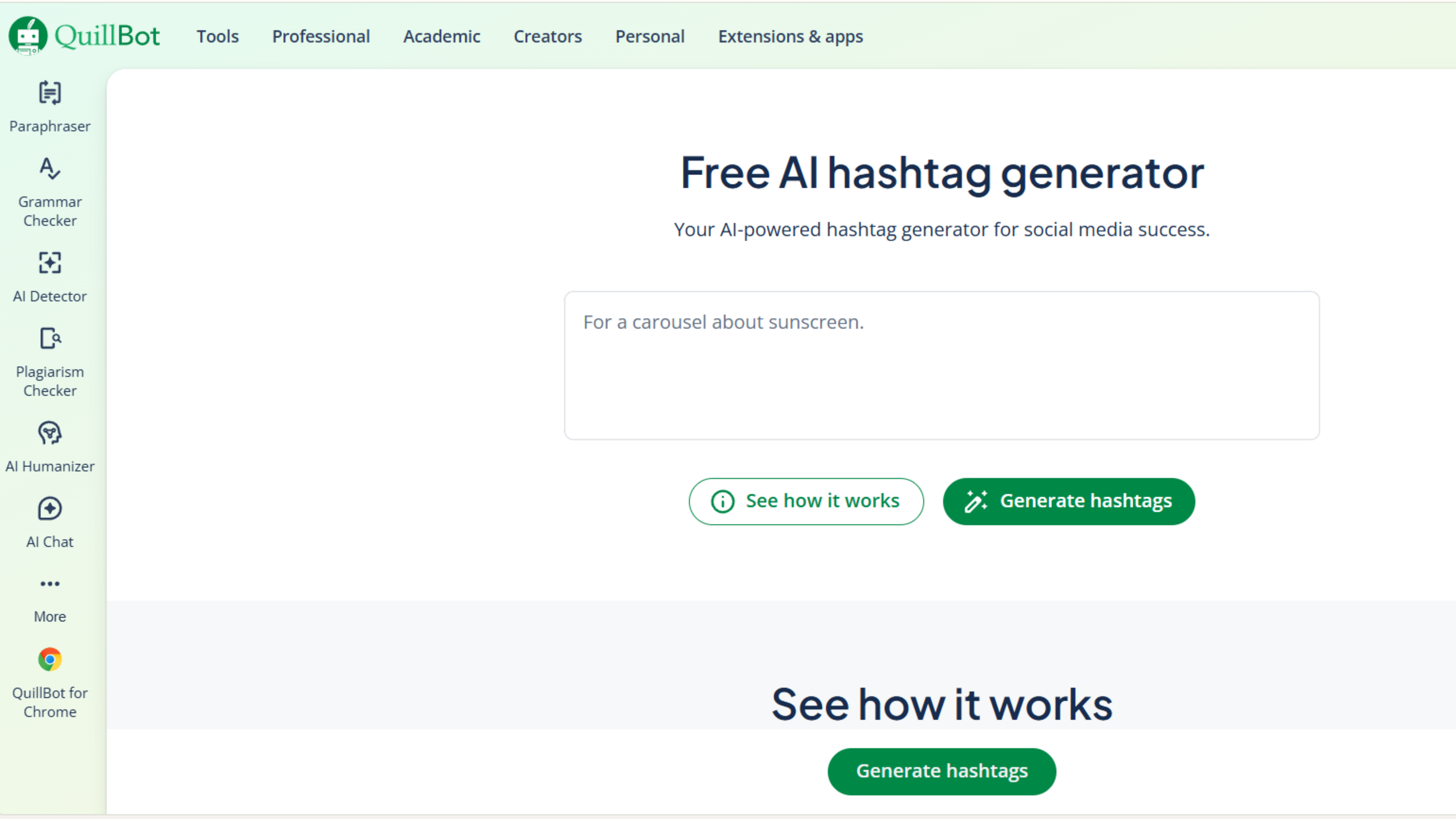
QuillBot's free hashtag generator for linkedin works across platforms, offering versatile hashtag generation for professionals managing multiple social channels.
Key Features:
- Multi-platform hashtag suggestions
- AI-powered recommendations
- Topic and keyword-based generation
- Customizable hashtag quantities
- Platform-specific optimization
Standout Capability: Single tool for all social platforms simplifies workflow for multi-channel content creators.
Rating: ⭐⭐⭐⭐ (4/5) Pricing: Free
8. Typegrow LinkedIn Hashtag Generator
Best For: Creators seeking simple, no-frills hashtag generation
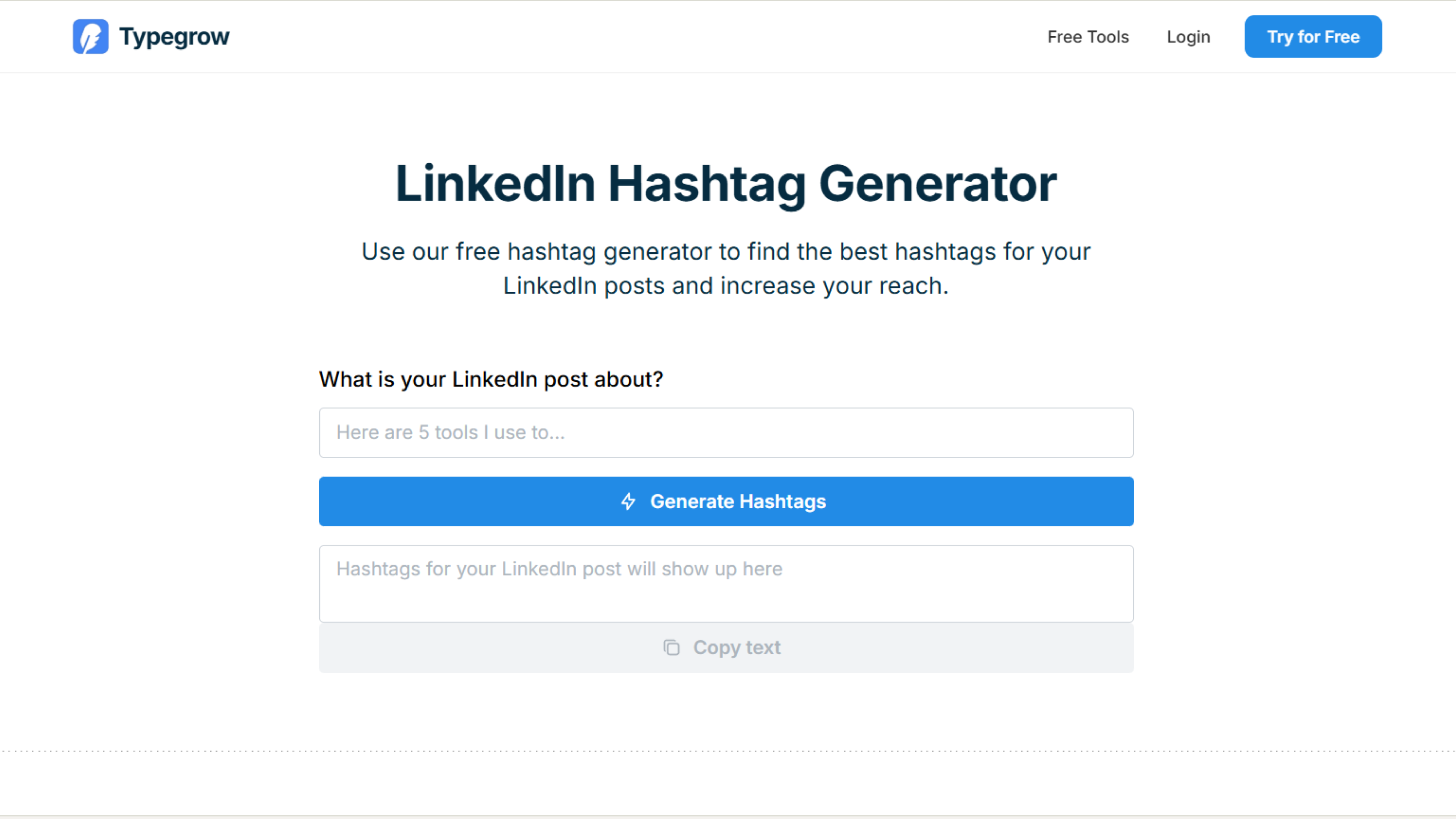
Typegrow offers a straightforward LinkedIn hashtag generator that delivers relevant suggestions without unnecessary complexity, perfect for professionals who want quick results.
Key Features:
Clean, intuitive interface
AI-powered hashtag recommendations
Industry-specific suggestions
Trending hashtag identification
No account required for basic use
Integration with Typegrow's LinkedIn content suite
Standout Capability: Typegrow's hashtag generator for linkedin focuses on simplicity without sacrificing quality, making it ideal for users who want effective hashtags without learning complex features.
Rating: ⭐⭐⭐⭐ (4/5) Pricing: Free basic tool; full platform starts at $39/month
9. Mailmodo
Best For: Email marketers cross-promoting LinkedIn content
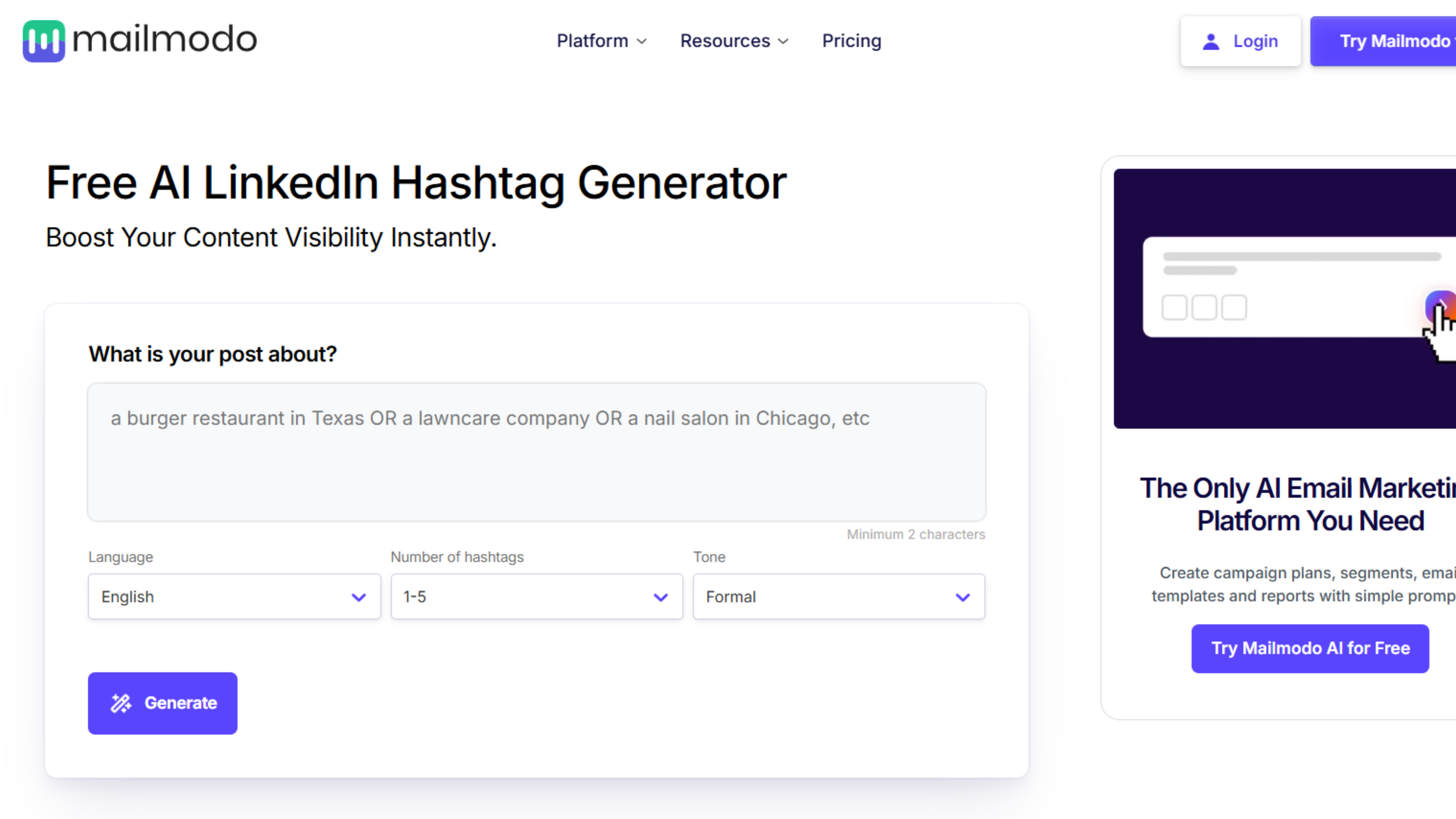
Mailmodo provides linkedin hashtag generator functionality alongside email marketing tools, perfect for professionals promoting LinkedIn content through email campaigns.
Key Features:
- Hashtag performance tracking
- Cross-platform content optimization
- Email-to-LinkedIn content promotion
- Engagement analytics
- Campaign-specific hashtag recommendations
- Integration with email marketing workflows
Standout Capability: Mailmodo's unique position as an email-first platform with best linkedin hashtag generator features makes it ideal for marketers running integrated campaigns across email and LinkedIn.
Rating: ⭐⭐⭐½ (3.5/5) Pricing: Free tier available; premium plans start at $49/month
10. Hootsuite
Best For: Established social media teams using Hootsuite ecosystem
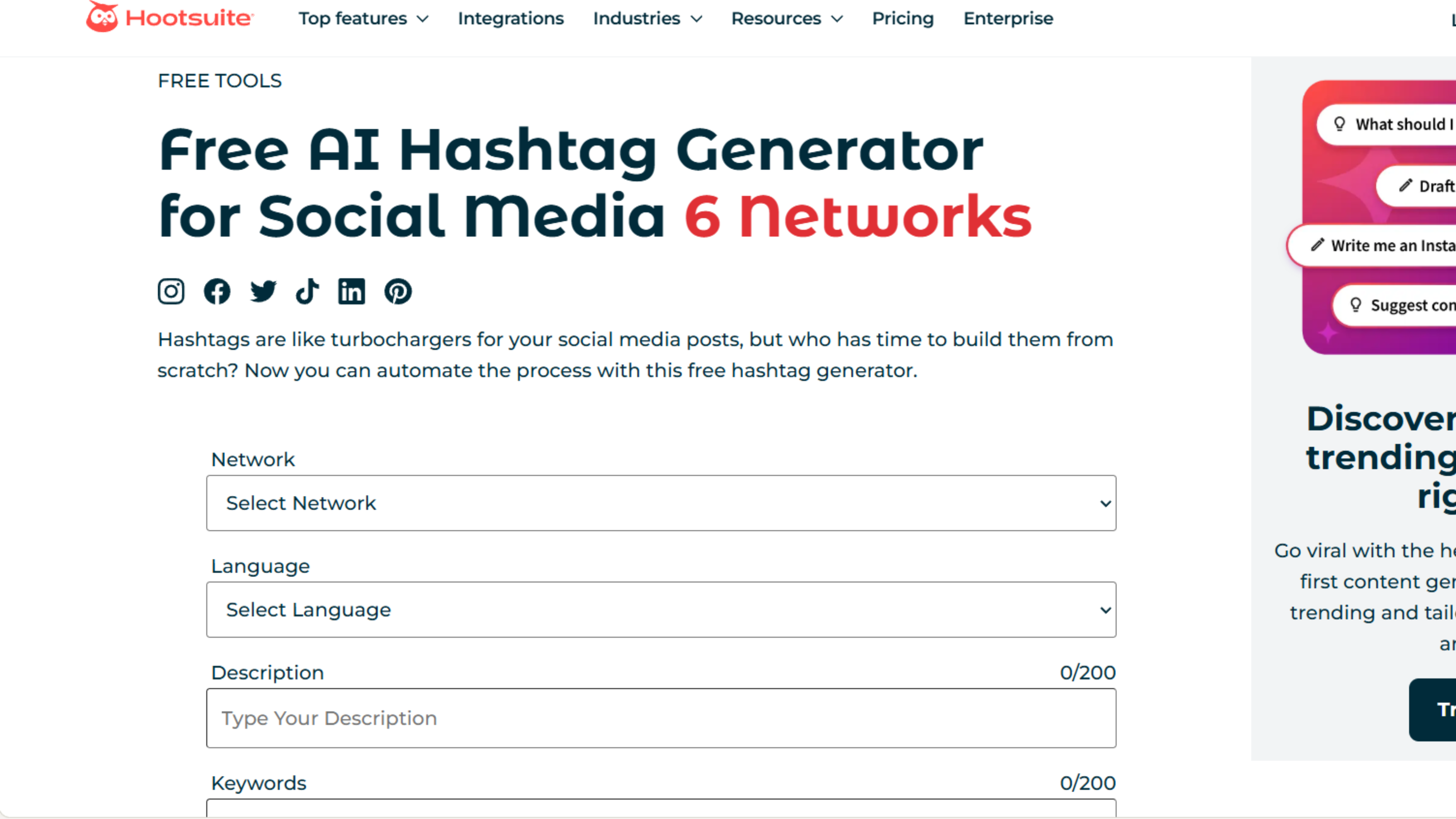
Hootsuite's linkedin hashtag generator functionality integrates seamlessly with its scheduling and management platform, ideal for teams already in the Hootsuite ecosystem.
Key Features:
- Hashtag suggestions within composer
- Performance analytics
- Trending hashtag identification
- Multi-account management
- Hashtag set saving for reuse
- Integration with broader Hootsuite tools
Standout Capability: Seamless integration with established workflows for existing Hootsuite users.
Rating: ⭐⭐⭐⭐ (4/5) Pricing: Professional plan starts at $99/month
How to Use a LinkedIn Hashtag Generator Strategically
Having a hashtag generator for linkedin doesn't automatically improve your reach. Strategic implementation makes the difference:
Provide Context:
When using your linkedin hashtag generator, input detailed information about your post topic, target audience, and goals. Vague inputs produce generic hashtag suggestions.
Generate Multiple Sets:
Create 3-4 different hashtag sets for the same post. Compare options to identify which combination balances reach and relevance most effectively.
Mix Hashtag Types:
The best strategy combines one high-volume hashtag (maximum reach), 2-3 medium-volume hashtags (targeted reach), and 1-2 niche hashtags (highly relevant audience).
Respect the 3-5 Rule:
Research consistently shows 3-5 hashtags per post performs best on LinkedIn. More than five often reduces engagement rather than increasing it.
Test and Track:
Use different hashtag combinations across posts and monitor which drive the most impressions, profile views, and engagement. Let data guide your strategy.
Update Regularly:
Hashtag effectiveness changes quarterly. Use your best linkedin hashtag generator every few months to refresh your hashtag strategy with current trends.
Common Hashtag Mistakes to Avoid
Even with a free hashtag generator for linkedin, these mistakes undermine effectiveness:
Using Only Popular Hashtags:
Tags with millions of followers sound appealing, but your post gets buried within minutes. Balance popular tags with niche options for sustained visibility.
Ignoring Relevance:
Adding trending but unrelated hashtags might seem like a reach hack, but it damages credibility when followers of that tag see irrelevant content.
Exceeding Five Hashtags:
Posts with 10+ hashtags appear spammy and often perform worse than those with 3-5 strategic selections.
Never Updating Strategy:
Using the same hashtags for months without checking current effectiveness wastes opportunity. Hashtag landscapes evolve constantly.
Skipping Analytics:
If you're not tracking which hashtags drive impressions, you're missing crucial data that should inform future selections from your linkedin hashtag generator.
Advanced Hashtag Strategies
Once you've mastered basic hashtag generator for linkedin usage, these advanced tactics amplify results:
Create Branded Hashtags:
Combine generated recommendations with a unique branded hashtag. This builds a content archive under your personal or company tag while leveraging popular hashtags for discovery.
Seasonal Adjustments:
Refresh your hashtag strategy quarterly to align with industry trends, seasonal topics, and changing professional priorities.
Competitor Analysis:
Research which hashtags top performers in your industry use consistently. Use your best linkedin hashtag generator to find similar but less competitive alternatives.
Geographic Targeting:
For location-specific content, include geographic hashtags alongside industry tags to reach local professional communities.
Engagement Participation:
Follow hashtags you frequently use and engage with other posts in those streams. This increases your visibility to hashtag communities before they even see your posts.
The Bottom Line
Most tools on this list will get you a usable set of hashtags in under a minute. The difference shows up in relevance; generic keyword-based tools give you popular tags, content-aware tools give you tags that actually fit what you wrote. If you want to start with the most context-aware option, FinalLayer's hashtag generator is free and takes your post as input rather than just a keyword.