Sprout Social is a powerful enterprise platform. It handles scheduling, analytics, social listening, and CRM across multiple networks. For large organizations with complex needs, it's a solid choice.
If you're exploring Sprout Social alternatives, you're probably facing one of these issues: sky-high pricing that scales poorly, paywalled features that increase costs, a steep learning curve for basic tasks, or simply too much tool for what you actually need.
This guide examines the best alternatives to Sprout Social in 2026, tools that solve specific problems better, cost less, and match how modern teams actually work in social media marketing.
Understanding Sprout Social's Place in Social Media Marketing
Before exploring alternatives, let's be clear about what Sprout Social does well.
What Sprout Social Excels At
Sprout Social is built for enterprise needs:
Omni-channel management across Facebook, Instagram, Twitter, LinkedIn, Pinterest, TikTok, YouTube, and Google Business Profile. Everything in one centralized calendar.
Publishing and collaboration with multi-step approval workflows. Posts move through "Needs Approval" stages until fully cleared.
Social CRM and unified inbox that converts messages into assignable tasks. Team performance reports and version control included.
Analytics and listening with robust reports on performance and team activity. Social listening for brand mentions (often as a paid add-on).
For large organizations managing dozens of accounts with multiple team members, this comprehensive approach makes sense.
Quick Comparison: Sprout Social vs Top Alternatives
Here's how the best Sprout Social alternatives stack up for social media marketing:
Tool | Best For | Starting Price | Key Differentiator |
Sprout Social | Large enterprises | $249/mo/user | Complete suite with listening |
Final Layer | LinkedIn-first teams | Free (₹1,750/mo Plus) | AI video search + content generation |
Planable | Approval workflows | $33/mo | Visual collaboration excellence |
SocialPilot | Budget-conscious agencies | $30/mo | Bulk scheduling at low cost |
Agorapulse | Inbox management | $49/mo | Unified social inbox focus |
Statusbrew | Reporting depth | Contact for pricing | Advanced sentiment analysis |
Zoho Social | Zoho ecosystem users | $15/mo | Analytics + CRM integration |
Hootsuite | Multi-platform suite | $99/mo | Established alternative |
Now let's examine each alternative in detail.
The 7 Best Alternatives to Sprout Social
Let me be clear upfront: these top Sprout Social alternatives aren't trying to be Sprout clones. Each solves specific problems better.
1. Final Layer: LinkedIn + Video-First Content Engine
Best for: B2B marketing teams, founders, and creators who prioritize LinkedIn and video content over multi-network dashboards.
prompt and optimize for better results.
Final Layer isn't a Sprout Social clone. It's a modern alternative built for how content actually gets created in 2026, with AI assistance, video integration, and LinkedIn focused.
What Makes Final Layer Different
AI LinkedIn Post Agent: Follows topics on your behalf, generates personalized post ideas and drafts in your voice, and suggests relevant video clips to embed.
Video Search Agent: Find clips using natural language. Search "the part where the CEO explains pricing" and get exact timestamps. Pull video fragments with correct attributions for posts.
Complete Content Workflow:
- Give a topic or rough idea
- Final Layer generates LinkedIn-style drafts and proposes video clips
- Edit text and select clips within the interface
- Publish directly to LinkedIn or export content
Live Research Integration: Unlike static AI tools, Final Layer pulls real-time facts and statistics directly into posts. Every claim comes with verified sources.
When Final Layer Wins vs Sprout Social
Sprout Social is a heavy multi-channel management suite (calendar, listening, CRM). Final Layer is a content engine for LinkedIn: ideation, AI writing, and video search in one place.
For teams already using basic schedulers (or LinkedIn's native scheduling), Final Layer solves the hard part, what to say and which clip to use, without paying for Sprout's full stack.
For video-rich strategies (webinars, podcasts, YouTube libraries), Final Layer turns archives into steady streams of research-backed, video-supported posts.
For LinkedIn-led growth, you don't need Sprout's Twitter monitoring or Facebook listening. You need better content. Final Layer delivers that.
Pricing:
- Free: Unlimited posts with limited features
- Plus: ₹1,750/month (~$21/month) with video, AI edits, 30GB storage
- Business: ₹10,000/month (~$120/month) with team features, company page publishing
2. Planable: Collaboration & Approvals Powerhouse
Best for: Agencies and marketing teams prioritizing content quality and approval workflows.
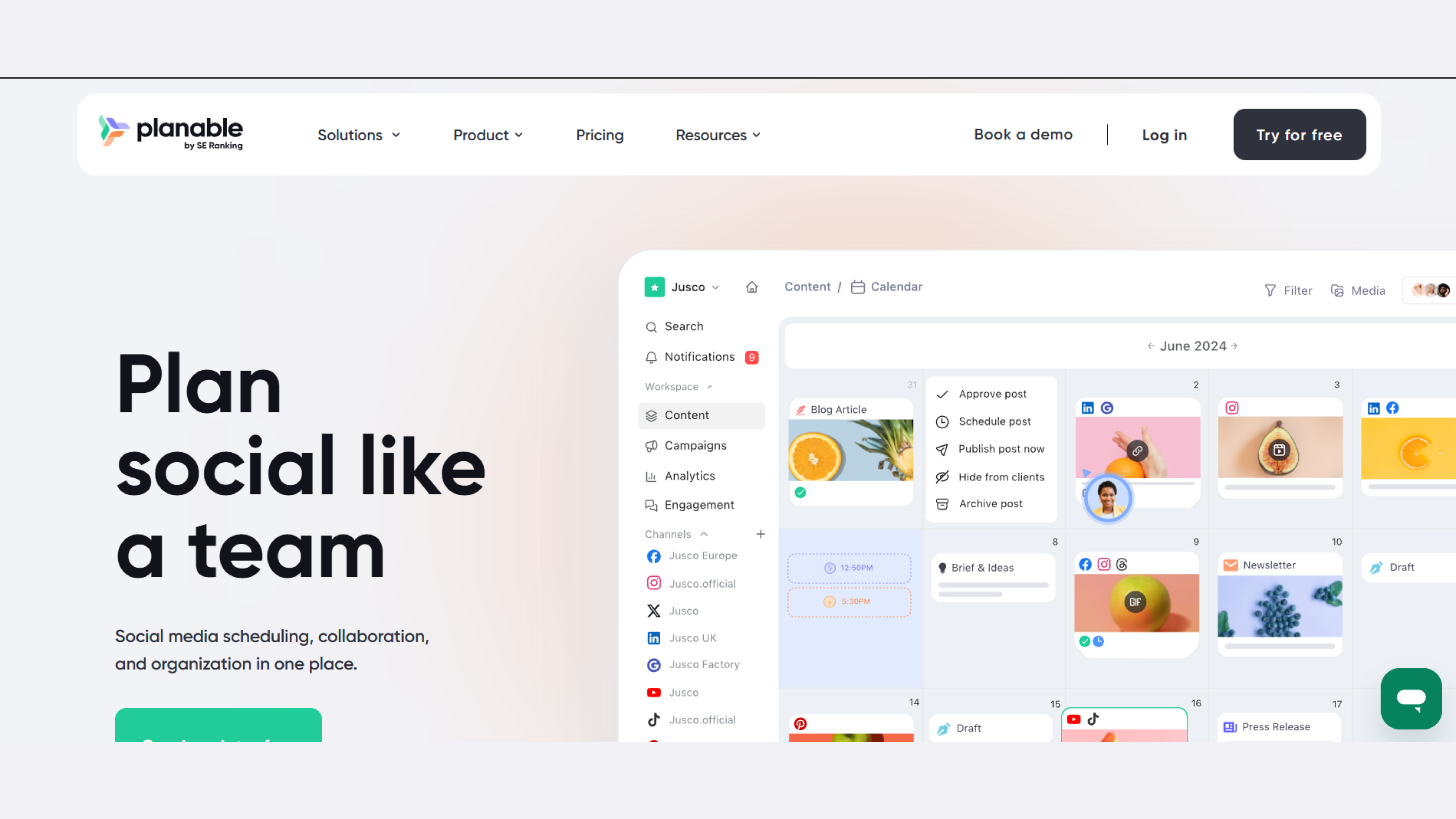
Planable excels at visual approval workflows with drag-and-drop builders. This makes it one of the best Sprout Social alternatives for approval-heavy teams. Four approval types: none, optional, required, multi-level.
Key features: Real-time collaboration with comments and mentions. Device preview for desktop and mobile rendering. External collaboration with mock pages for client presentations. Calendar with grid, list, and feed views.
When Planable Wins: Superior approval UX and pricing for smaller teams. Ideal when content quality matters more than social listening.
Pricing: Free plan with 50 posts. Paid plans ~$33/month for small business, ~$66/month for agencies.
Platforms: Instagram, Threads, Facebook, TikTok, YouTube, Twitter, LinkedIn, Google Business, Pinterest.
3. SocialPilot: Budget-Friendly Suite for Agencies
Best for: Cost-conscious agencies and SMBs needing multi-platform scheduling without enterprise pricing.
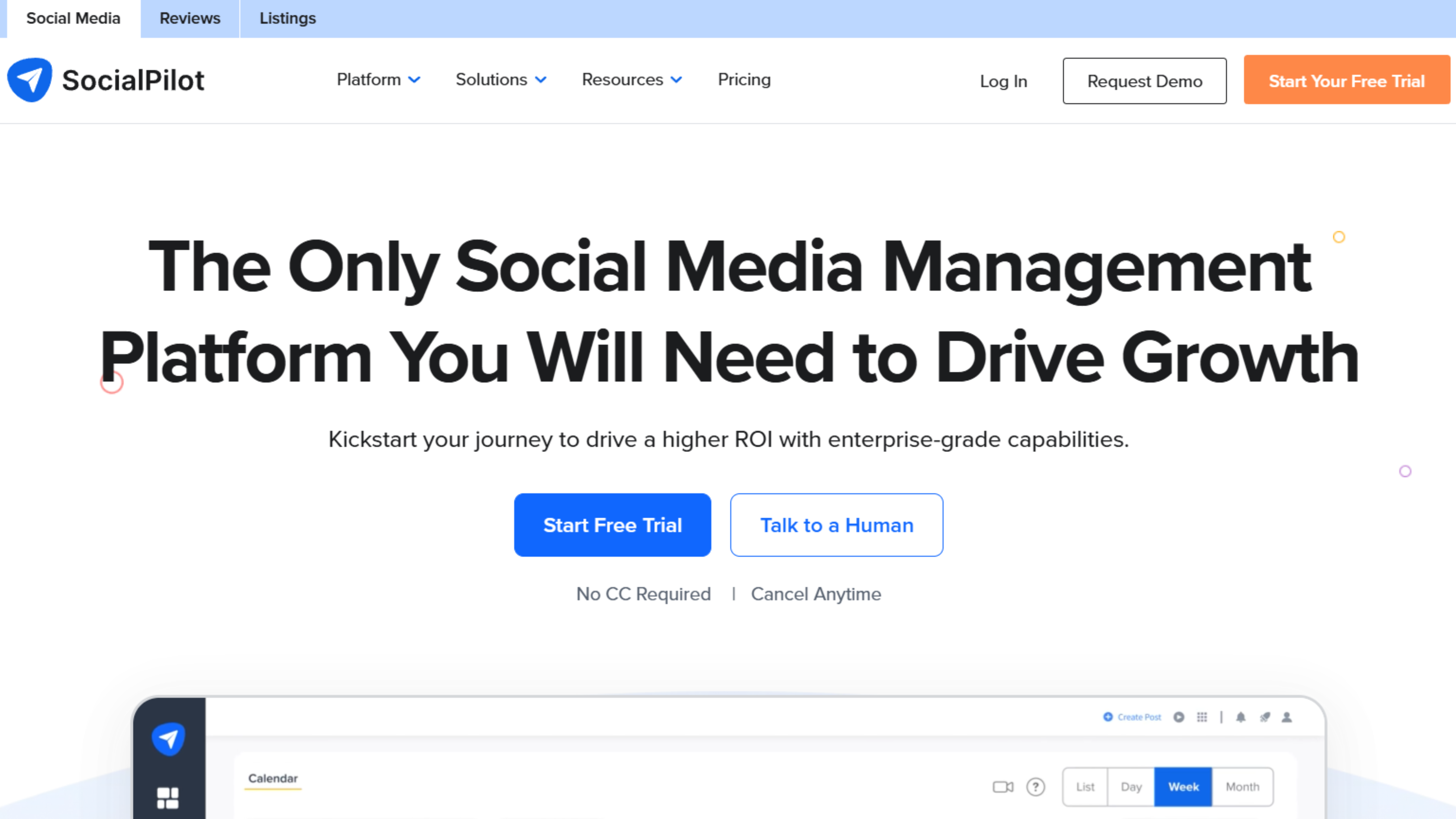
SocialPilot delivers surprising depth at a fraction of Sprout's cost ($30 vs $249/month), making it one of the best Sprout Social alternatives for budget-focused teams.
Key features: Bulk scheduling for 500 posts at once. AI-assisted captions and hashtag suggestions. Social inbox and review management. White-label options for agencies. Solid reporting without enterprise complexity.
When SocialPilot Wins: Much cheaper entry, strong bulk scheduling, white-label capabilities. Lacks robust social listening but most agencies don't need it.
Pricing: From $30/month with 14-day free trial.
Platforms: Instagram, Facebook, Twitter, LinkedIn, Pinterest, Google Business, Bluesky, TikTok, YouTube.
4. Agorapulse: Engagement & Inbox-Focused Alternative
Best for: Teams drowning in comments and DMs who need better inbox management.
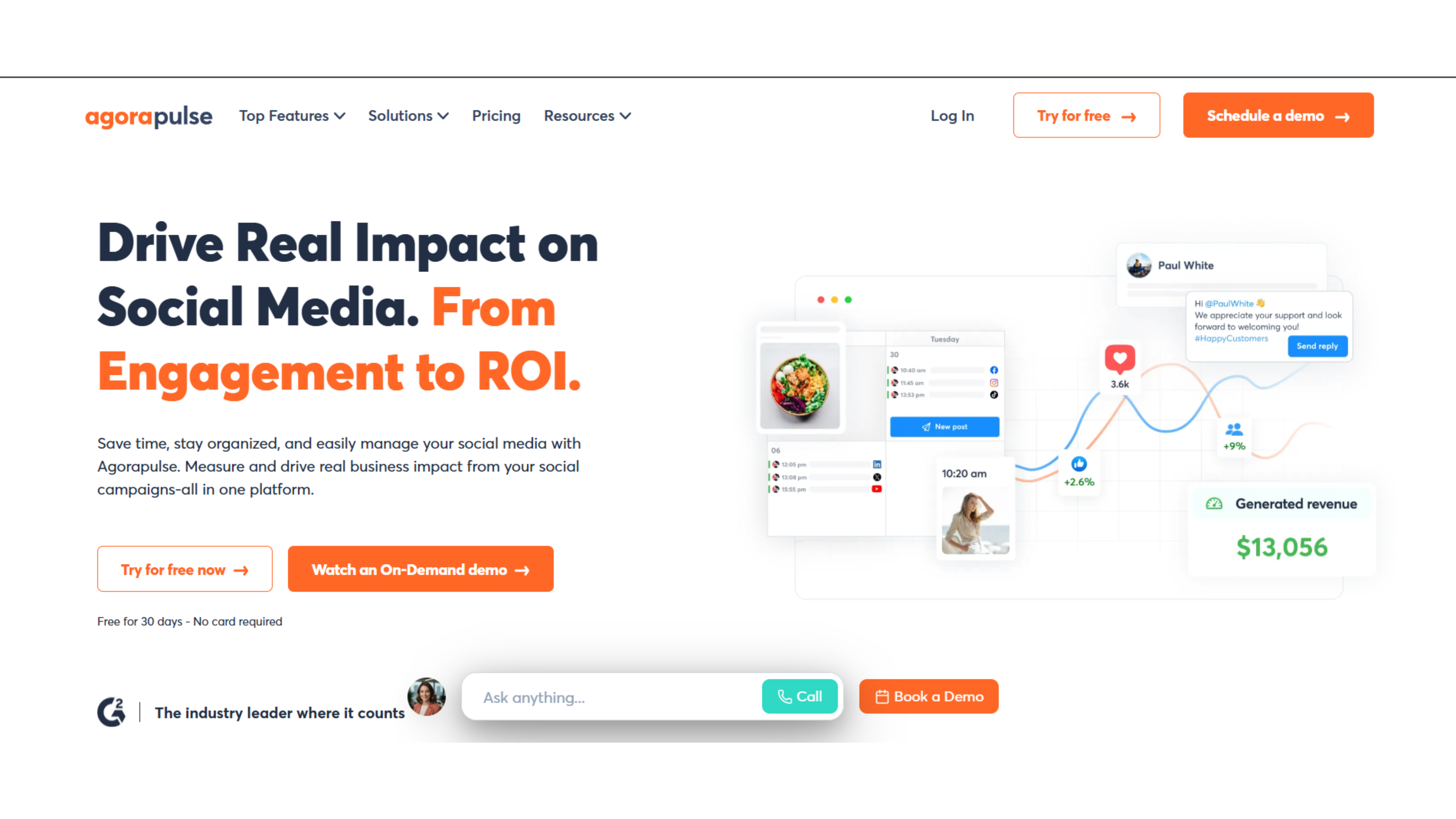
Agorapulse excels at engagement and unified inbox management at lower cost than other Sprout Social alternatives in the same category.
Key features: Unified social inbox with labels, saved replies, and smart filters. Post scheduling and multi-platform publishing. Social listening and monitoring (plan-dependent). Custom reports with up to 24 months data retention.
When Agorapulse Wins: Similar scope as Sprout but easier onboarding, friendlier support, more accessible pricing. Perfect for teams prioritizing inbox over enterprise listening.
Pricing: Free plan available
Paid tiers start ~$49/month
Platforms: Instagram, Facebook, Twitter, LinkedIn, TikTok, YouTube, Google Business.
5. Statusbrew: Reporting and Moderation Power
Best for: Agencies needing advanced reporting and sentiment analysis at scale.
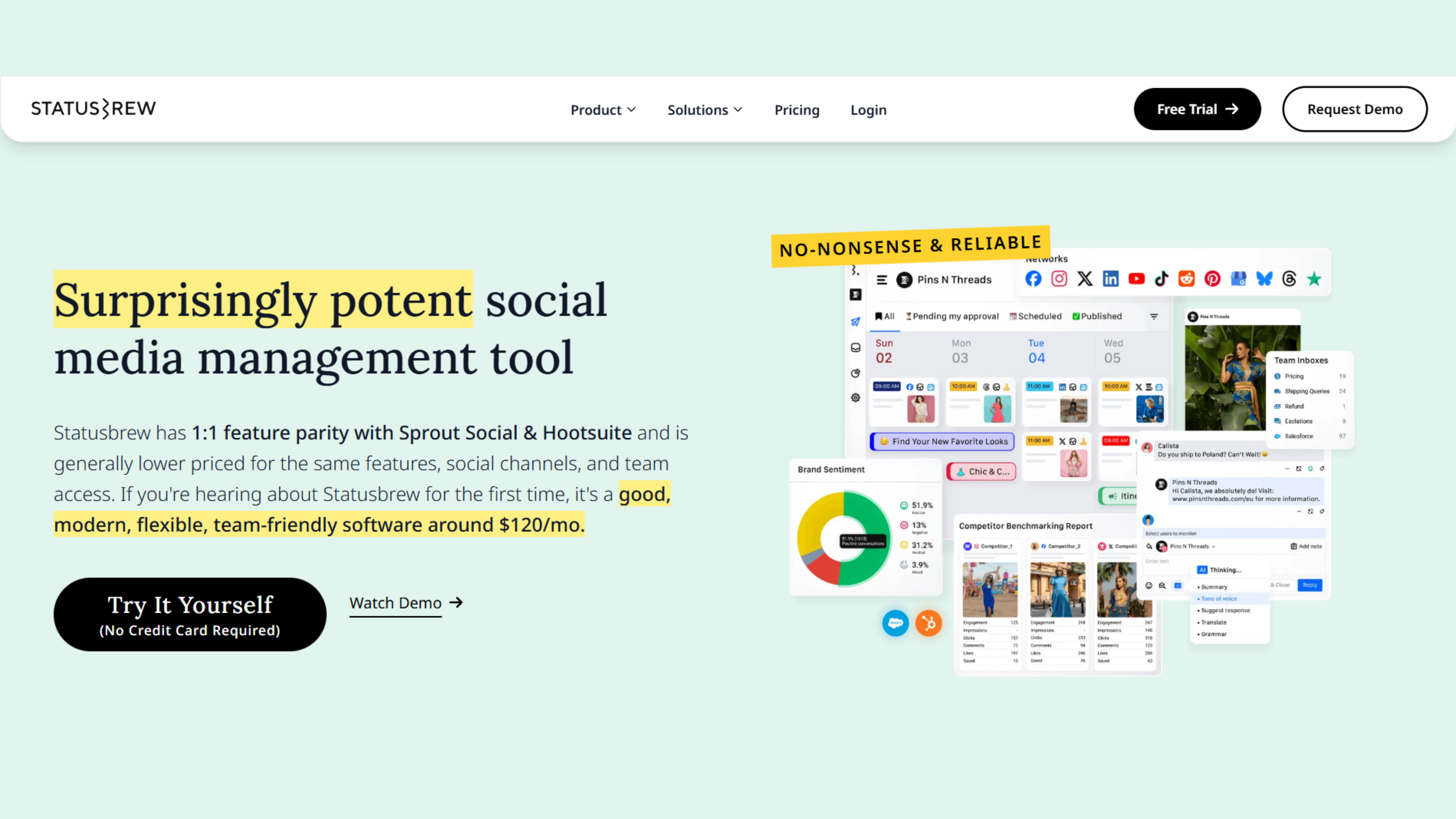
Statusbrew is a powerful Sprout Social alternative for teams obsessed with reporting depth and content moderation.
Key Capabilities
Sophisticated reporting with customizable templates and competitor benchmarking. Export options for every client's needs.
AI-driven sentiment analysis and advanced comment moderation. Hide or delete problematic comments based on sentiment and keywords automatically.
Unified inbox with CRM-like contact records. Track conversation history and engagement patterns.
Team collaboration with filters, tags, and workflow automations.
When Statusbrew Wins
Comparable suite coverage to Sprout but with stronger onboarding narrative, cheaper pricing, and no surprise price hikes.
Excellent for agencies caring deeply about reporting, moderation, and governance.
Pricing & Platforms
Priced below Sprout for similar agency use cases (contact for specific pricing).
Supports Facebook, Instagram, TikTok, Twitter, LinkedIn, YouTube, Google Business, WhatsApp, Pinterest.
6. Zoho Social: Analytics-Heavy, Budget Alternative
Best for: Teams wanting robust analytics at minimal cost, especially those already using Zoho products.
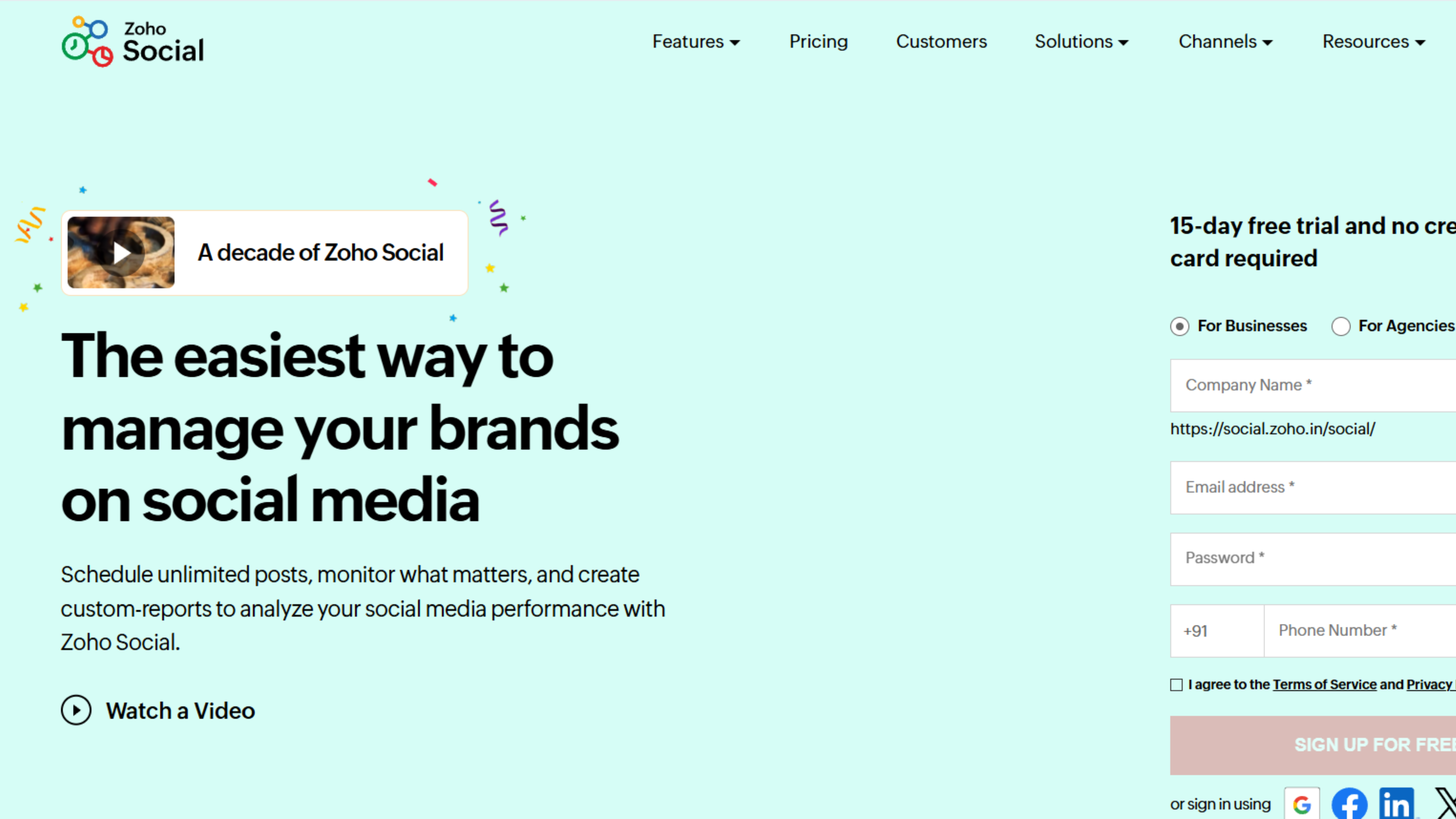
Zoho Social delivers strong analytics and workflow features for teams in the Zoho ecosystem seeking Sprout Social alternatives.
Key Capabilities
Strong analytics and custom reports for engagement, audience, and content performance.
Social scheduling and multi-platform posting with optimization recommendations.
Smart timing features for posting at optimal engagement windows.
Roles and permissions to support team workflows.
Zoho integration with CRM and Desk for aligned marketing and support.
When Zoho Social Wins
Huge price advantage ($15/month vs $249/month) and tight integration for teams already in the Zoho ecosystem.
Offers "enough" for most SMBs: robust analytics and scheduling without enterprise listening.
Pricing & Platforms
Free tier available. Five paid plans starting from $15/month.
Supports Instagram, Facebook, Twitter, LinkedIn, Pinterest, TikTok, YouTube, Google Business.
7. Hootsuite: Legacy Suite at Lower Entry Cost
Best for: Teams wanting a Sprout-style "everything dashboard" at lower starting prices.
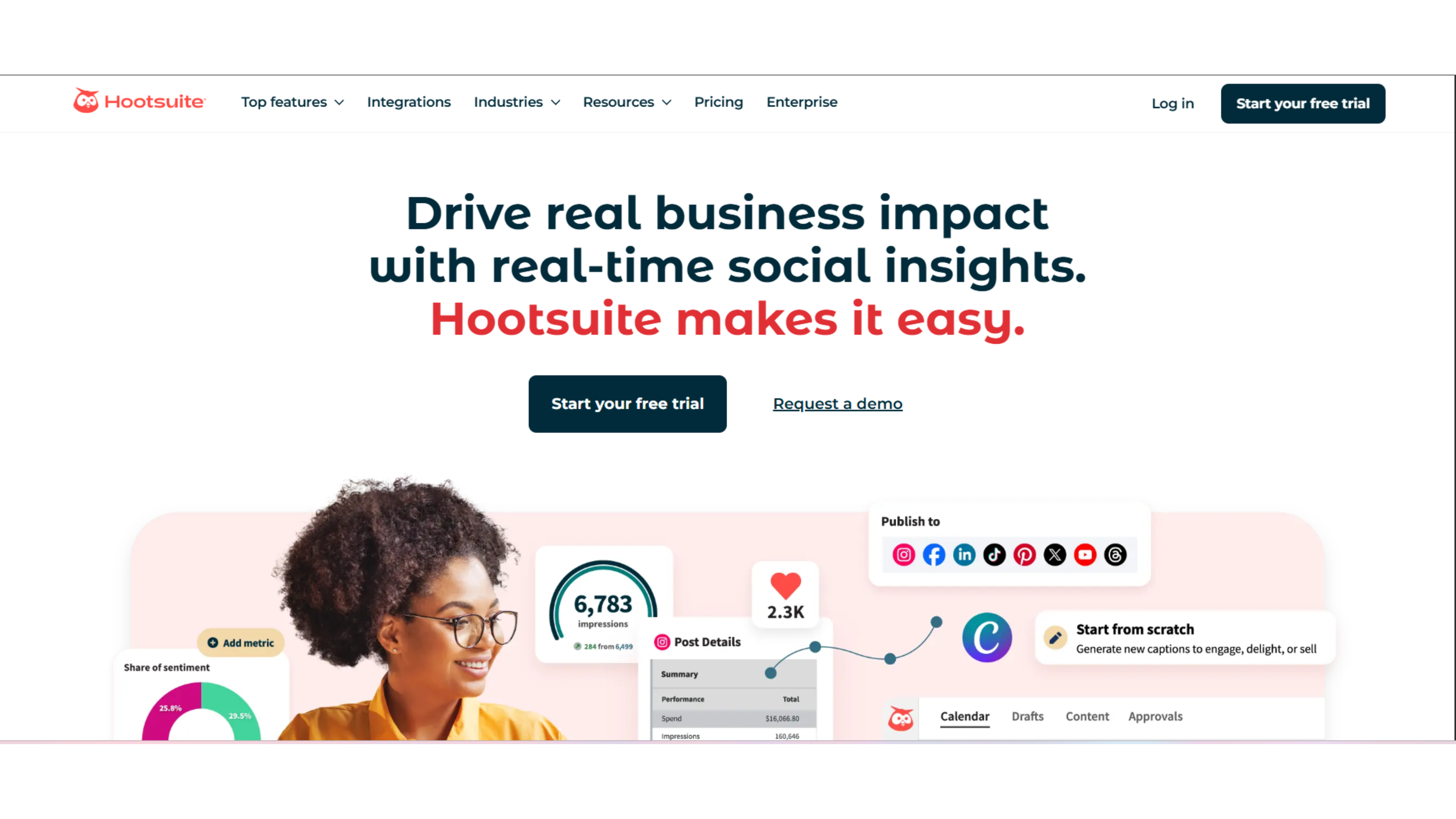
Hootsuite is the established enterprise alternative, similar in scope to Sprout but with different pricing and UX trade-offs.
Key Capabilities
Multi-platform publishing calendar and scheduling across all major networks.
Smart send-time recommendations and content suggestions powered by data.
Social listening and monitoring tools for brand mentions.
Analytics with competitor benchmarking and custom reports.
When Hootsuite Wins
Similar "complete dashboard" concept as Sprout but cheaper starting prices (~$99/month vs $249/month).
Trusted by many mid-sized teams as a proven Sprout Social alternative.
The Trade-Off
Often described as a slightly clunky UX. Feature-rich but not always intuitive. However, lower cost justifies the learning curve for many teams.
Pricing & Platforms
Paid plans around $99/month after free trial for base tiers.
Supports Instagram, Facebook, Twitter, LinkedIn, Pinterest, TikTok, YouTube.
Why Teams Seek Alternatives to Sprout Social
The pain points are consistent:
Prohibitive pricing. Plans start at $299/month for one user. Each additional user costs hundreds more monthly. This scales terribly for agencies and growing teams.
Feature gating. Premium analytics and advanced listening require expensive add-ons on top of base pricing.
Complexity overload. A rich feature set means steep learning curves and heavier UX than leaner alternatives. Many teams spend weeks just learning basic publishing.
Enterprise overkill. Most teams need scheduling, approvals, or analytics, not full enterprise social listening and CRM infrastructure.
These aren't minor inconveniences. They're deal-breakers for small businesses, agencies, and teams focused on specific platforms like LinkedIn.
Should You Consider Alternatives?
You might benefit from exploring top Sprout Social alternatives if:
- Budget is constrained (under $250/month per user)
- You primarily use 1-2 platforms (especially LinkedIn)
- Your team needs simple scheduling and approvals, not enterprise listening
- You're focused on content quality over multi-network monitoring
- Onboarding speed matters more than feature breadth
If these apply, keep reading. The right alternative could save you thousands annually while actually improving your workflow.
When Sprout Social Still Makes Sense
Alternatives to Sprout Social aren't always better. Sprout remains the right choice for:
Large organizations with 20+ team members managing dozens of accounts across all networks.
Heavy social listening needs where monitoring brand mentions, competitor activity, and industry trends justifies premium costs.
Employee advocacy programs at scale requiring specialized workflows.
Complex approval chains across multiple departments and stakeholders.
Budget flexibility where the $249+ per user monthly cost is justified by organizational scale.
If your needs match this profile, Sprout Social's comprehensive approach delivers value. The alternatives shine when your needs are more focused.
Common Stacking Strategies
Advanced teams often combine top Sprout Social alternatives:
Final Layer + Planable: AI content generation for LinkedIn plus approval workflows for other networks.
SocialPilot + Agorapulse: Bulk scheduling plus powerful inbox management.
Zoho Social + Final Layer: Budget analytics suite plus premium LinkedIn content engine.
This approach keeps costs low while covering all needs. Two $30/month tools ($60 total) often beat one $249/month suite.
Making the Switch: Practical Tips
Start with a free trial. Most alternatives offer 7-14 days. Test with real content and real workflows.
Run parallel for 2 weeks. Don't cancel Sprout immediately. Compare both systems with actual daily use.
Export your data first. Download reports, content libraries, and team workflows before switching.
Test the core workflow. Can your team schedule a week of content in under 30 minutes? If the new tool is slower, features won't matter.
Measure engagement results. Track metrics for 2-4 weeks post-switch. If results decline, maybe Sprout's features were more valuable than you thought.
Final Thoughts: Choose Based on Actual Needs
Sprout Social pioneered comprehensive social management platforms. These top Sprout Social alternatives build on that foundation while solving specific problems better. None of the top Sprout Social alternatives are universally "better" than Sprout Social. They're better for specific use cases. When evaluating alternatives to Sprout Social, match your needs to tool strengths. Ask yourself: What's our primary platform? What workflow is broken? What would make our team 10x more efficient? Test thoroughly. Most platforms offer generous trials. Create real content. Track real results. Then commit.