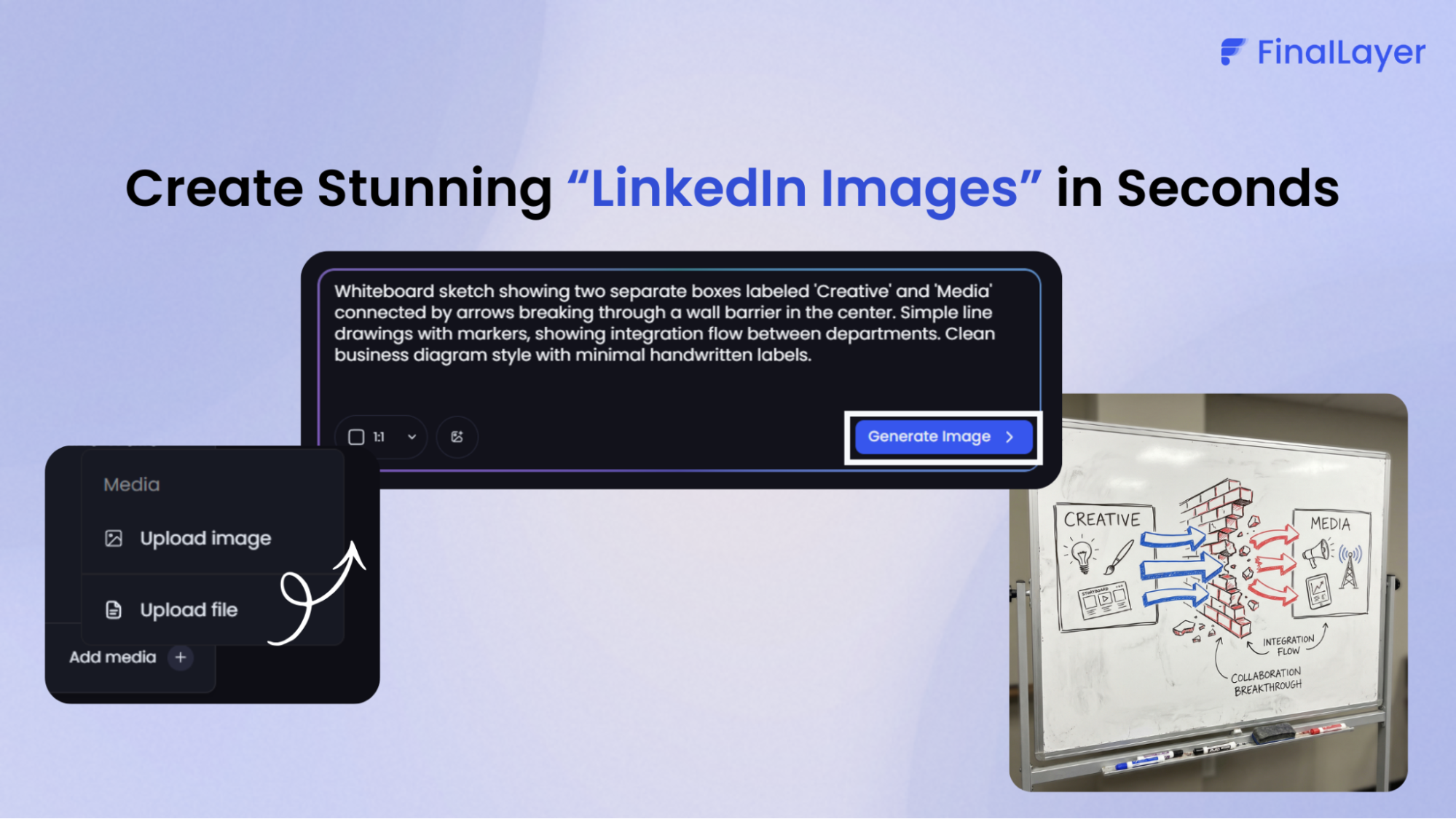
We're excited to announce a game-changing addition to FinalLayer: our integrated AI image generator powered by Google's Nano Banana Pro. This has been one of our most requested features, and we've built it to transform how you create visual content for LinkedIn, generating high-quality branded images directly within your content workflow, no design skills required.
Elevating LinkedIn Content Creation with Text-to-Image AI Technology
Visual content drives up to 2.3x more engagement on LinkedIn compared to text-only posts. Yet creating professional graphics has traditionally required design skills, expensive software, or outsourcing to designers. Our new text-to-image AI eliminates these barriers, empowering anyone to produce stunning visuals in seconds.
Built on Google's state-of-the-art Gemini image generator technology, Nano Banana Pro delivers exceptional results with 4K resolution capability and industry-leading text rendering accuracy. Whether you need infographics, quote cards, data visualizations, or branded imagery, the AI image generator produces professional results that enhance your LinkedIn marketing tools arsenal.
How to Generate Images for Your LinkedIn Posts
Creating compelling visuals with FinalLayer's AI image generator is straightforward:
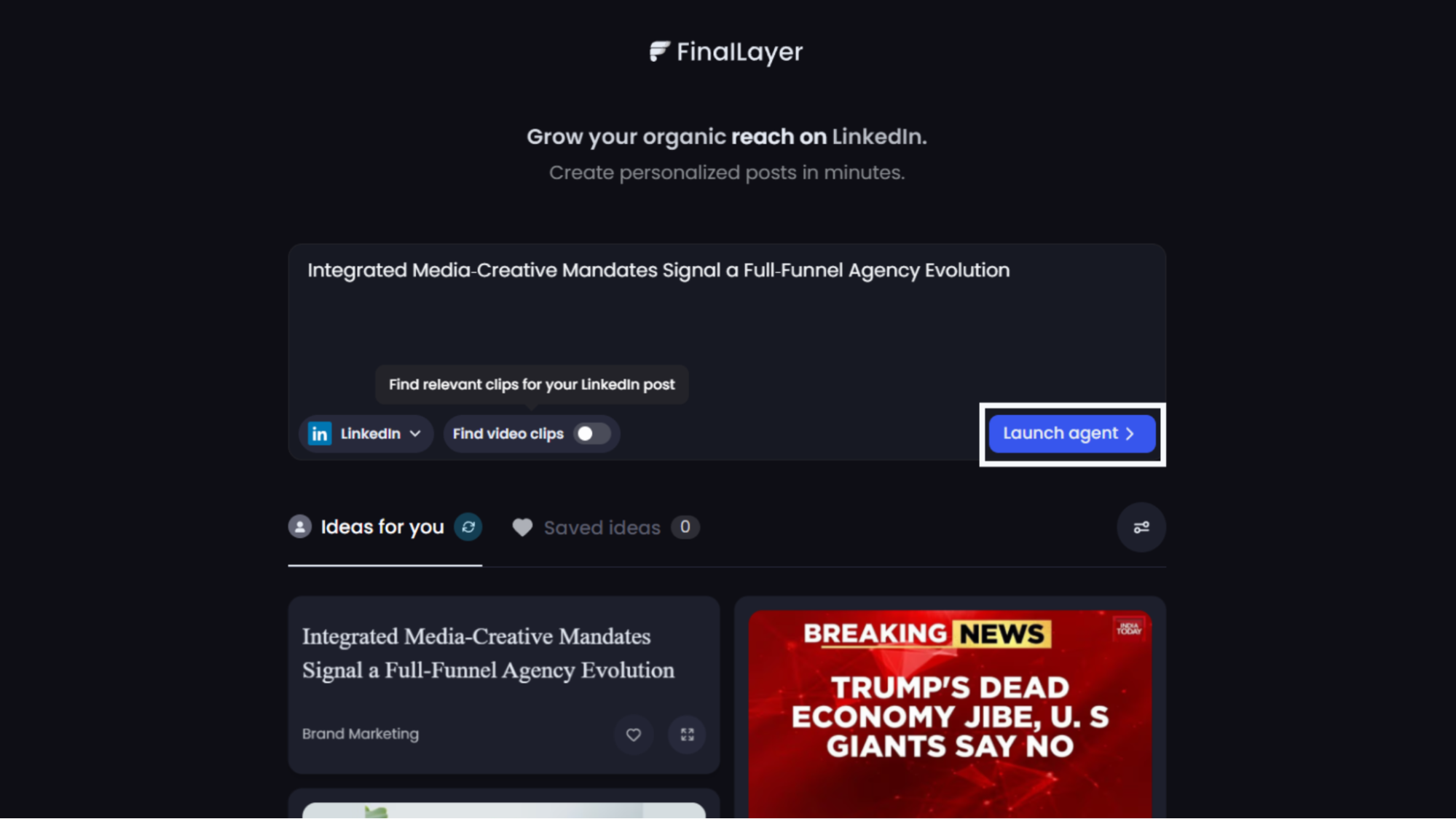
Step 1: Create Your LinkedIn Post
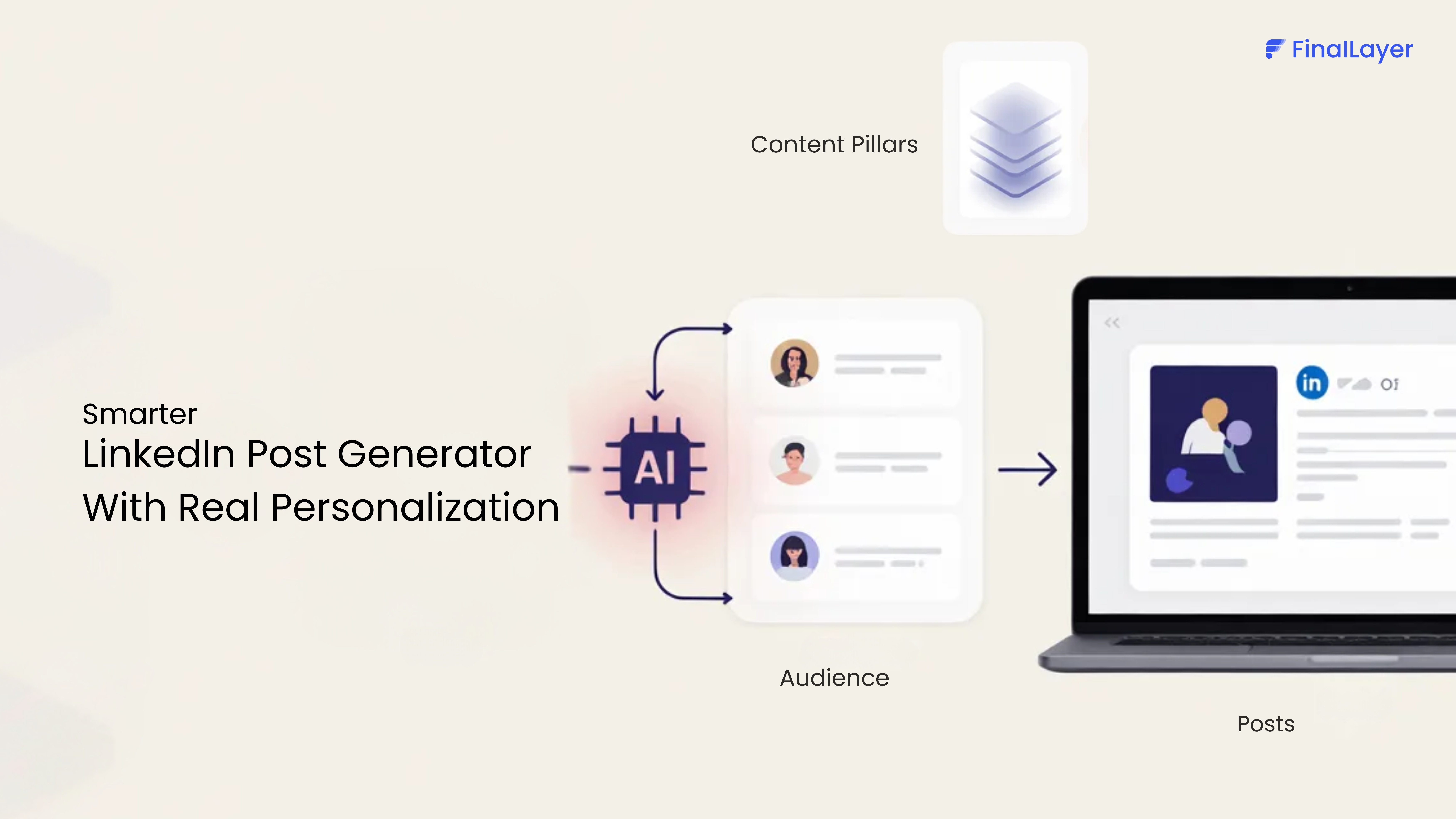
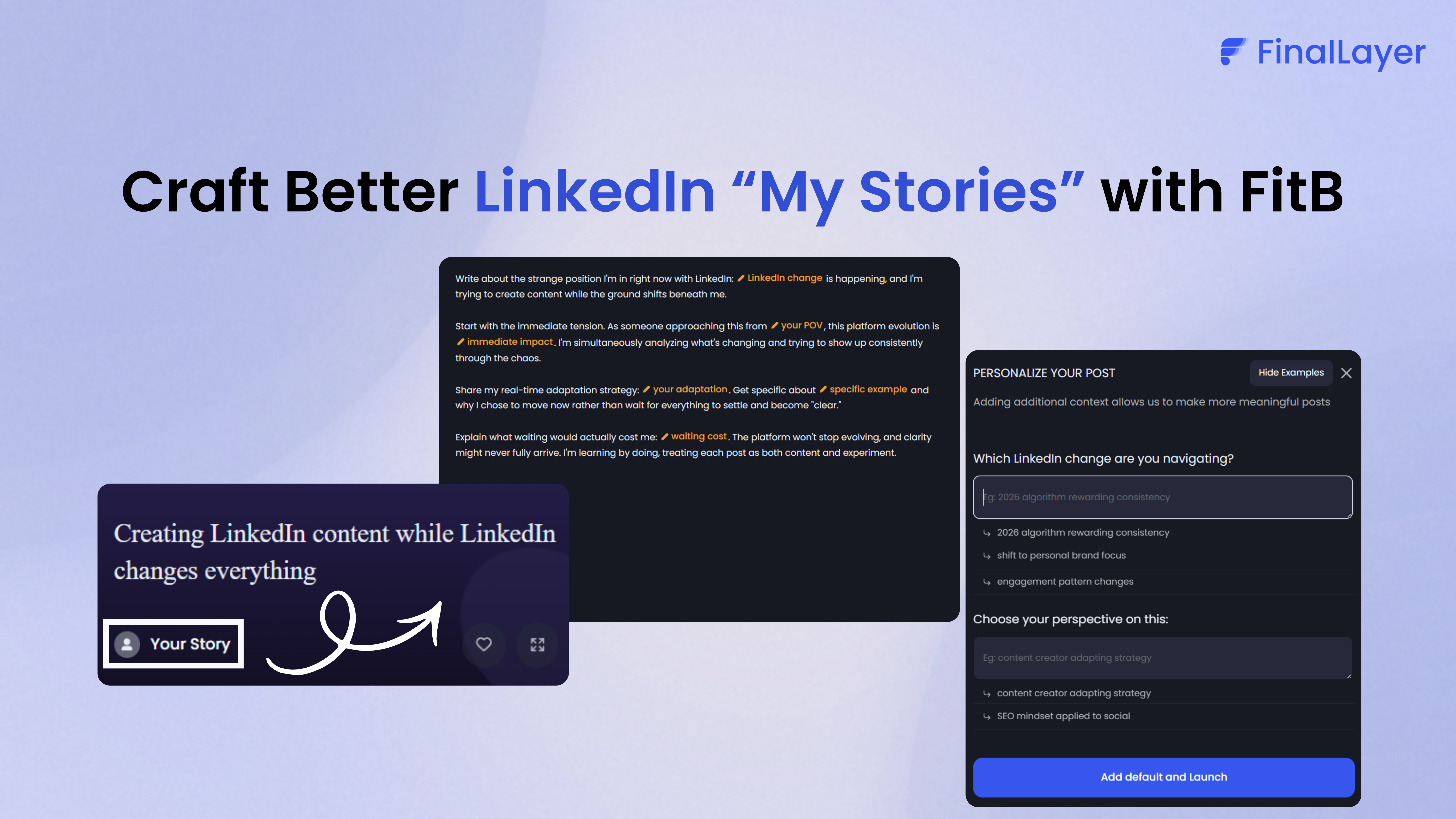
Start by drafting your LinkedIn post content using FinalLayer's LinkedIn post generator. The platform analyzes your writing style and suggests relevant ideas based on your professional background.
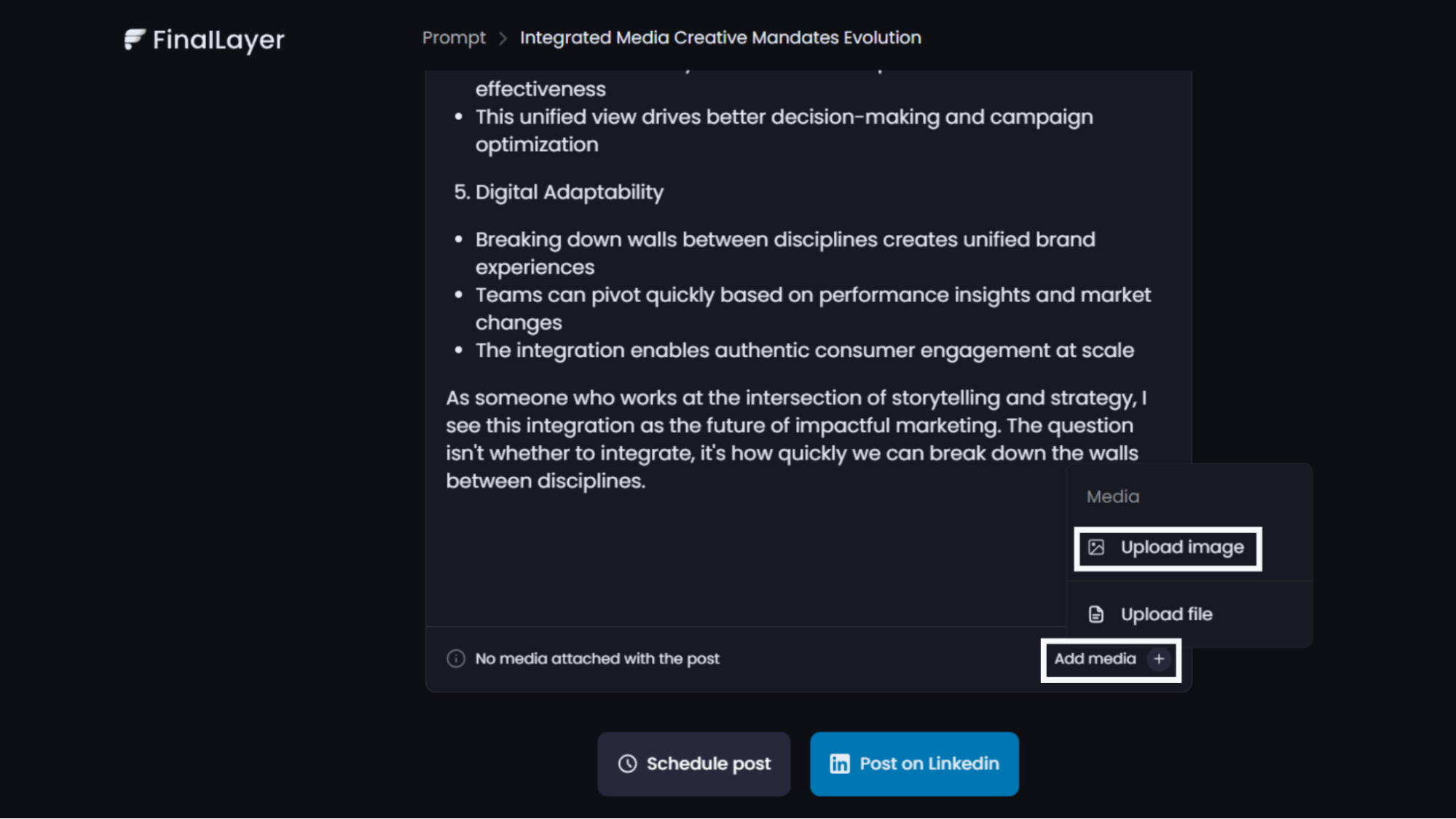
Step 2: Access the Text to Image AI
After generating your post, select "Add Media" within the post editor, and then click on "Upload Image.”
Step 3: Choose Your Approach
Within the upload interface, you'll see a "Generate Images" tab; click it to launch our text-to-image AI interface.
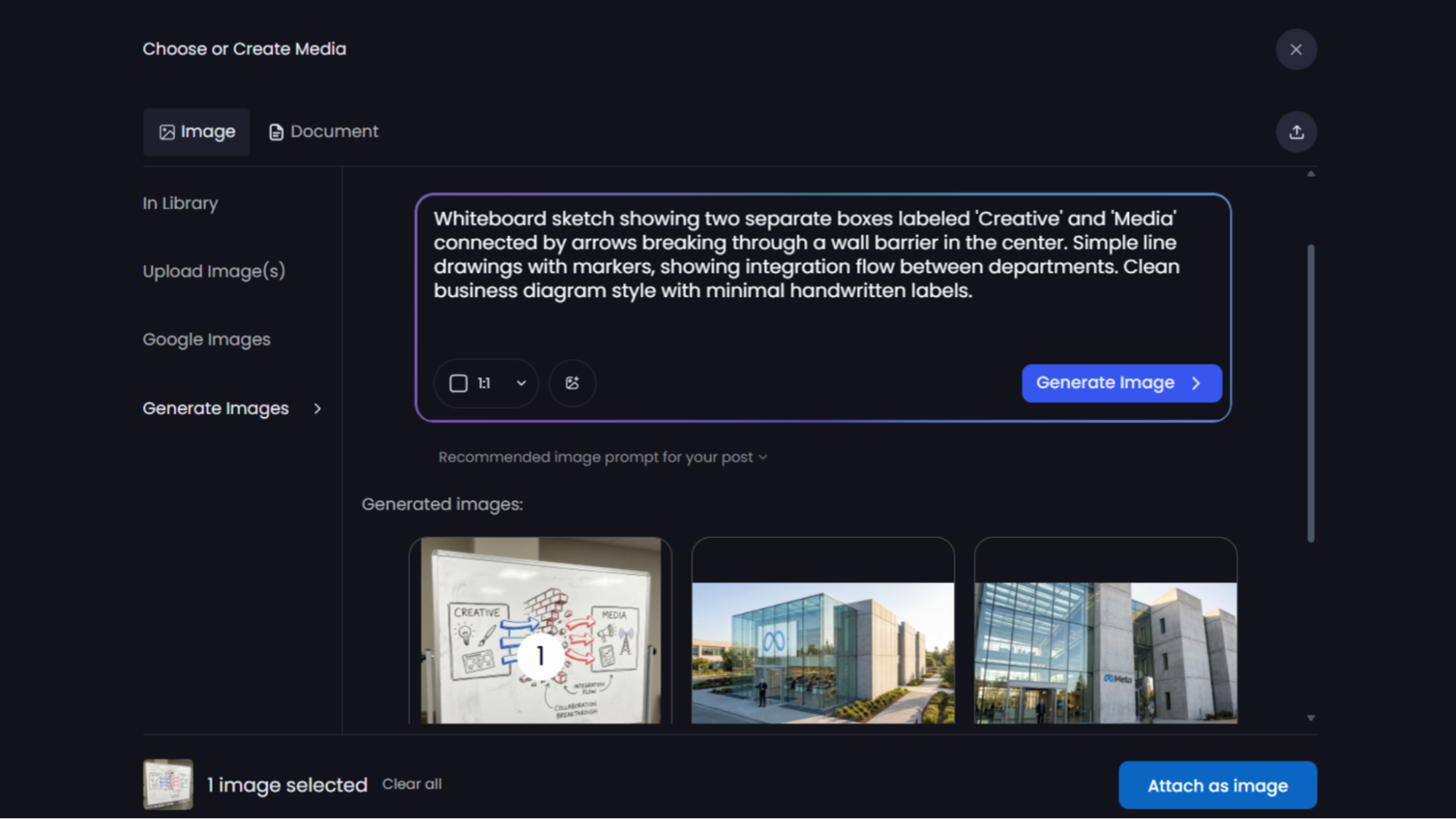
FinalLayer offers two ways to generate images:
AI-Suggested Prompts
Based on your post content, FinalLayer automatically suggests optimized image prompts that align with your message. These intelligent suggestions understand context and recommend visuals that will maximize LinkedIn engagement.
Custom Prompts
Enter your own detailed prompts for complete creative control. Describe colors, composition, style, mood, and specific elements you want in your image.
Step 4: Add a Reference Image (Optional)
For even more precise results, upload a reference image. This feature allows the AI image creator to match specific styles, color schemes, or compositions from existing visuals. Whether you want to maintain brand consistency or achieve a particular aesthetic, reference images ensure your generated content aligns with your vision.
Step 5: Generate and Refine
Click "Generate" and watch as our text-to-image AI creates your image in seconds. Not satisfied? Adjust your prompt or try different variations until you achieve the perfect visual.
Step 6: Add to Your Post
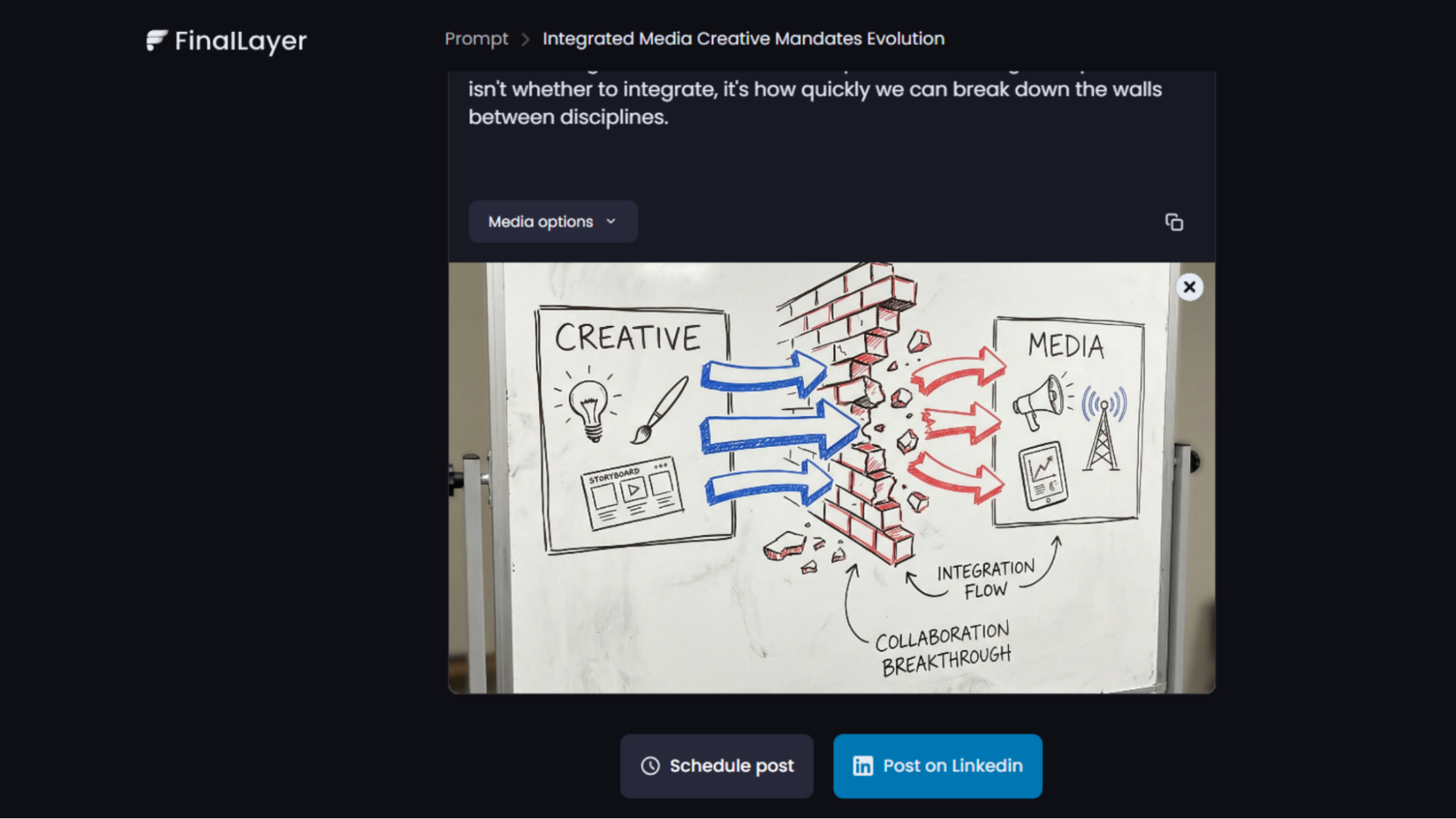
Once generated, your image seamlessly integrates into your LinkedIn post. Review, schedule, or publish directly through FinalLayer's content scheduling tool.
Why Visual Content Matters for LinkedIn Growth
LinkedIn's algorithm increasingly prioritizes posts with engaging visual content. Here's how our text-to-image AI helps you grow your LinkedIn presence:
Increased Engagement Rates
Posts with custom visuals generate significantly more likes, comments, and shares. The AI-generated social media images capture attention in crowded feeds, stopping users mid-scroll and encouraging interaction.
Consistent Brand Identity
Using reference images ensures every visual aligns with your personal or company brand. This consistency builds recognition and professionalism across your LinkedIn content creation efforts.
Content Variety
Break away from stock photos and repetitive imagery. Create unique visuals for every post, keeping your audience engaged with fresh, relevant content that reflects your authentic voice.
Professional Credibility
High-quality graphics signal expertise and attention to detail. Whether you're sharing thought leadership, announcing company news, or offering industry insights, professional visuals elevate your message and enhance credibility.
Time Efficiency
What once took hours in design software now takes seconds. Spend less time on production and more time on strategy, engagement, and relationship building, the activities that truly drive LinkedIn marketing results.
Perfect for Every LinkedIn Professional
FinalLayer's integration with Nano Banana Pro serves diverse professional needs:
- Founders and CEOs: Create branded announcement graphics and thought leadership visuals
- Marketing Teams: Generate campaign imagery, product showcases, and promotional content
- Content Creators: Produce attention-grabbing visuals that boost engagement metrics
- Consultants: Design professional infographics and service explainers
- Sales Professionals: Create compelling case study visuals and testimonial graphics
Built on Cutting-Edge Technology
Google's Nano Banana Pro represents a breakthrough in AI tools for marketing. The Gemini-powered model excels at generating legible text within images, crucial for creating quote cards, statistics, and informational graphics. Its 4K resolution capability ensures your visuals look crisp on any device, maintaining professional quality across desktop and mobile viewing.
Getting Started Today
The AI image generator is now available to all FinalLayer users. Existing subscribers can access the feature immediately within their post editor. New users can explore the capability during their 7-day trial of FinalLayer's premium LinkedIn content creation platform.
This launch reinforces FinalLayer's commitment to providing comprehensive social media automation tools that simplify content creation while maximizing results. By integrating world-class AI image creator technology with our proven LinkedIn post generator, scheduling, and analytics features, we're building the complete solution for professionals serious about growing their LinkedIn presence.