

Method 1: Generate Carousel from Post (Recommended)
Automatically convert your LinkedIn post into a ready-to-publish carousel.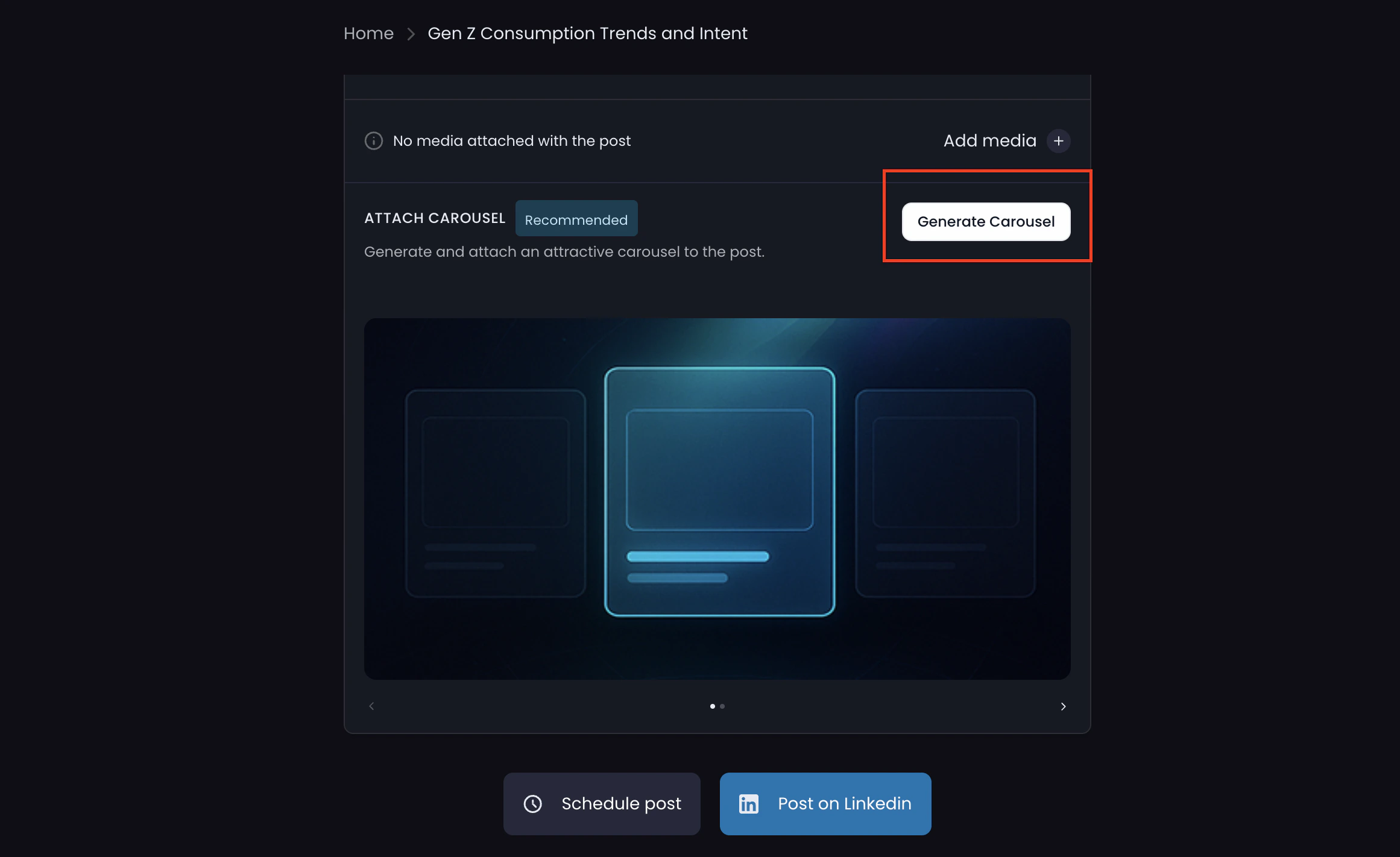
Steps
- Create your personalized LinkedIn post using FinalLayer
- Click “Generate Carousel” under the post editor
- Our platform analyzes your post and generates 5–8 carousel slides
- Review the generated carousel
- Click “Post on LinkedIn” to publish
Method 2: Generate Carousel with Custom Prompt
Create a carousel using your own ideas, structure, or external references.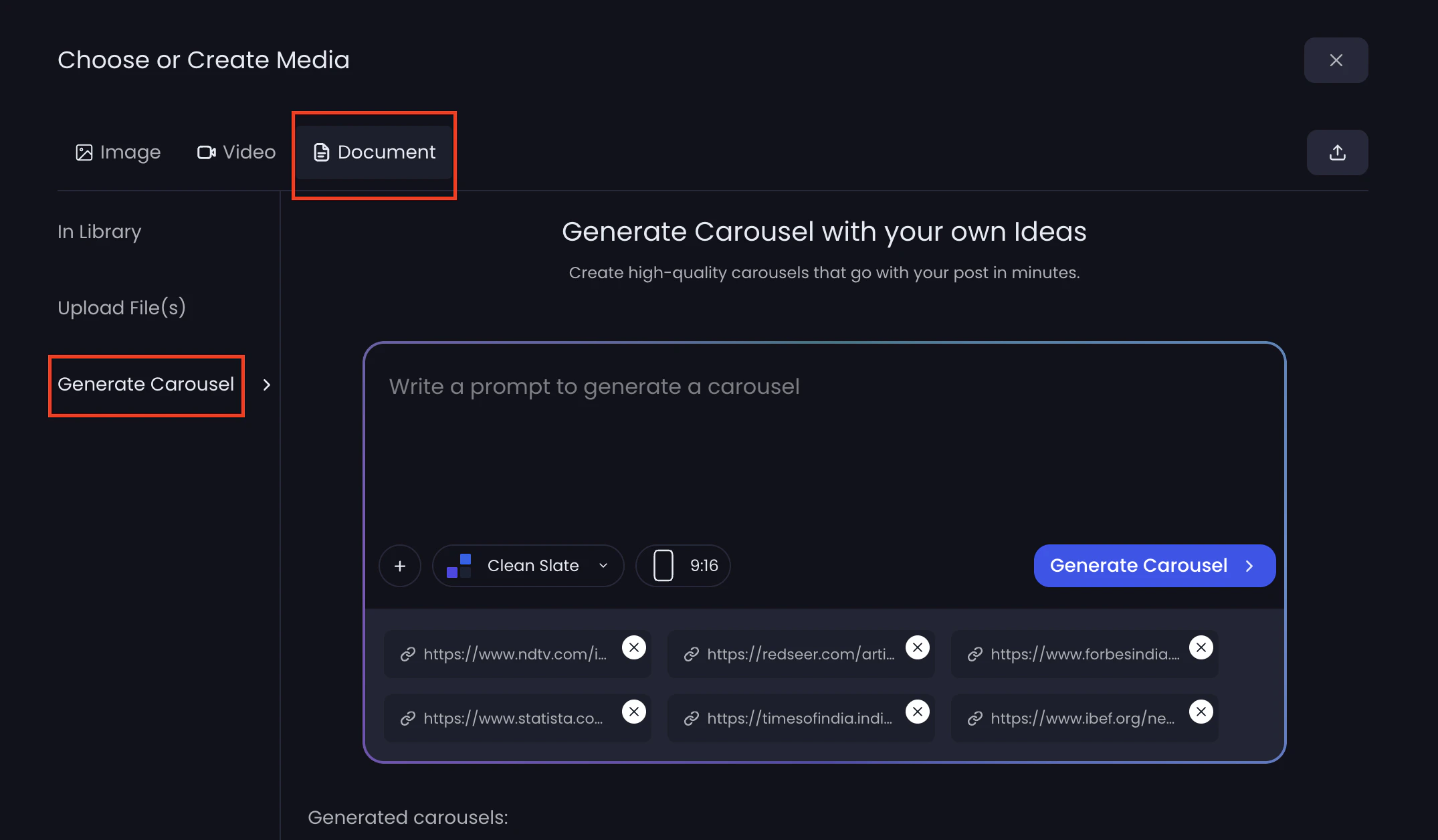
Steps
- Create your LinkedIn post in FinalLayer
- Click “Add Media” below the post
- Select “Document”
- Click “Generate Carousel”
- Write a prompt describing your carousel
- Choose:
- Aspect ratio (e.g., 9:16)
- Template/style
- Optional reference links
- Click “Generate Carousel”
- Select your preferred version
- Click “Attach to post” and publish