

Overview
The Community feature allows you to explore posts from other users, interact with them, and increase your visibility through consistent engagement. By actively participating, you can build connections, stay updated with trending ideas, and improve your reach on LinkedIn.How to Access Community
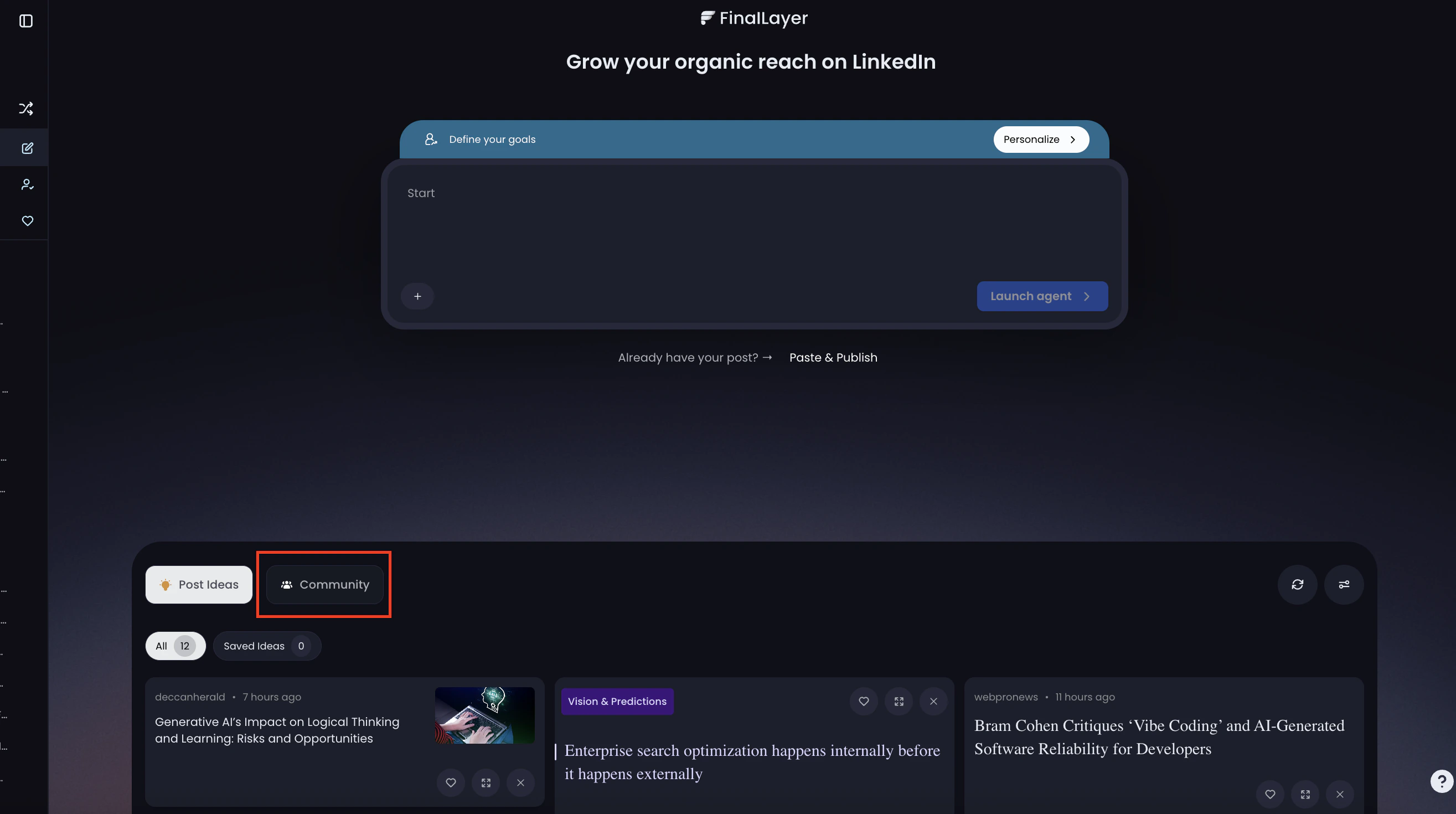
Steps
- Go to your FinalLayer dashboard
- Click on the “Community” tab (next to Post Ideas)
- Browse posts shared by other community members
Interact with Posts
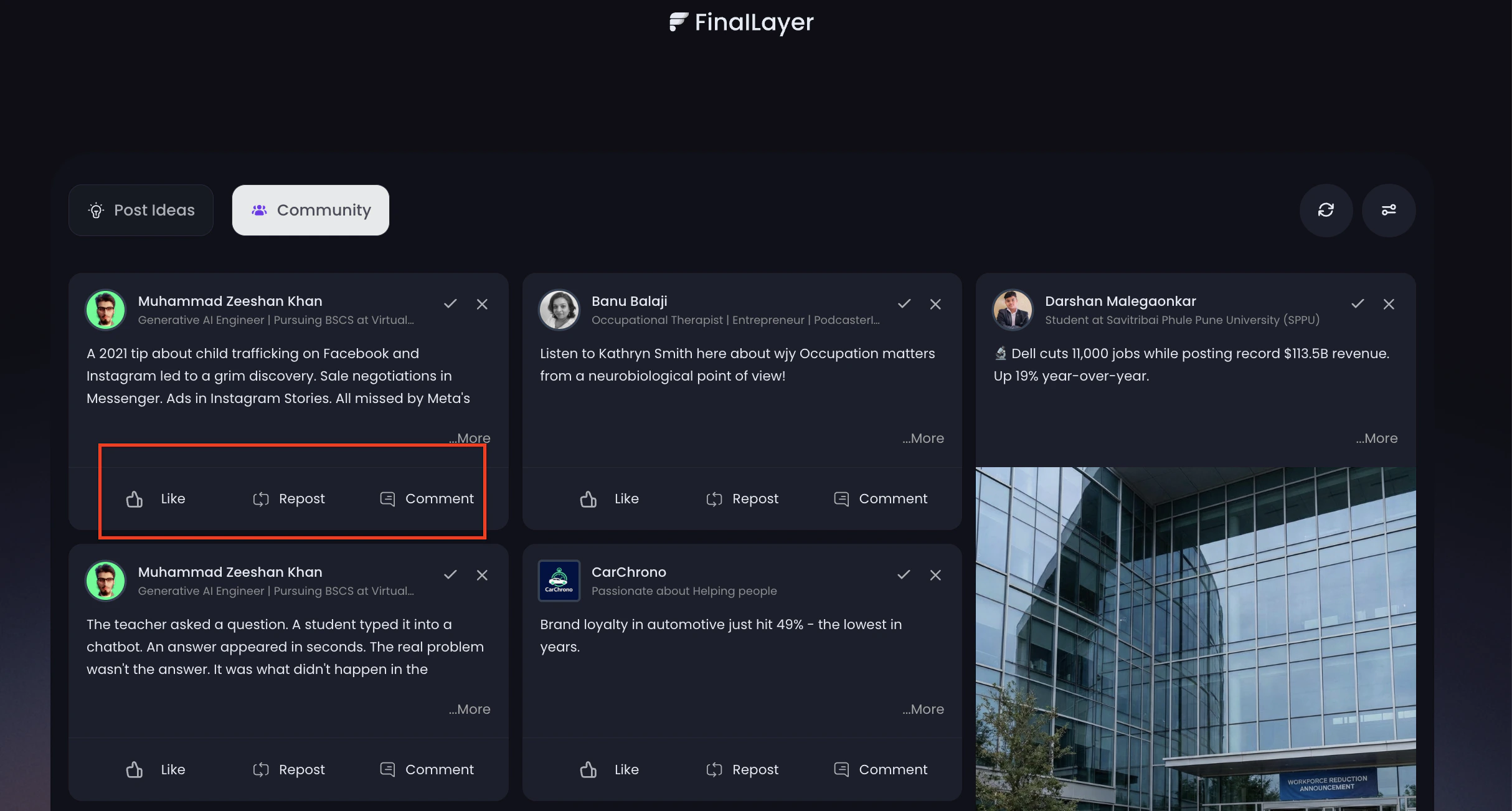
Actions Available
- Like – Show appreciation for a post
- Repost – Share the post with your audience
- Comment – Join the conversation
How to Comment (with AI)
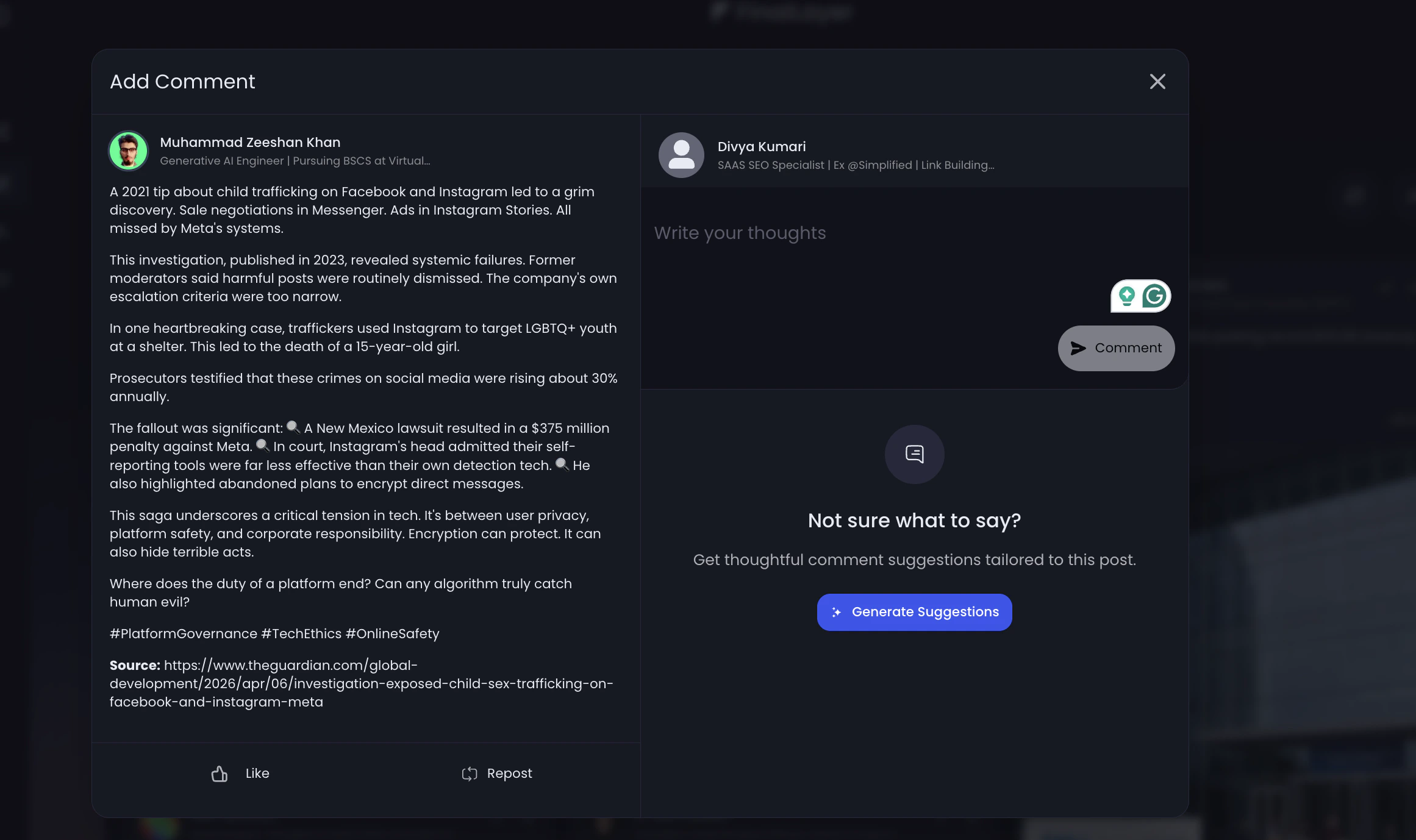
- Click on “Comment” below any post
- A comment panel will open
- Choose one of the following:
- Write your own response
- Click “Generate Suggestions” to create AI-powered comments
- Review and post your comment