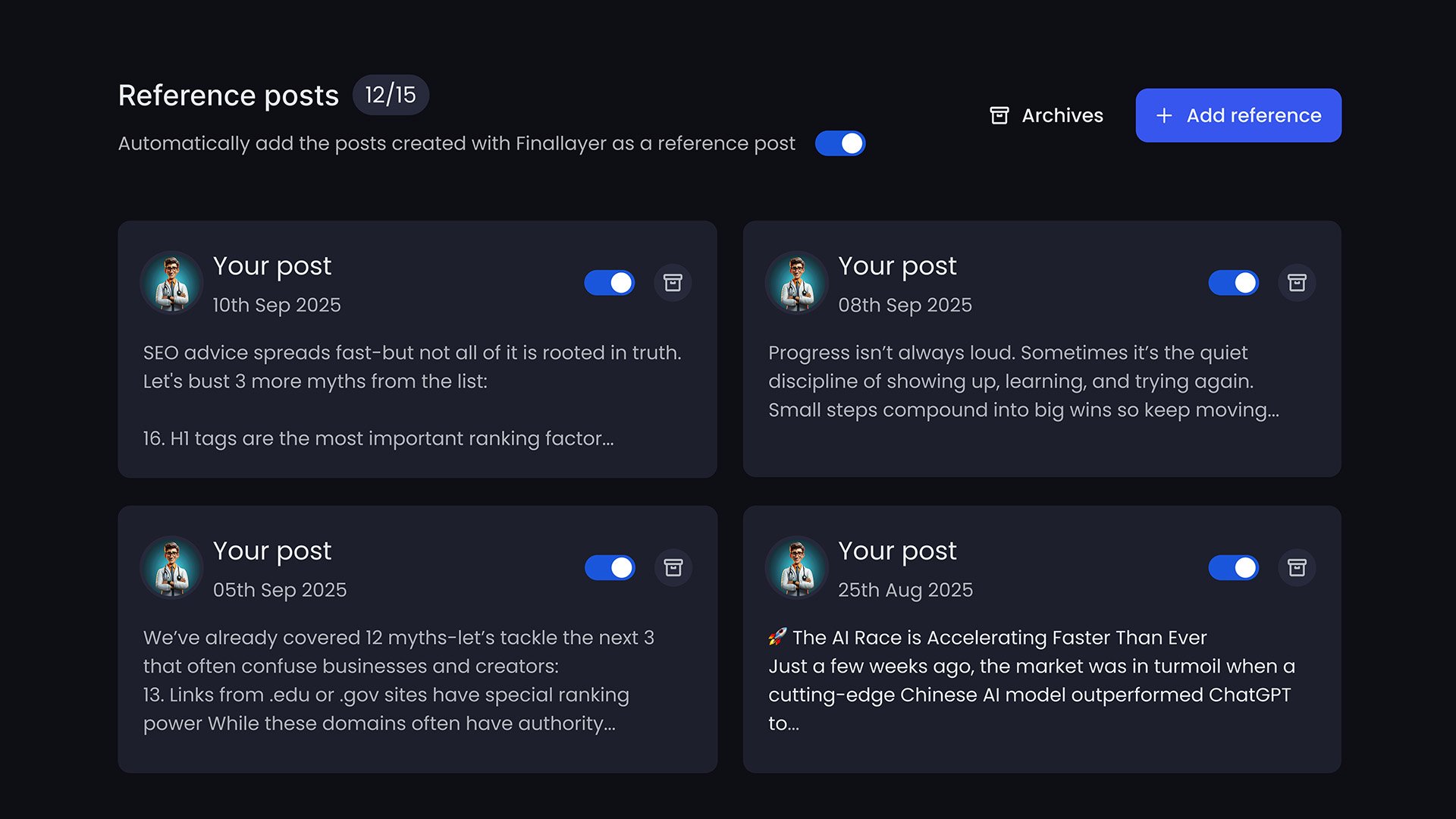
Reference Posts is an advanced personalization feature that lets you provide specific LinkedIn posts as examples of your ideal writing style.
How to Add Reference Posts
Click Personalization in the side navbar
In the reference posts section, add a sample of your best post
Repeat for additional posts (5-10 recommended)
To access reference posts, you must have an active paid plan subscription.
Common Questions
Q: Can I add posts I didn’t write?
A: You can, but the AI will learn from their style. Only add posts that match how you want to sound.
Q: How many references should I add?
A: Start with 5-10 of your best posts. Add more if needed for precision.
Q: What if I delete all reference posts?
A: The system falls back to auto-personalization from your full post history.
Q: Do reference posts override auto-personalization?
A: They work together. References provide specific guidance; auto-personalization fills in the gaps.
Q: Can I add company posts?
A: Yes, if you’re managing a company account and want to match that brand voice.