> ## Documentation Index
> Fetch the complete documentation index at: https://finallayer.com/docs/llms.txt
> Use this file to discover all available pages before exploring further.
# Reference Posts
> Fine-tune your writing style by providing specific post examples.
Reference Posts is an advanced personalization feature that lets you provide specific LinkedIn posts as examples of your ideal writing style.
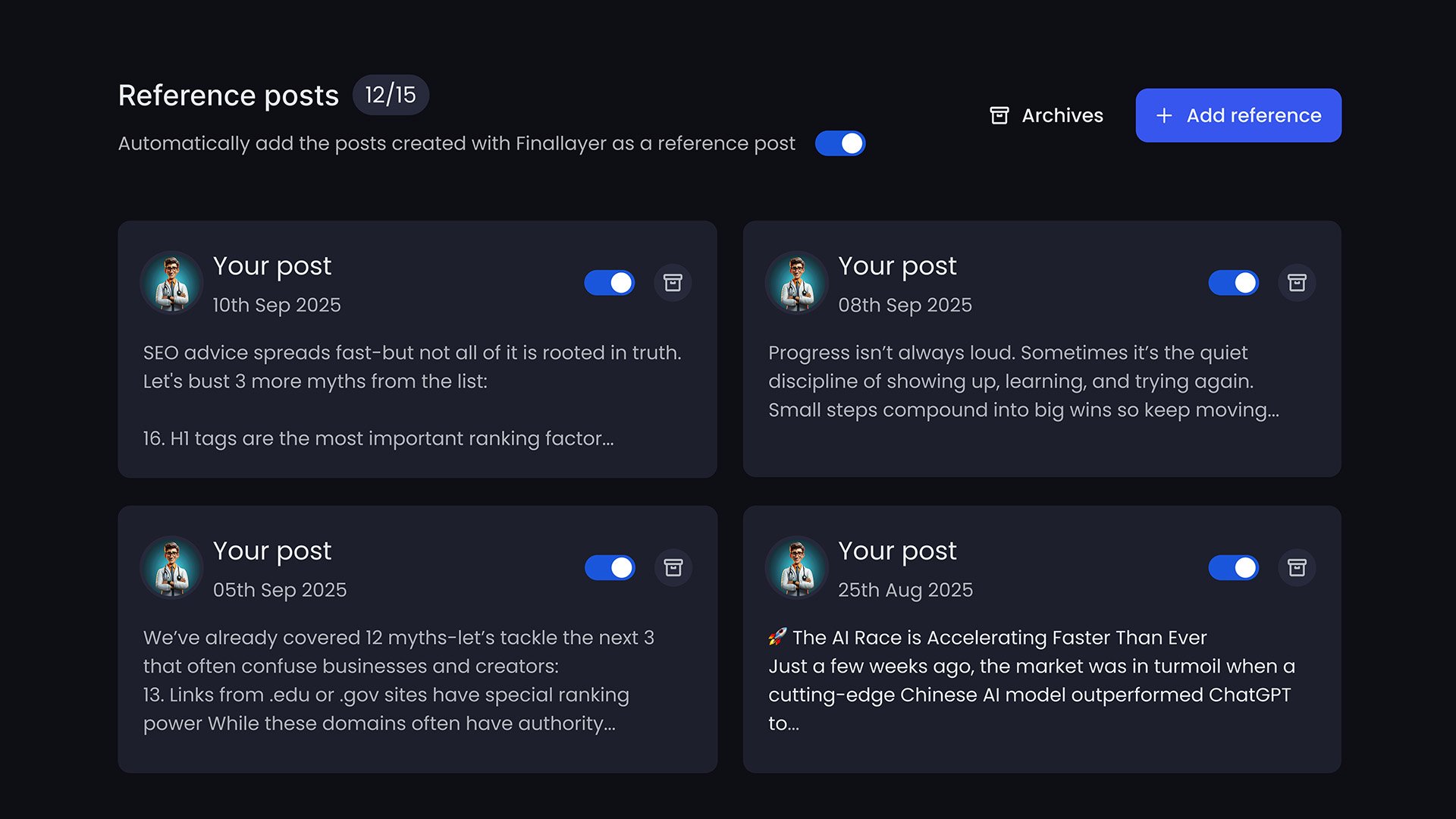 ### How to Add Reference Posts
Click **Personalization** in the side navbar
In the reference posts section, add a sample of your best post
Click **Add** to save
Repeat for additional posts (5-10 recommended)
To access reference posts, you must have an active paid plan subscription.
## Common Questions
**Q: Can I add posts I didn't write?**
A: You can, but the AI will learn from their style. Only add posts that match how you want to sound.
**Q: How many references should I add?**
A: Start with 5-10 of your best posts. Add more if needed for precision.
**Q: What if I delete all reference posts?**
A: The system falls back to auto-personalization from your full post history.
**Q: Do reference posts override auto-personalization?**
A: They work together. References provide specific guidance; auto-personalization fills in the gaps.
**Q: Can I add company posts?**
A: Yes, if you're managing a company account and want to match that brand voice.
### How to Add Reference Posts
Click **Personalization** in the side navbar
In the reference posts section, add a sample of your best post
Click **Add** to save
Repeat for additional posts (5-10 recommended)
To access reference posts, you must have an active paid plan subscription.
## Common Questions
**Q: Can I add posts I didn't write?**
A: You can, but the AI will learn from their style. Only add posts that match how you want to sound.
**Q: How many references should I add?**
A: Start with 5-10 of your best posts. Add more if needed for precision.
**Q: What if I delete all reference posts?**
A: The system falls back to auto-personalization from your full post history.
**Q: Do reference posts override auto-personalization?**
A: They work together. References provide specific guidance; auto-personalization fills in the gaps.
**Q: Can I add company posts?**
A: Yes, if you're managing a company account and want to match that brand voice.