> ## Documentation Index
> Fetch the complete documentation index at: https://finallayer.com/docs/llms.txt
> Use this file to discover all available pages before exploring further.
# How LinkedIn Super AI Agent Works
> Create LinkedIn posts in steps: select profile type, customize topics, select a post idea, add media, and publish. Complete workflow guide for all users.
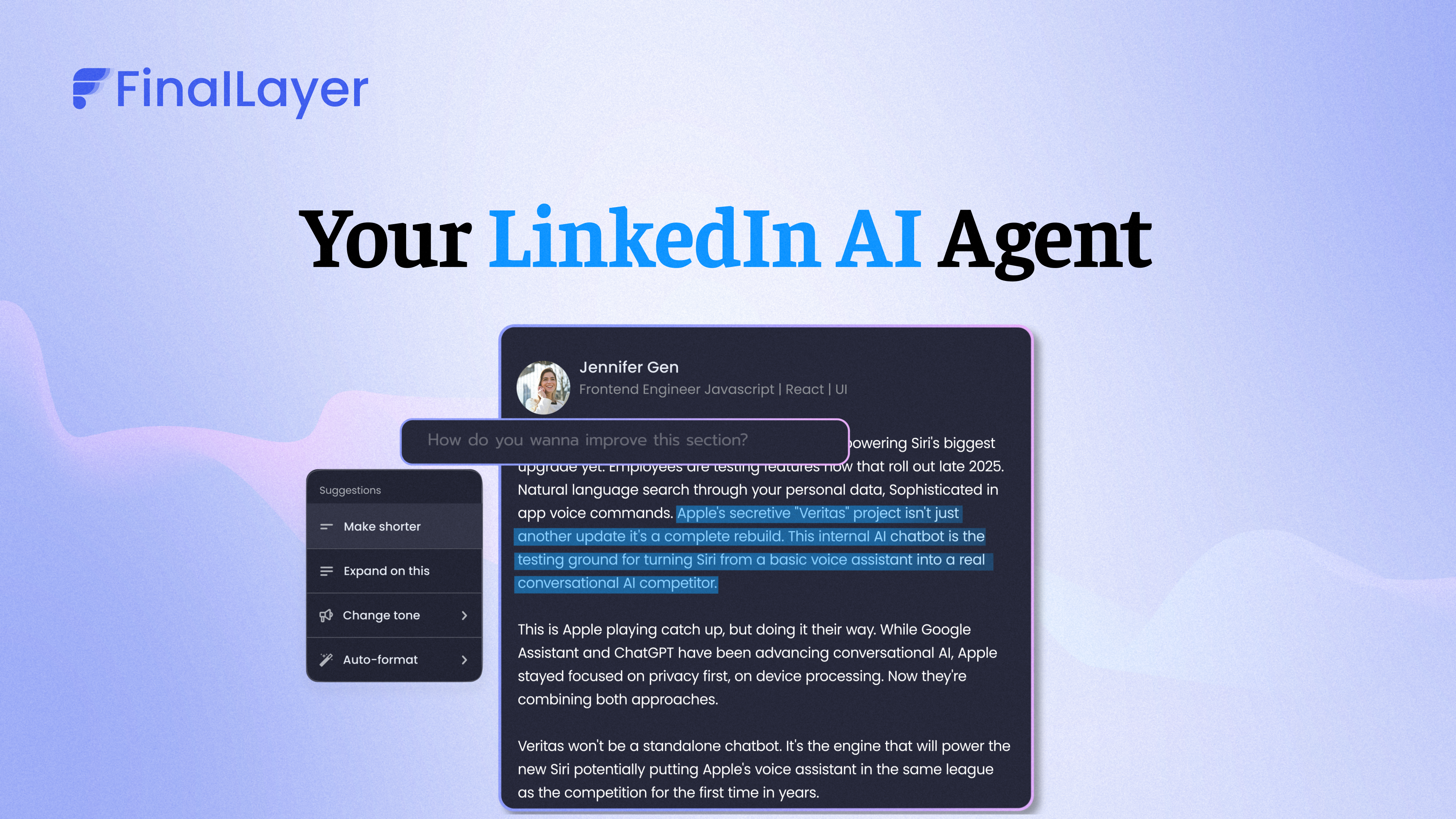
The FinalLayer LinkedIn Super AI Agent is the first personality-driven post creator that creates content in your unique voice, reflecting your values and professional persona, rather than using generic templates.
Use natural language prompts to create posts about your ideas, industry insights, personal story, company update, or trending news, all while maintaining your authentic voice.
Whether you're building [personal brand authority](https://finallayer.com/solutions/personal-branding-agencies) or maintaining [consistent company messaging](https://finallayer.com/solutions/linkedin-company-page) across team members, we recommend using [FinalLayer's Super AI Agent](what-is-linkedin-post-generator) to ensure every post represents you authentically while maximizing engagement.
 ***
Before you begin: [**Connect your LinkedIn account**](quickstart#step-2:-connect-your-linkedin-account) and [**add reference posts for personalization**](what-is-reference-post/##how-to-access-reference-posts) so the Super AI Agent can understand your writing style and create posts that sound genuinely like you.
## Step-by-Step Guide
### 1. Choose Your Profile Type
Click the **profile dropdown** at the top or use the side navigation to switch between:
* **Company Page** - Post to your company or showcase pages
* **Individual Profile** - Post to your personal profile
### 2. Choose Your Content Direction
* **Option A: Browse Post Ideas**
Browse curated post ideas matching your interests: Industry insights, [Your story ideas](your-story-ideas), Trending news & Commentary and Professional tips.
* **Option B: Write Your Prompt**
Enter your own prompt about any topic you want to cover.
**For paid plan users:** [**Customize your topics**](customize-topics) by clicking the filter icon on the main page (below the prompt box on the right) to receive post ideas tailored to your interests.
### 3. Use Advanced Features
* **Create "Your Story" Posts**
Find a post idea card with [**"Your story"**](your-story-ideas). Customize the prompt by providing specific inputs about your experiences.
* **Create News & Industry-Related Posts**
Browse through post ideas related to current news and industry insights to stay updated on LinkedIn with trending industry news.
The [**"Live research agent"**](what-is-live-research-agent) helps you find accurate, up-to-date industry information, verify your content with credible sources, and automatically add data-backed insights to your posts.
### 4. Add Media (Optional)
Click **"Add Media"** in the bottom-right to include images, carousels, or videos in your post. Adding media is optional but recommended for better engagement. See the guides below for detailed instructions:
* [Add images](ai-image-generator)
* [Generate or add carousels](ai-carousel-generator)
* [Add video clips](ai-video-search)
### 6. Create LinkedIn Post
Click **"Generate Full Post"** to create your personalized LinkedIn post.
The LinkedIn Super AI Agent creates content that:
* Sounds genuinely like you
* Reflects your professional values
* Optimizes for LinkedIn's algorithm
* Maintains consistency with your previous content
* Includes clear sources for all referenced information
### 7. Refine Your Post (Optional)
See the guides below for detailed instructions:
* [**AI editor**](ai-editor) - Make intelligent refinements:
* Adjust tone or length
* Add specific details
* Improve clarity
* **Post formatter** - Perfect the presentation:
* Add line breaks for readability
* Place emojis strategically
* Add bullet points and spacing
* Apply bold emphasis to key points
### 9. Publish or Schedule Your Post
* **Publish Now**
Click **"Post on LinkedIn"** to publish directly from FinalLayer. For more details, see [**"Publish to LinkedIn"**](can-i-publish-directly-to-linkedin).
* **Schedule for Later**
Click **"Schedule post"** and enter your preferred time in natural language. The post will be [scheduled](how-does-scheduling-work) for the specified time.
## Tips for Best Results
* **Add [reference posts](what-is-reference-post) for personalization** - The more you use FinalLayer, the better it understands your voice.
* **Review and refine** - Use the [AI editor](ai-editor) to perfect your posts before publishing.
* **Post consistently** - Regular posting builds authority and engagement over time.
* **Use custom prompts** - Be specific about what you want to communicate.
***
Before you begin: [**Connect your LinkedIn account**](quickstart#step-2:-connect-your-linkedin-account) and [**add reference posts for personalization**](what-is-reference-post/##how-to-access-reference-posts) so the Super AI Agent can understand your writing style and create posts that sound genuinely like you.
## Step-by-Step Guide
### 1. Choose Your Profile Type
Click the **profile dropdown** at the top or use the side navigation to switch between:
* **Company Page** - Post to your company or showcase pages
* **Individual Profile** - Post to your personal profile
### 2. Choose Your Content Direction
* **Option A: Browse Post Ideas**
Browse curated post ideas matching your interests: Industry insights, [Your story ideas](your-story-ideas), Trending news & Commentary and Professional tips.
* **Option B: Write Your Prompt**
Enter your own prompt about any topic you want to cover.
**For paid plan users:** [**Customize your topics**](customize-topics) by clicking the filter icon on the main page (below the prompt box on the right) to receive post ideas tailored to your interests.
### 3. Use Advanced Features
* **Create "Your Story" Posts**
Find a post idea card with [**"Your story"**](your-story-ideas). Customize the prompt by providing specific inputs about your experiences.
* **Create News & Industry-Related Posts**
Browse through post ideas related to current news and industry insights to stay updated on LinkedIn with trending industry news.
The [**"Live research agent"**](what-is-live-research-agent) helps you find accurate, up-to-date industry information, verify your content with credible sources, and automatically add data-backed insights to your posts.
### 4. Add Media (Optional)
Click **"Add Media"** in the bottom-right to include images, carousels, or videos in your post. Adding media is optional but recommended for better engagement. See the guides below for detailed instructions:
* [Add images](ai-image-generator)
* [Generate or add carousels](ai-carousel-generator)
* [Add video clips](ai-video-search)
### 6. Create LinkedIn Post
Click **"Generate Full Post"** to create your personalized LinkedIn post.
The LinkedIn Super AI Agent creates content that:
* Sounds genuinely like you
* Reflects your professional values
* Optimizes for LinkedIn's algorithm
* Maintains consistency with your previous content
* Includes clear sources for all referenced information
### 7. Refine Your Post (Optional)
See the guides below for detailed instructions:
* [**AI editor**](ai-editor) - Make intelligent refinements:
* Adjust tone or length
* Add specific details
* Improve clarity
* **Post formatter** - Perfect the presentation:
* Add line breaks for readability
* Place emojis strategically
* Add bullet points and spacing
* Apply bold emphasis to key points
### 9. Publish or Schedule Your Post
* **Publish Now**
Click **"Post on LinkedIn"** to publish directly from FinalLayer. For more details, see [**"Publish to LinkedIn"**](can-i-publish-directly-to-linkedin).
* **Schedule for Later**
Click **"Schedule post"** and enter your preferred time in natural language. The post will be [scheduled](how-does-scheduling-work) for the specified time.
## Tips for Best Results
* **Add [reference posts](what-is-reference-post) for personalization** - The more you use FinalLayer, the better it understands your voice.
* **Review and refine** - Use the [AI editor](ai-editor) to perfect your posts before publishing.
* **Post consistently** - Regular posting builds authority and engagement over time.
* **Use custom prompts** - Be specific about what you want to communicate.