> ## Documentation Index
> Fetch the complete documentation index at: https://finallayer.com/docs/llms.txt
> Use this file to discover all available pages before exploring further.
# AI-Assisted Editing
> Edit LinkedIn posts with AI using prompt or auto-formatting options. Make content shorter or longer, change tone and optimize instantly.
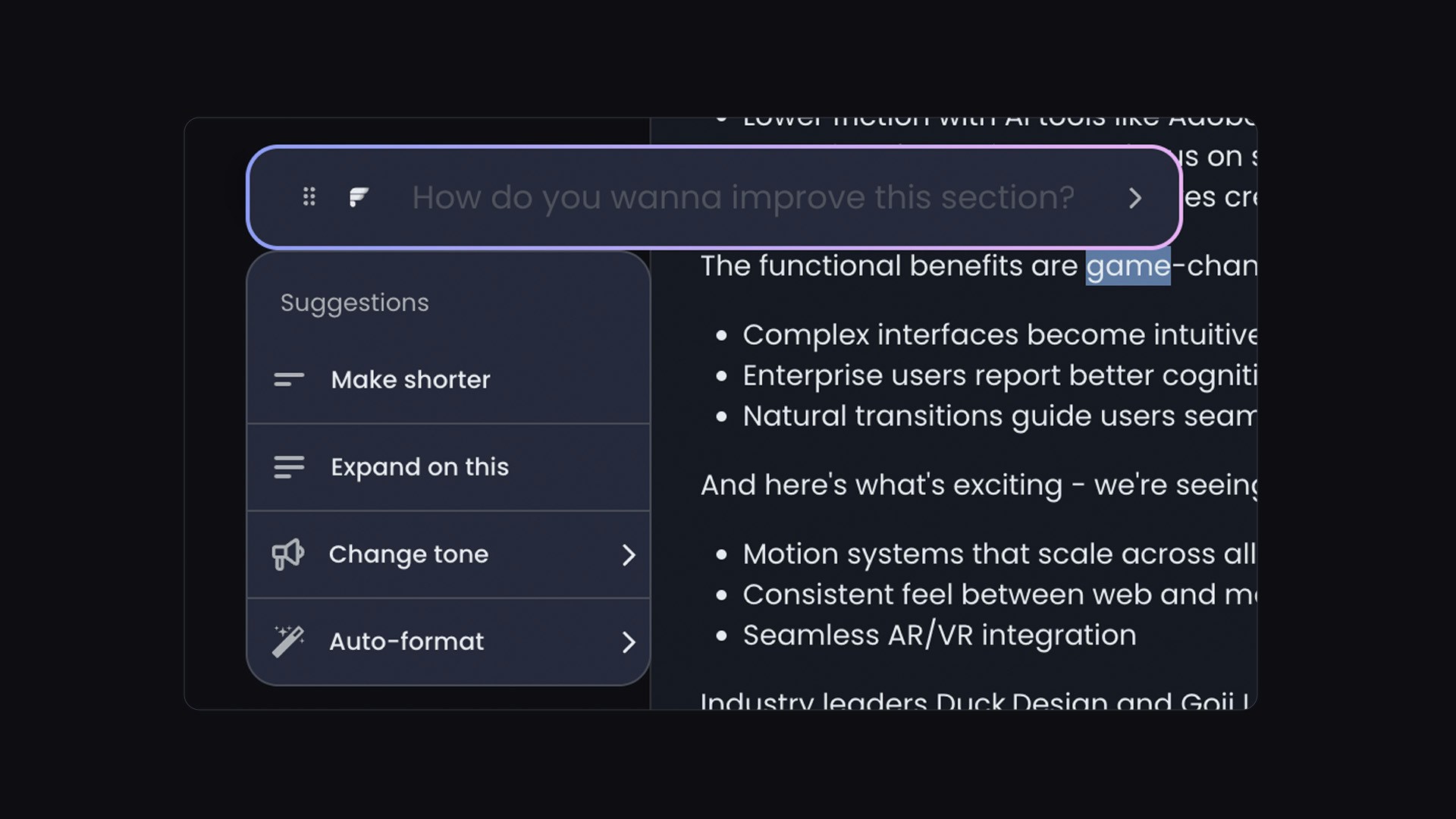
[The AI Editor](https://finallayer.com/features/linkedin-post-editor) is an advanced post optimization feature to refine LinkedIn posts using natural language instructions or automated formatting options.
 ## How to Access the AI Editor?
**Select the text** you want to refine
Click **"Ask AI"**
Pick a **suggestion** or write prompt
Review the update and apply it
## AI Editor vs. Manual Editing
| **Use AI Editor when** | **Use Manual Editing when** |
| ----------------------------------------------- | -------------------------------------------- |
| You know what's wrong but not how to fix it | You need precise word choice control |
| You need quick formatting changes | You're adding very specific personal details |
| You're optimizing company posts for consistency | You prefer hands-on revision |
## How to Access the AI Editor?
**Select the text** you want to refine
Click **"Ask AI"**
Pick a **suggestion** or write prompt
Review the update and apply it
## AI Editor vs. Manual Editing
| **Use AI Editor when** | **Use Manual Editing when** |
| ----------------------------------------------- | -------------------------------------------- |
| You know what's wrong but not how to fix it | You need precise word choice control |
| You need quick formatting changes | You're adding very specific personal details |
| You're optimizing company posts for consistency | You prefer hands-on revision |